
SunPCi was a hardware expansion card developed by Sun Microsystems that could be installed in Sun workstations or servers running the Solaris operating system.
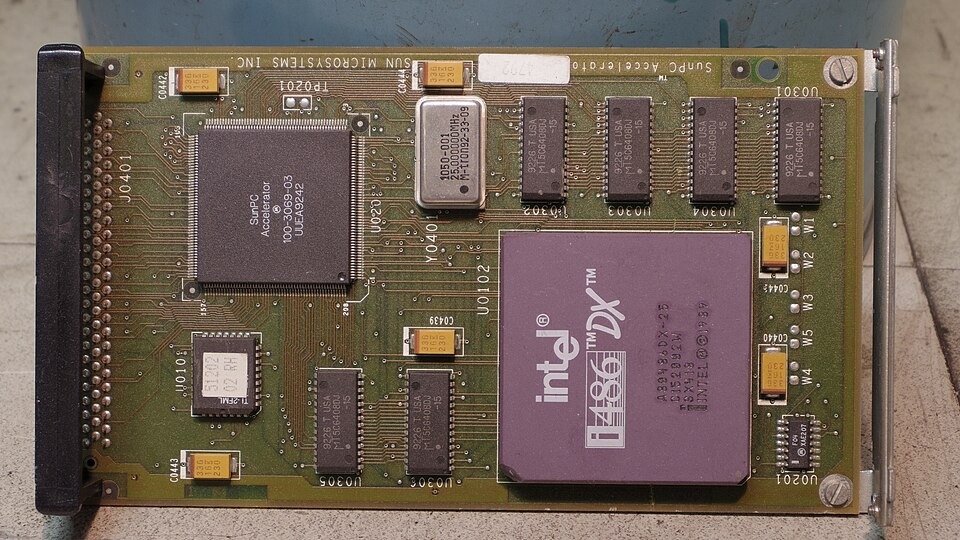
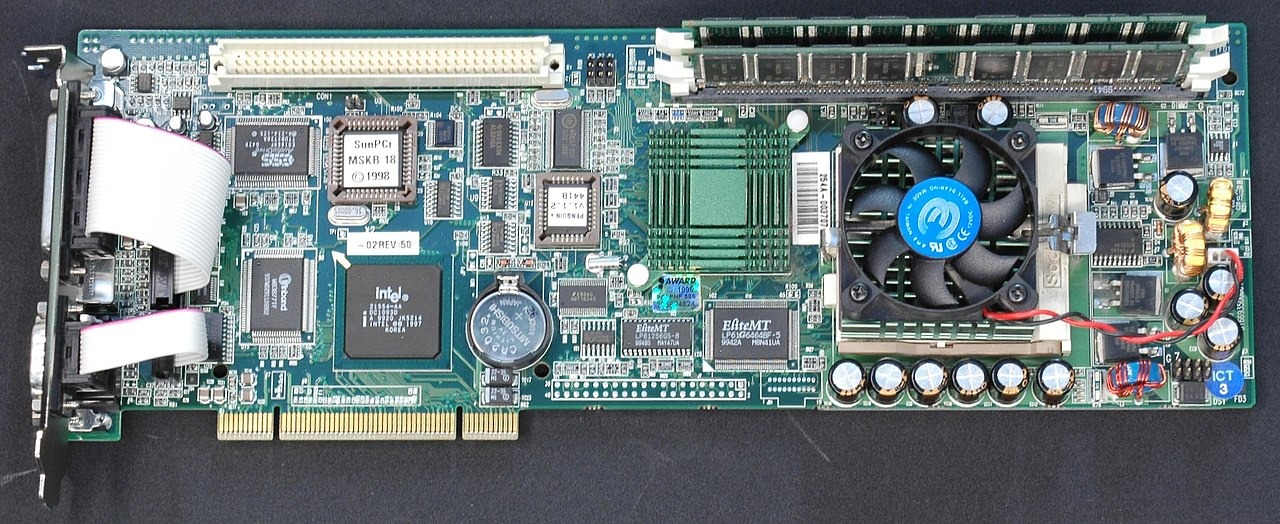
What made it special was that it wasn’t just an accelerator or emulator, it was essentially a complete PC built on a PCI card.
It let a UNIX workstation (Sun/Solaris) run PC software natively.
Instead of emulating a PC in software, SunPCi included real PC hardware, including an x86 processor (Intel-compatible), memory, graphics, and I/O just like a standalone PC.
SunPCi combined hardware and software:
* A full PC motherboard on a card that plugged into a PCI bus.
* Included its own CPU (AMD x86 family), RAM, VGA graphics, USB/serial/parallel ports, network adapter, sound, etc.
* The SunPCi software ran on the Solaris host and made the PC hardware talk to Solaris — giving it access to files, network, and display.
* The PC system’s hard drives could be emulated as files on Solaris or mapped to real devices.
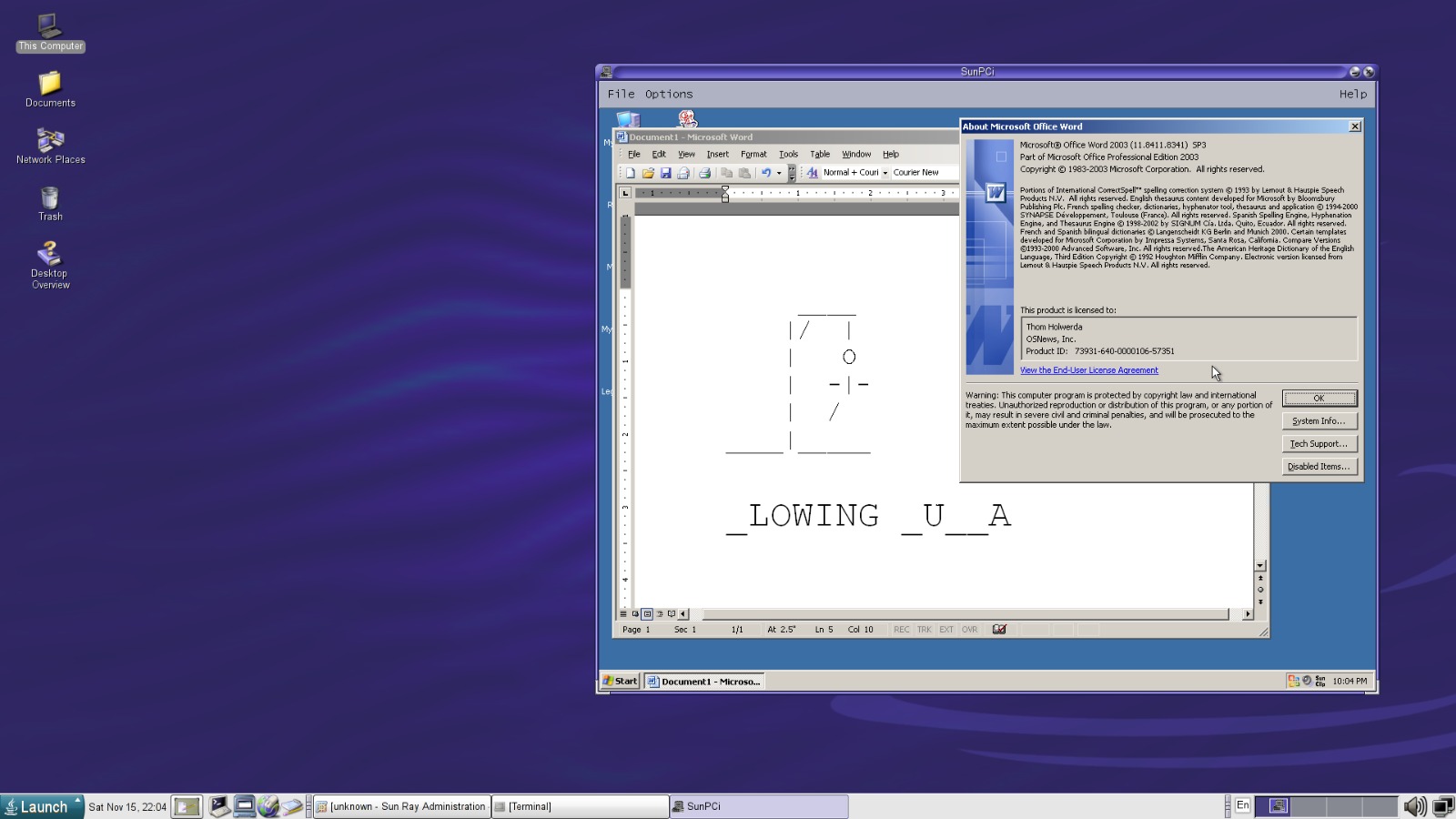
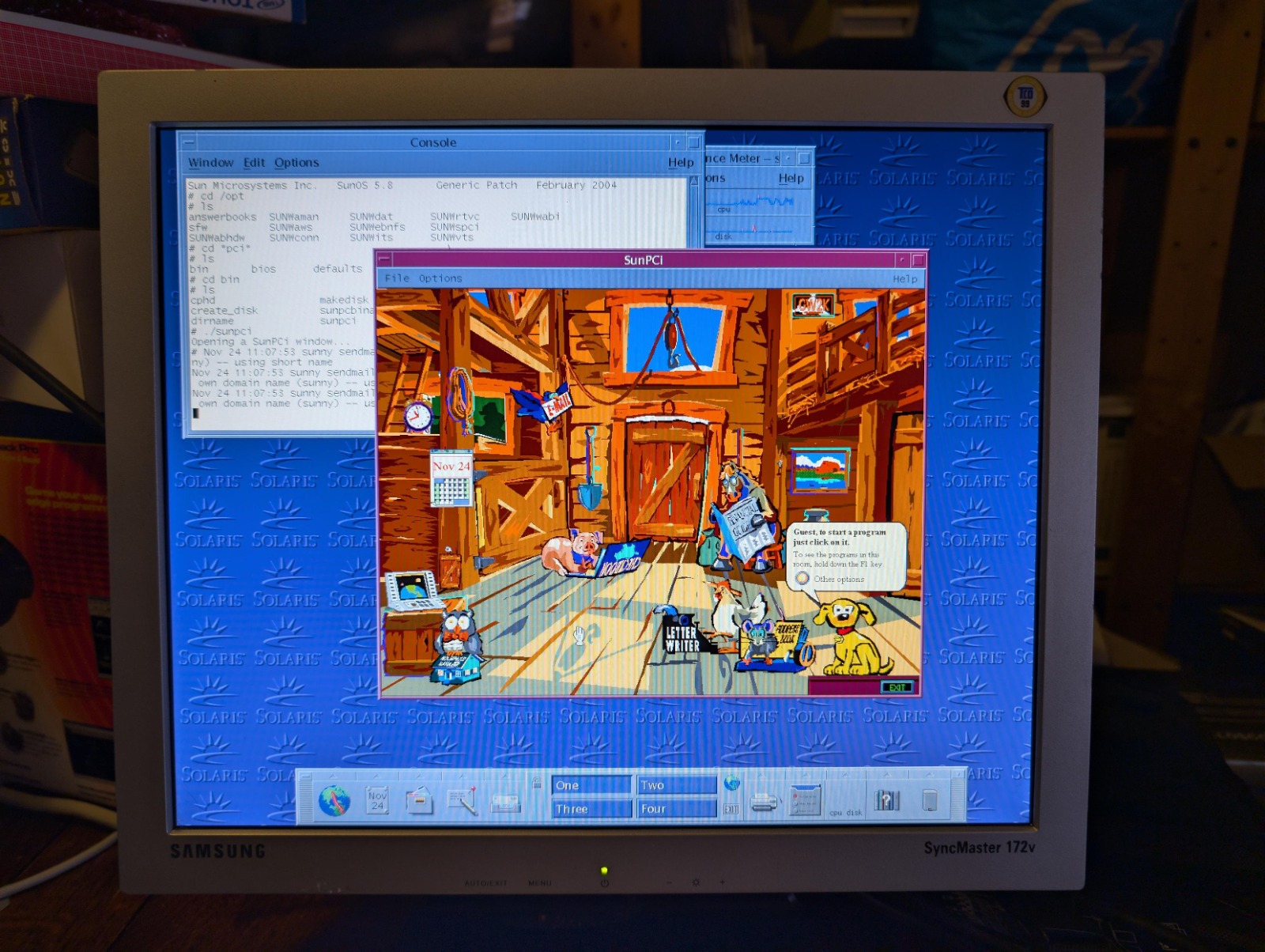
* We could run the PC display inside a window on the Solaris desktop, or attach a dedicated monitor/keyboard/mouse to the card.
Back in the late 1990s and early 2000s, many people who used powerful Sun UNIX workstations still needed to run Windows or DOS software, like Microsoft Office or custom Windows apps.
SunPCi provided a way to run Windows or other PC operating systems natively on the actual hardware, without emulation penalties, and alongside Solaris.
Supported operating systems included (varied by hardware generation):
* Windows 95, NT, 2000, XP
* Red Hat Linux
* People also tried other OSes like NetBSD or Debian
SunPCi evolved over time:
* SunPCi (1st gen) = ~300–400 MHz AMD K6-2
* SunPCi II / IIpro = ~600–733 MHz
* SunPCi III / IIIpro = ~1.4–1.6 GHz
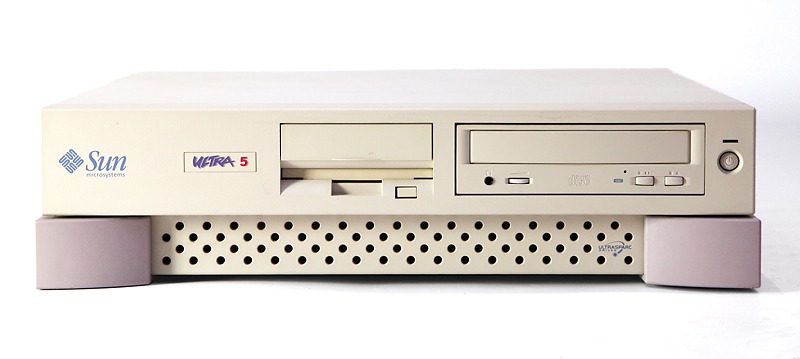
These were all PCI cards that plugged into Solaris workstations that had PCI slots, such as the Ultra series or Sun Blade.
Once installed:
* We could boot a PC OS on the card.
* Run Windows or Linux apps as if on a normal PC.
* Share Solaris files/network resources with the PC environment.
* Even copy/paste between Solaris and Windows apps.
It offered integration with the Solaris desktop while still giving real PC performance.
SunPCi is a neat piece of computing history, a physical “PC-in-a-card” that let powerful UNIX workstations also act as Windows PCs without needing a separate machine.
That was especially valuable in mixed environments where users needed both UNIX power and Windows compatibility.
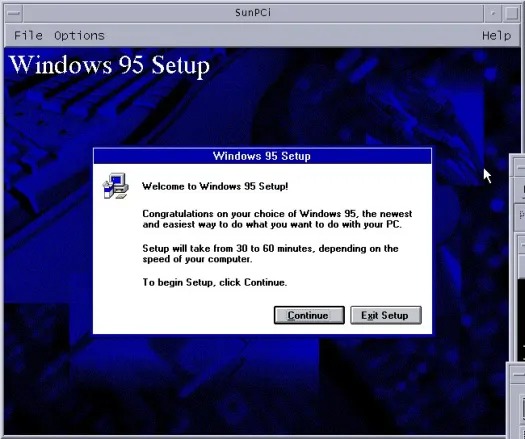
Once Windows 95 is installed on the SunPCi card, we see it boot up just like on a PC and can run applications.
We can run the PC environment in a window on our Solaris workstation desktop (or on a separate monitor connected directly to the card).
We could map Solaris directories as drives in the PC environment (like drive R:), making it easier to share files between the systems.
Because the PC hardware was real hardware on the card (x86 CPU, graphics, etc.), performance was much better than software emulation of the time.
After installing the PC OS, we would install SunPCi drivers inside the guest OS to support graphics, networking, and mouse integration with Solaris.
Enjoy #UNIX
Well, that was exciting. See you in the next one!