
RustDesk is an open-source remote-desktop and remote-access tool.
It’s positioned as an alternative to proprietary systems like TeamViewer.
It supports multiple platforms: Windows, macOS, Linux, Android, iOS.
It offers the option to self-host our server infrastructure, meaning we can run the “backend” ourselves instead of relying on the vendor’s servers.
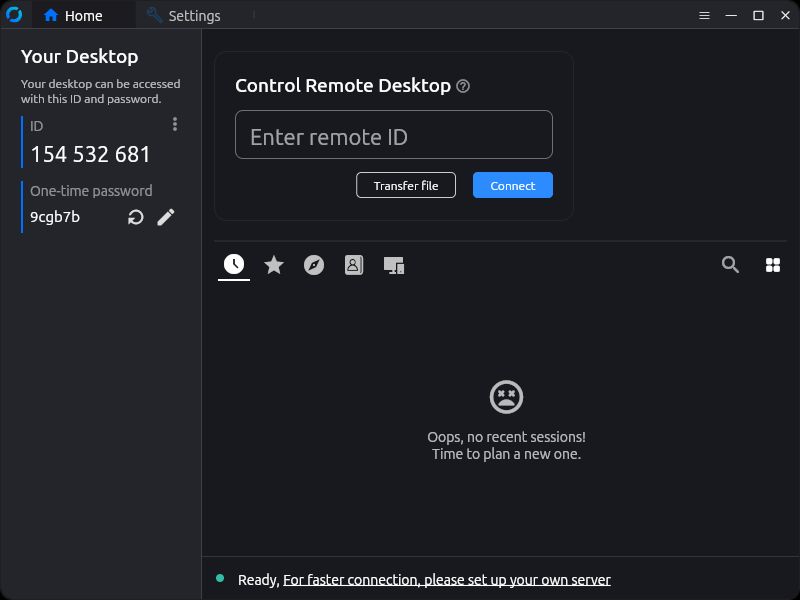
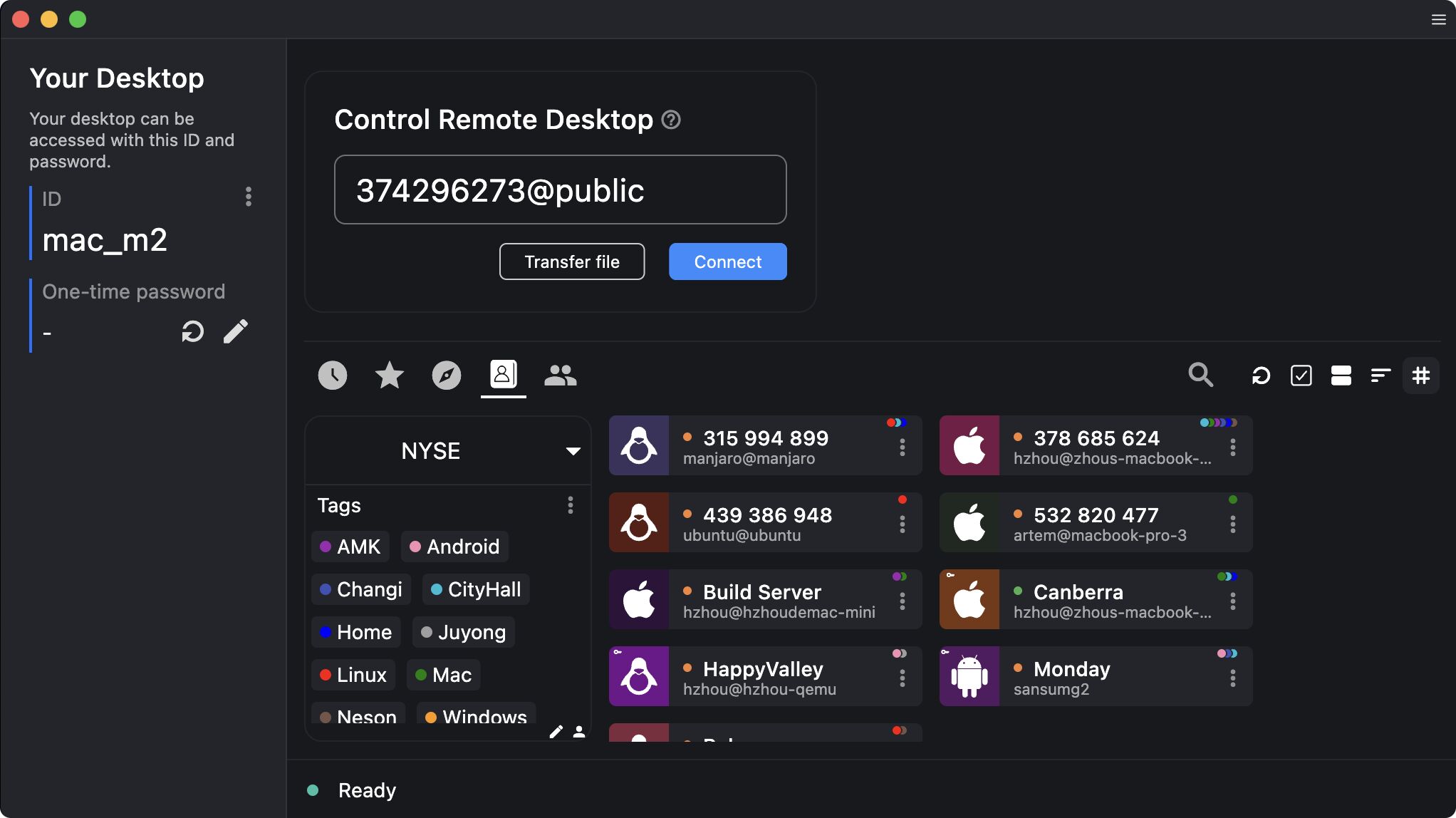
Just enter the ID of the device we wish to connect to … then … either wait for our partner to let us in or enter the password required.
RustDesk has Feature-parity (at least in many common use cases) with TeamViewer: screen sharing, remote control, file transfer, cross-platform.
The open-source nature gives more freedom, transparency and potentially better privacy/security (especially if self-hosted).
The client is easy to use: simpler “enter ID / password” method, minimal friction.
--------------------------------------
This could be a very good fit if:
* We want control and don’t want to rely on someone else’s servers.
* We have devices on multiple platforms and want something unified.
* We are okay with possibly doing a little setup (though the client side is quite straightforward).
--------------------------------------
If we are going to manage many remote sessions/devices, we might prefer to self-host our server to get optimal performance, fewer bottlenecks, and better control.
Using public servers might become limiting.
Check the licensing and pricing for the “Pro” features (dashboards, central management, etc) if we need them.
Self-hosting brings more control but also we must ensure our server setup is secure (ports, NAT, firewalls, encryption).
If we connect internationally (one device in Romania, another somewhere else) latency and routing matter. Self-hosting in a location with good connectivity might help.
Consider whether our ISP/NAT environment allows the connection to punch through; the docs mention NAT traversal and that relay servers may be used.
If we care about data sovereignty (where our data flows, what servers it passes through), RustDesk gives us an option to host our own server close to us or in a trusted region.
Enjoy #linux
Well, that was exciting. See you in the next one!