
Installing the Xfce Desktop Environment on Debian
Step by step guide and HOWTO
Debian, founded by Ian Murdock in 1993, is a free and open-source operating system. Initially announced as "Debian Linux Release," it aimed to be a community-driven distribution. Over time, it became renowned for its stability, extensive software repositories, and democratic development process, influencing many other distributions like Ubuntu.
Today we shall install the Xfce desktop environment on Debian.
We need to complete several steps to get it working correctly.
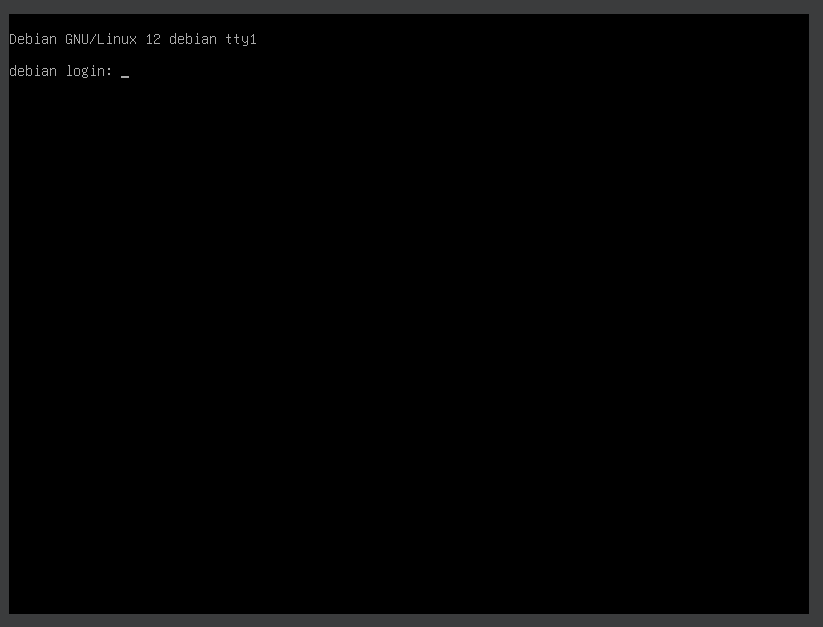
1. Boot the system -- System Ready.
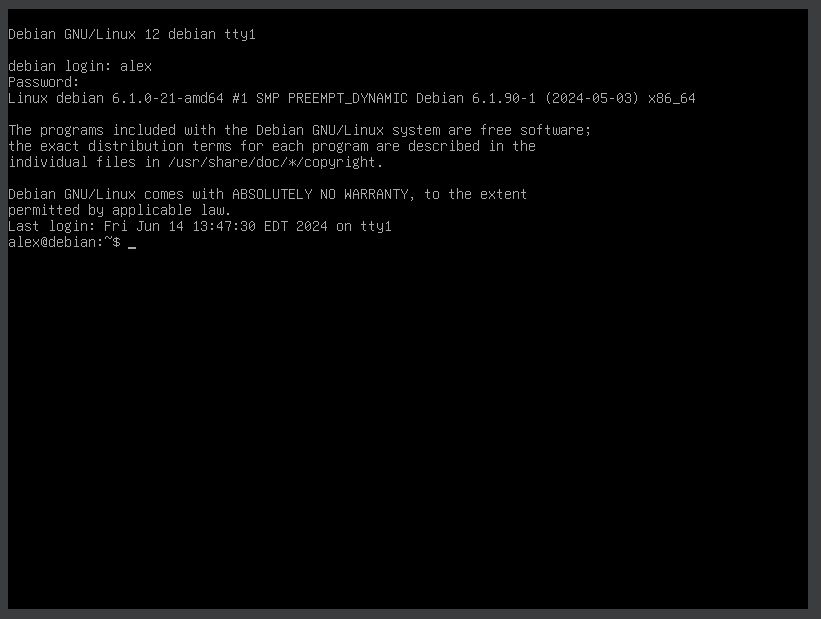
2. Boot the system -- Logged In.
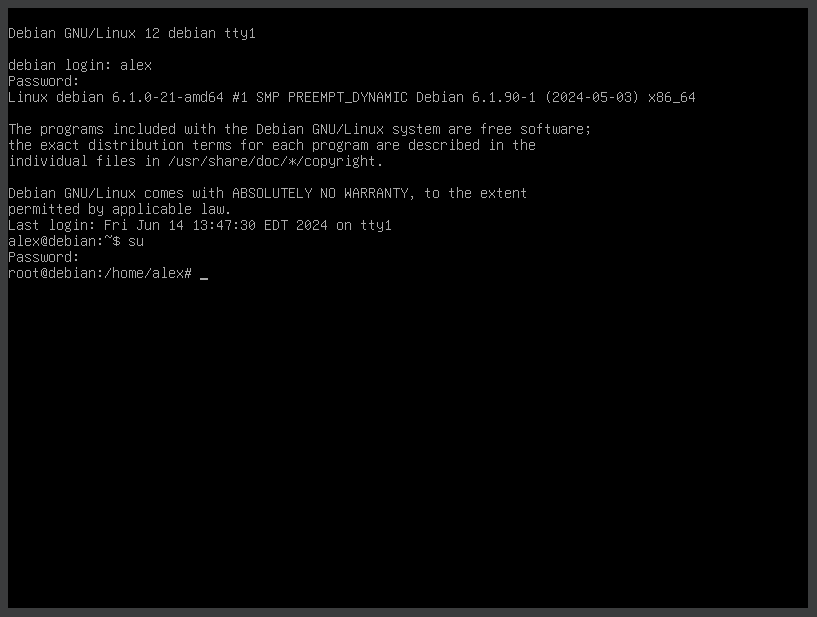
3. Switch to root
su
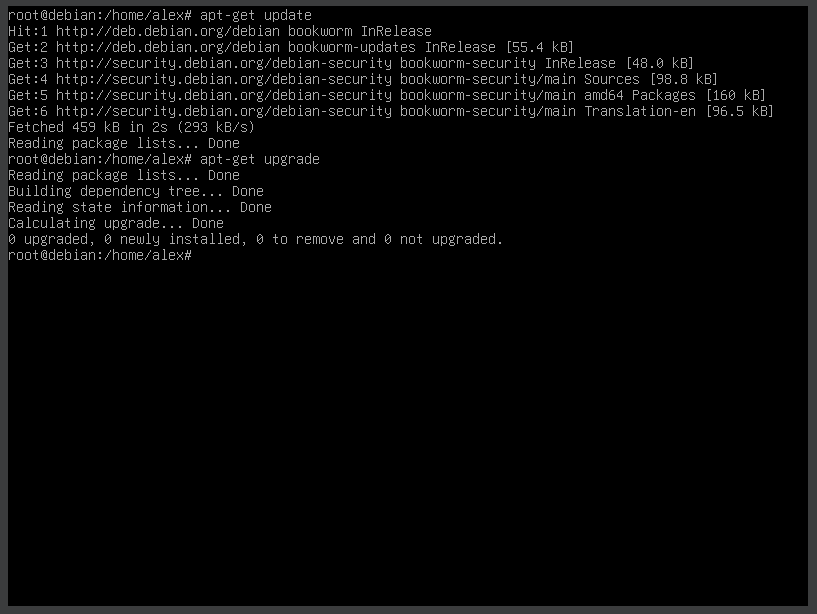
4. Running update
apt-get update
5. Running 'apt install xfce4 xfce4-goodies'
apt install xfce4 xfce4-goodies
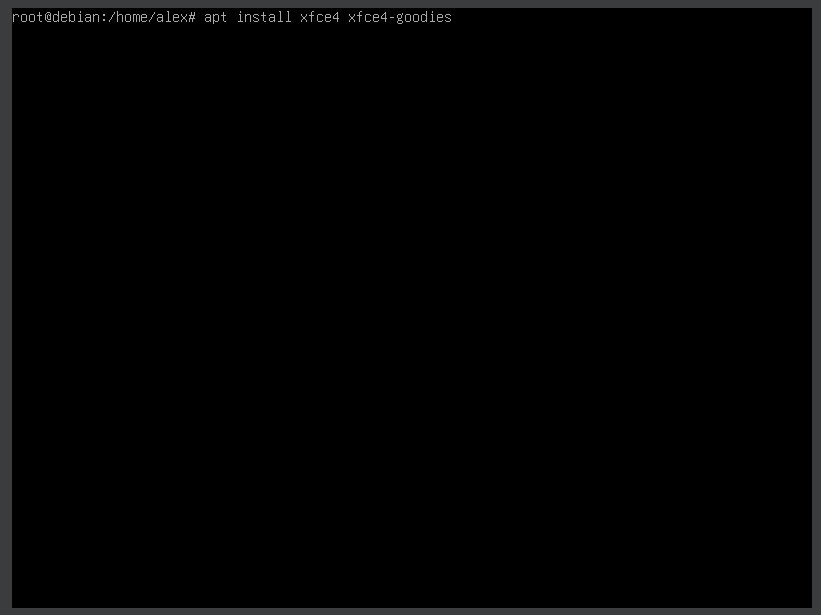
6. Running 'apt install xfce4 xfce4-goodies'.
apt install xfce4 xfce4-goodies
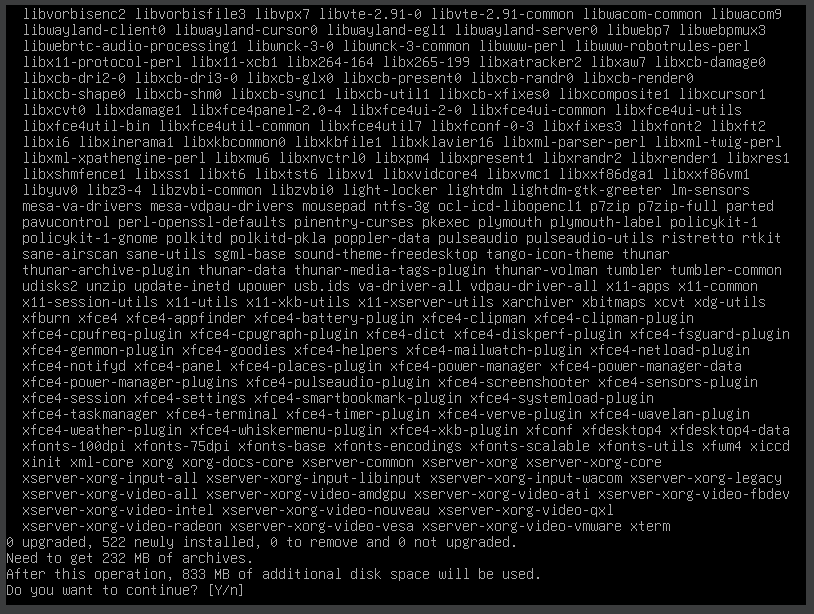
7. Running 'apt install xfce4 xfce4-goodies'.
apt install xfce4 xfce4-goodies
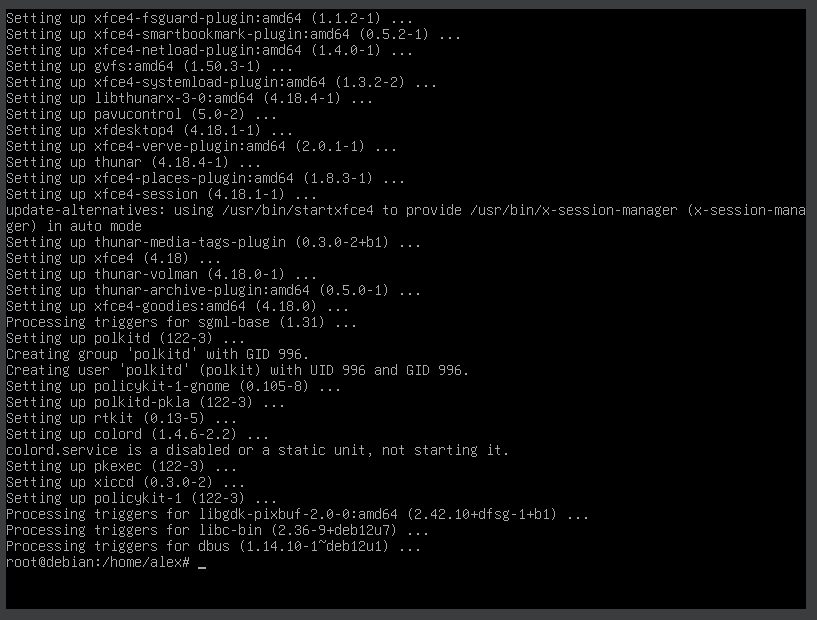
8. Running 'reboot'
reboot
9. Login screen.
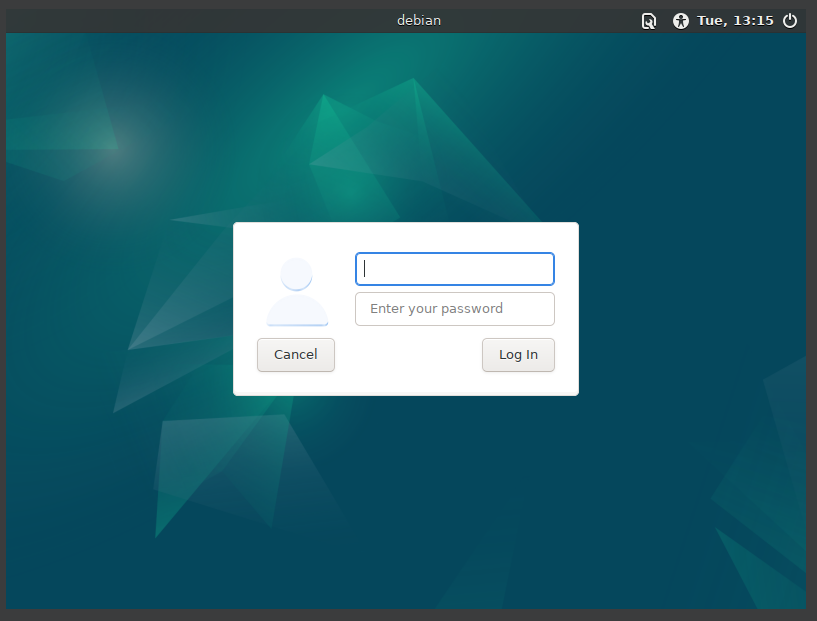
10. Xfce4 is running on Debian.
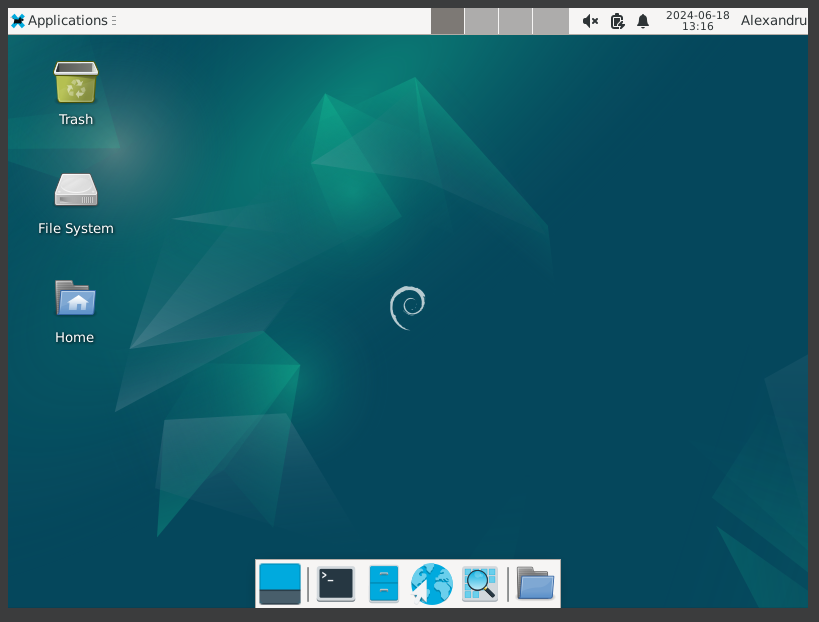
11. Xfce4 is running on Debian.
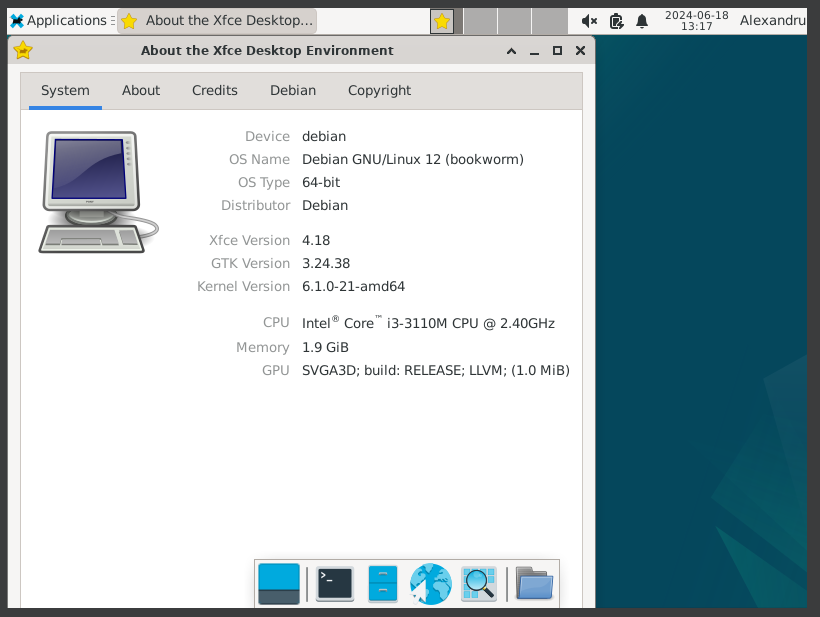
12. Xfce4 is running on Debian.
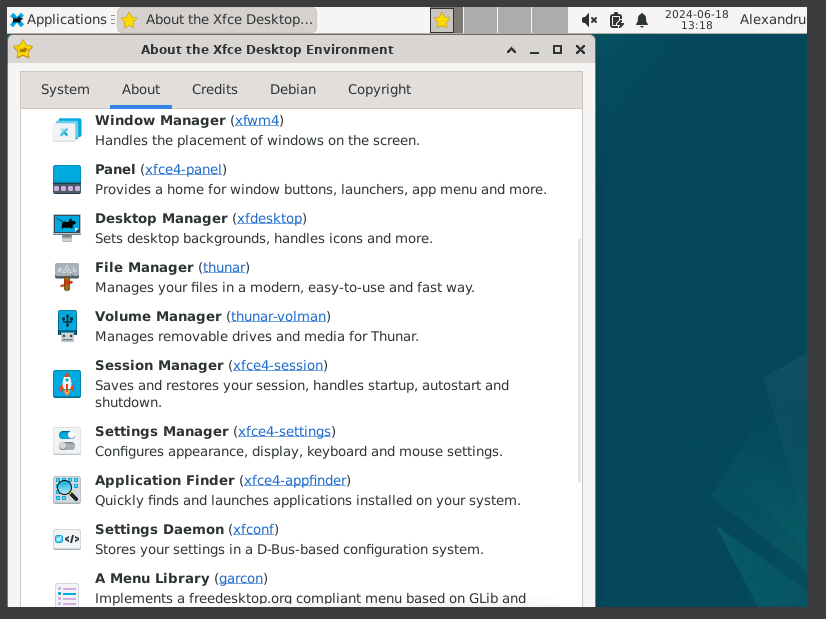
13. Xfce4 is running on Debian.
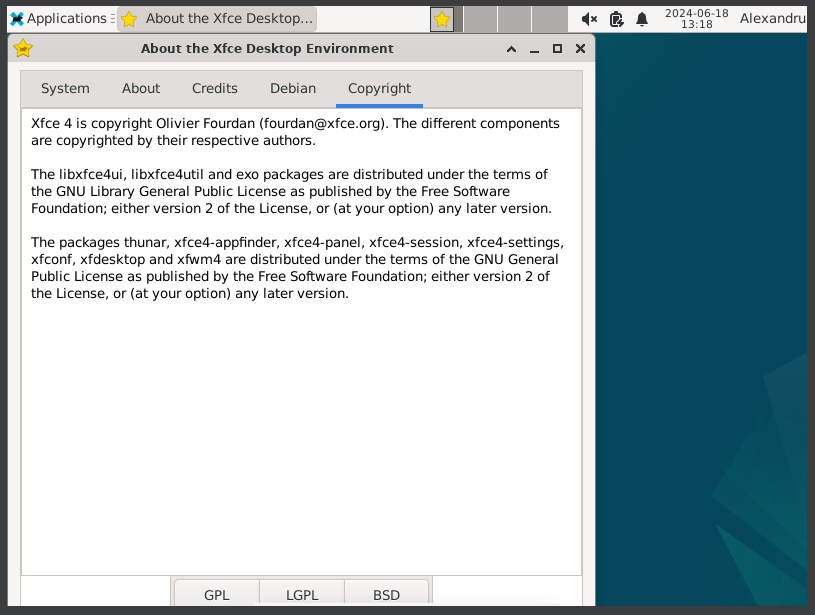
14. Xfce4 is running on Debian.
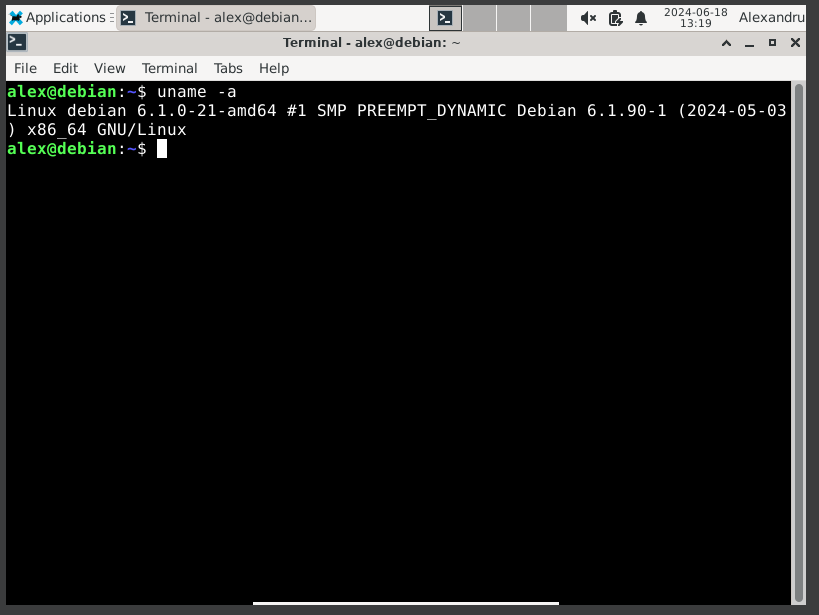
15. Xfce4 is running on Debian.
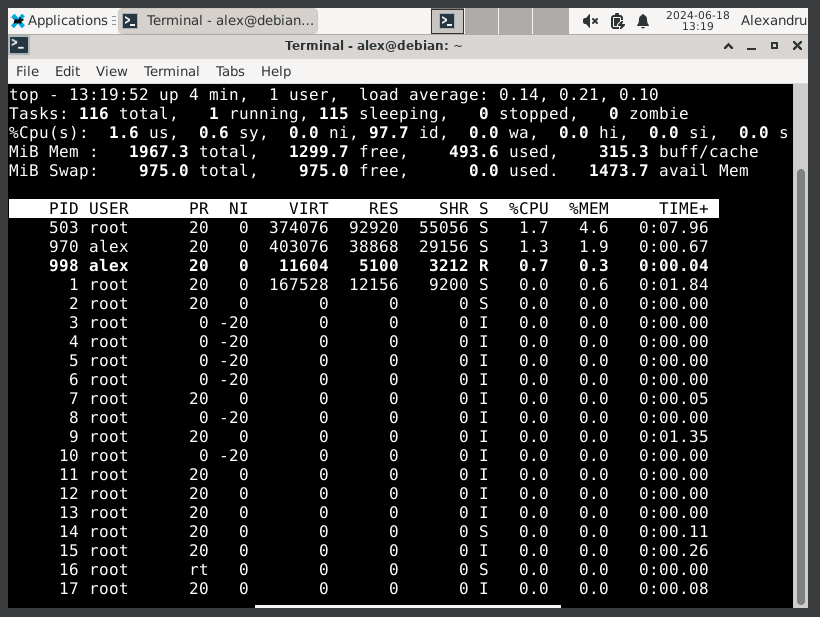
16. Xfce4 is running on Debian.
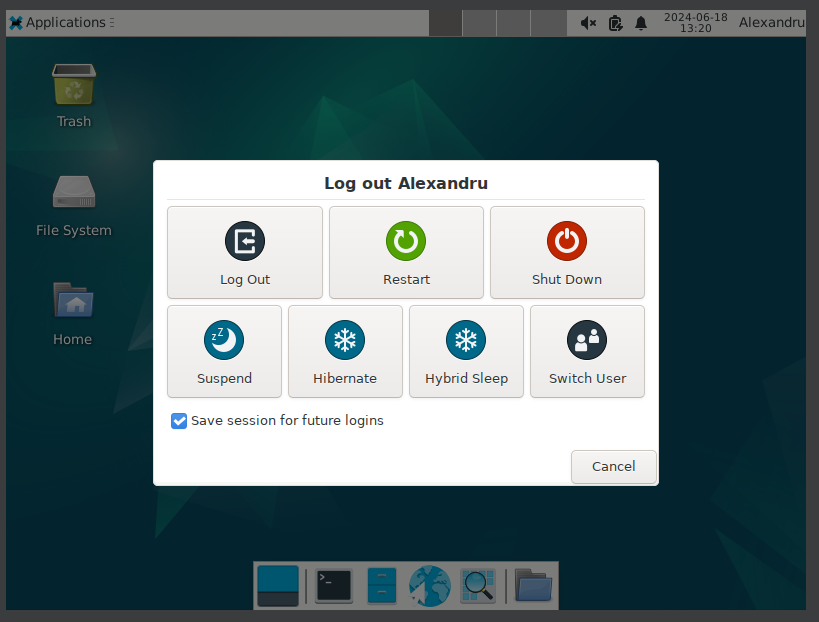
Well, that was exciting. See you in the next one!
If you wish to support our project
Donation link (Buy me a coffee):