
Installing the VTWM Window Manager on Debian
Step by step guide and HOWTO
Debian Linux is known for its stability and security, making it a reliable choice for servers and workstations.
It also has a vast software repository with extensive community support, ensuring access to a wide range of applications.
Vtwm (Virtual Tab Window Manager) is beautiful in a subtle, minimalist, and classic way, which appeals to users who appreciate simplicity, control, and efficiency in their computing environment.
Vtwm embraces the philosophy of minimalism.
There’s no excess decoration, no flashy graphical effects, and no distractions.
It emphasizes content over decoration, leaving more space for your actual work.
The window borders, title bars, and tab features are deliberately understated.
The focus is on function, with a clean and efficient design that feels timeless.
Vtwm uses very little memory and CPU, making it a perfect choice for older machines, minimalist setups, or users who prefer to save system resources for applications rather than the desktop environment itself.
Without all the bells and whistles of modern window managers, Vtwm is fast. It gives you snappy performance, which enhances productivity and keeps things feeling fluid and responsive.
Vtwm lets users shape their environment exactly how they want.
Its .vtwmrc configuration file gives you full control over window appearance, behavior, and key bindings.
This customization allows you to craft an environment that feels tailored and beautiful to your workflow.
Vtwm allows for custom color schemes.
You can define color palettes for different window elements, letting you create an elegant or striking visual experience that matches your aesthetic preferences.
For those who love efficiency, Vtwm's configurability lets you set up powerful keyboard shortcuts, allowing you to navigate and manage windows without ever lifting your hands from the keyboard.
Vtwm's support for tabs (a rare feature among window managers) is another beauty in its design.
You can group windows into tabs within a single frame, keeping your workspace organized.
This feature is both functionally elegant and visually neat, making multitasking easier without cluttering the screen with multiple overlapping windows.
Vtwm is part of the classic Unix tradition of doing one thing well.
It's a window manager, and it focuses on managing windows—no more, no less.
For many users, this clarity of purpose is beautiful in and of itself.
Vtwm traces its lineage back to Twm (Tab Window Manager), which was one of the first X Window System window managers.
For long-time Linux and Unix users, there's a beauty in this continuity, preserving the core values of early computing environments.
Vtwm prioritizes efficiency over eye-candy.
The virtual desktop and workspace management system allows you to navigate between different tasks seamlessly, without the need for complex visual metaphors or animations.
Window management feels natural and unobtrusive, with the tabbing system making multitasking straightforward.
The beauty here lies in how Vtwm streamlines your workflow without getting in your way.
Vtwm plays well with other X-based tools.
You can use it alongside other Unix utilities, panel tools, or status bars.
The simplicity of its design means that it doesn't impose itself on your setup, allowing you to assemble a modular, custom environment that's perfectly tuned to your needs.
Advanced users can add scripts and external tools to enhance functionality, giving Vtwm an ever-expanding, adaptable nature while keeping the interface as lightweight as possible.
For users who appreciate the aesthetics of early graphical interfaces, Vtwm has a nostalgic beauty.
Its look, while functional, evokes a sense of the early days of computing, when GUIs were designed with a focus on performance and precision.
Vtwm’s beauty lies in its minimalism, efficiency, and understated elegance.
It doesn’t try to impress with flashy effects but rather offers a powerful, highly customizable, and resource-efficient environment for those who value productivity and control.
For users who appreciate the art of simplicity, Vtwm is a beautiful window manager that does its job quietly and well.
In many ways, Vtwm embodies the philosophy of "less is more," where beauty comes from simplicity and utility.
Its lack of distractions allows users to focus on their work, creating a smooth, uncluttered experience.
For those who enjoy tailoring their systems, Vtwm offers endless possibilities to create a truly personal desktop.
It honors the Unix tradition, blending nostalgia with timeless functionality, which resonates with users who value control over aesthetics.
The elegance of its tabbed windows and efficient resource use appeals to those who appreciate minimalism in computing.
Ultimately, Vtwm proves that beauty in software design isn't about flashy visuals but about enhancing the user’s workflow with elegance and purpose.
Today we shall install the VTWM Window Manager on Debian
We need to complete several steps to get it working correctly.
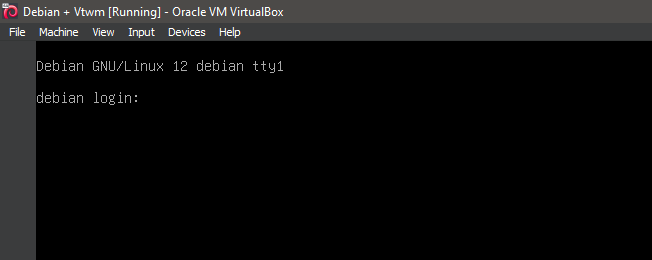
1. Boot the system -- System Ready.
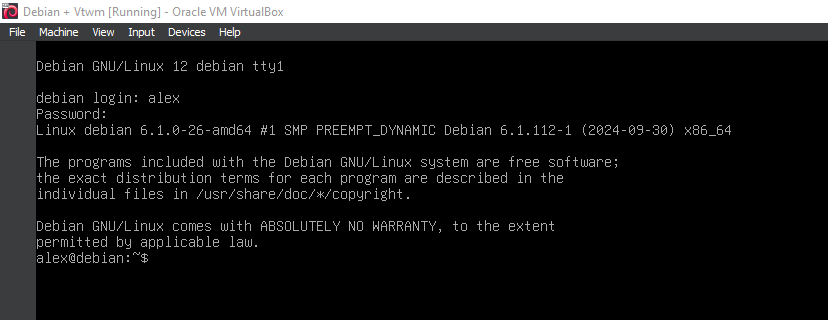
2. Boot the system -- Logged In.
3. Switch to root
su

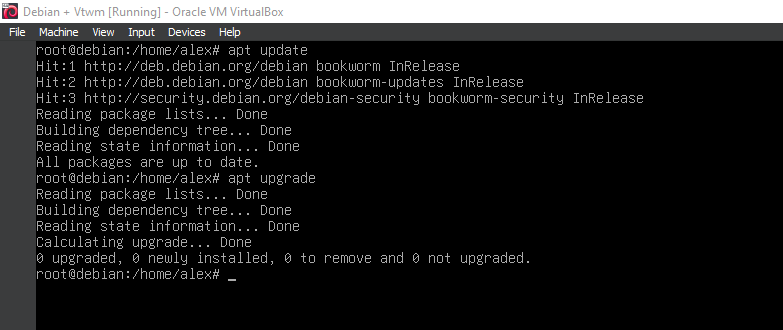
4. Running update
apt-get update
apt-get upgrade
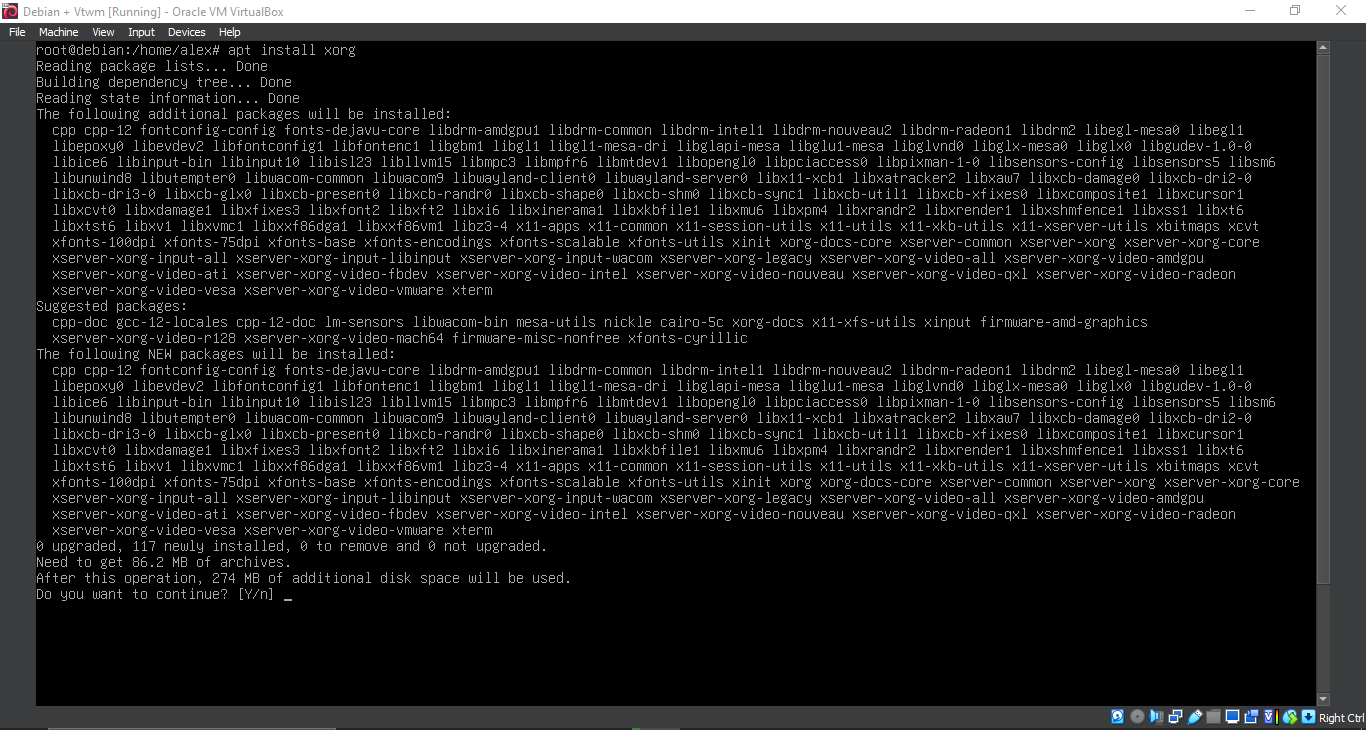
5. Running 'apt install xorg'
apt install xorg
6. Running 'apt install xorg'
apt install xorg
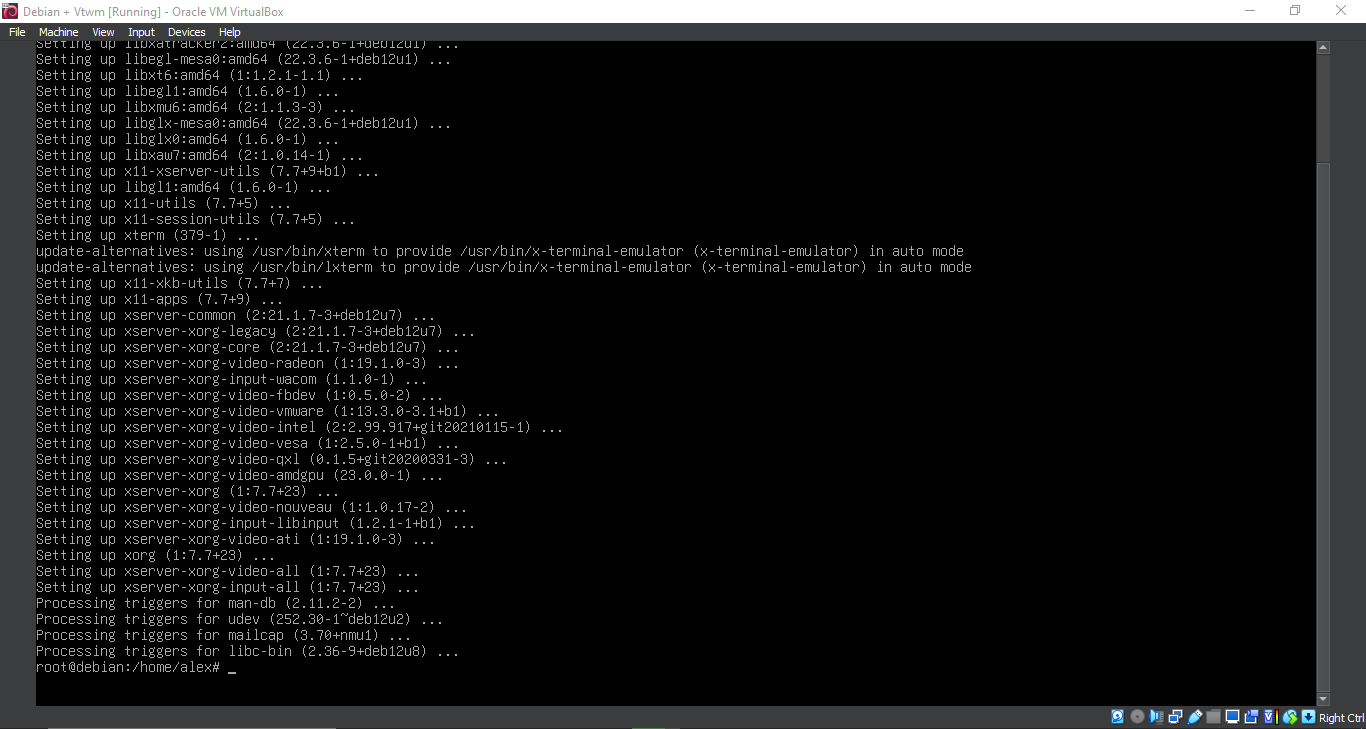
7. Running 'apt install vtwm'
apt install vtwm
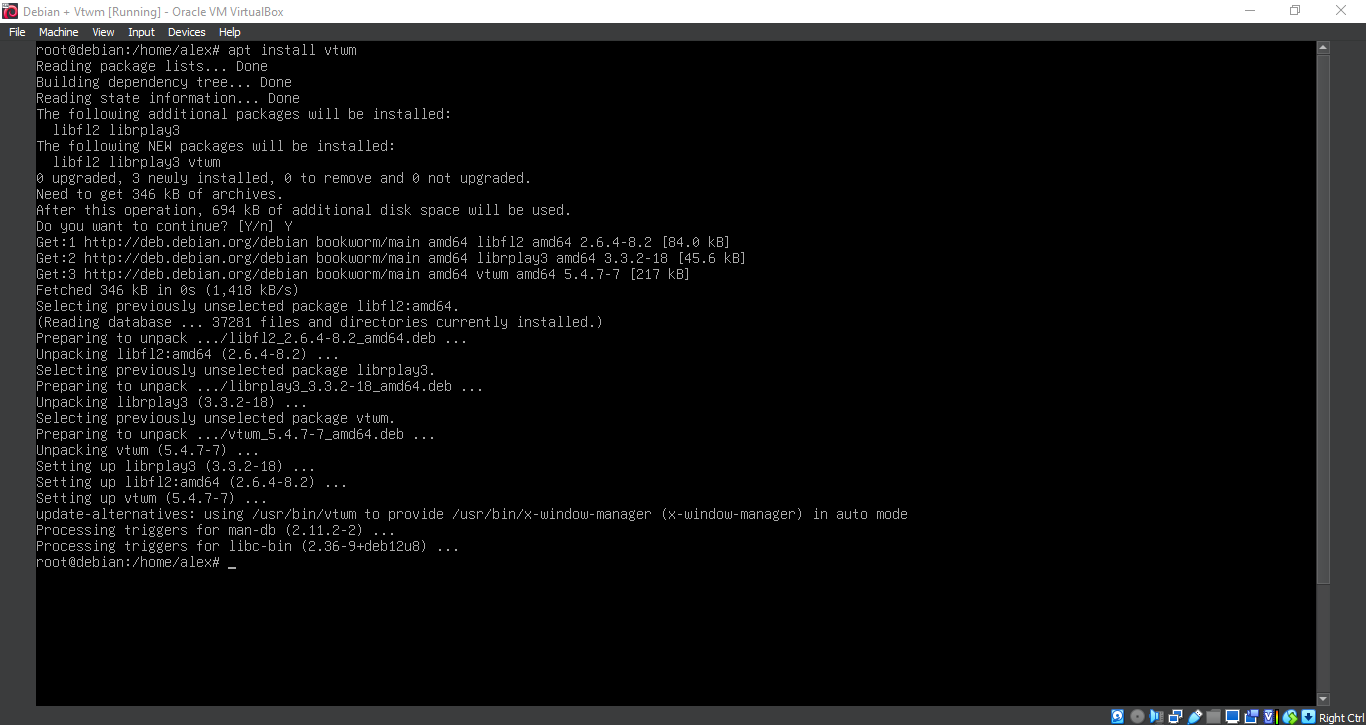
8. Configuration
nano ~/.xinitrc
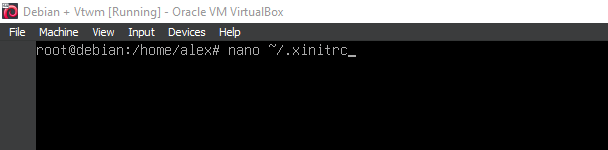
9. Configuration
exec vtwm
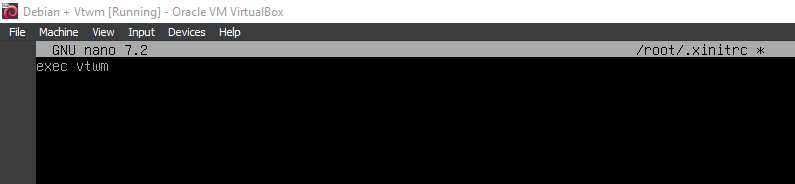
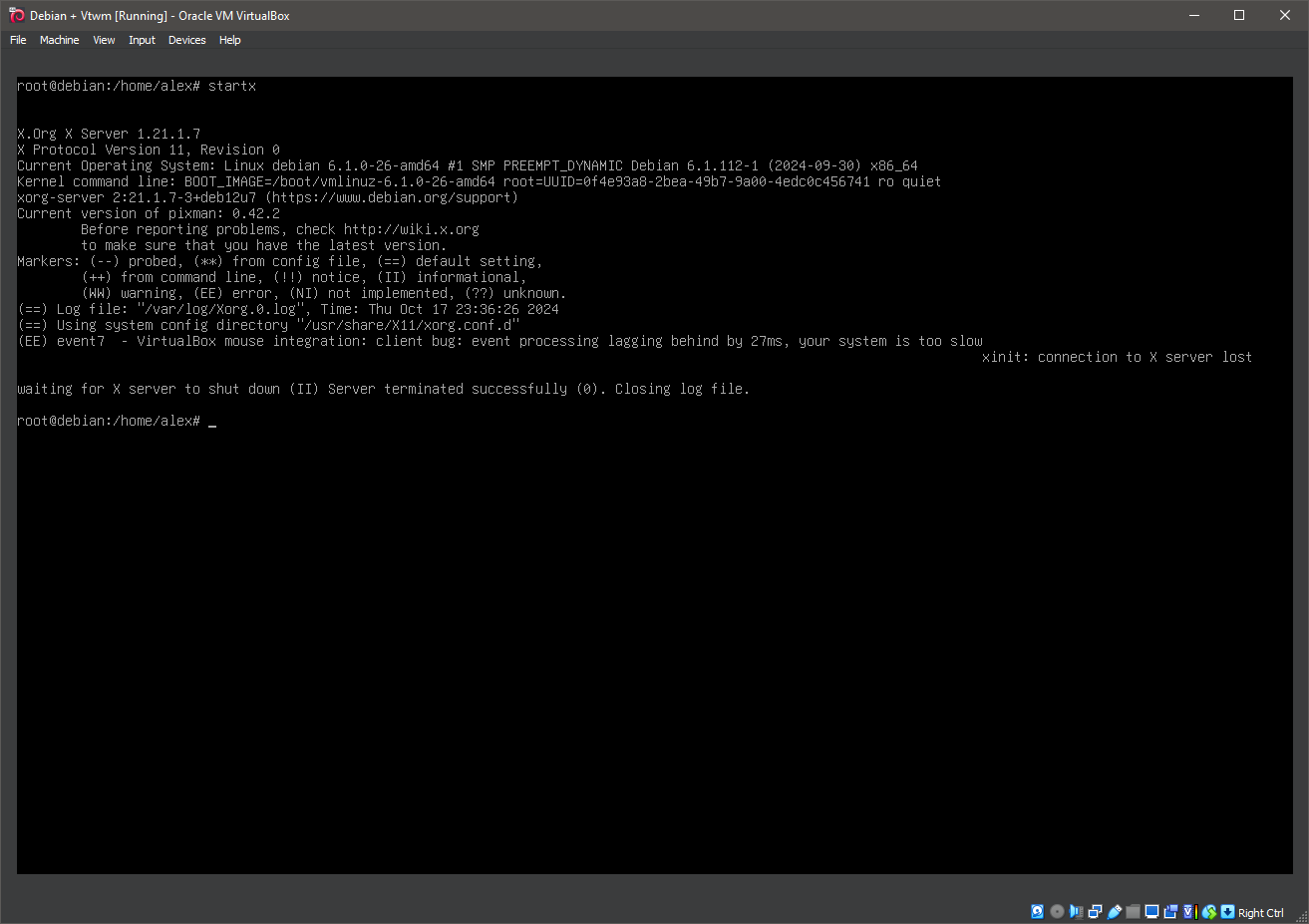
10. Running 'startx'
startx
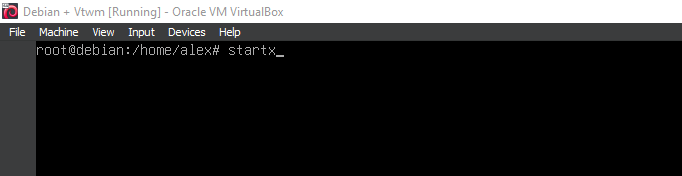
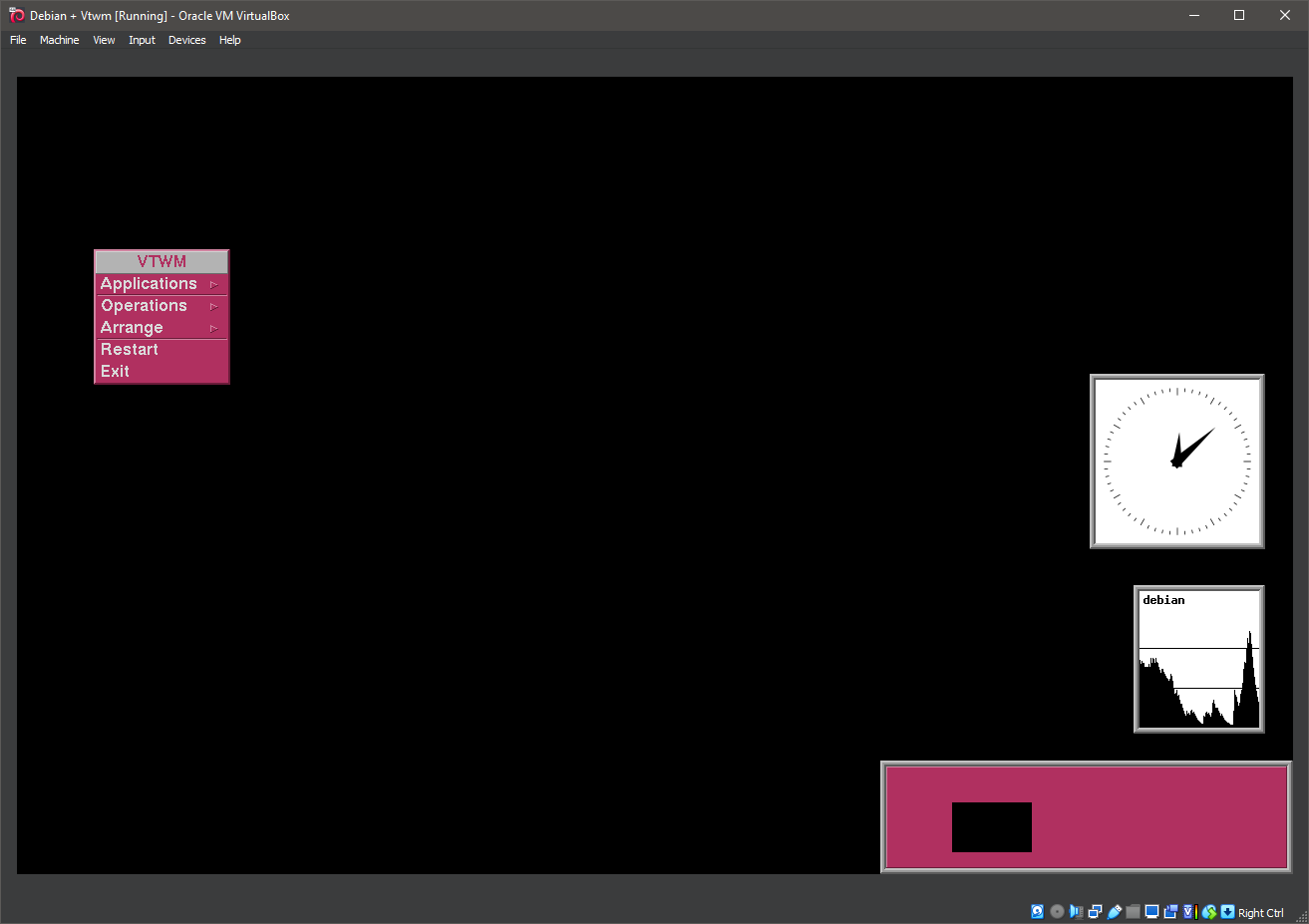
11. Running vtwm
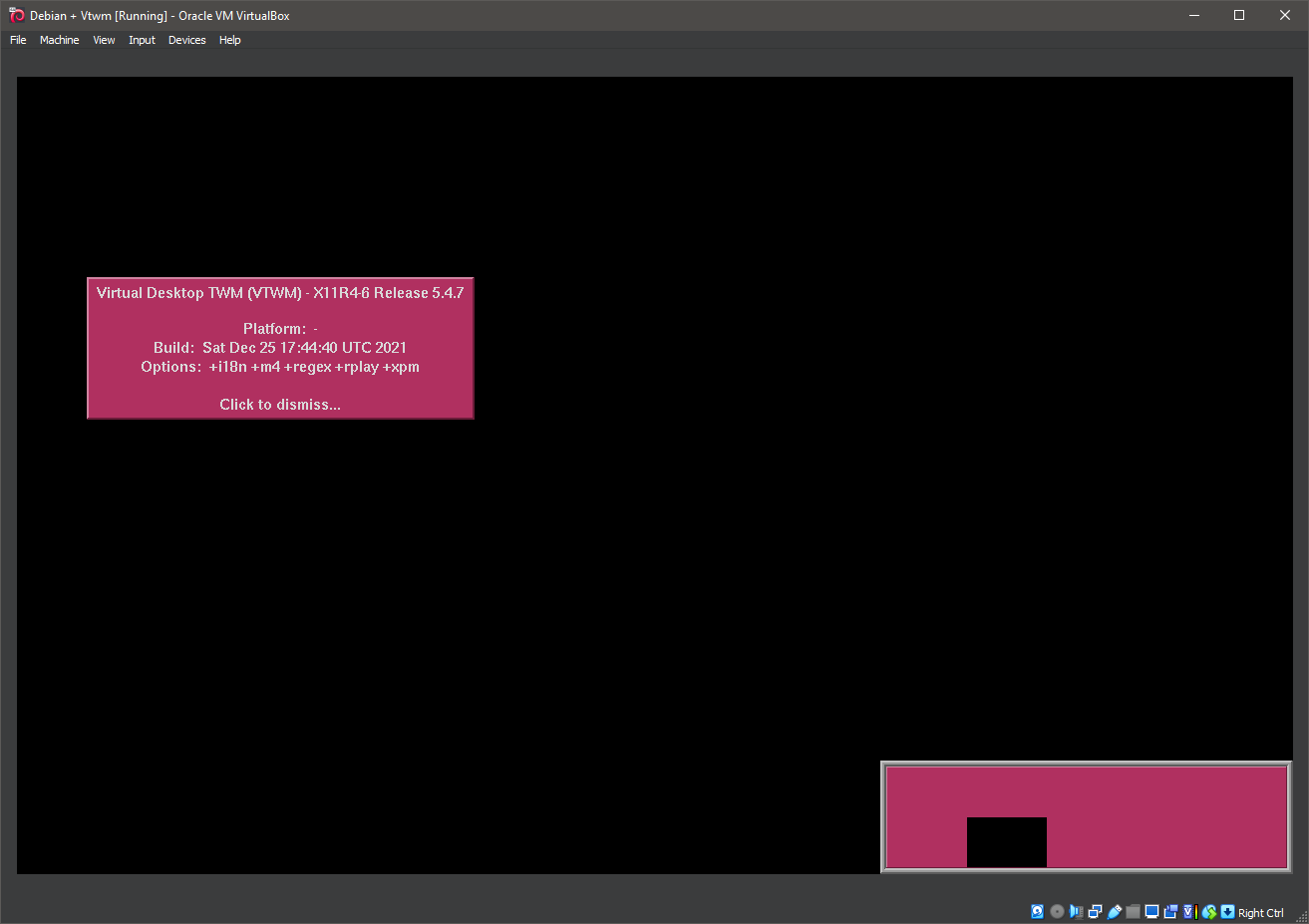
12. Running vtwm
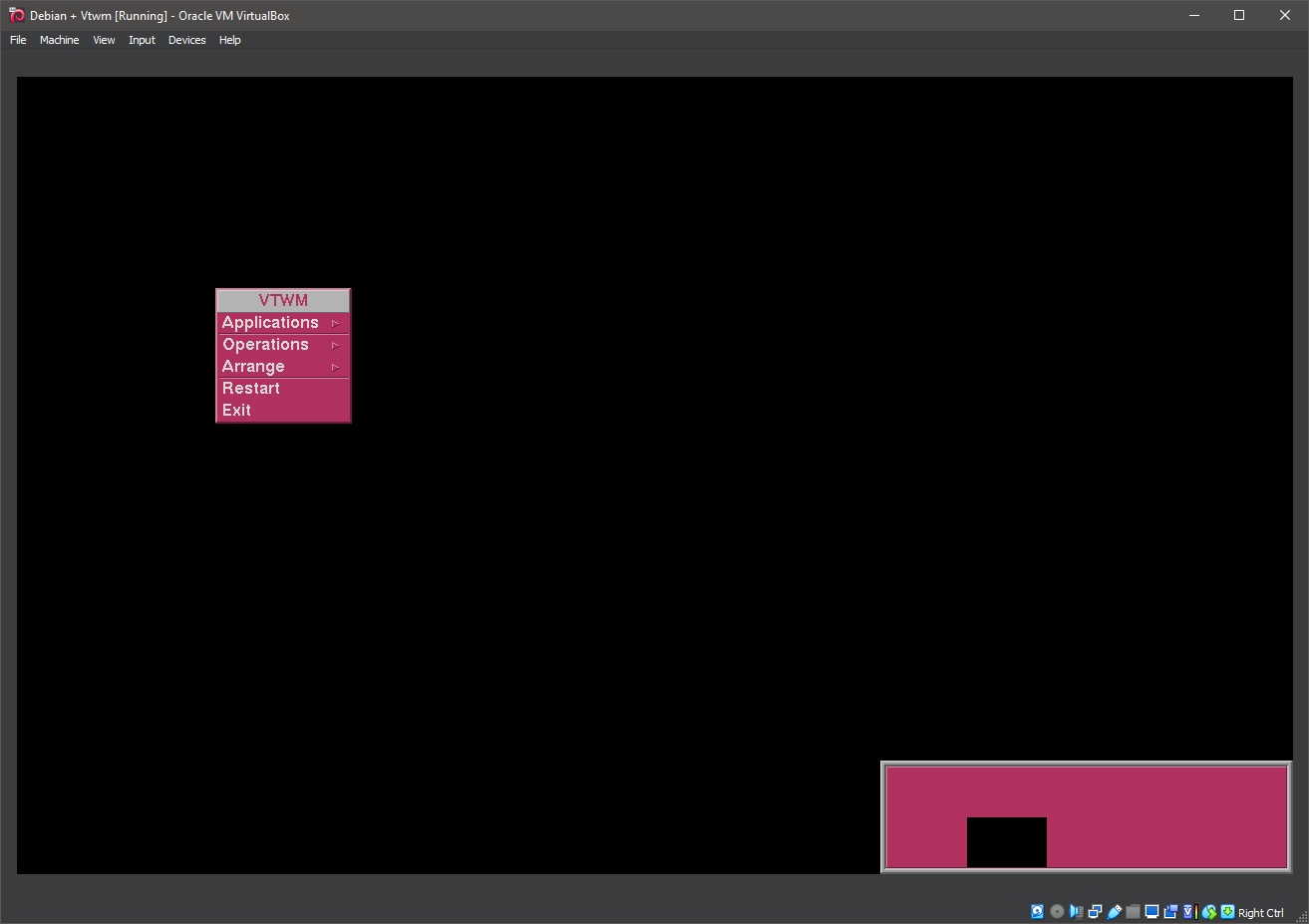
13. Running vtwm
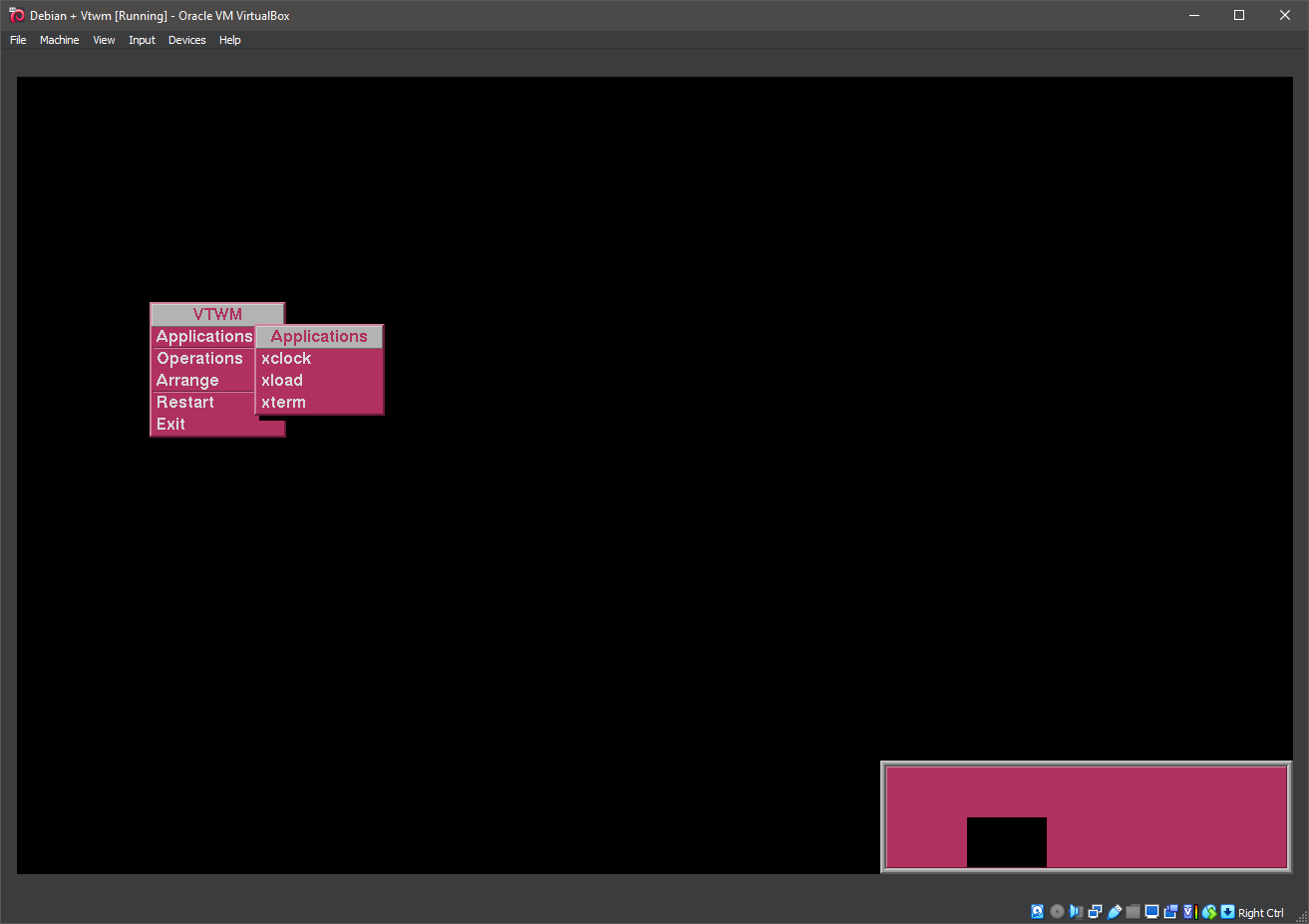
14. Running vtwm
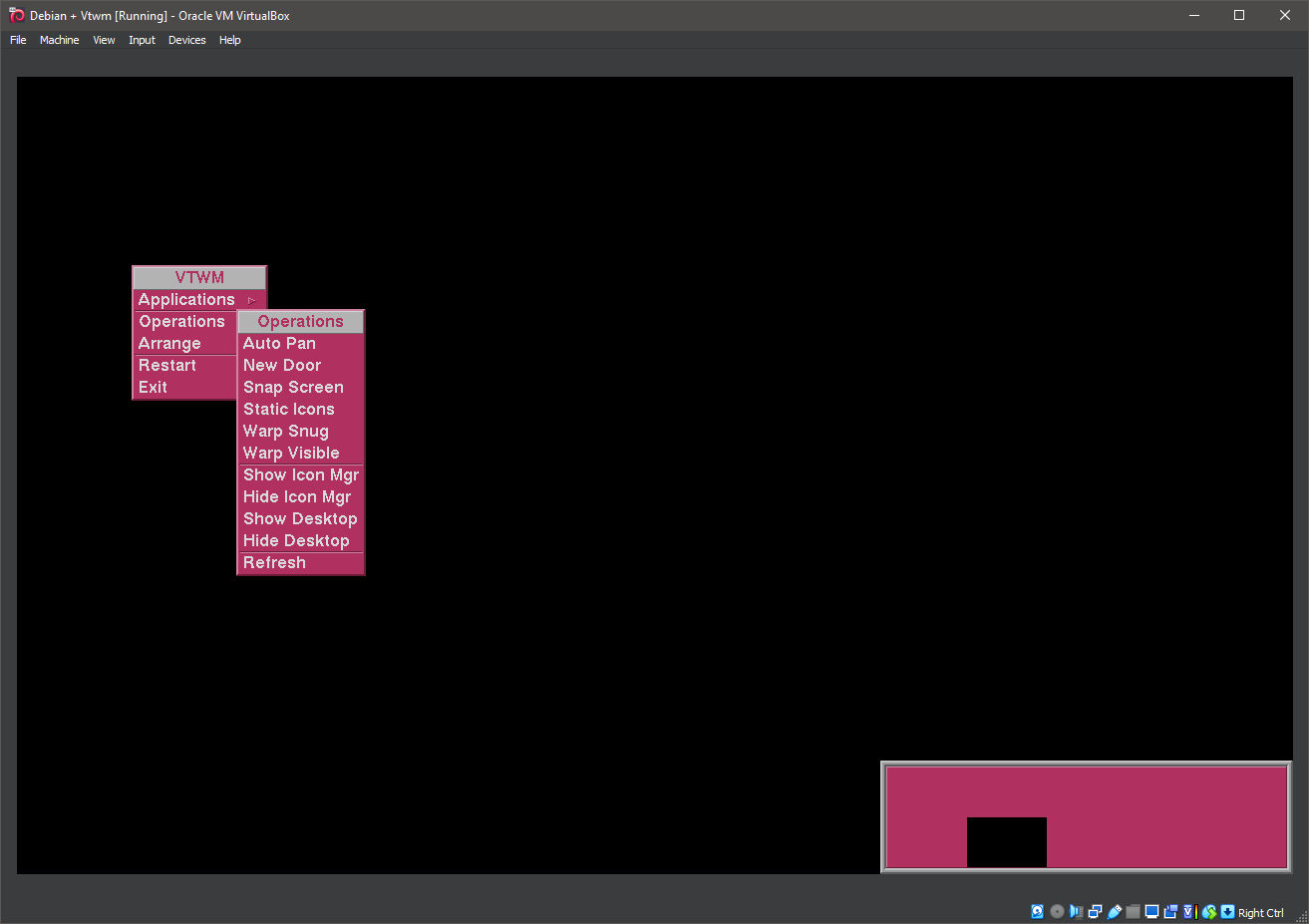
15. Running vtwm

16. Running vtwm
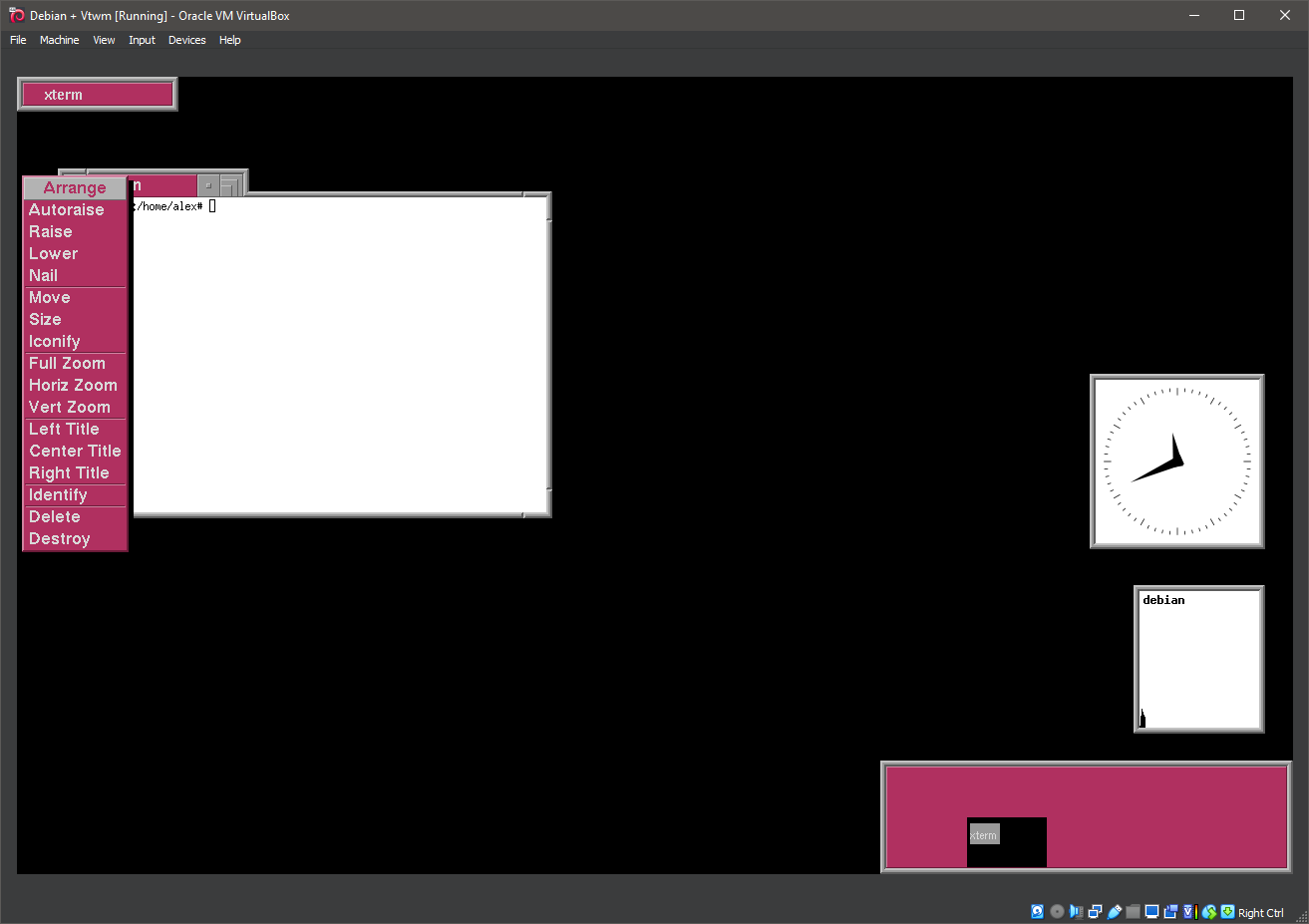
17. Running vtwm

18. Running vtwm
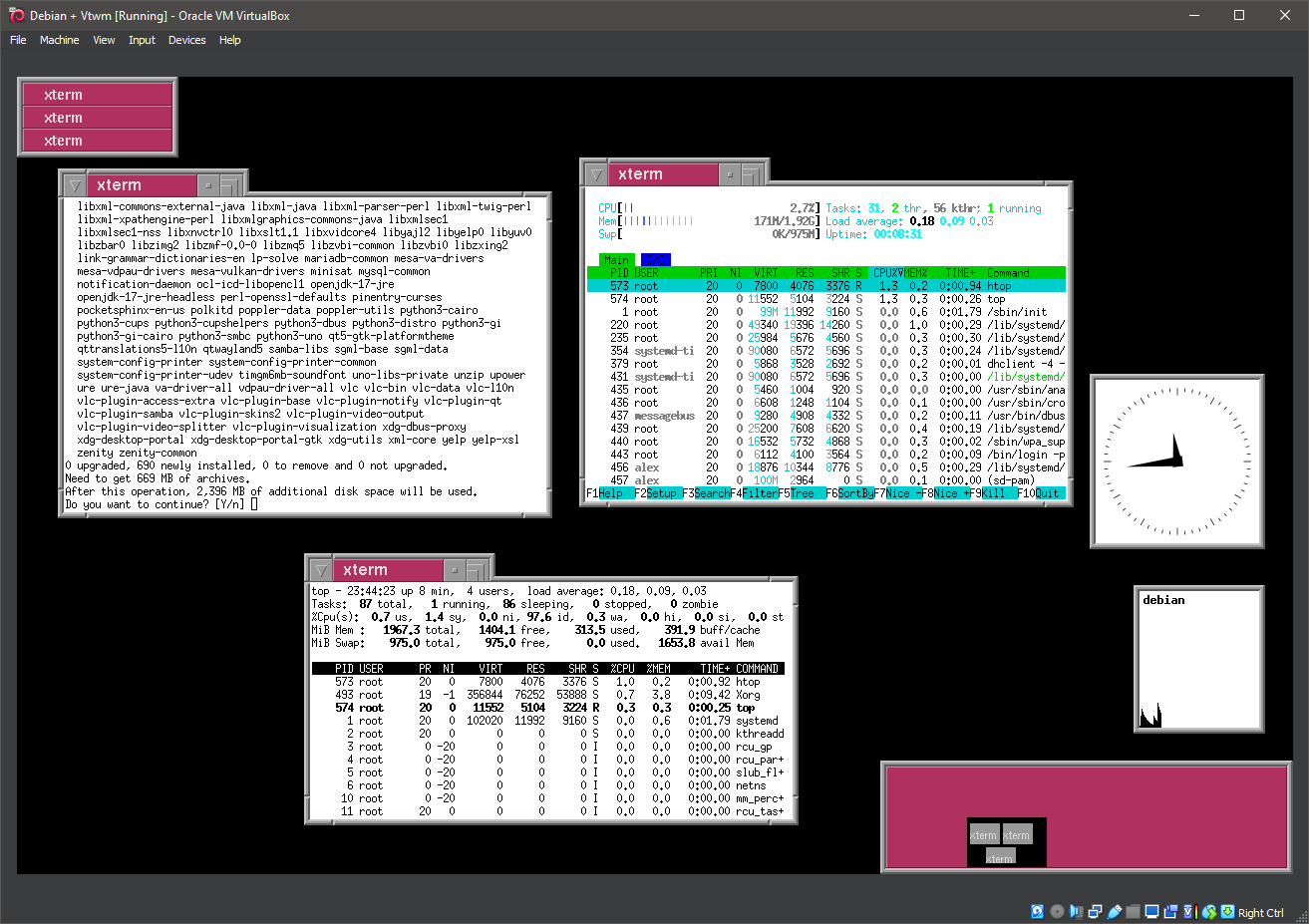
19. Running vtwm
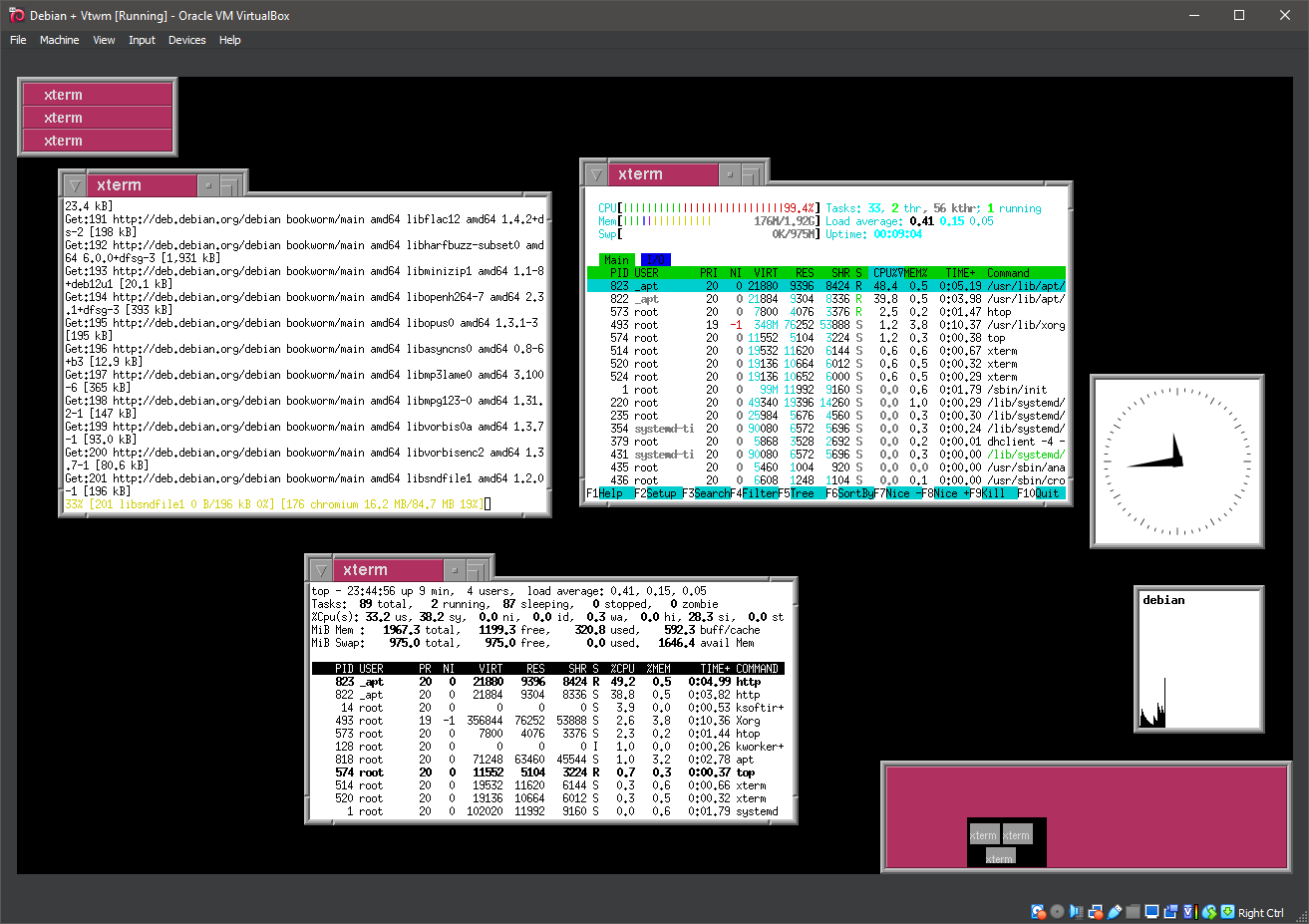
20. Running vtwm
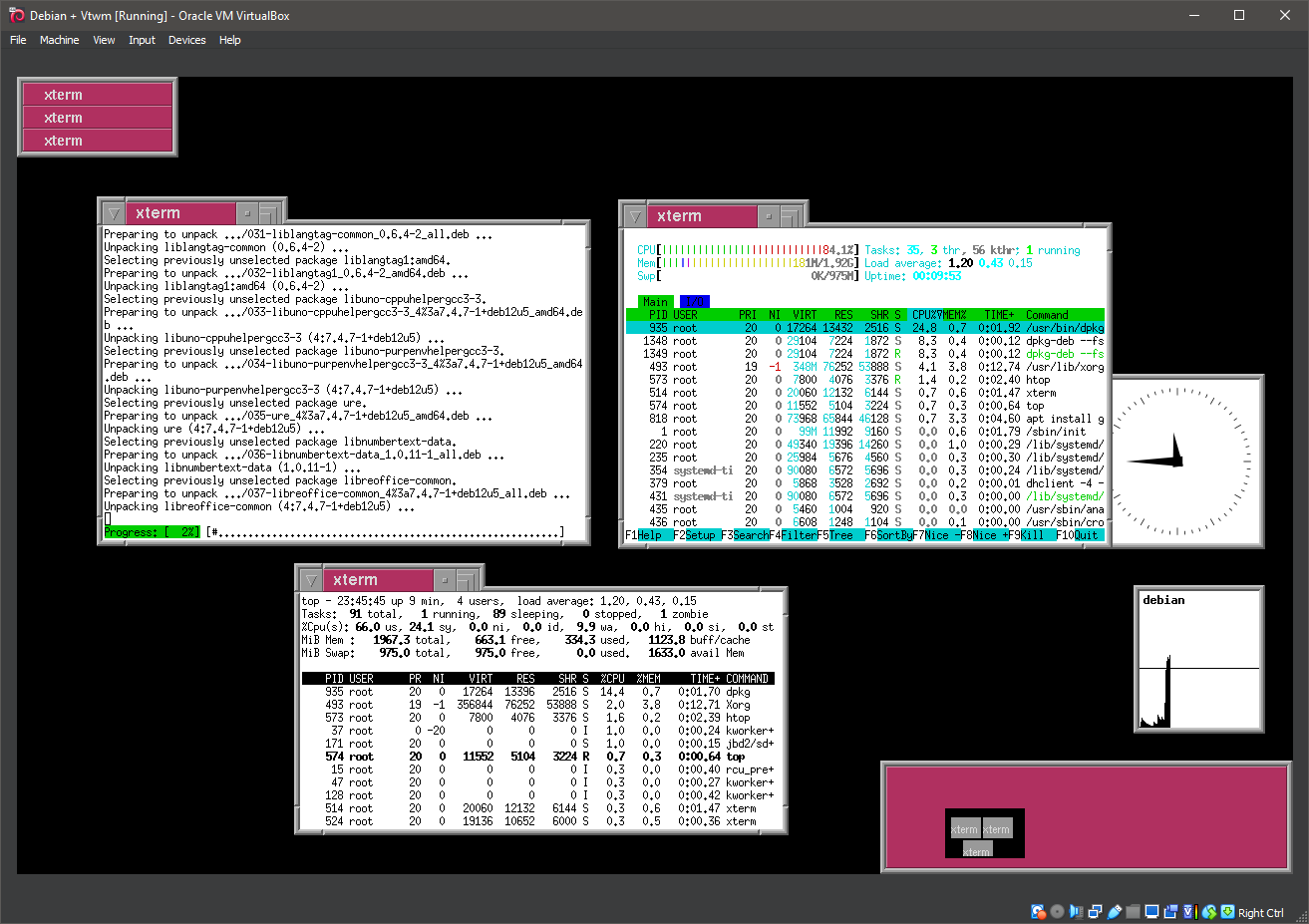
21. Running vtwm
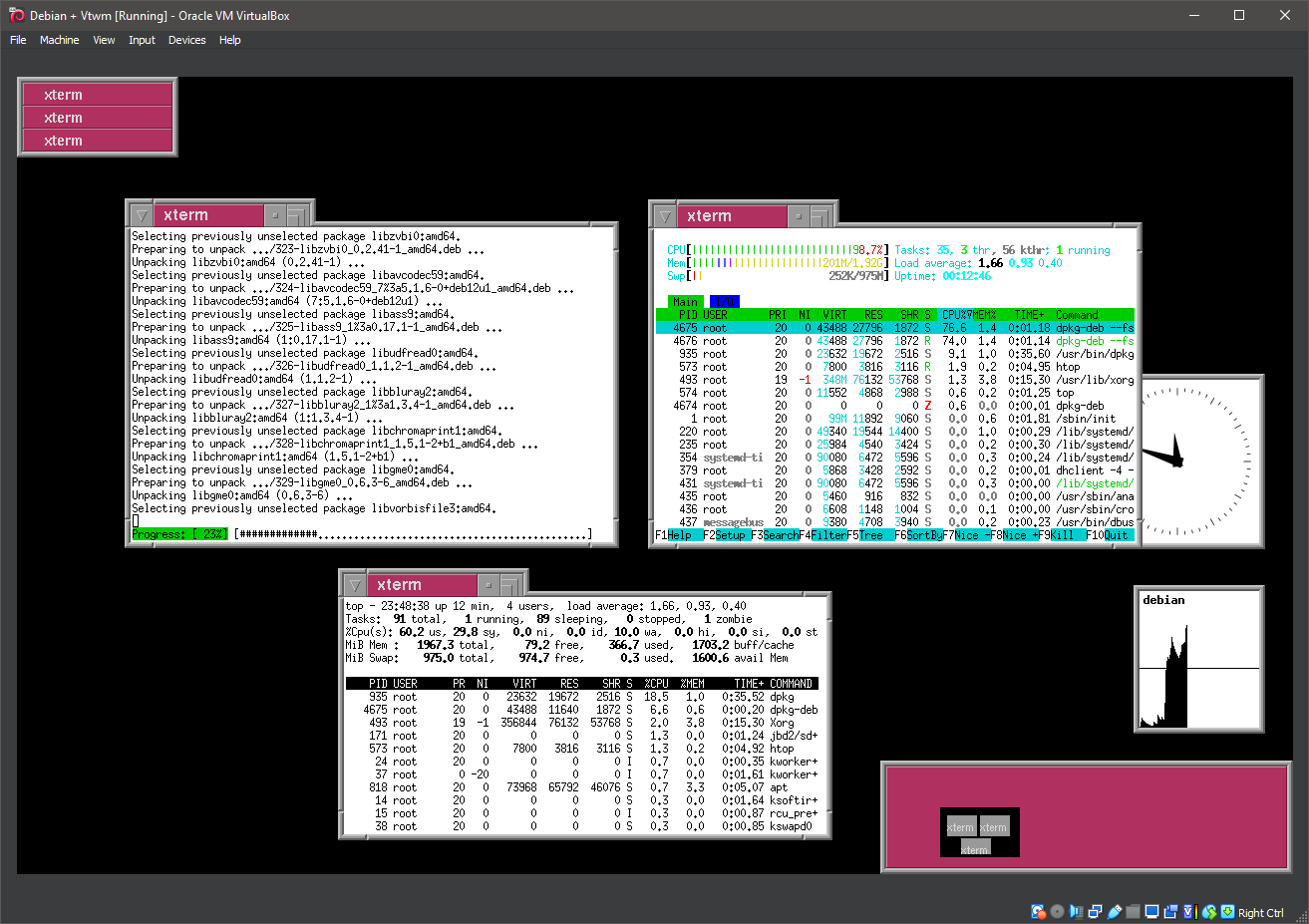
22. Running vtwm
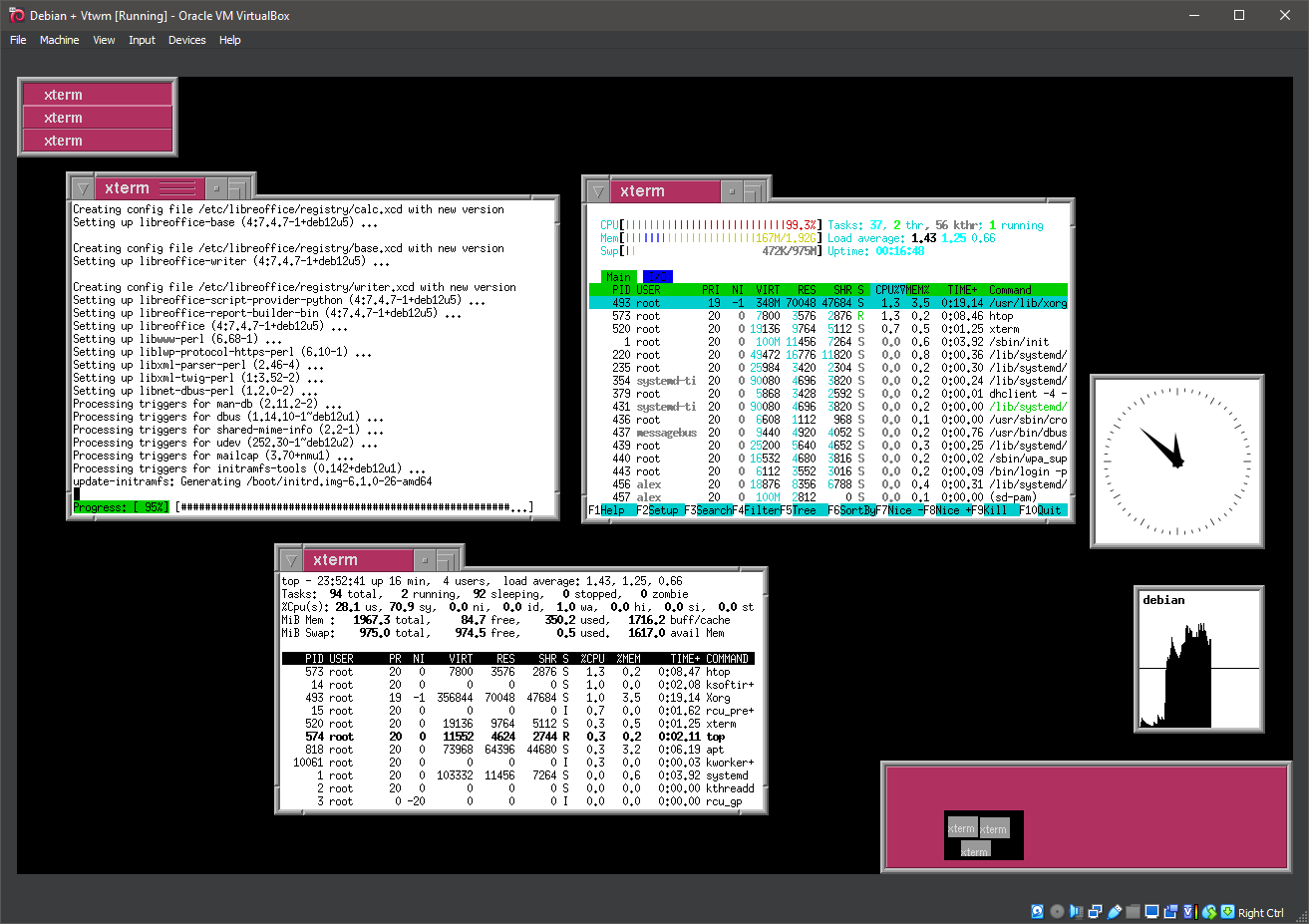
23. Running vtwm
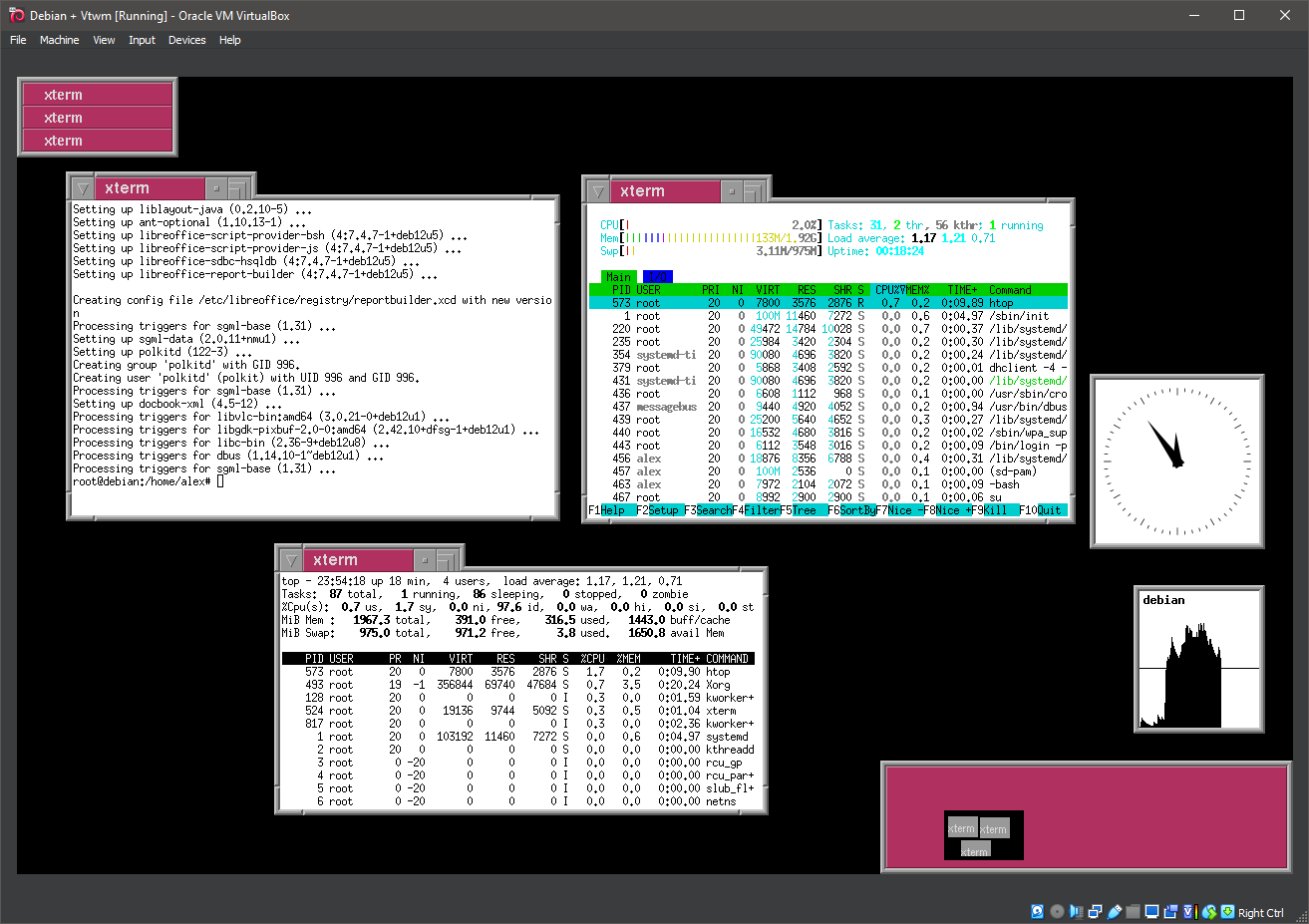
24. Running vtwm
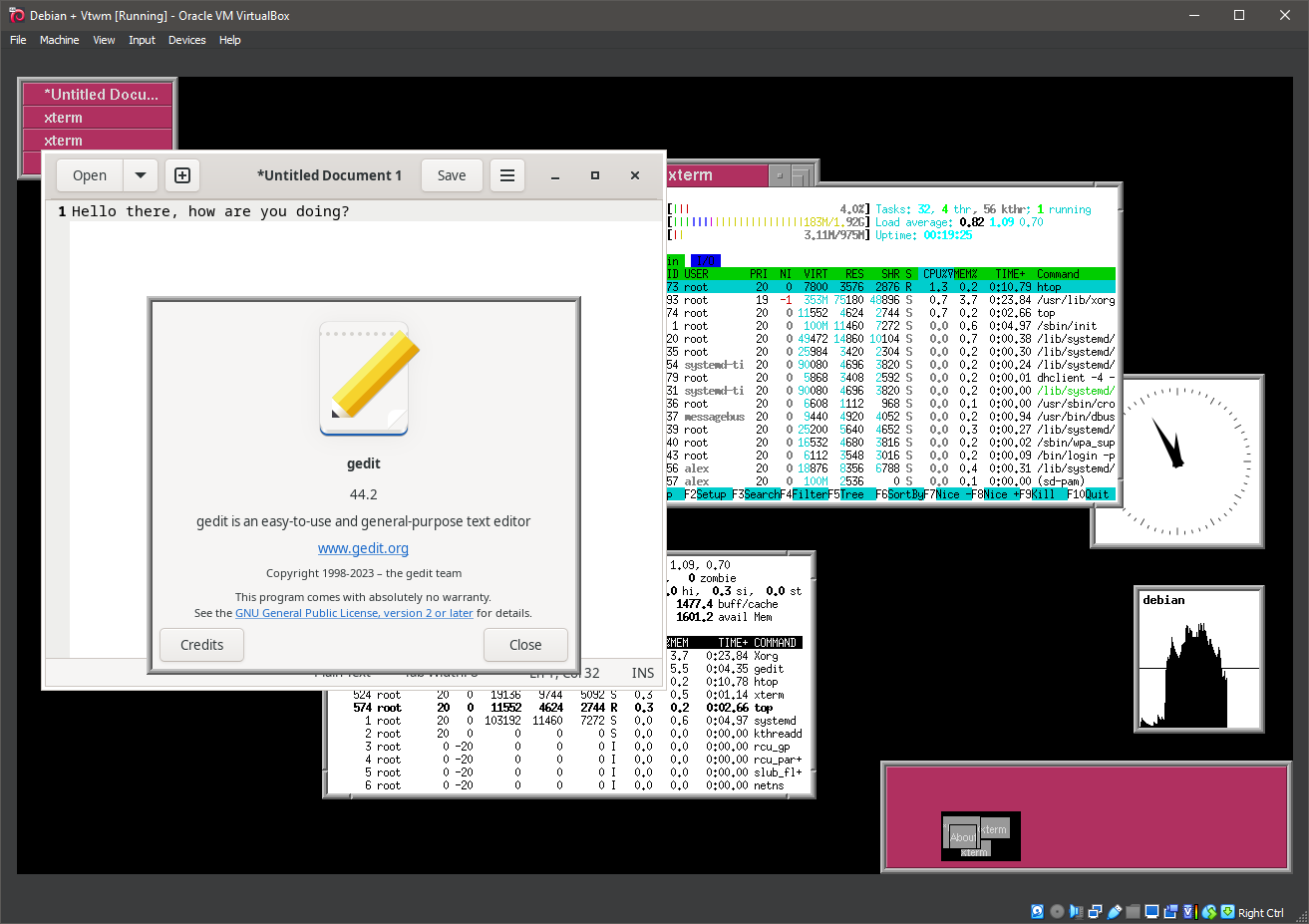
25. Running vtwm
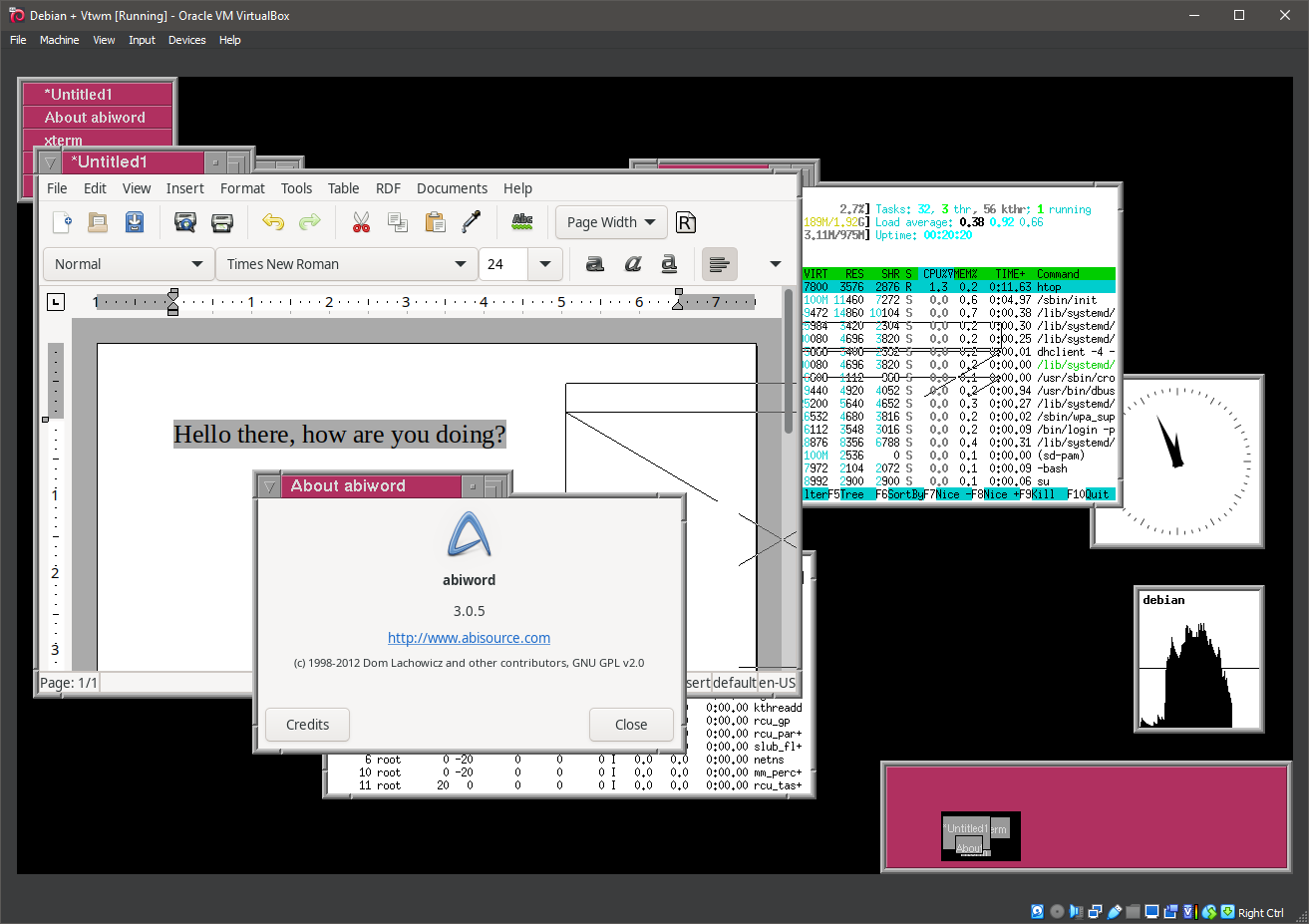
26. Running vtwm
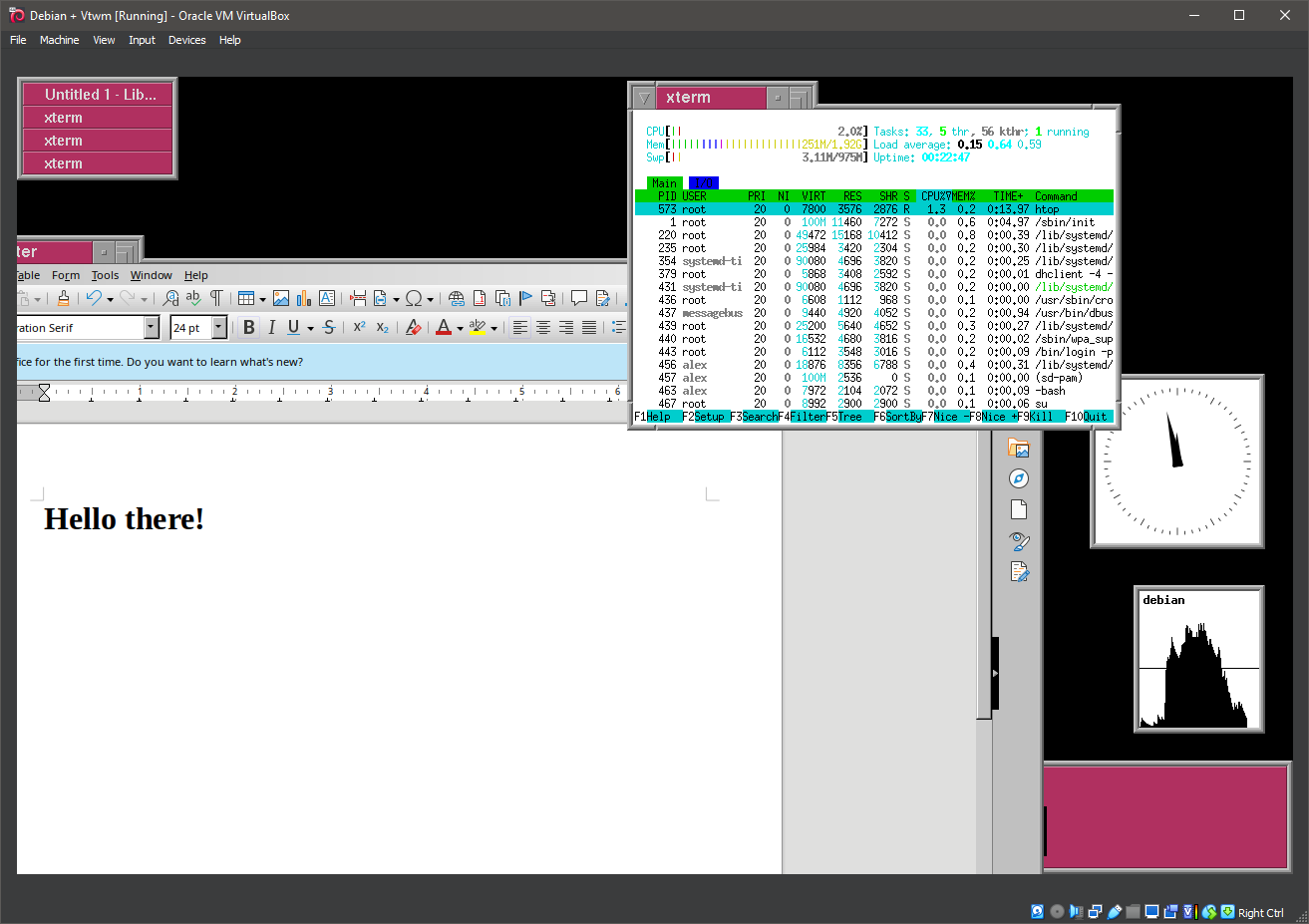
27. Running vtwm
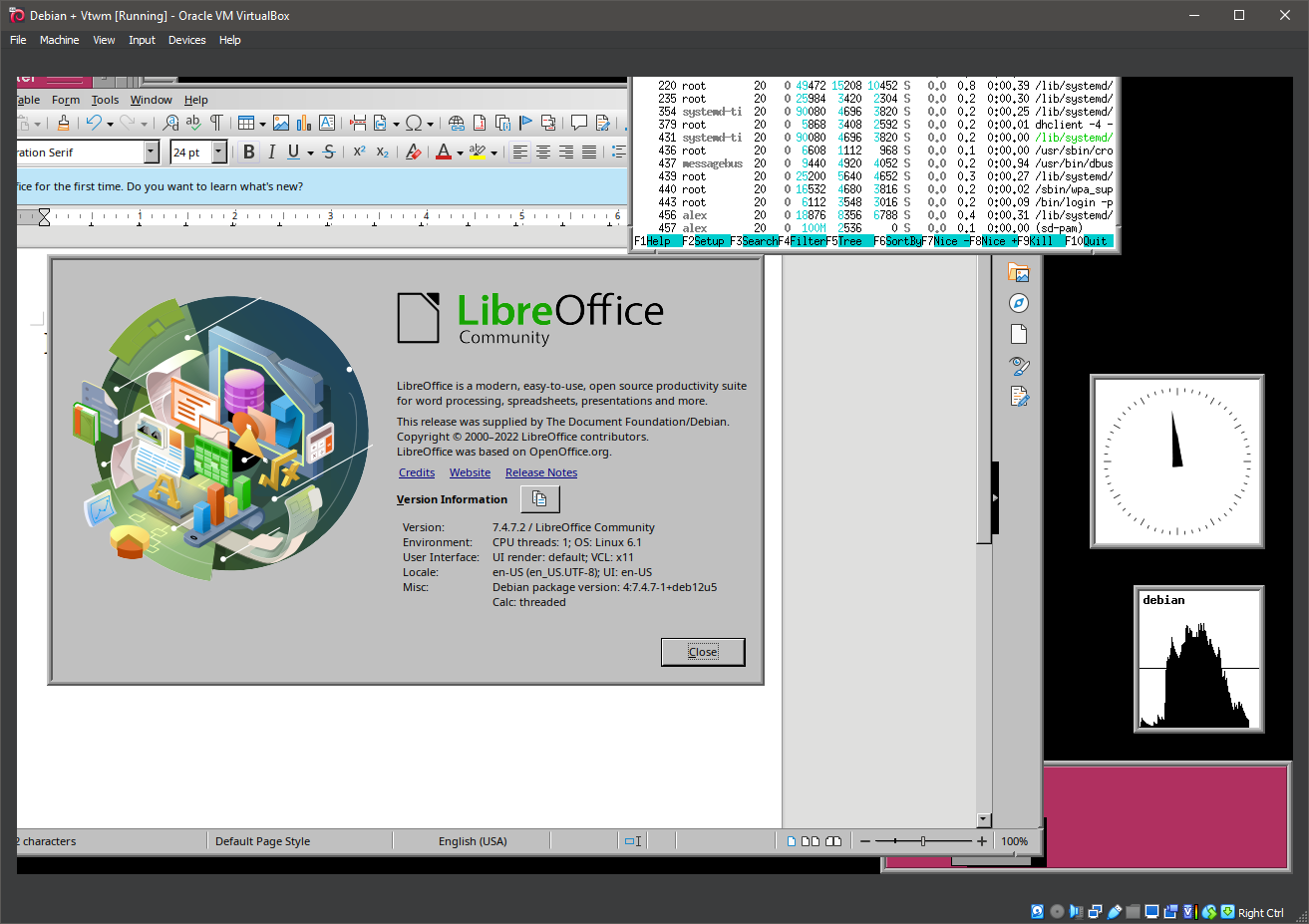
28. Running vtwm
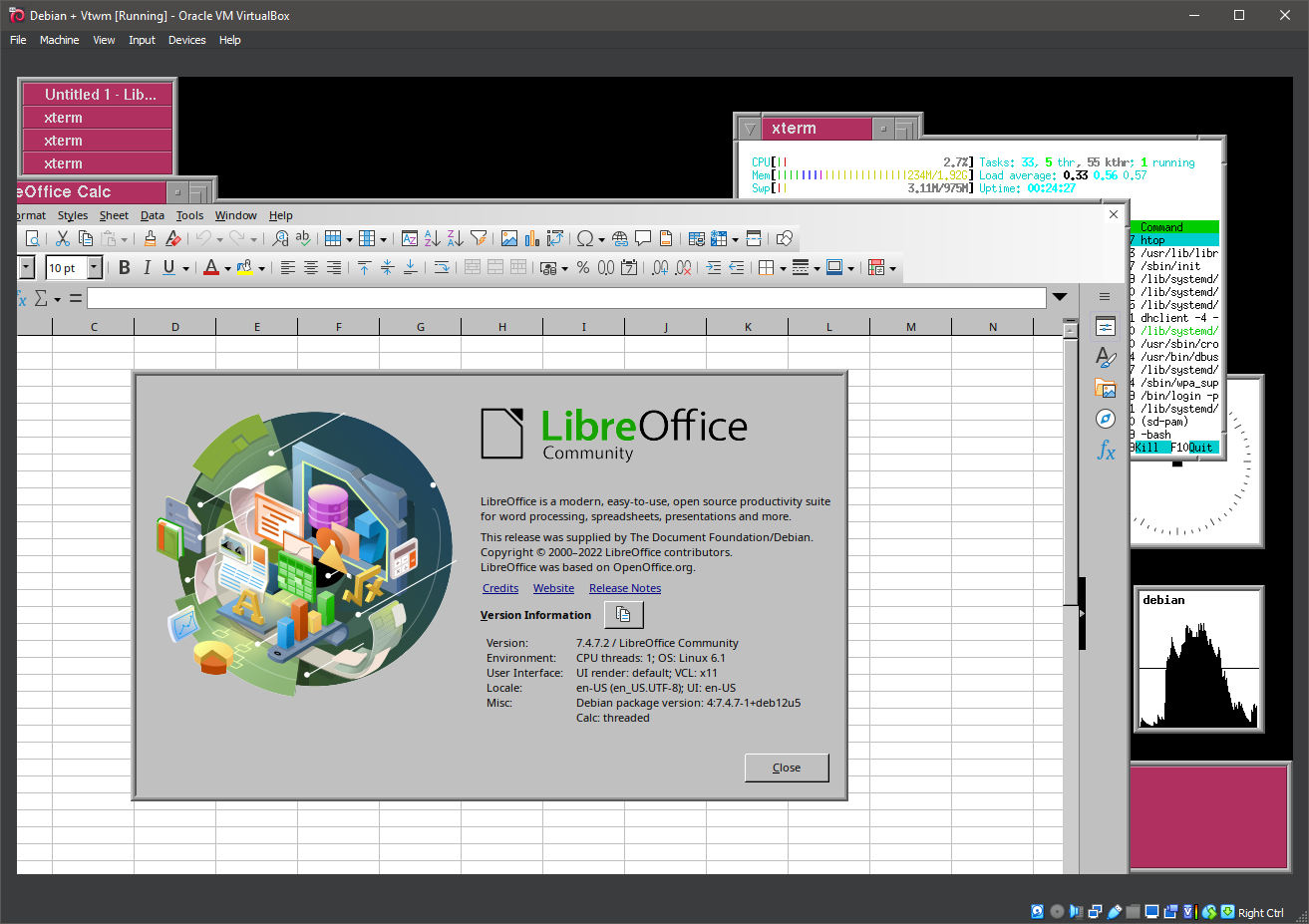
29. Running vtwm
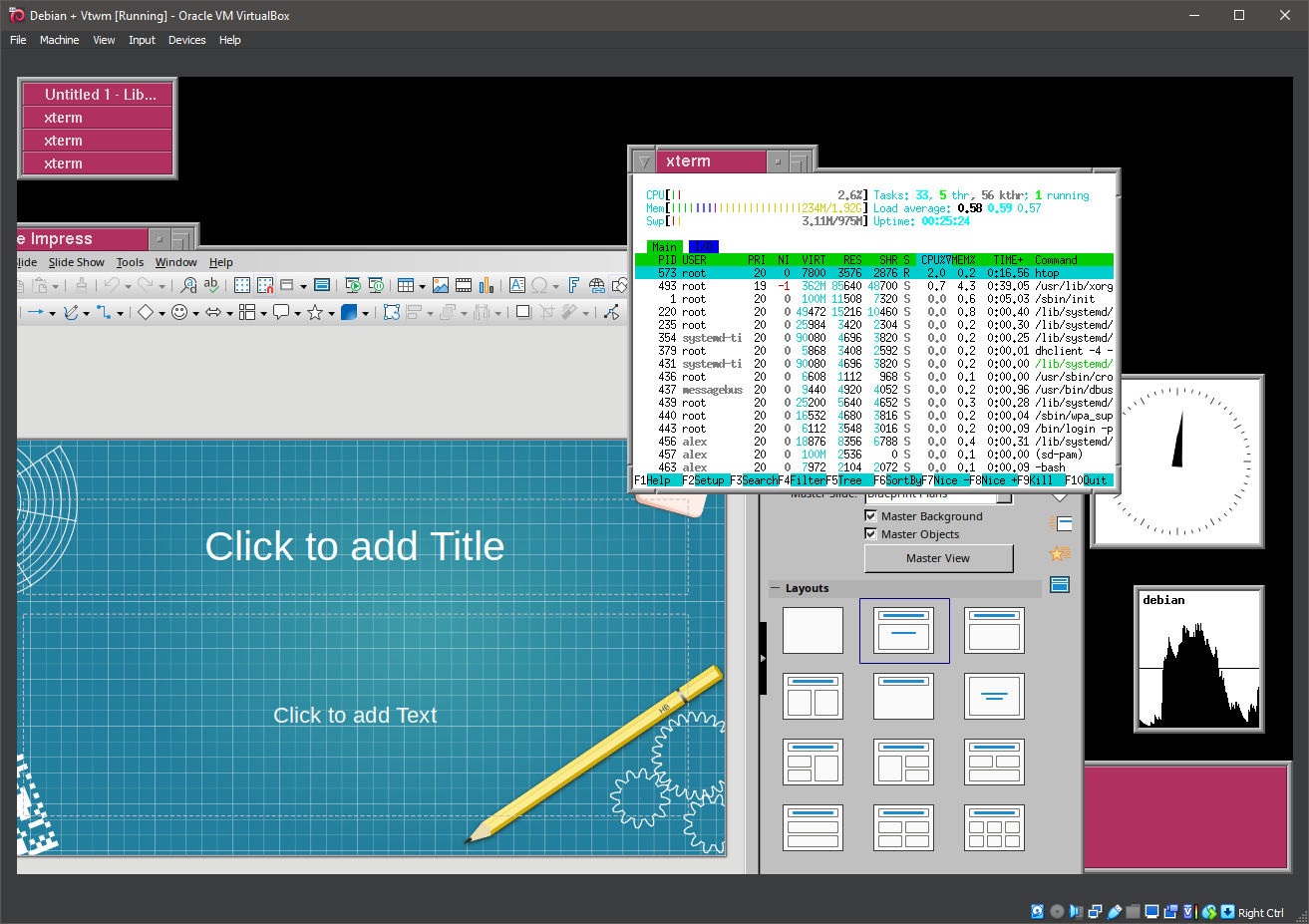
30. Running vtwm
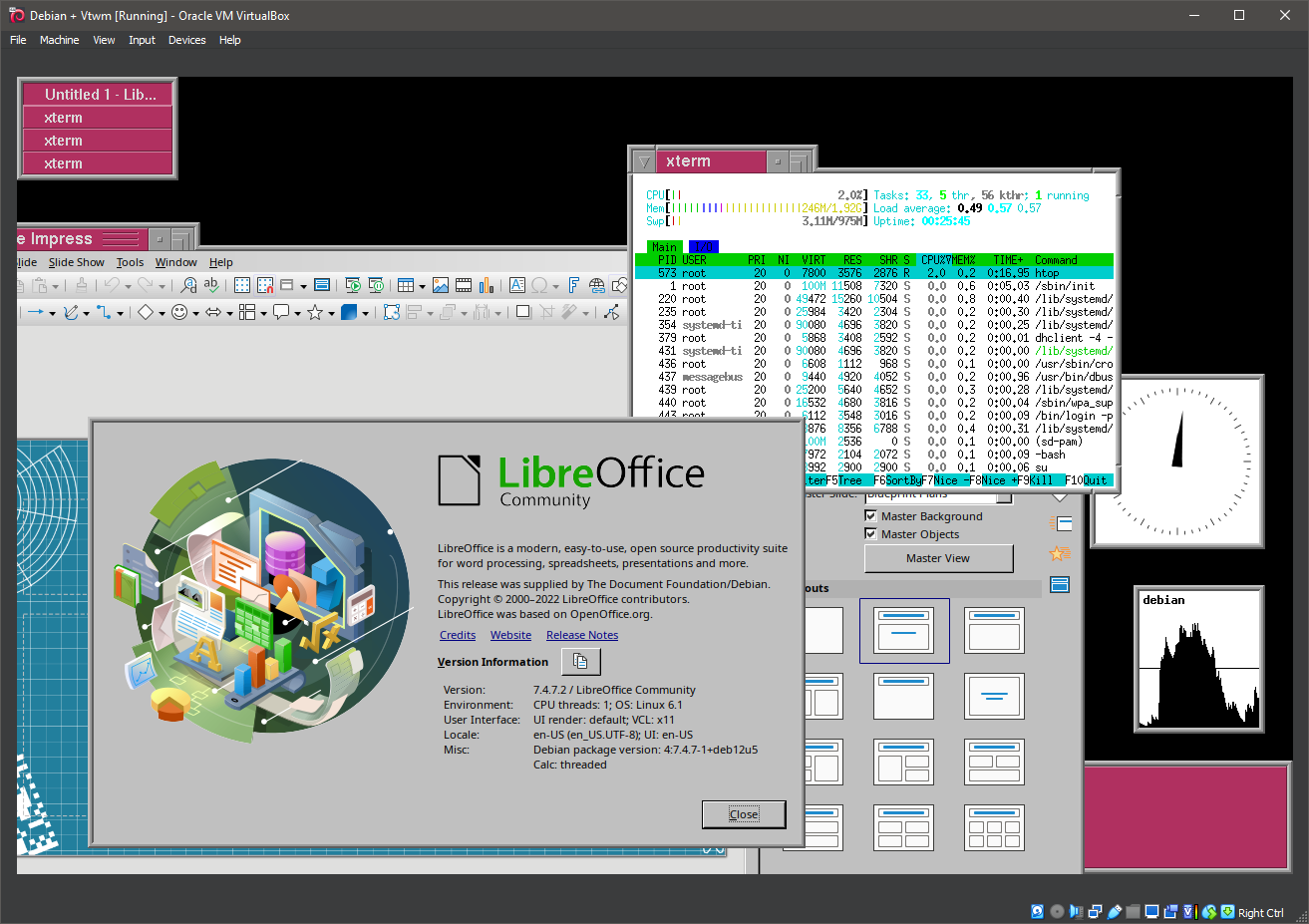
31. Running vtwm
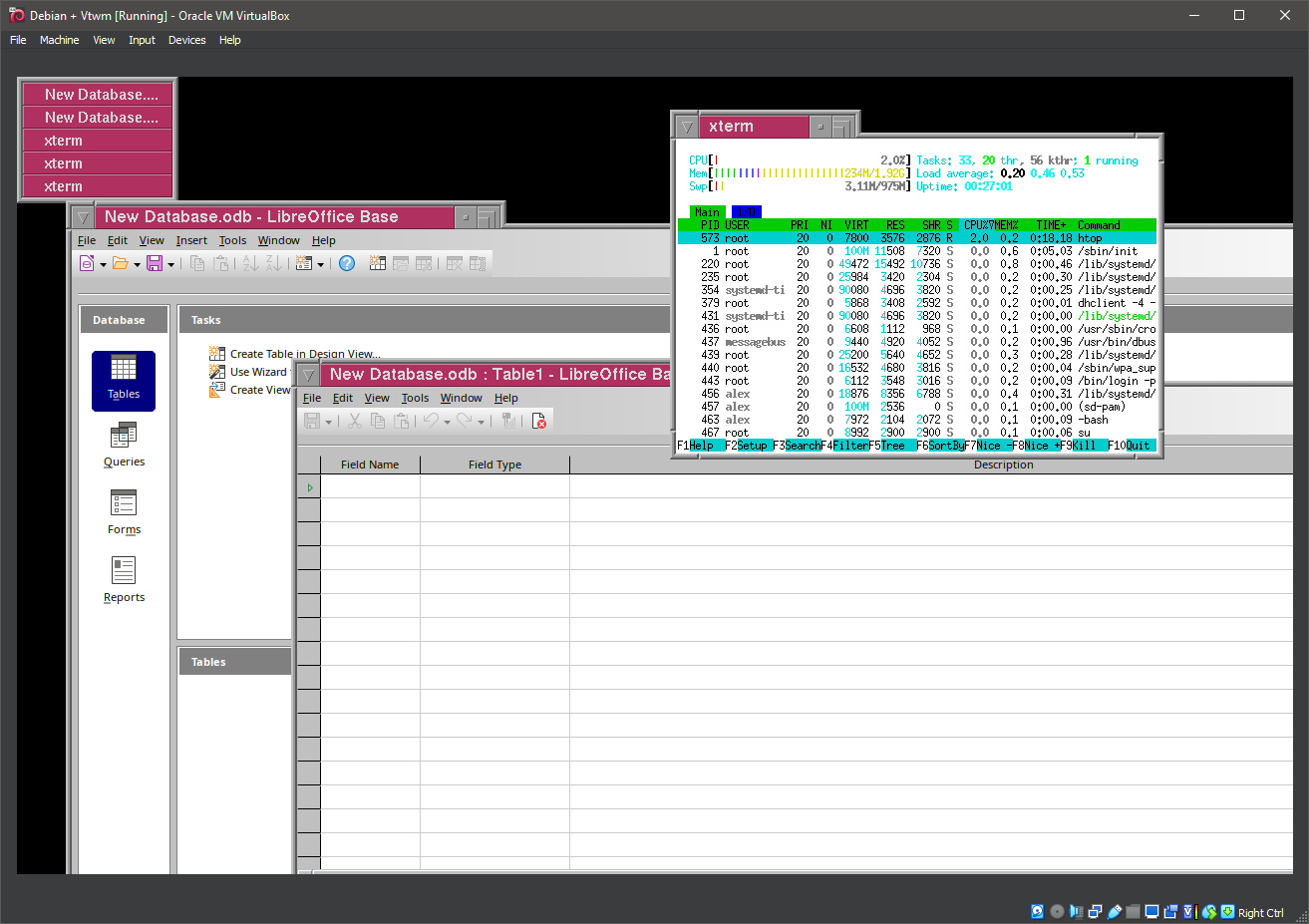
32. Running vtwm
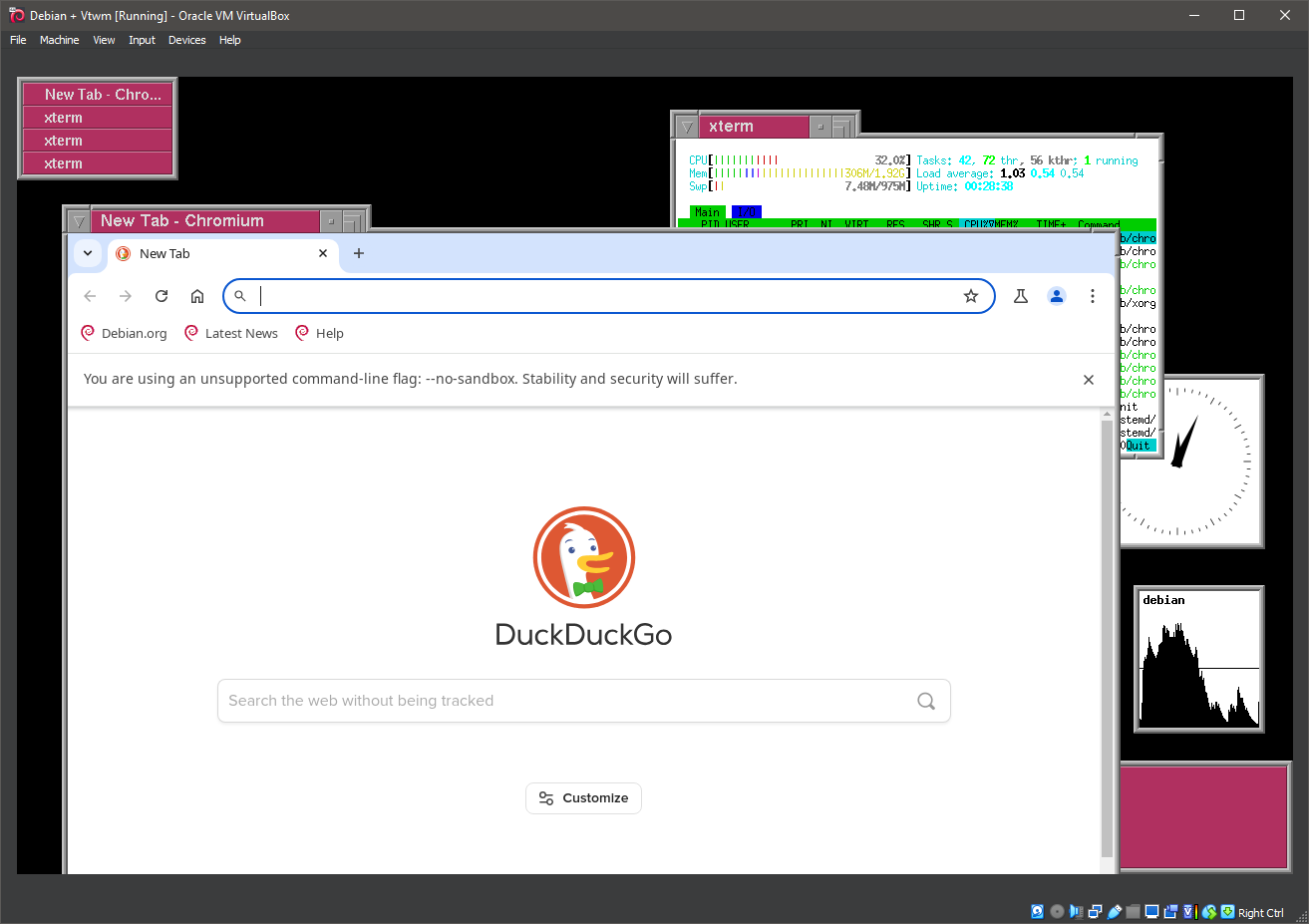
33. Running vtwm
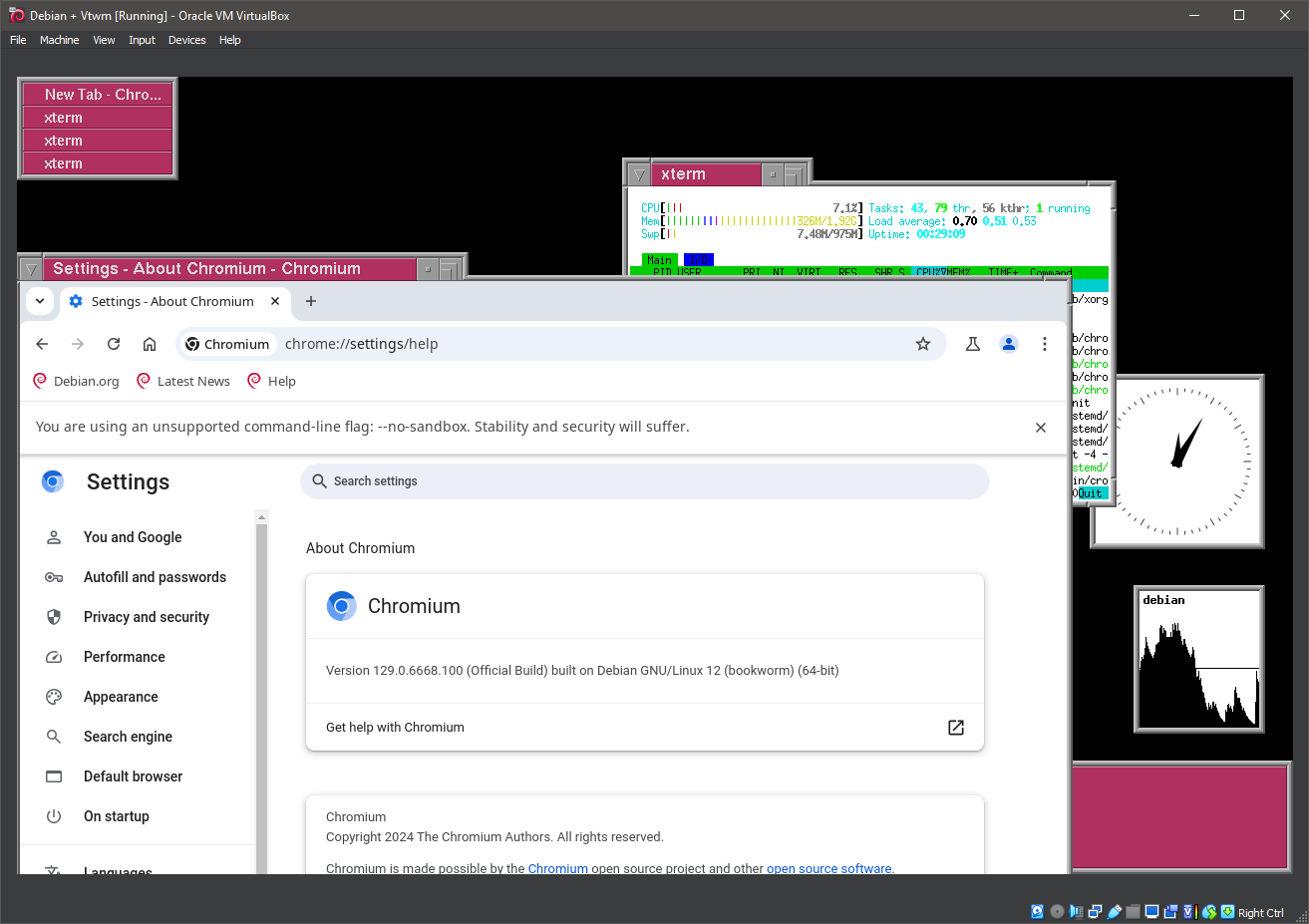
34. Running vtwm
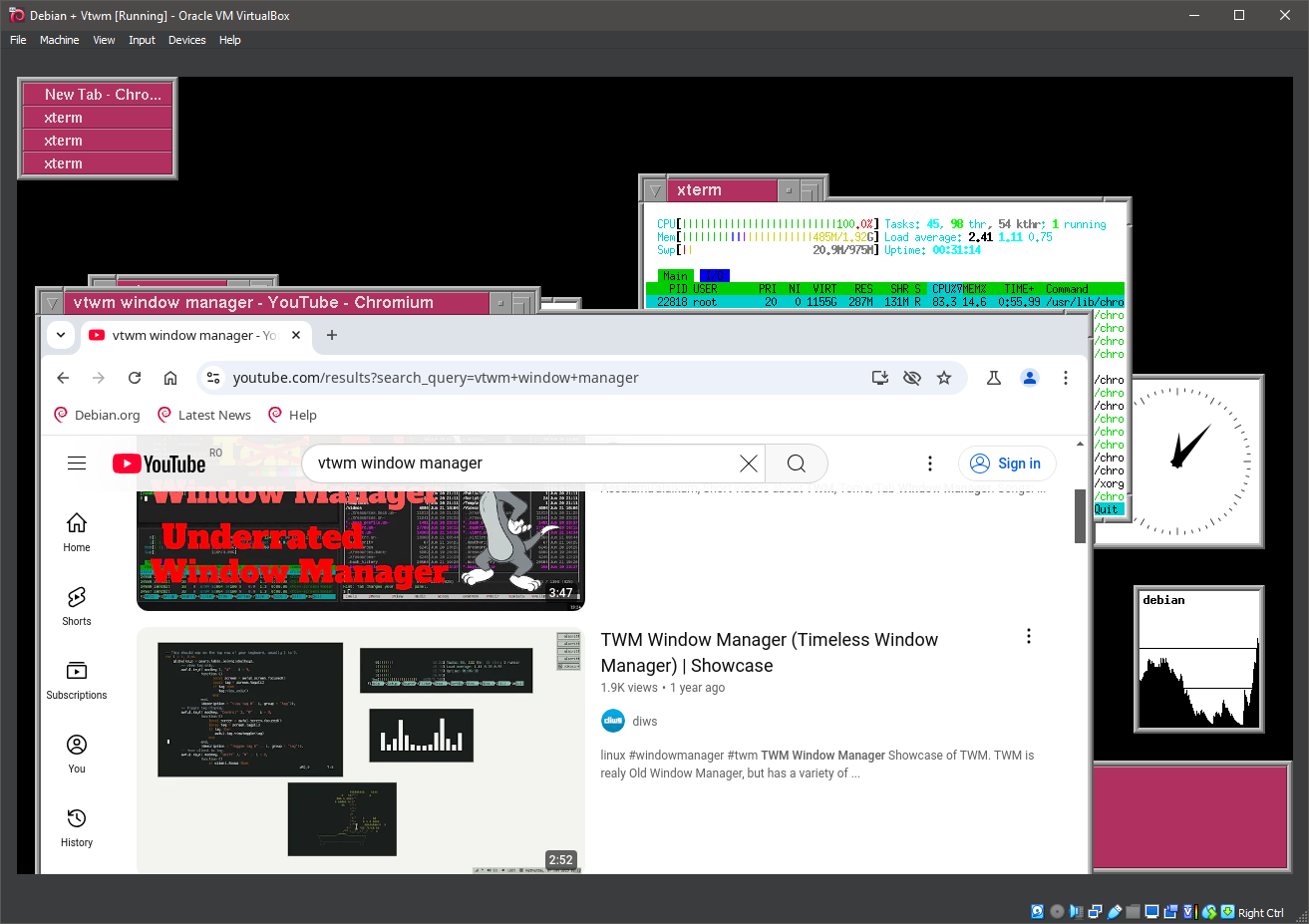
35. Running vtwm
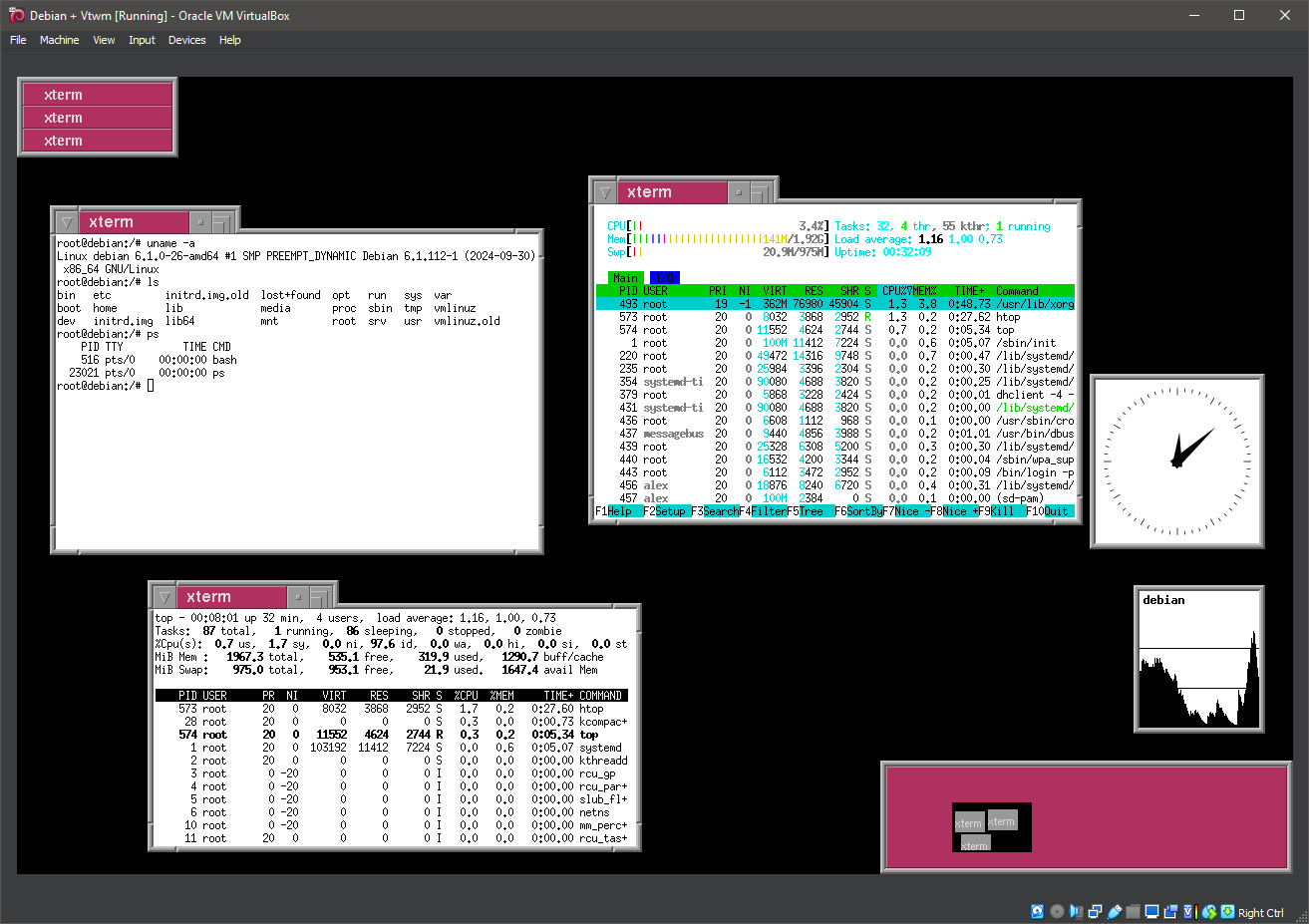
36. Time to exit VTWM
37. Back to the command line interface
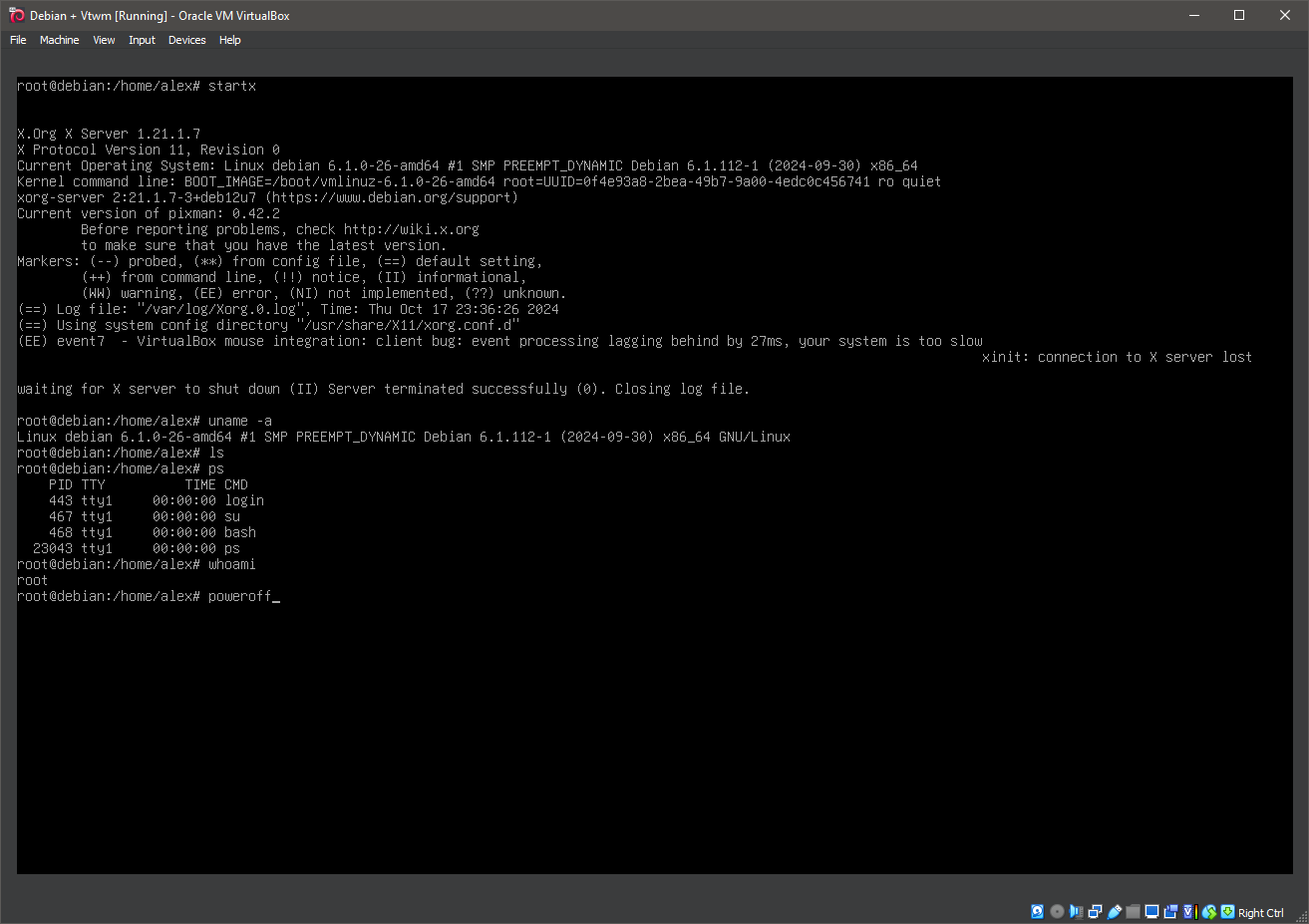
38. Shutting down the system
Well, that was exciting. See you in the next one!
If you wish to support our project
Donation link (Buy me a coffee):