
Installing the NsCDE (Not So Common Desktop Environment) on Debian
Step by step guide and HOWTO
Debian has a democratic governance structure, allowing contributors to influence the project through votes and proposals.
Debian adheres to the Debian Social Contract, emphasizing free software and providing guidelines for maintaining software freedom.
Today we shall install the NsCDE (Not So Common Desktop Environment) on Debian.
We need to complete several steps to get it working correctly.
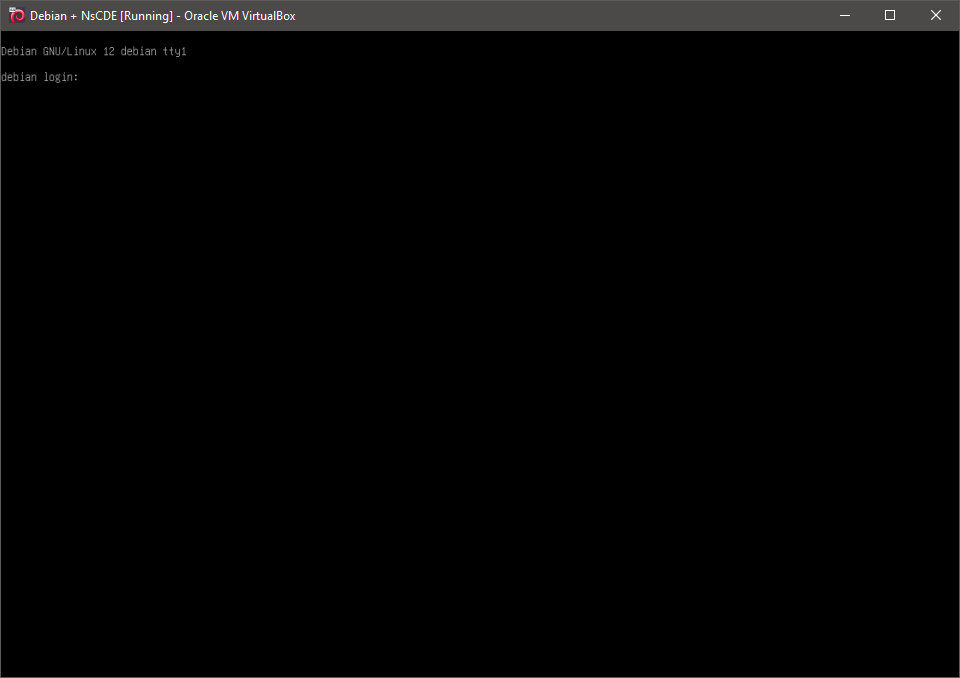
1. Boot the system -- System Ready.
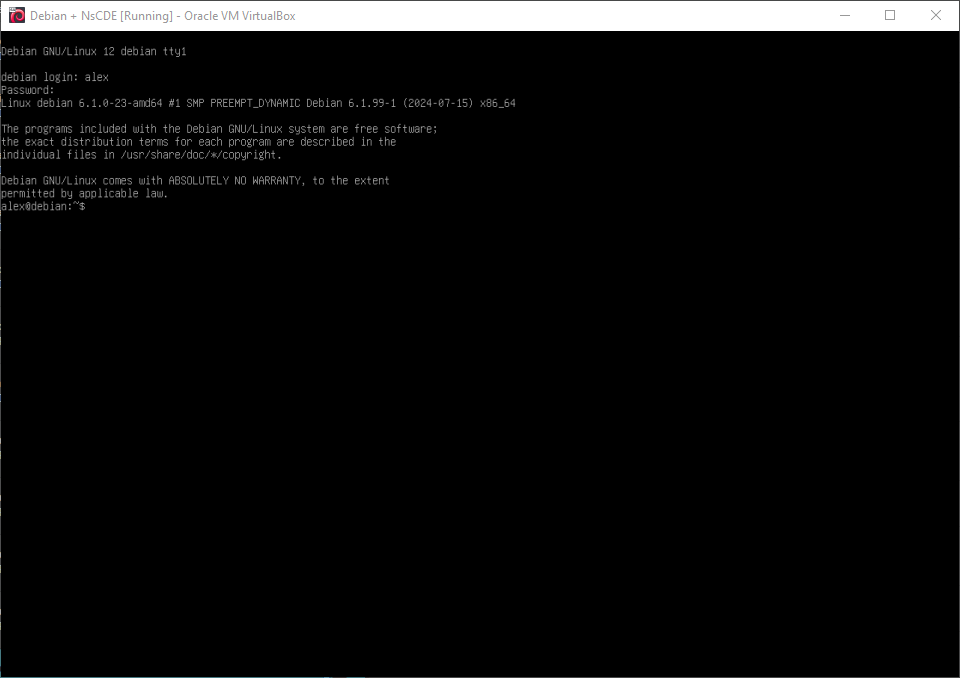
2. Boot the system -- Logged In.
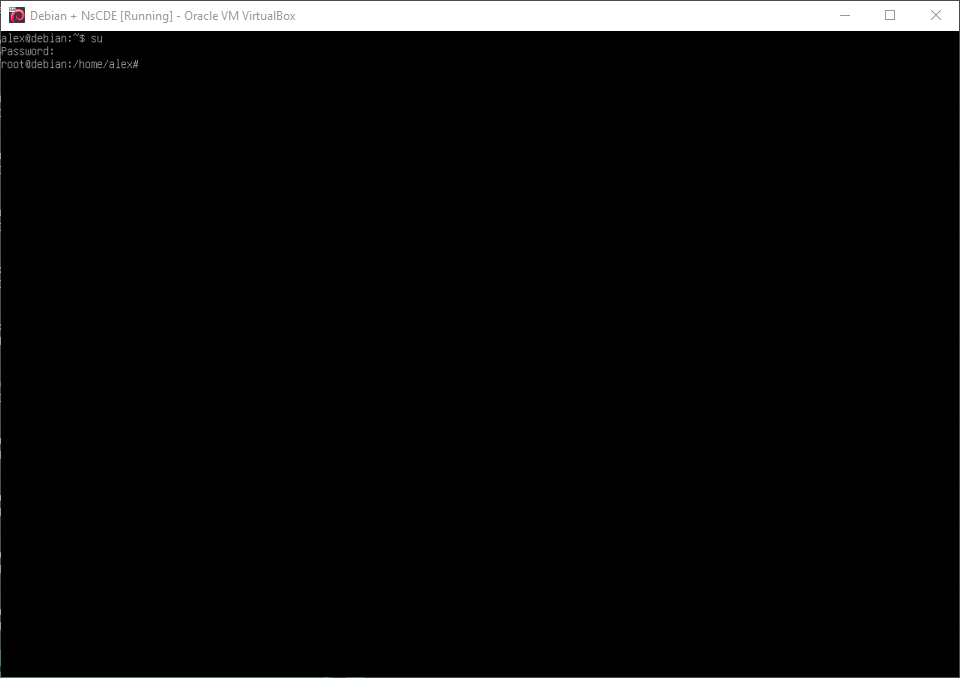
3. Switch to root
su
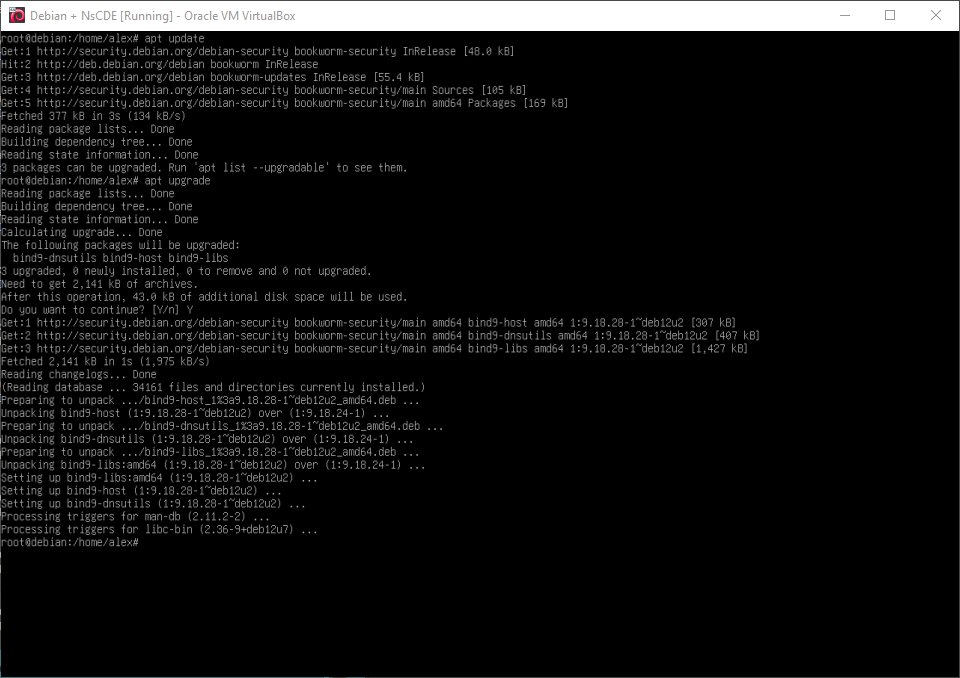
4. Running update
apt-get update
5. Install needed packages
apt install git fvwm3 python3 python3-pip python3-xdg python3-dbus python3-gi python3-tk x11-utils xdotool gawk feh arandr autoconf automake libtool
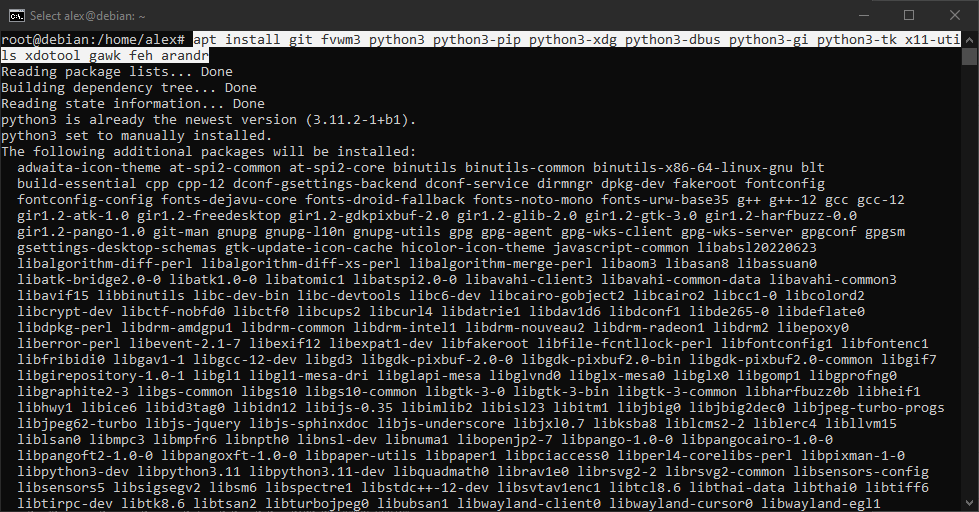
6. Install needed packages
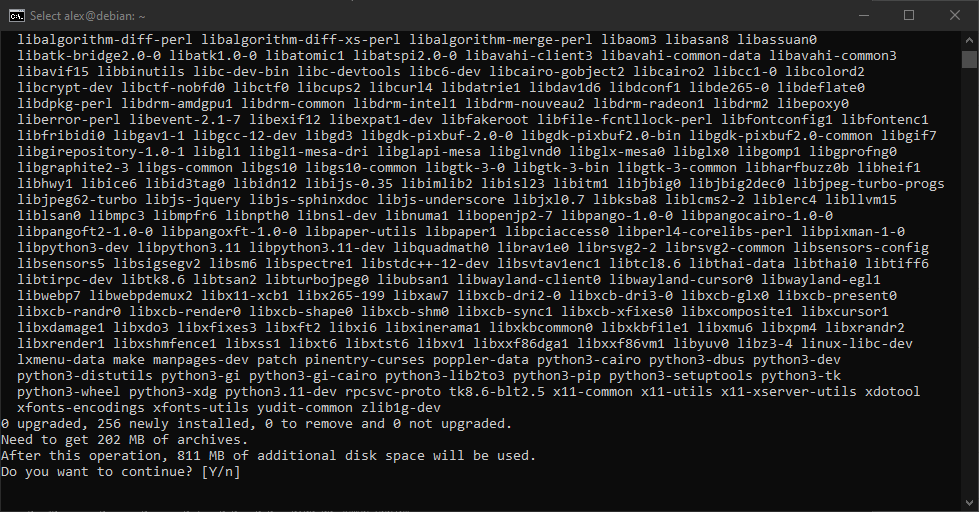
7. Install needed packages
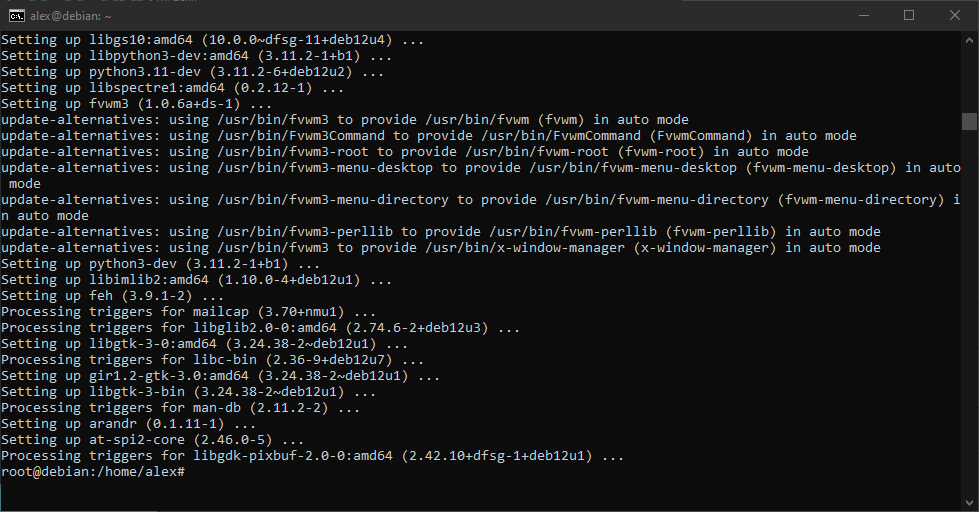
8. Download source code
git clone https://github.com/NsCDE/NsCDE.git
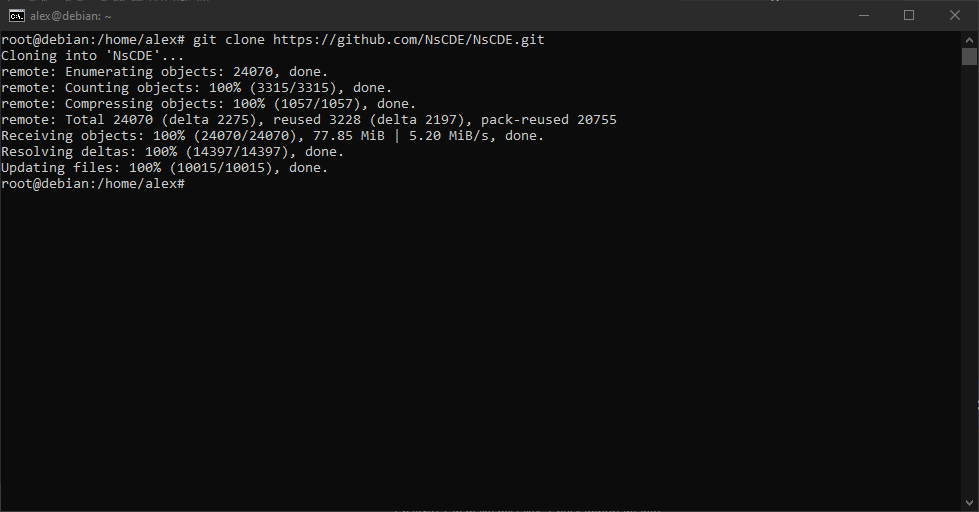
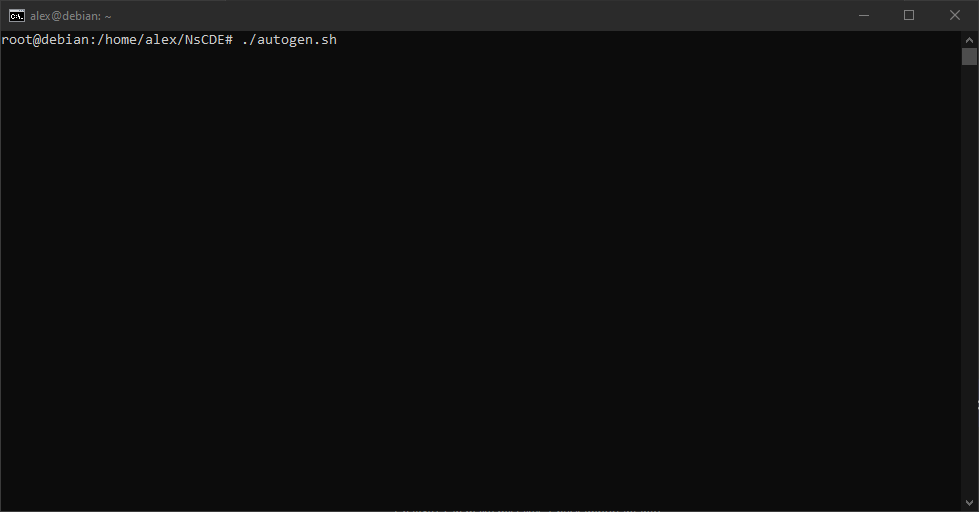
9. Running 'autogen'
./autogen.sh
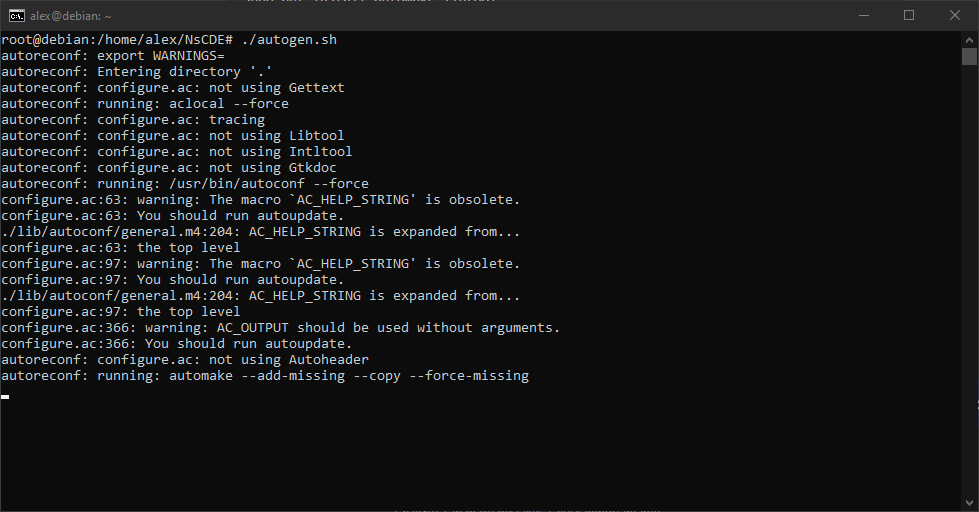
10. Running 'autogen'
./autogen.sh
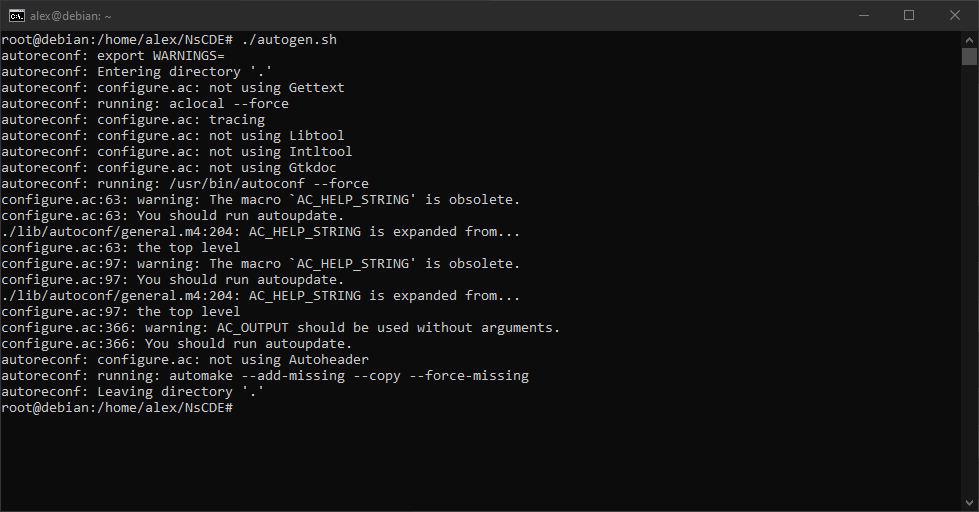
11. Running 'autogen'
./autogen.sh
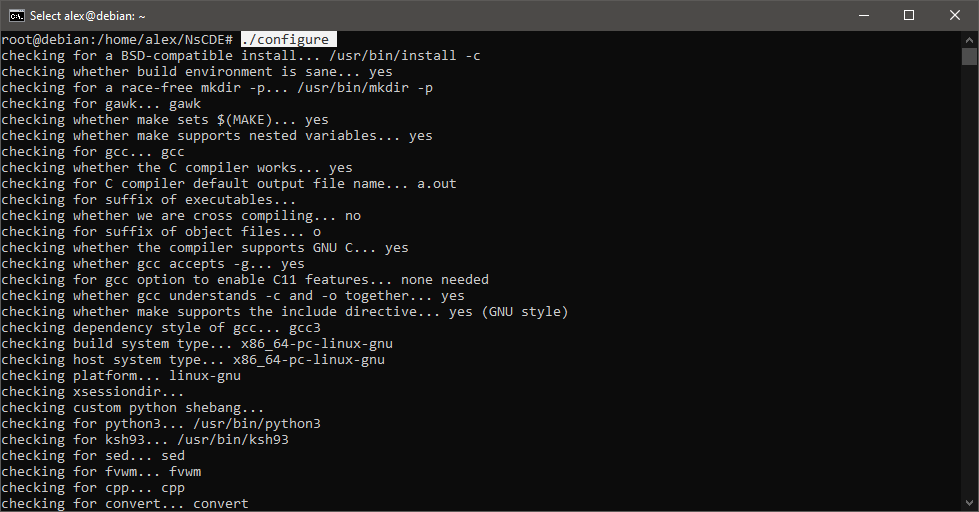
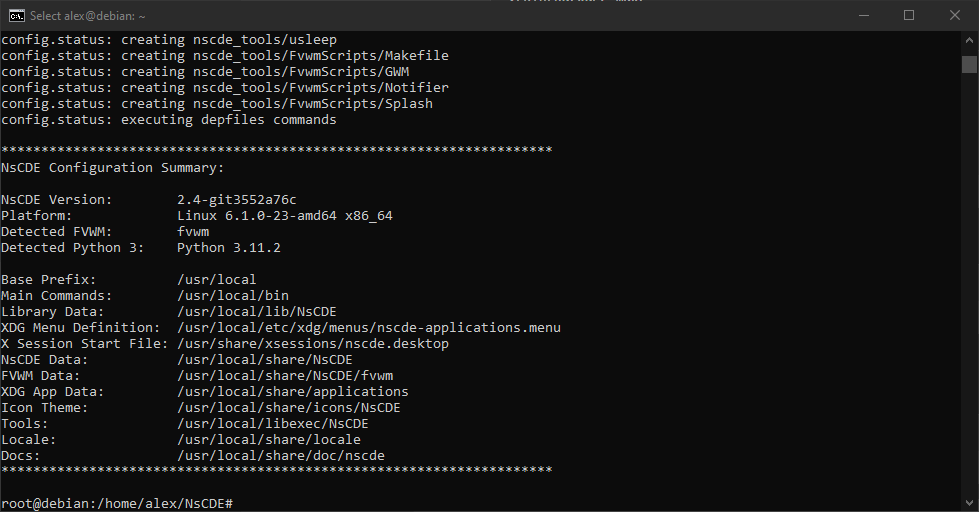
12. Running 'configure'
./configure
13. Running 'configure'
./configure
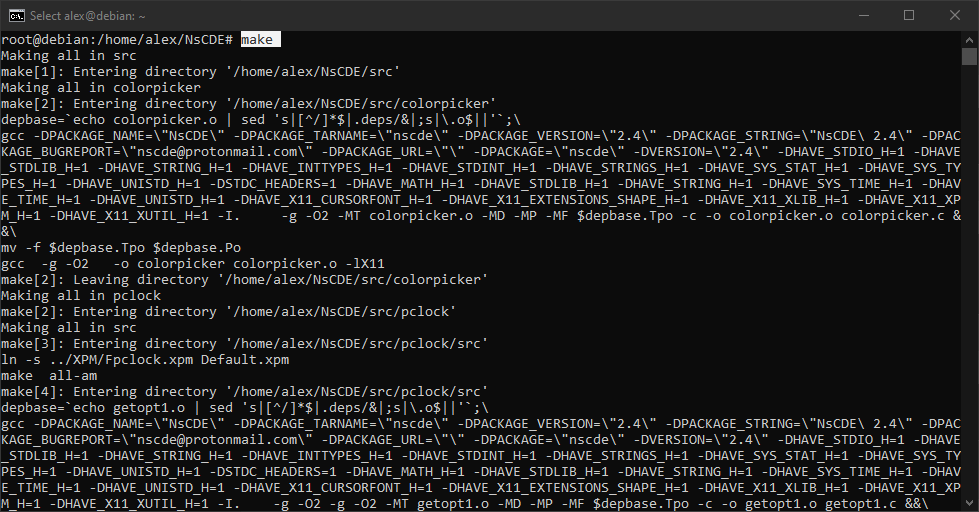
14. Running 'make'
make
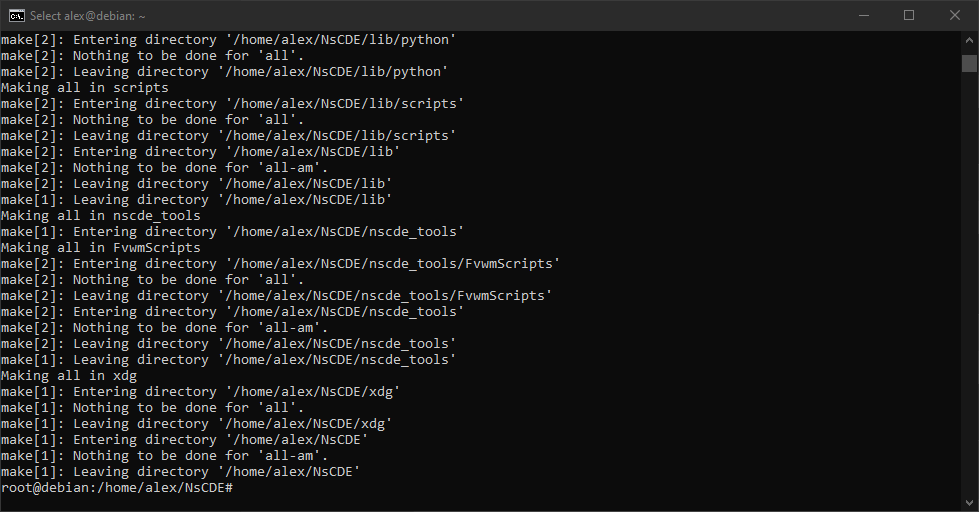
15. Running 'make'
make
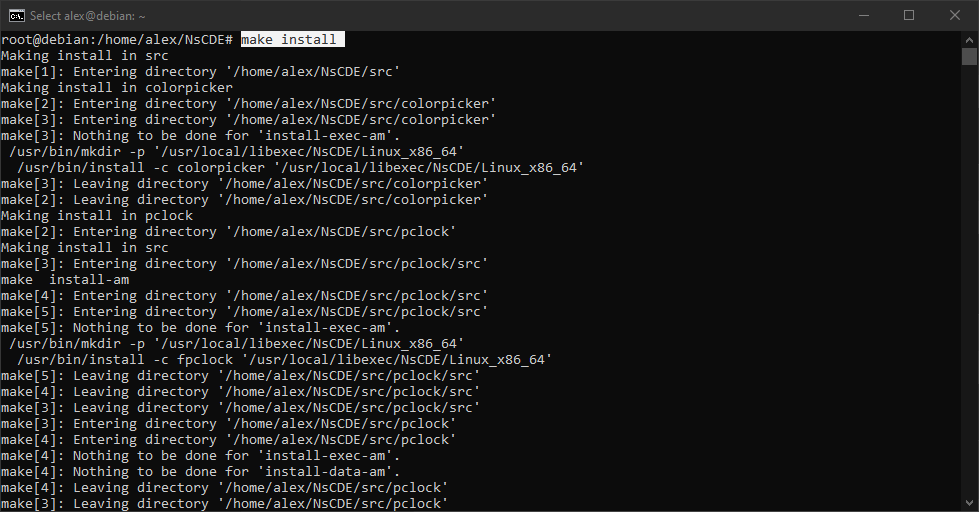
16. Running 'make install'
make install
17. Running 'make install'
make install
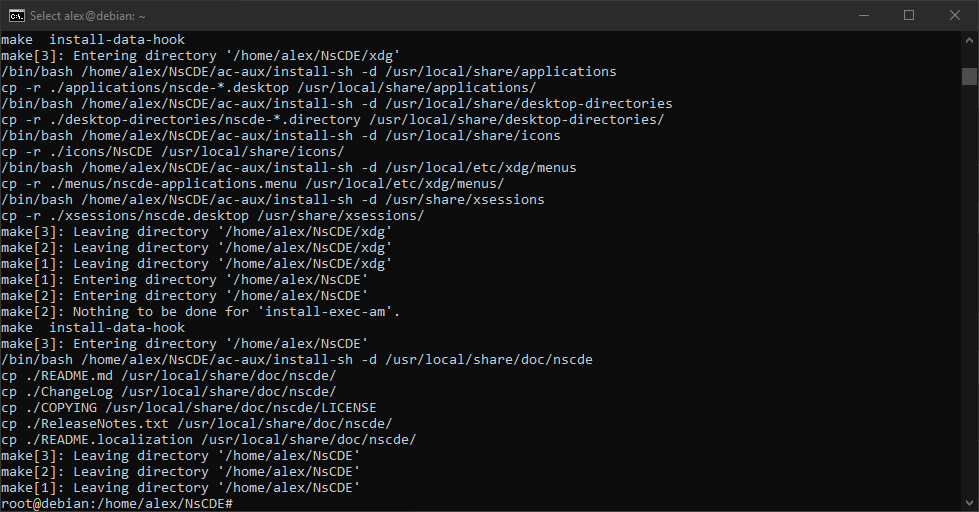
18. Running 'cp'.PNG
cp -r /usr/local/share/NsCDE ~/.NsCDE
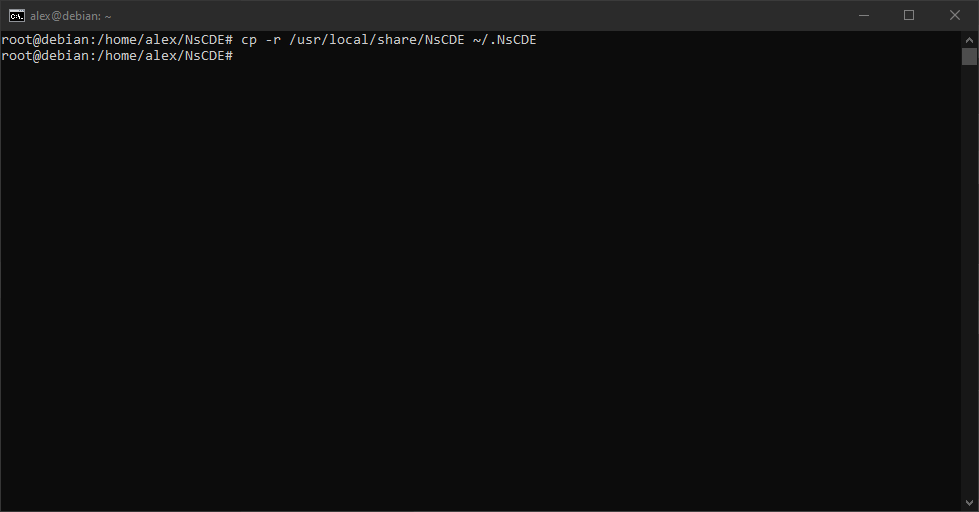
19. Running 'reboot'
reboot
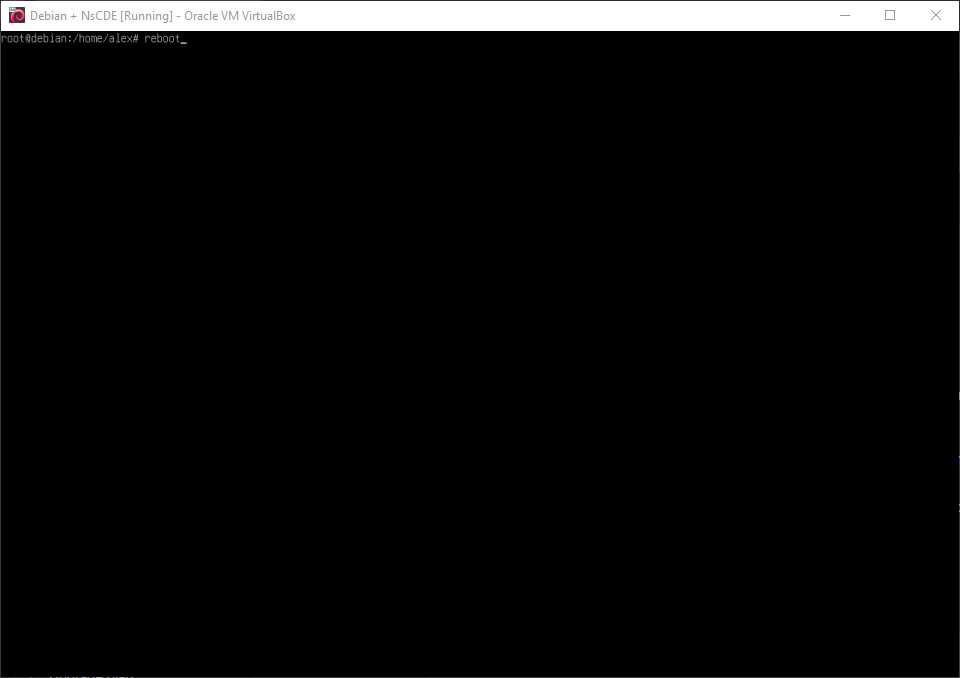
20. Adding a few more needed packages
apt install libx11-dev libxext-dev libxft-dev libxinerama-dev libxrandr-dev libxrender-dev libxpm-dev
apt install imagemagick xterm gettext xsettingsd xscreensaver dunst xclip rofi
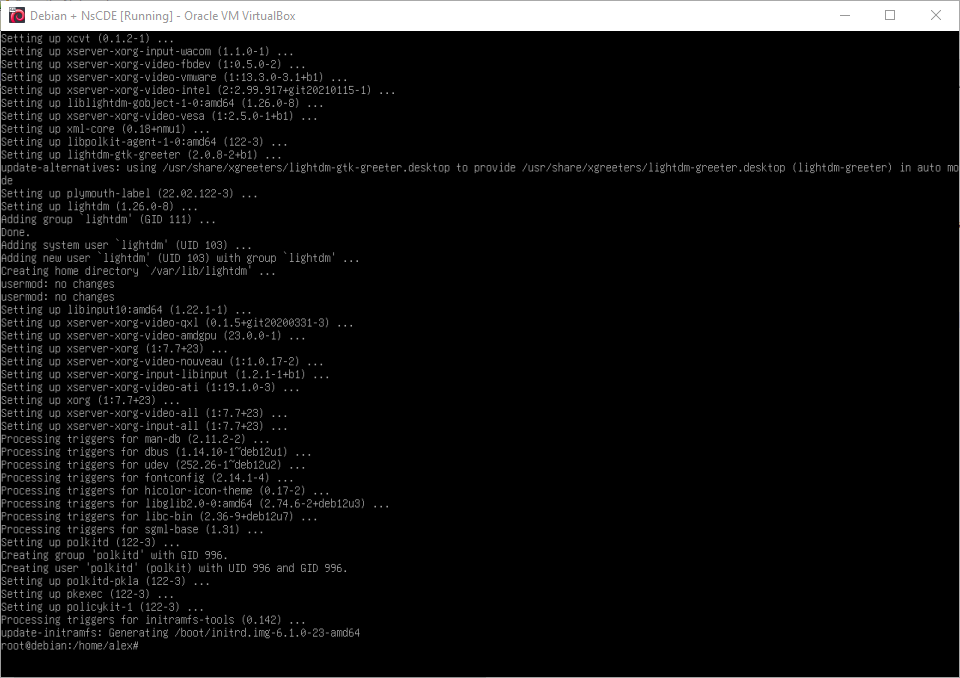
apt install xorg lightdm
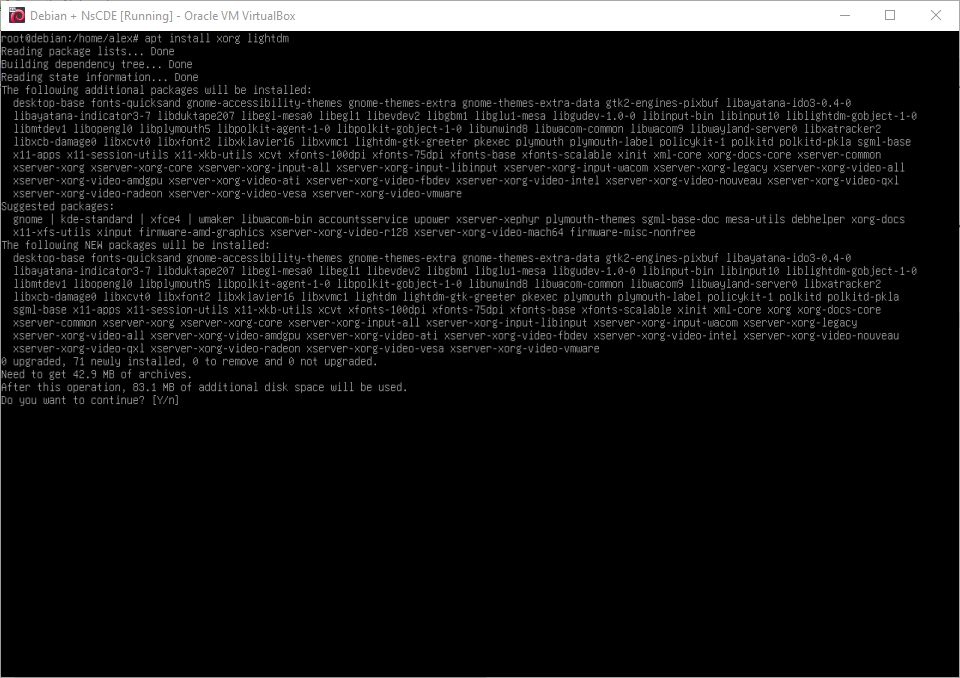
21. Adding a few more needed packages
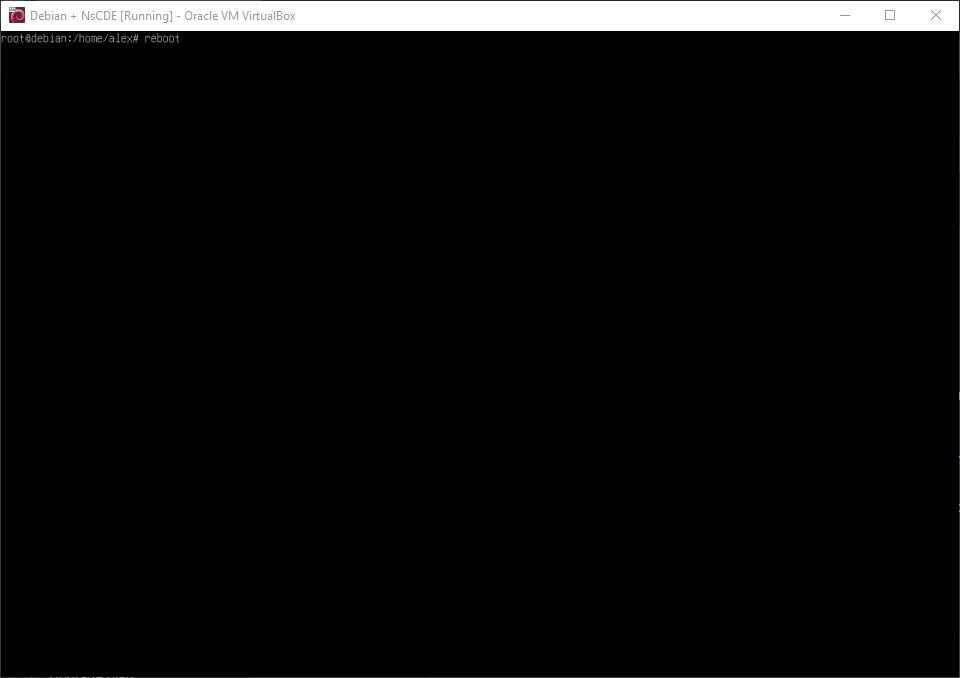
22. Running 'reboot'
reboot
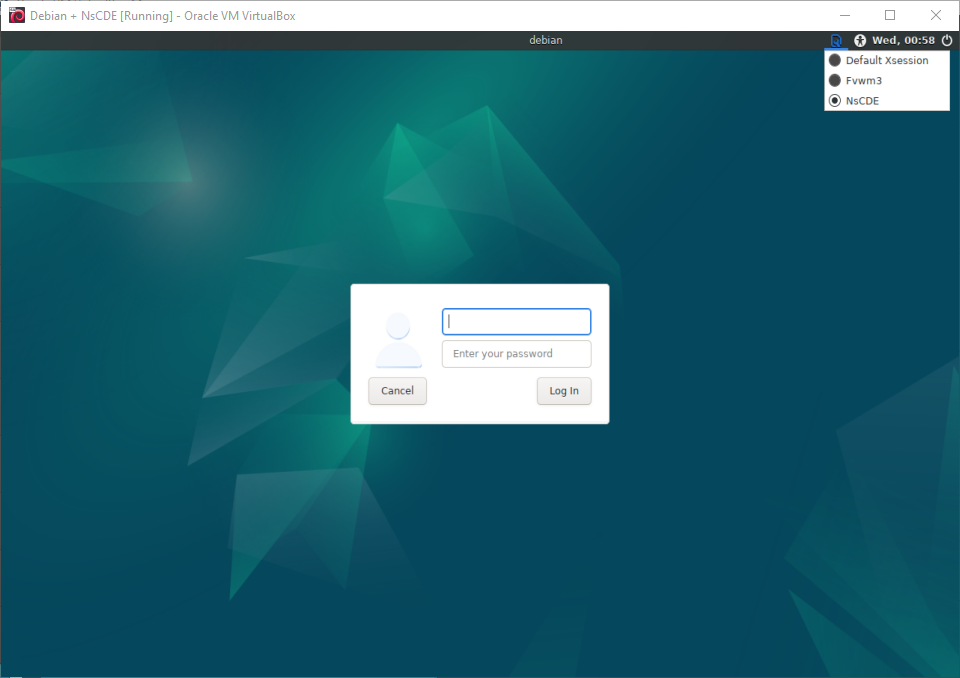
23. Starting NsCDE
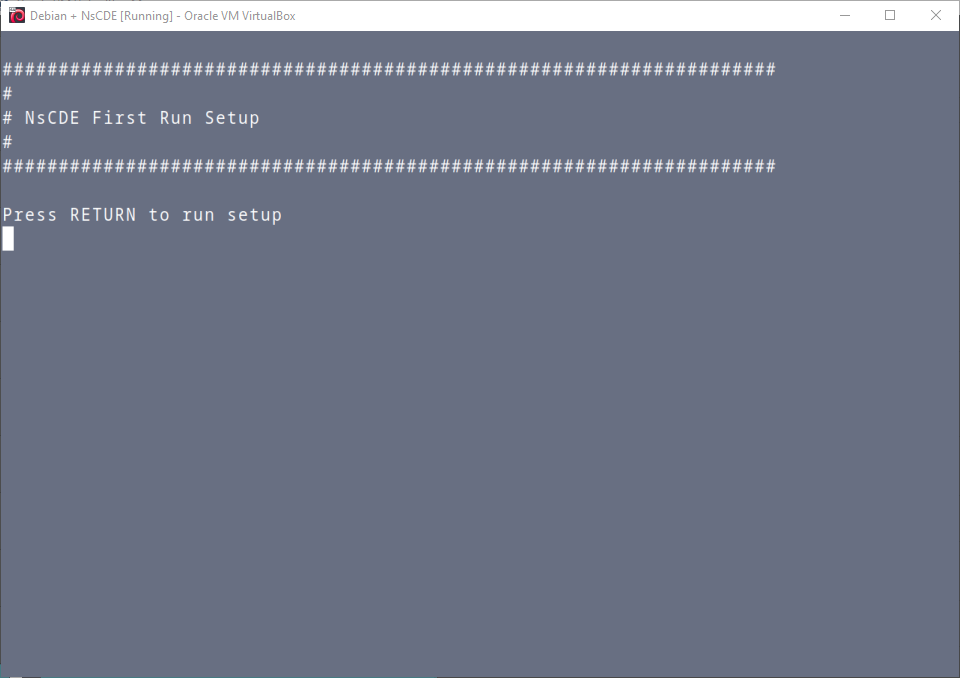
24. Starting NsCDE
25. Starting NsCDE
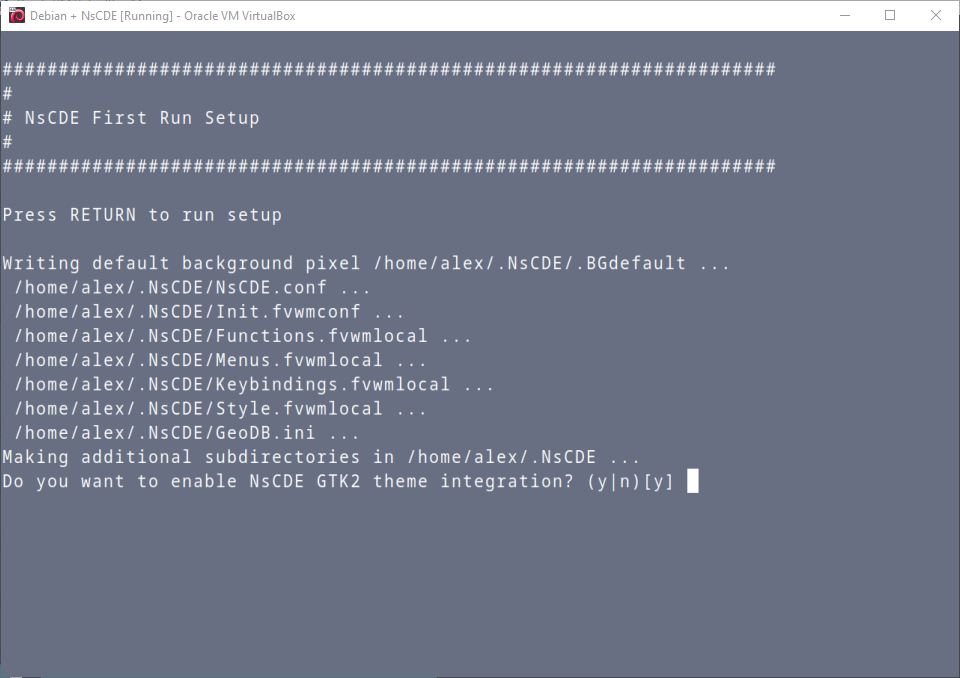
26. Starting NsCDE
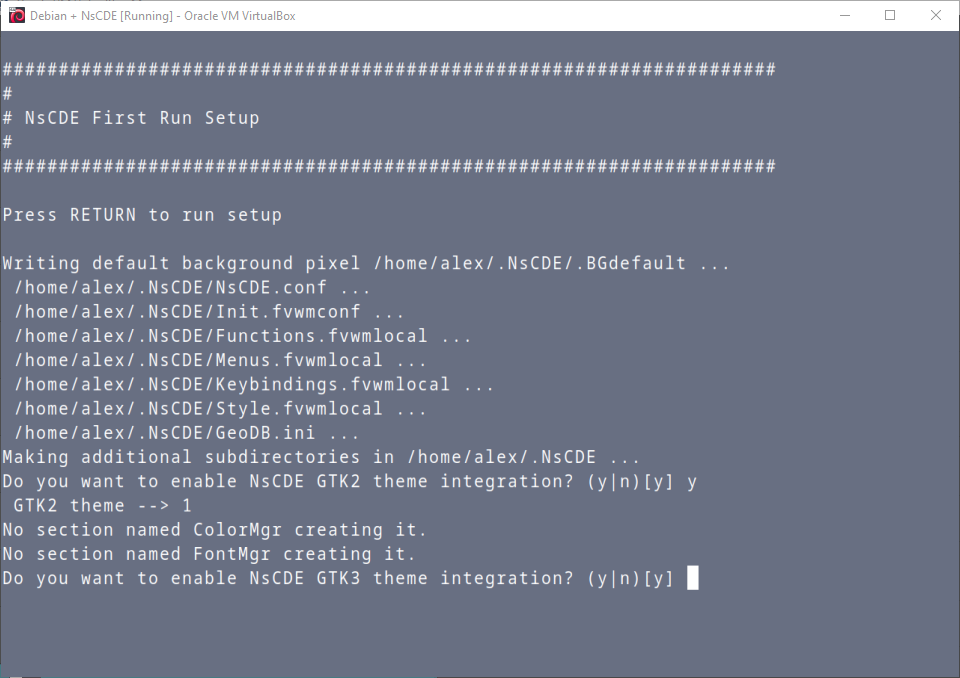
27. Starting NsCDE
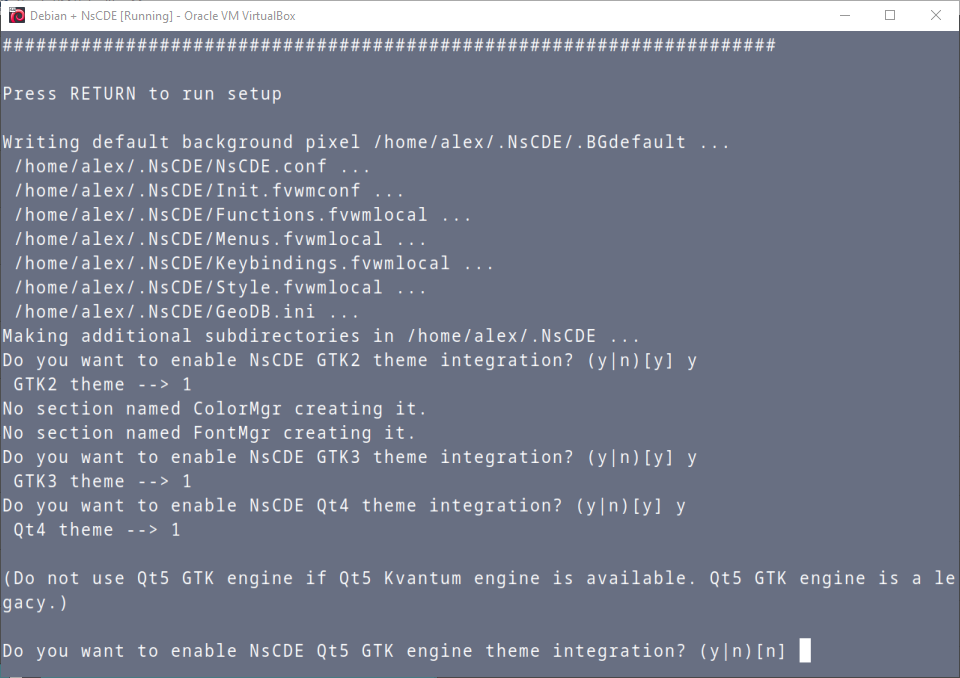
28. Starting NsCDE
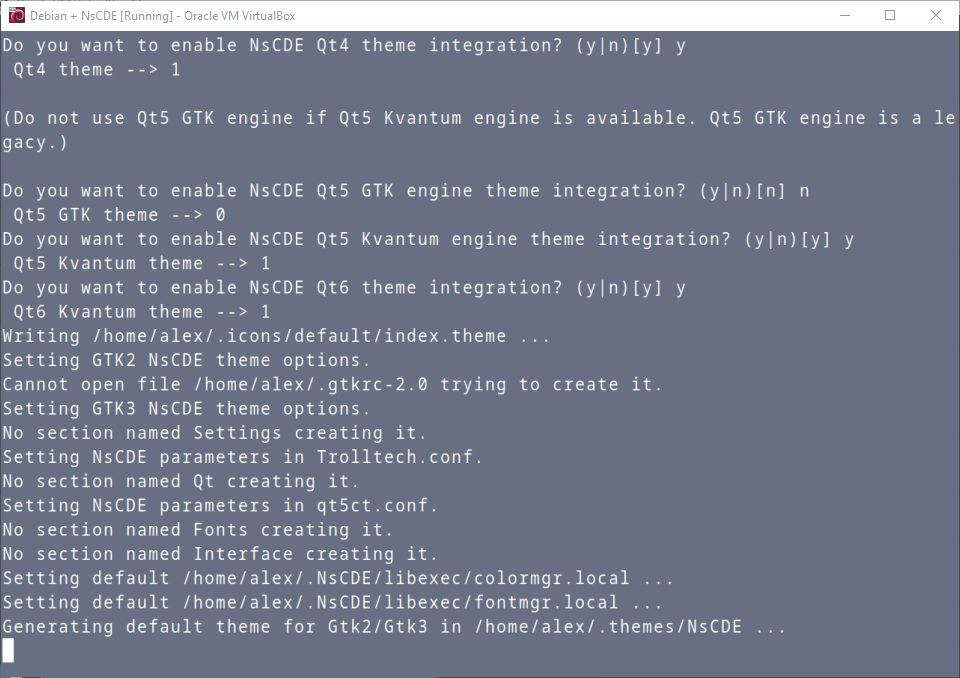
29. Starting NsCDE
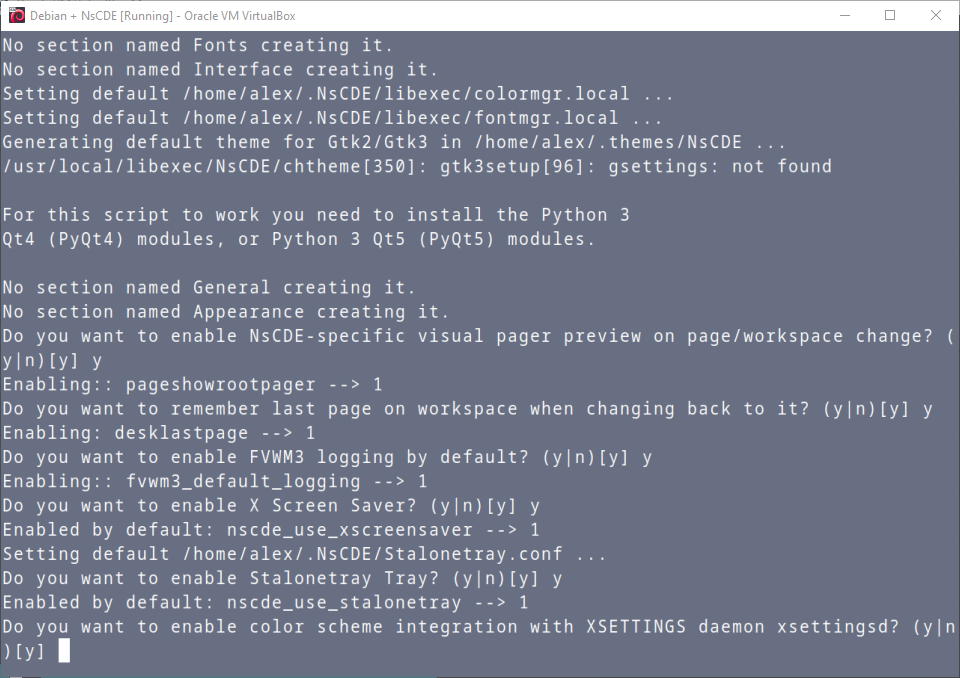
30. Starting NsCDE
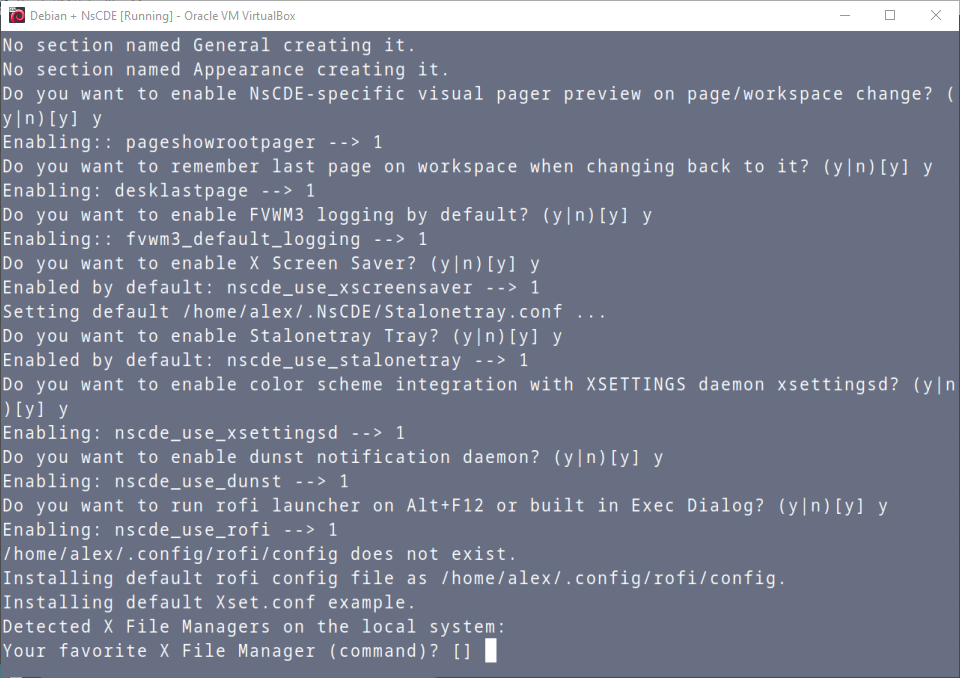
31. Starting NsCDE
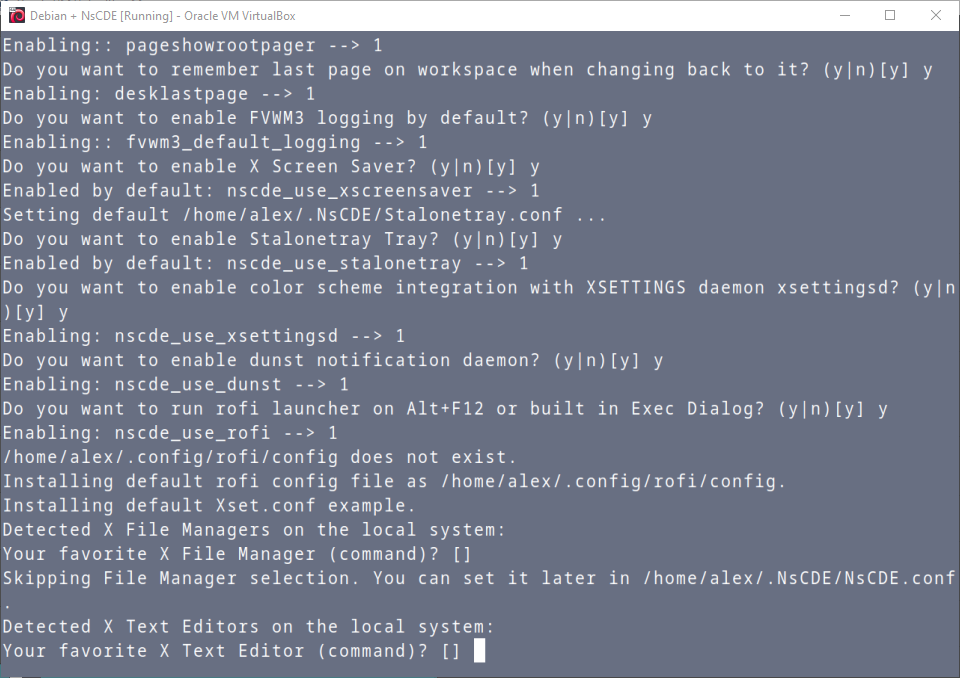
32. Starting NsCDE
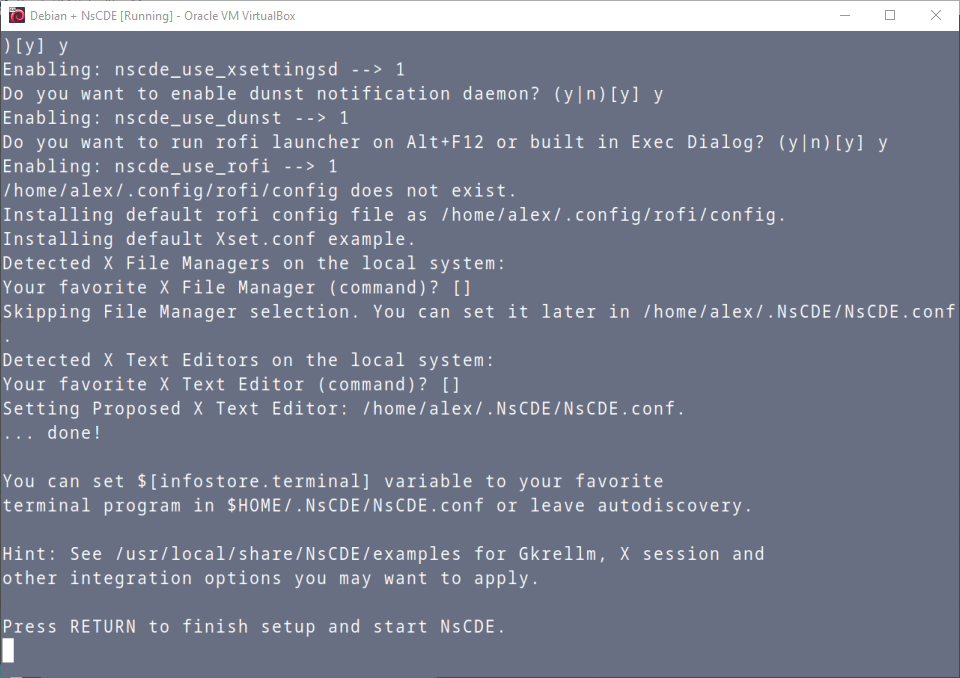
33. NsCDE
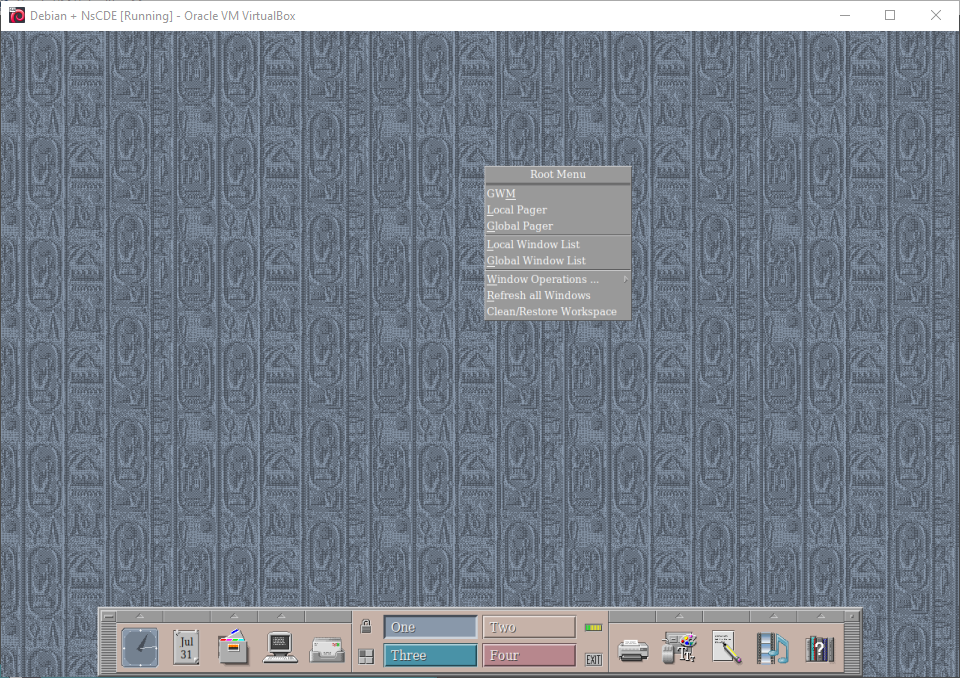
34. NsCDE
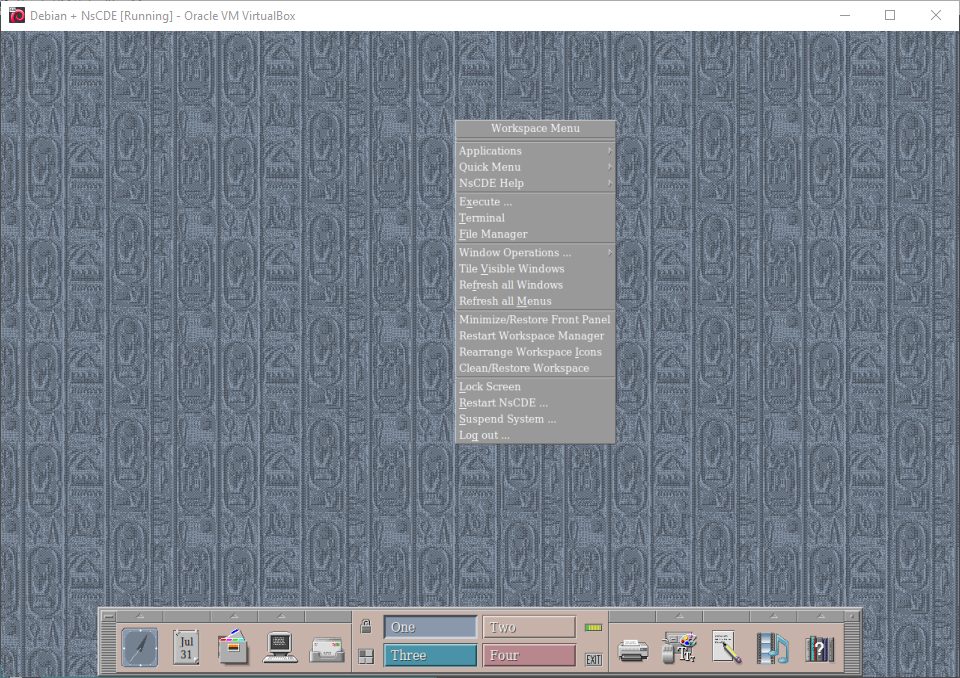
35. NsCDE
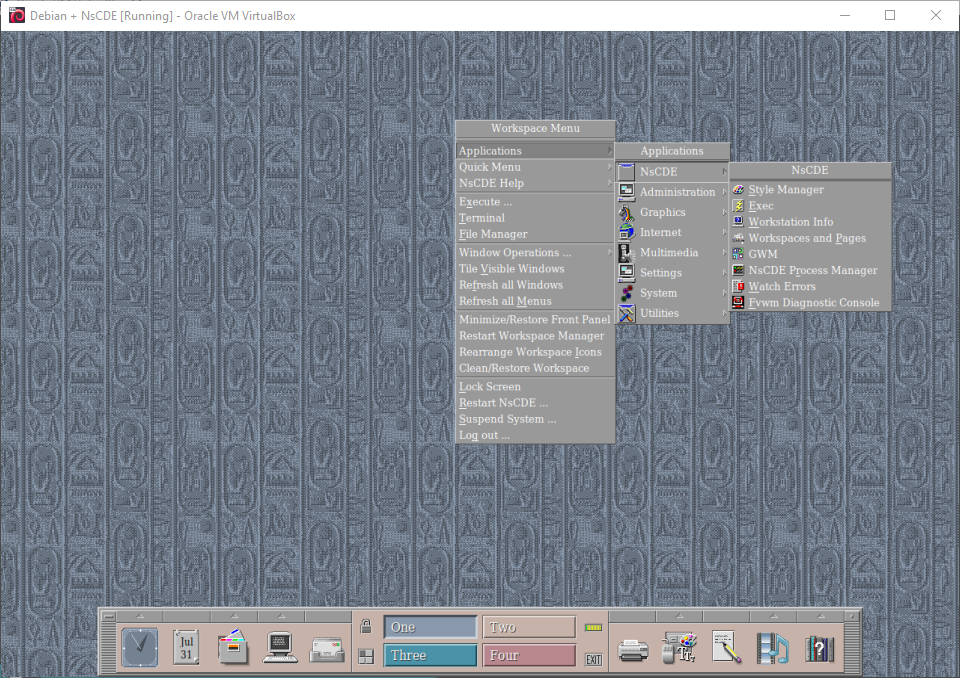
36. NsCDE
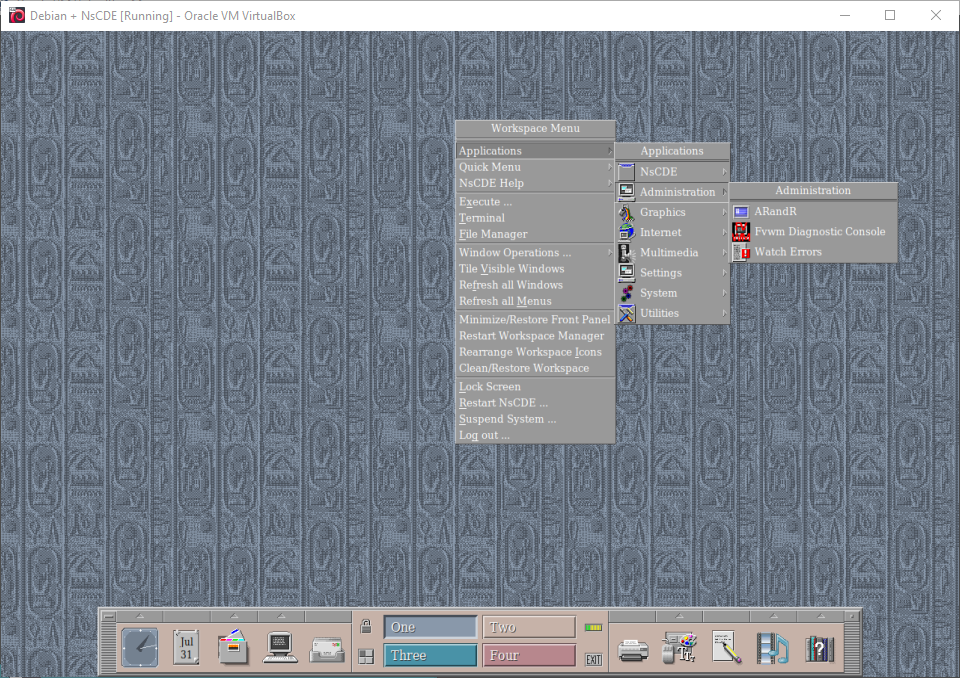
37. NsCDE
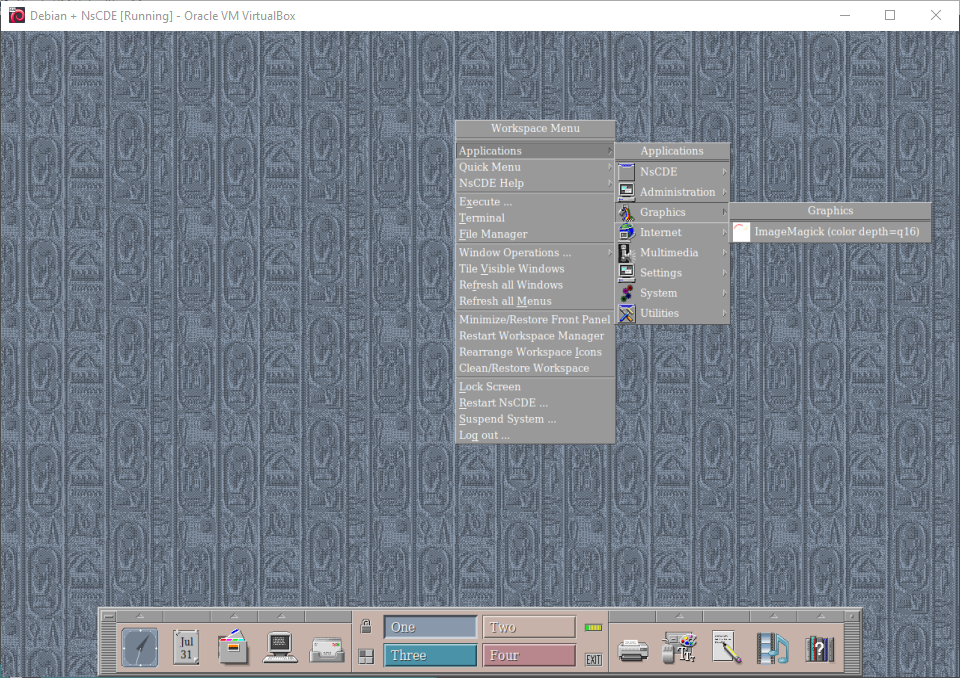
38. NsCDE
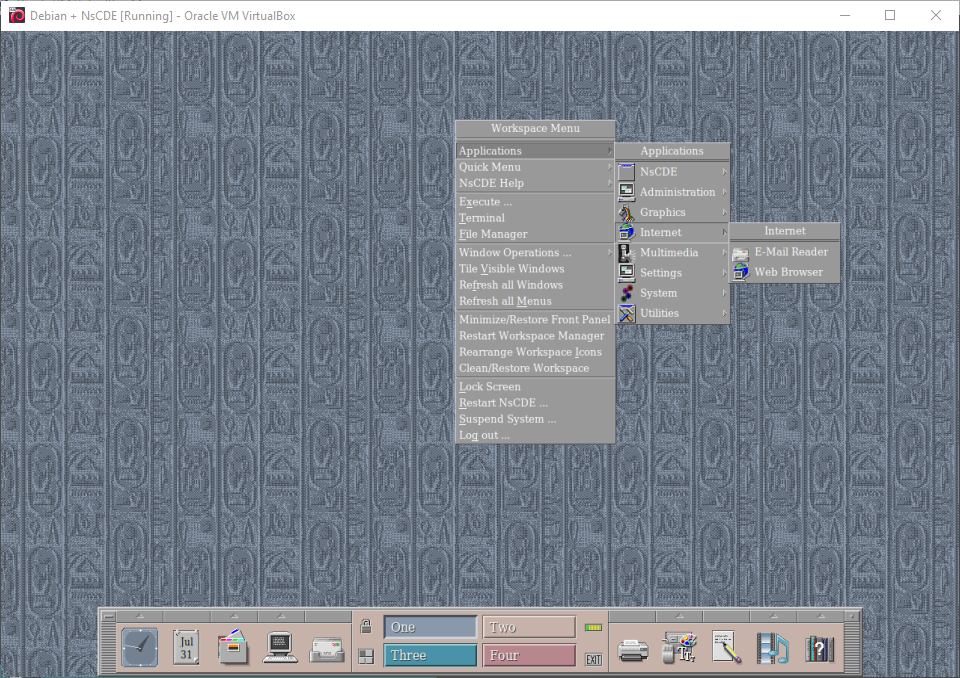
39. NsCDE
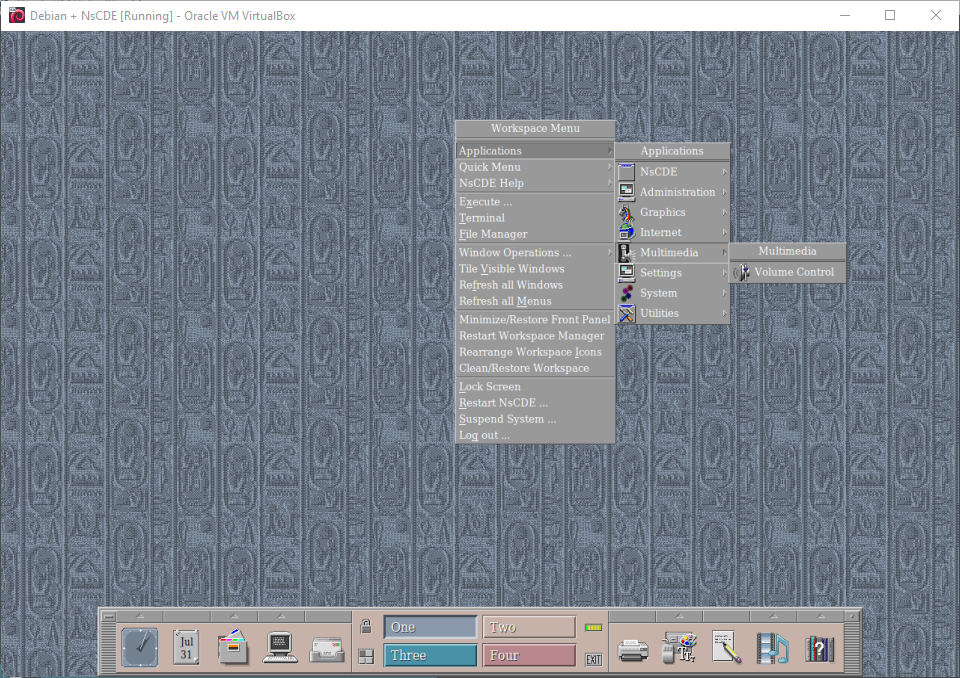
40. NsCDE
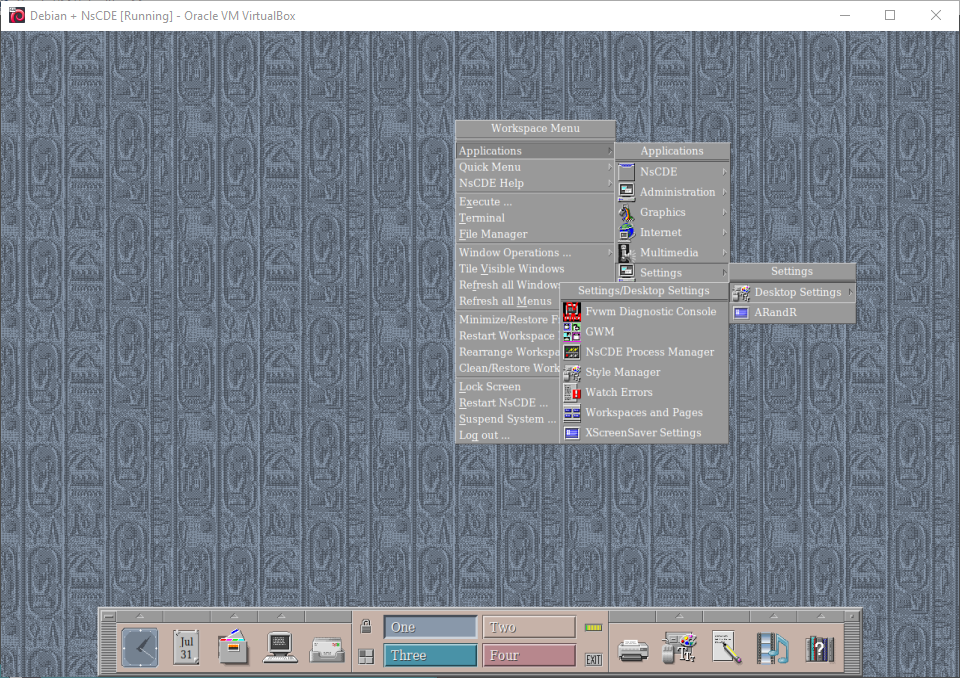
41. NsCDE
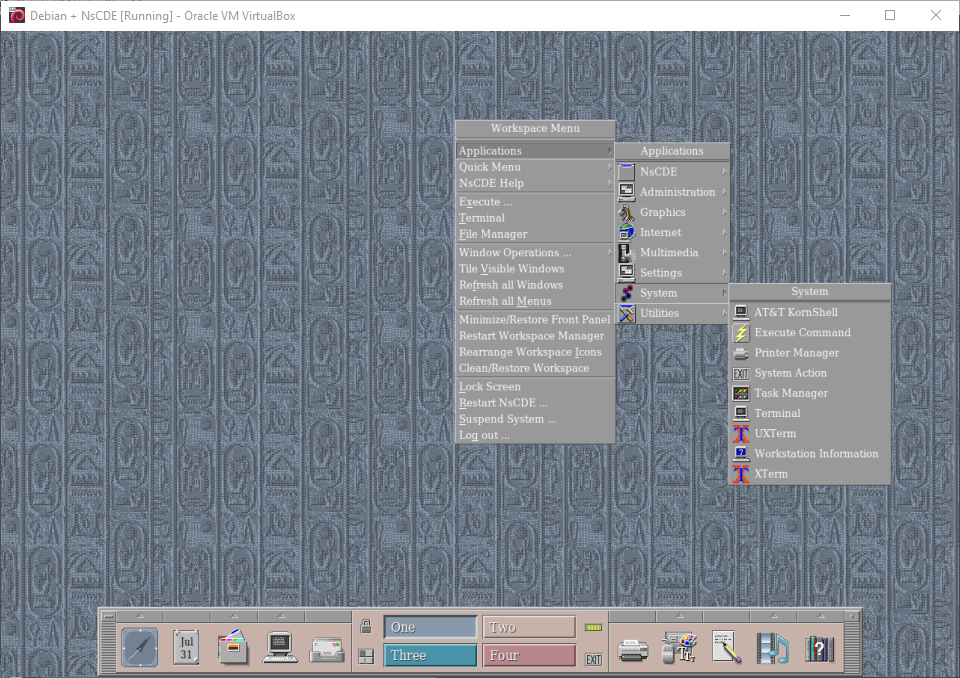
42. NsCDE
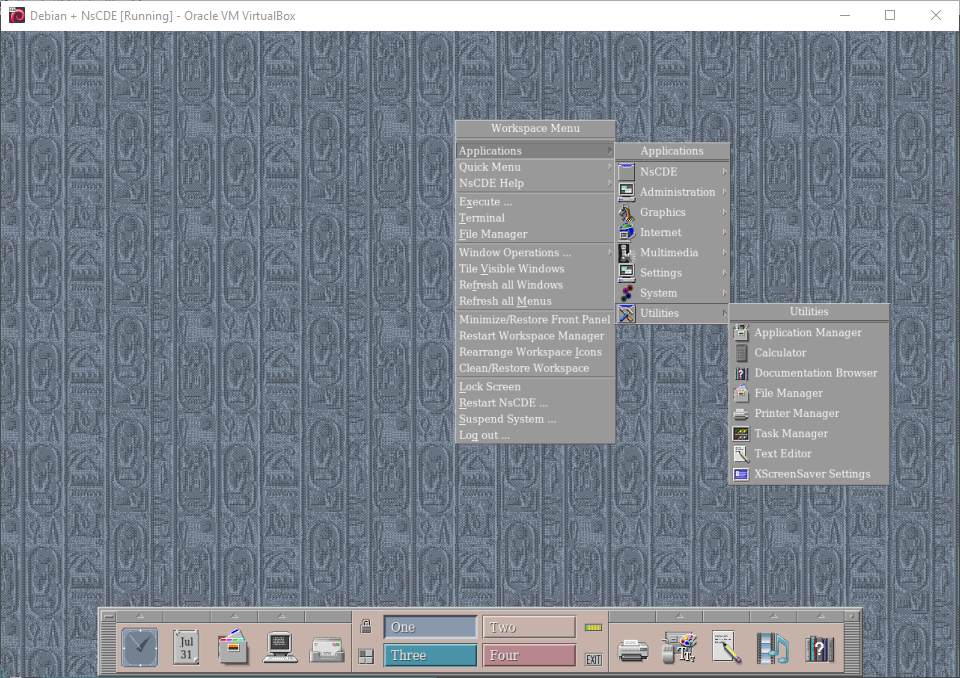
43. NsCDE
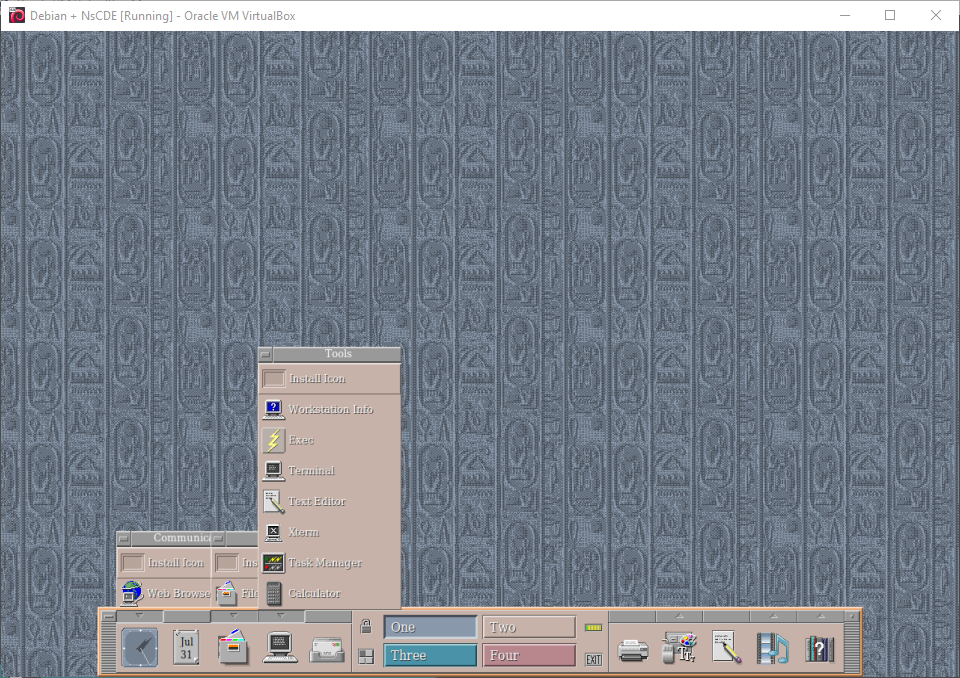
44. NsCDE
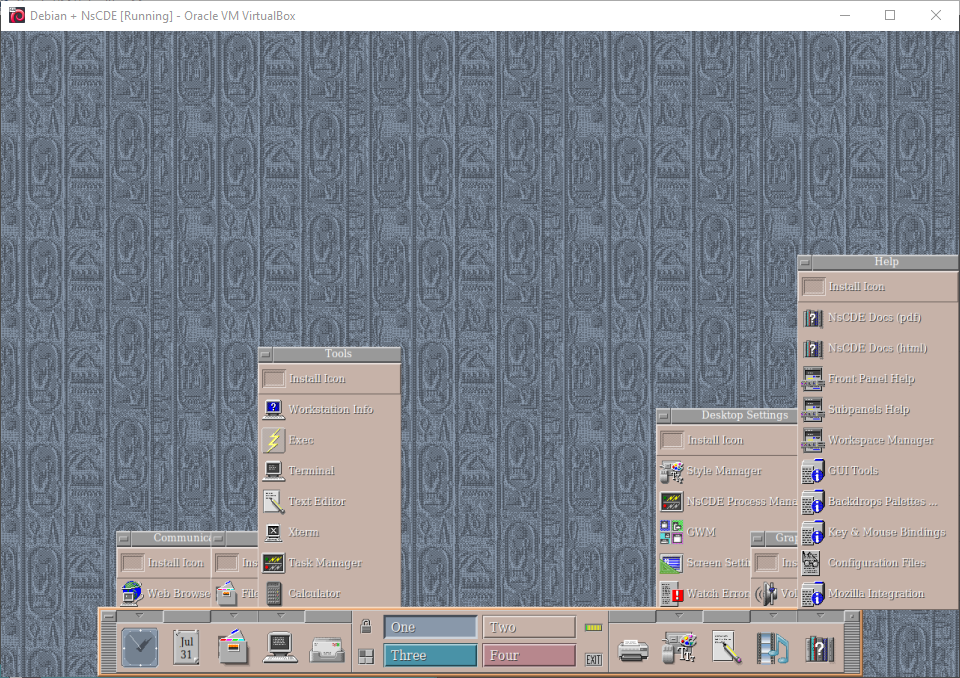
45. NsCDE
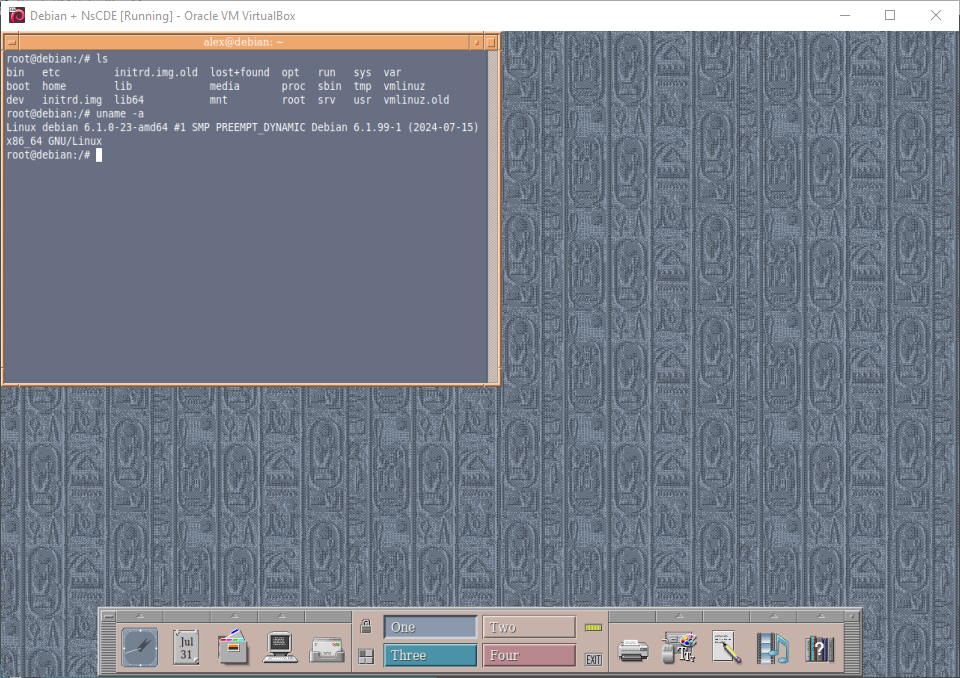
46. NsCDE
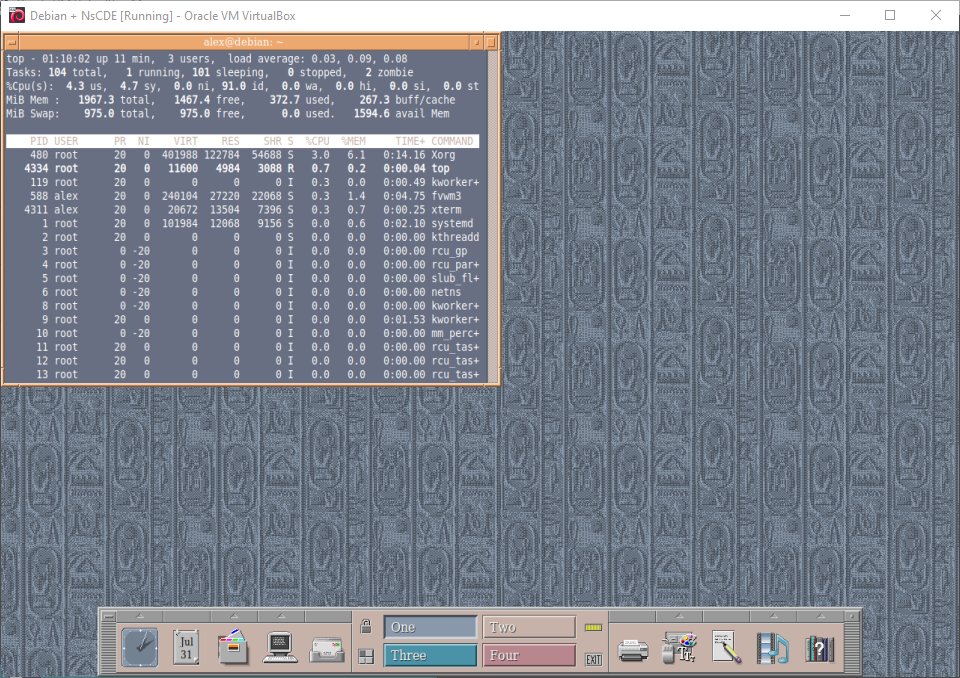
47. NsCDE
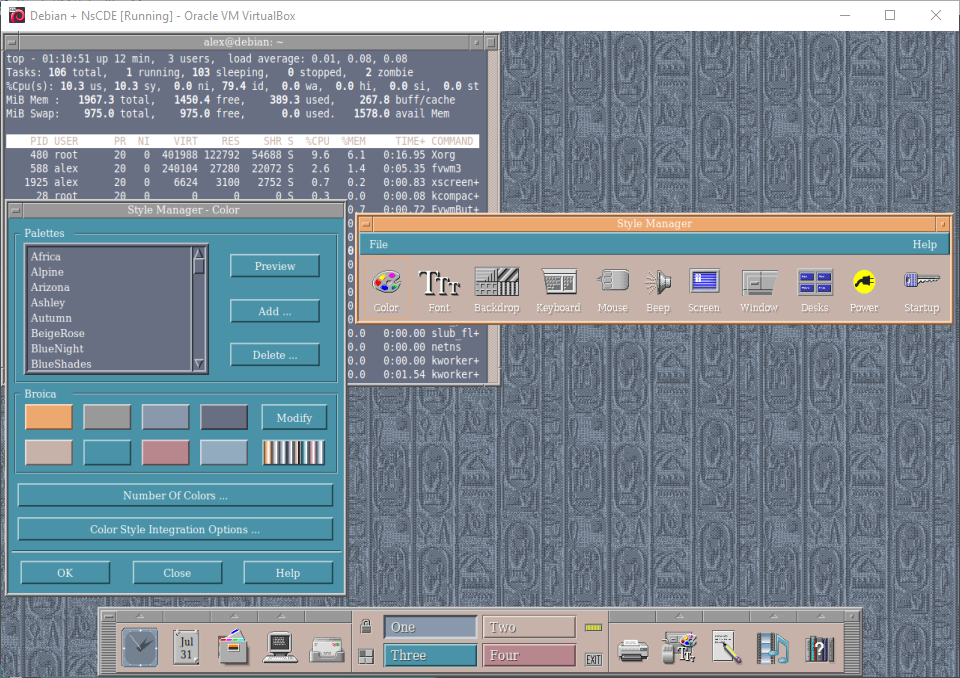
48. NsCDE
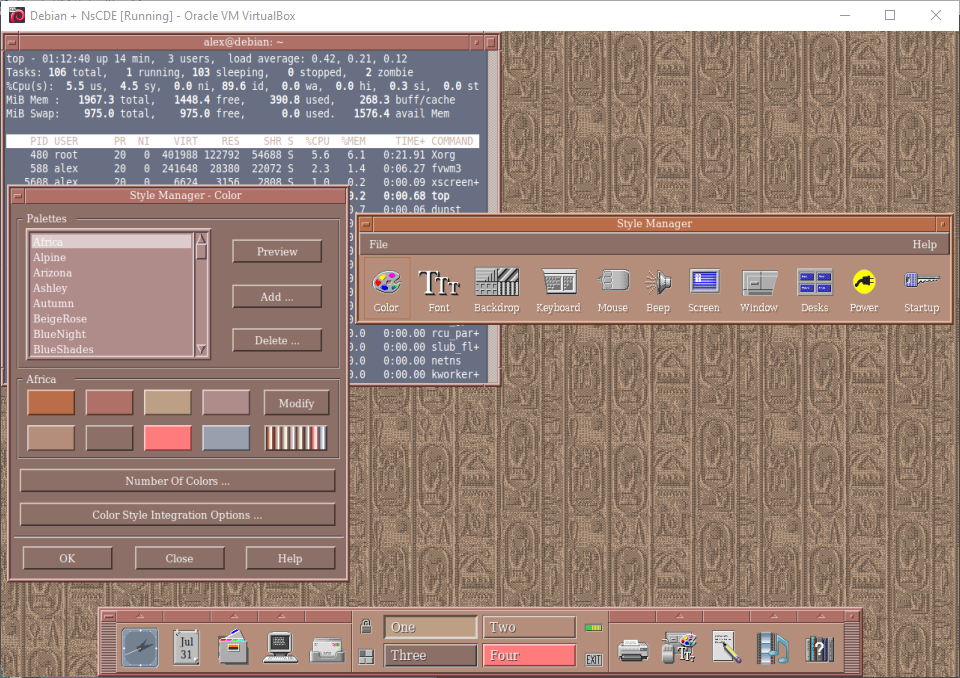
49. NsCDE
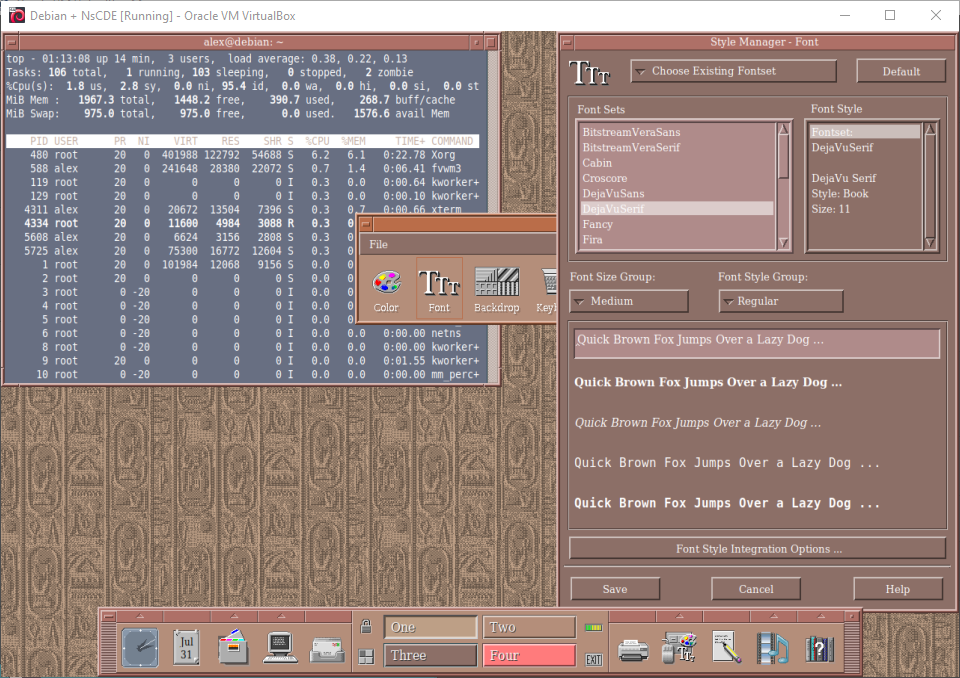
50. NsCDE
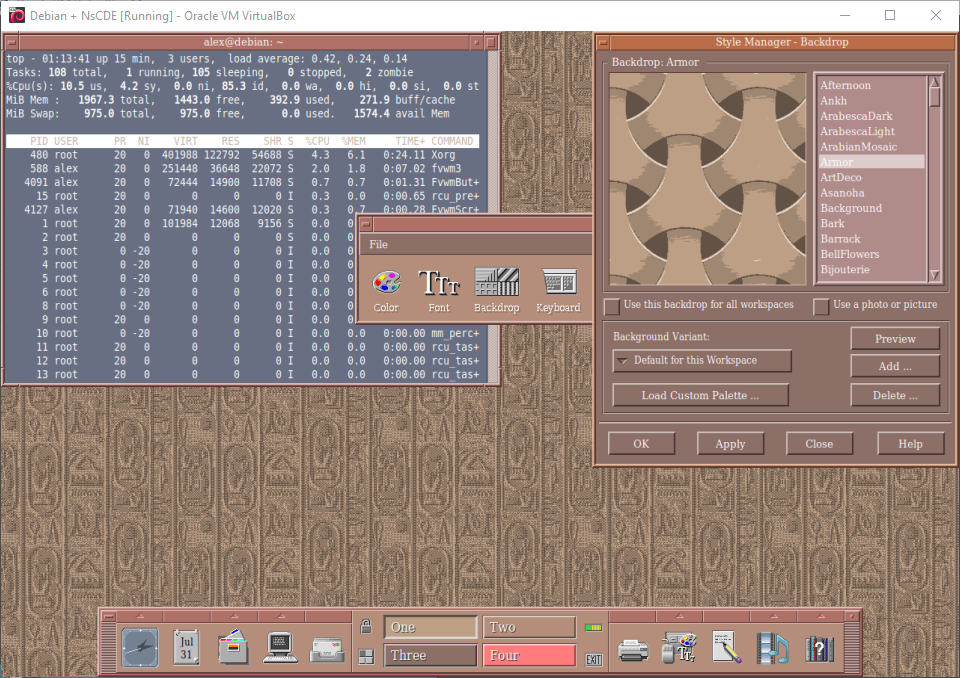
51. NsCDE
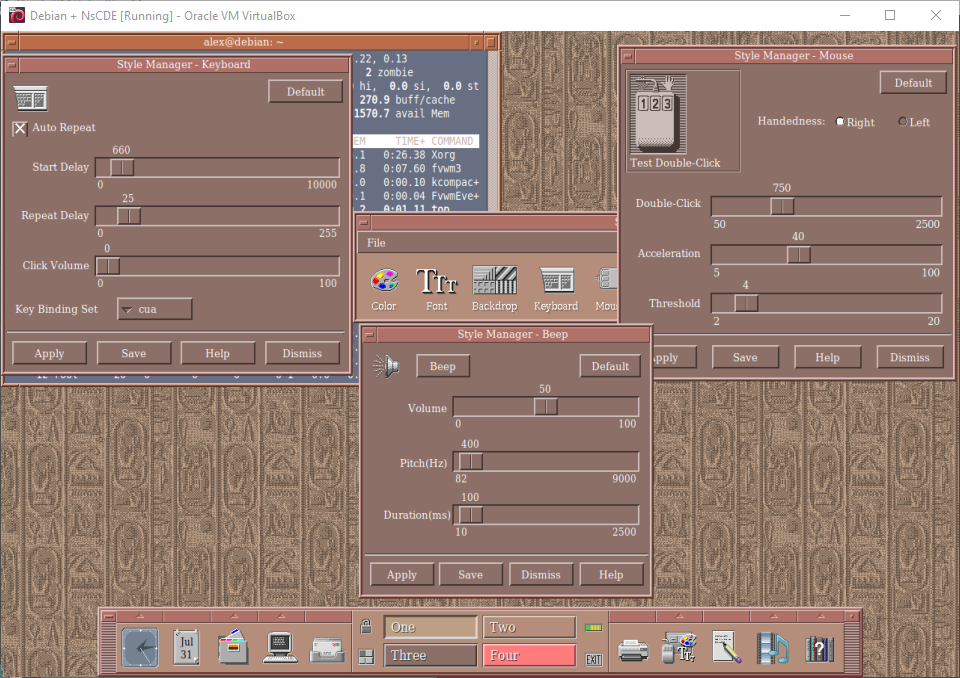
52. NsCDE
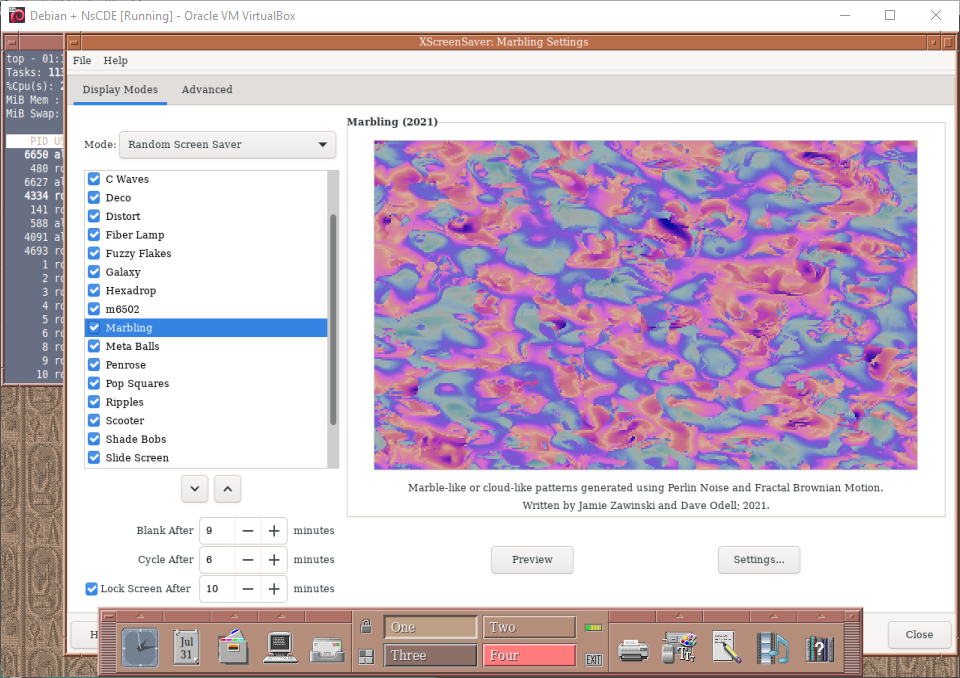
53. NsCDE
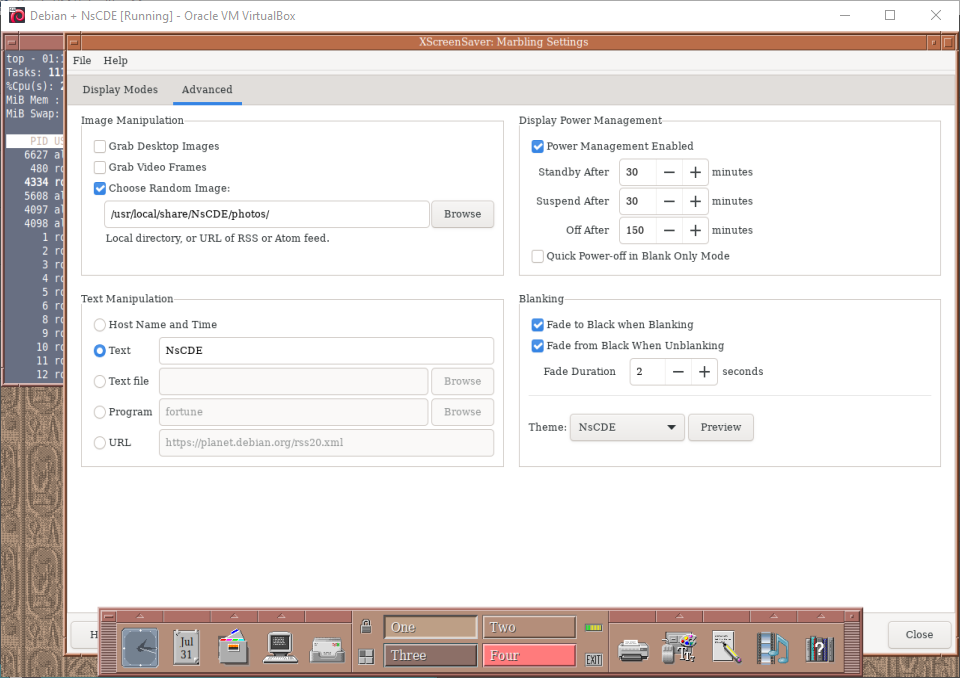
54. NsCDE
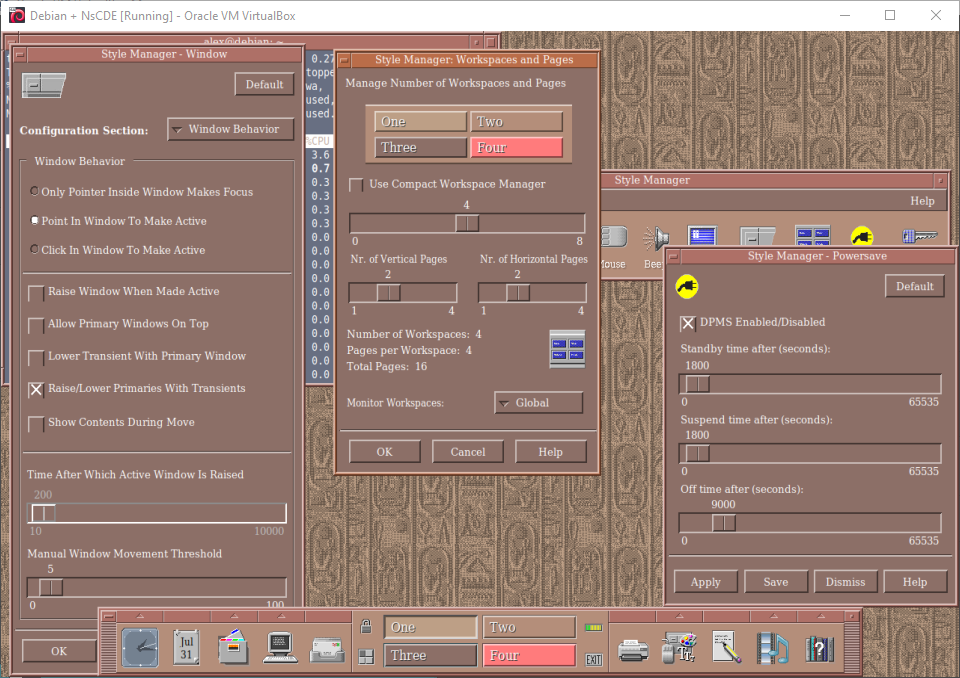
55. NsCDE
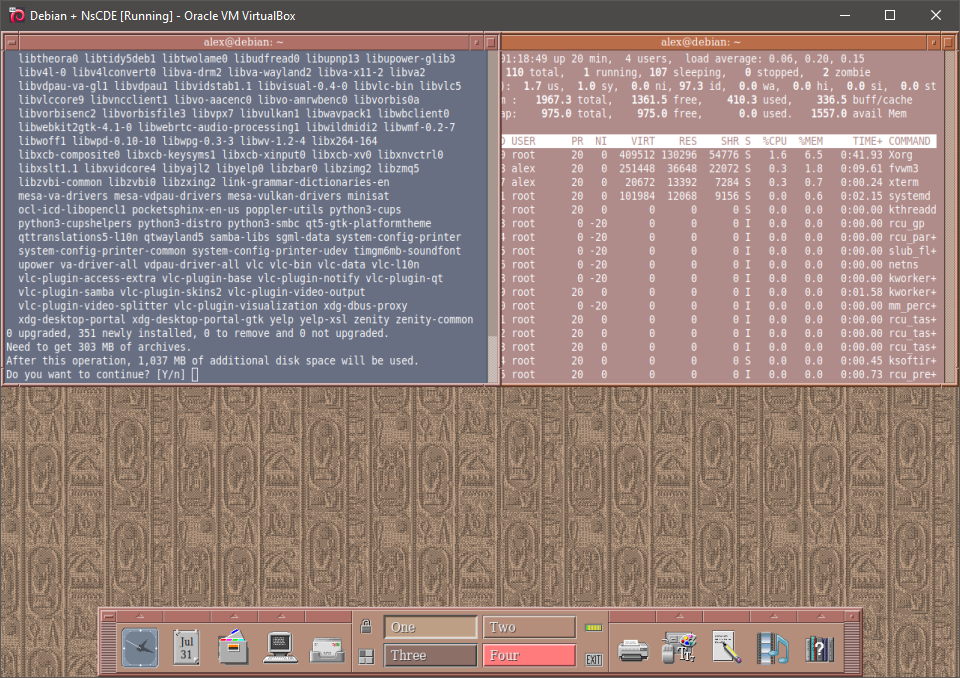
56. NsCDE
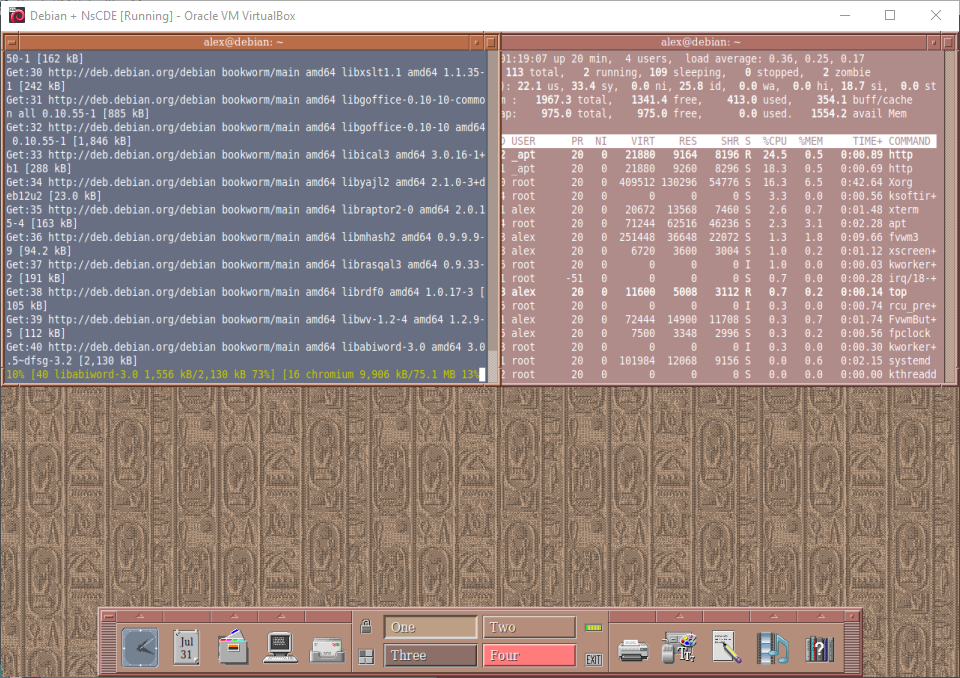
57. NsCDE
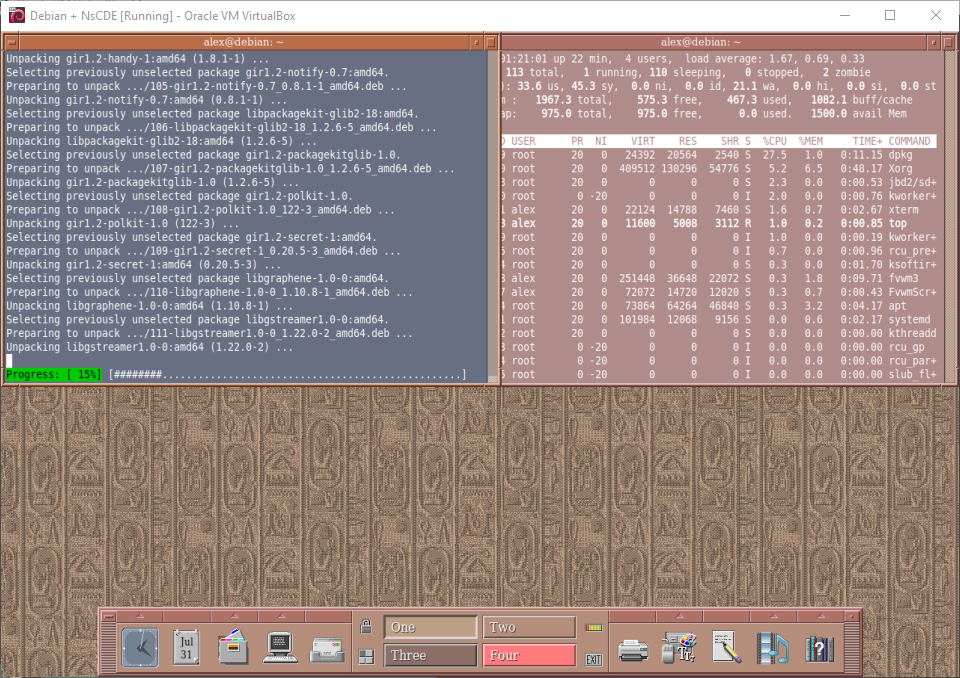
58. NsCDE
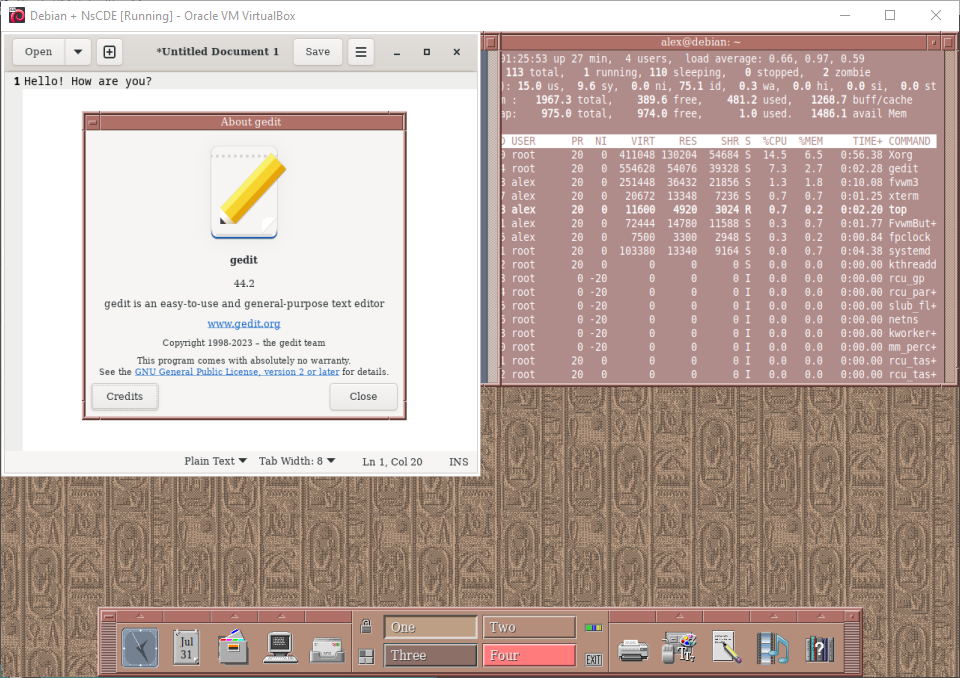
59. NsCDE
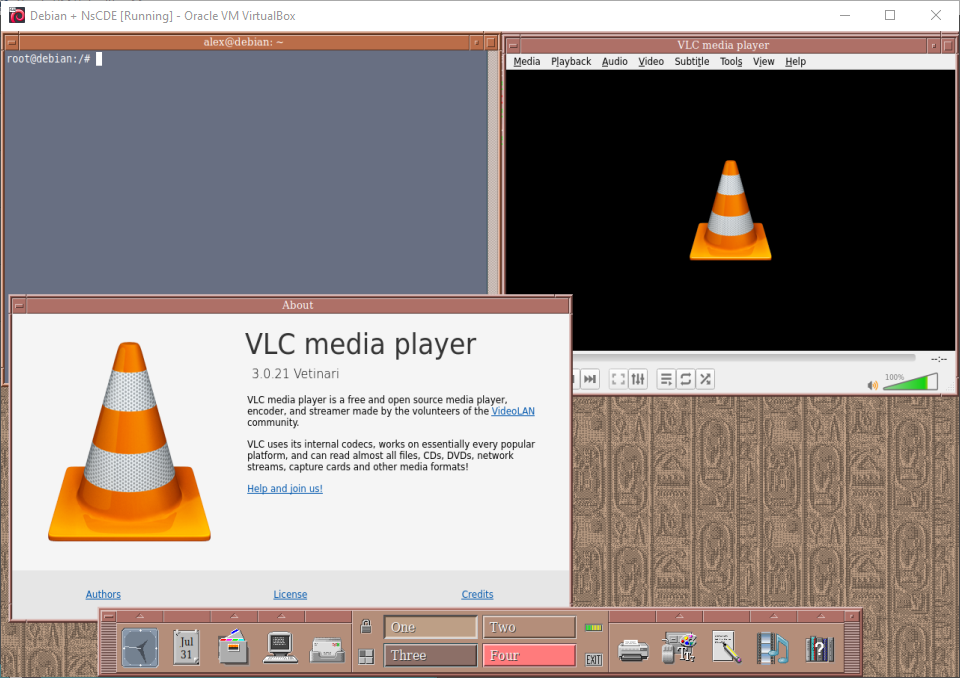
60. NsCDE
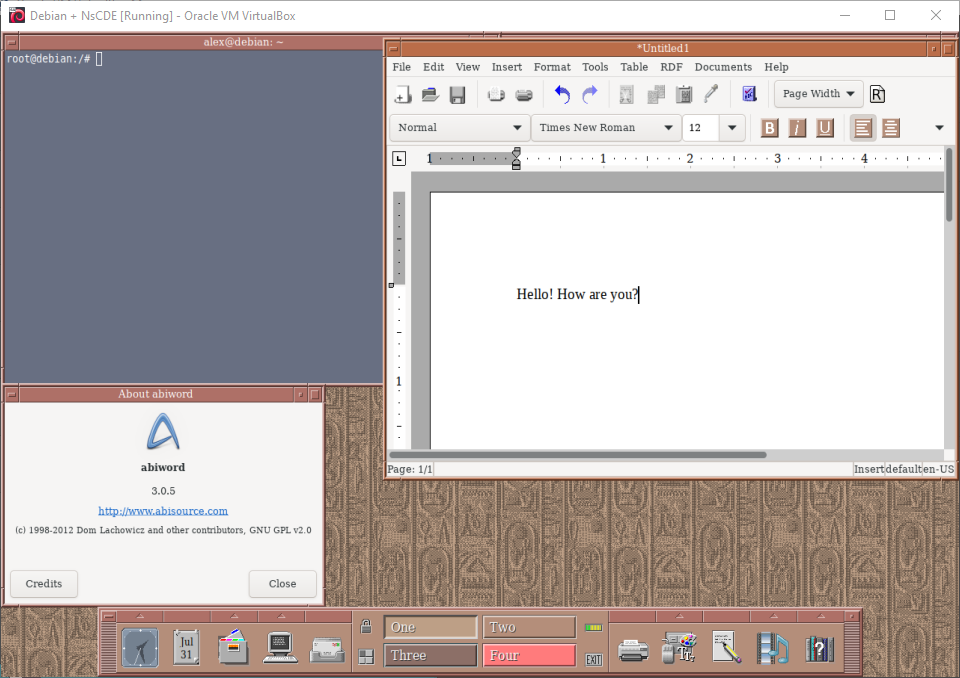
61. NsCDE
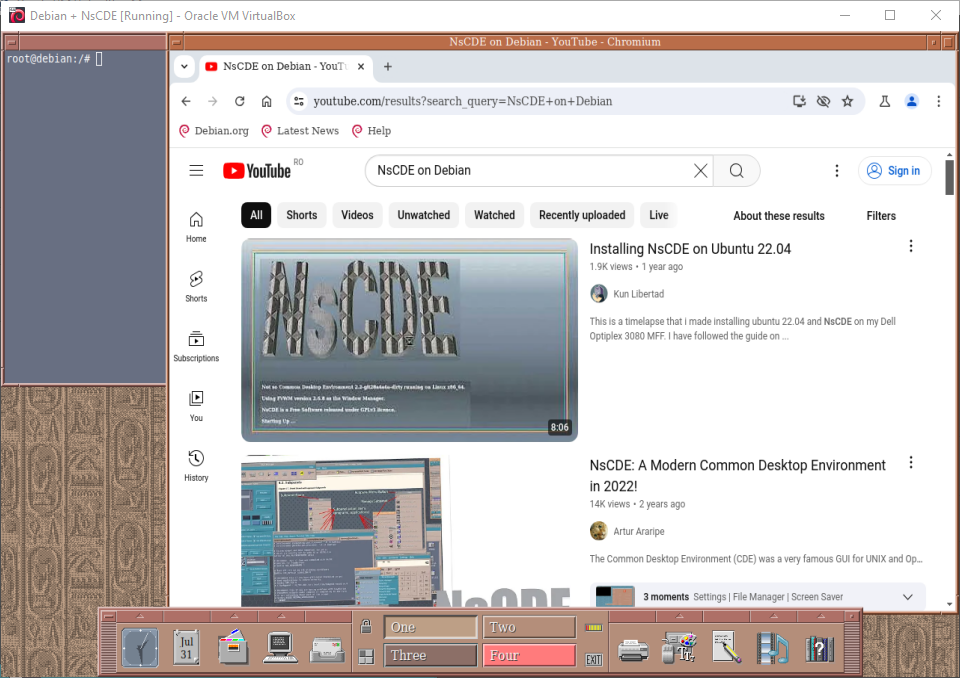
62. NsCDE
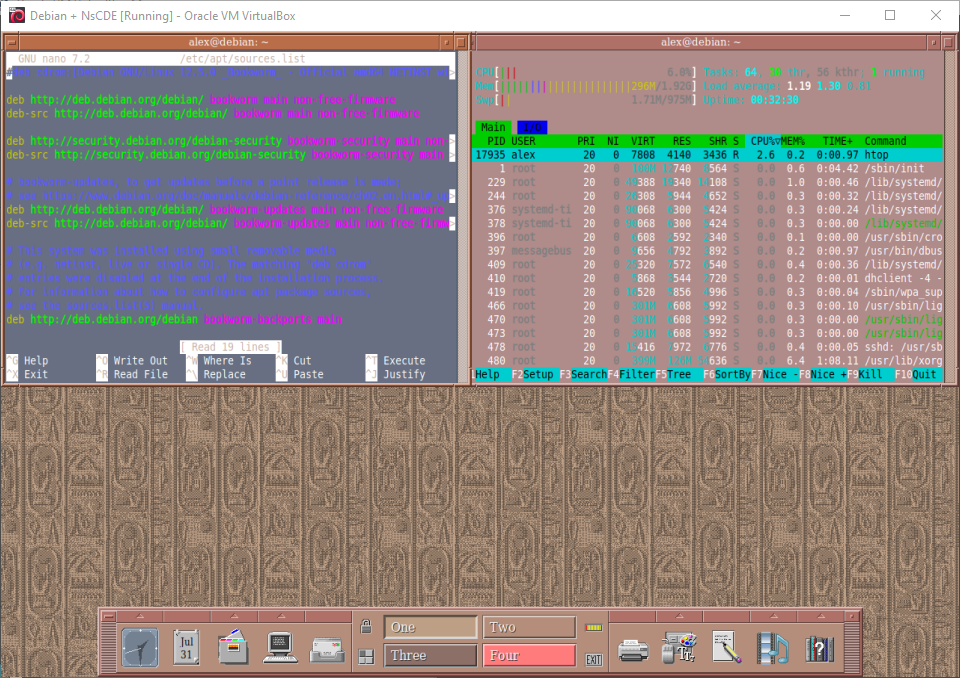
63. NsCDE
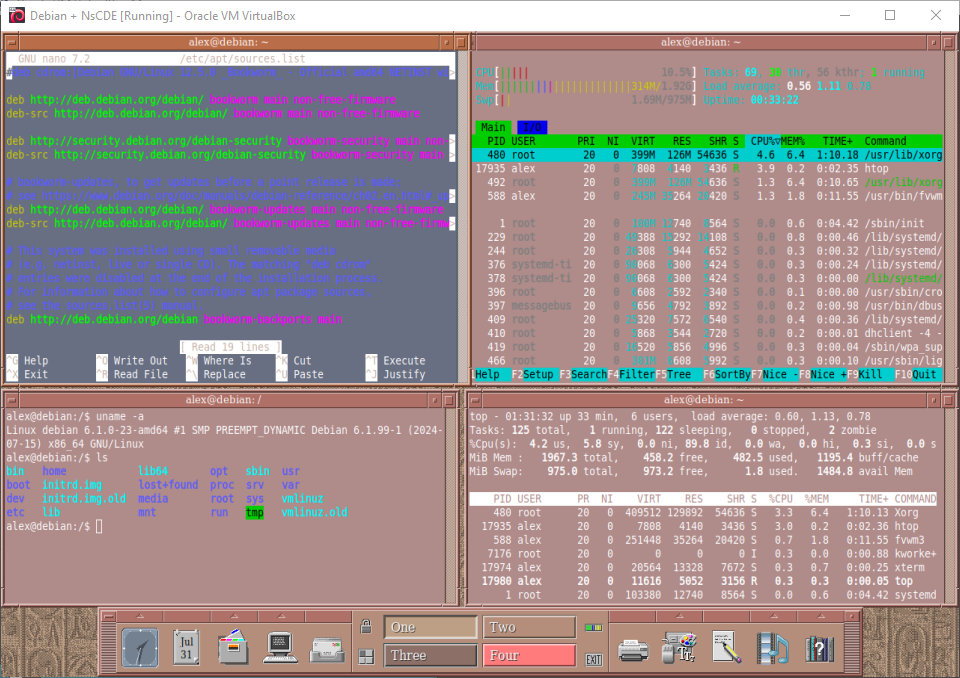
64. NsCDE
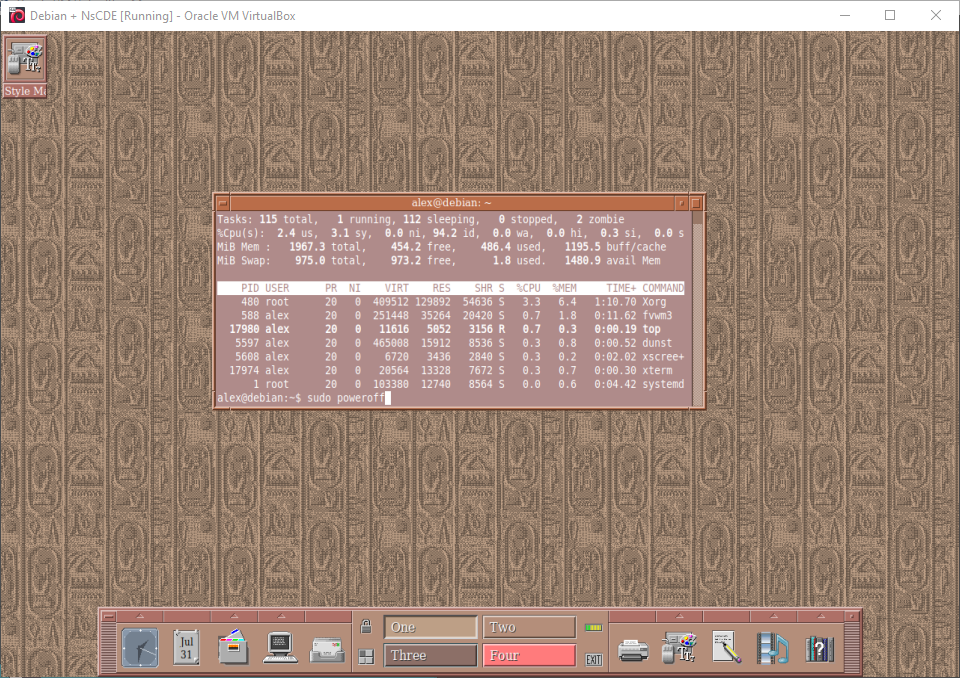
65. NsCDE
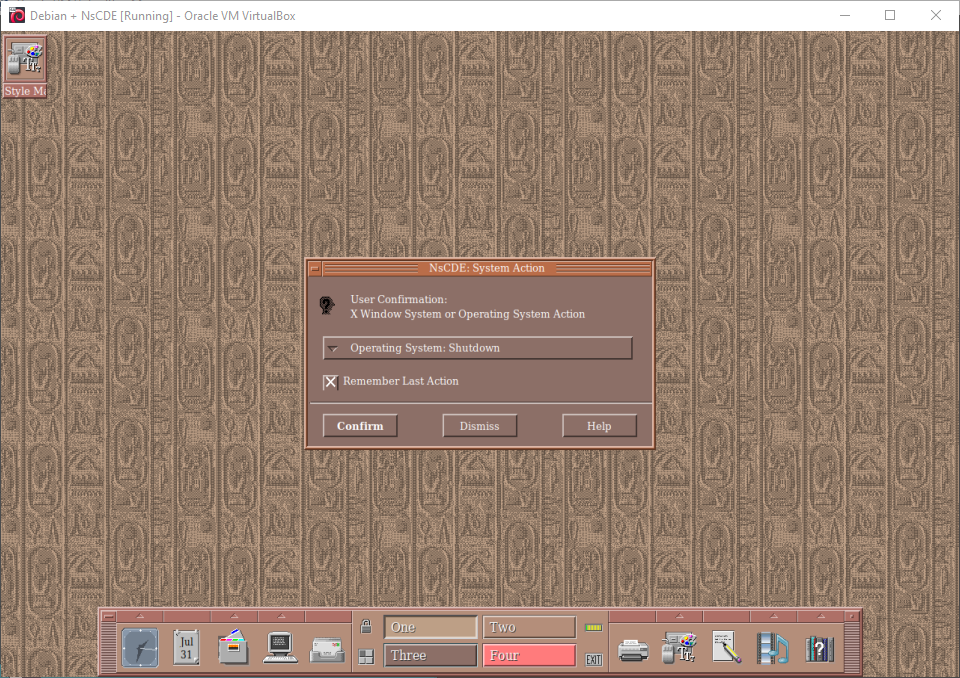
66. Shutting down
sudo poweroff
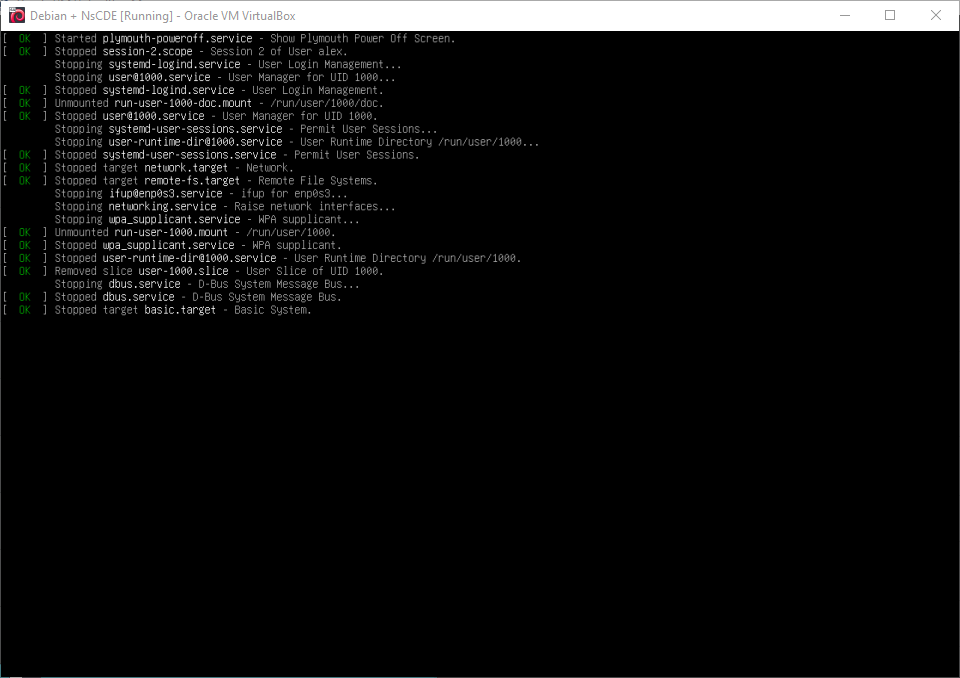
Well, that was exciting. See you in the next one!
If you wish to support our project
Donation link (Buy me a coffee):