
Installing the Metacity Window Manager on Debian
Step by step guide and HOWTO
Debian Linux is known for its stability and security, making it a reliable choice for servers and workstations.
It also has a vast software repository with extensive community support, ensuring access to a wide range of applications.
Metacity’s beauty lies in its simplicity, and it represents an elegant approach to window management.
Unlike many modern, resource-intensive window managers, Metacity focuses on function over flash.
It strips away unnecessary features, allowing users to concentrate on their tasks without distraction.
Metacity is lightweight, which makes it ideal for older machines or minimalistic setups, enhancing performance without sacrificing usability.
Its efficient, straightforward design is refreshing, especially in an era of increasingly complex software.
The clean and clear-cut look of Metacity’s windows and borders is inherently appealing.
It doesn’t aim to impress with animations or excessive visuals; instead, it presents a calm, unobtrusive environment.
This aesthetic fosters a sense of focus and tranquility, which is essential for productivity.
Metacity’s simplicity extends to its configuration, avoiding labyrinthine settings and menus.
It respects users’ time by allowing them to set it up quickly, minimizing the technical overhead.
Metacity embodies a classic aesthetic that’s reminiscent of early Linux environments.
This vintage charm has a beauty of its own, appealing to enthusiasts who appreciate software that honors tradition while remaining functional.
Metacity’s minimalist theme options make it adaptable, letting users keep their desktops neat and visually pleasing.
With Metacity, the focus remains on windows and tasks, not on unnecessary ornamentation.
The lightweight framework also translates to impressive responsiveness.
Every click, every window adjustment, feels snappy and precise.
It’s like a breath of fresh air for those used to heavier desktops.
Metacity offers just enough customization to make it feel personal without overwhelming options.
This measured balance allows users to tailor it to their tastes without losing the elegance of simplicity.
Its lack of distractions encourages users to stay immersed in their work.
There’s no complex tiling system to learn, no animations to distract the eyes.
This window manager respects that users often seek productivity above all.
The time-tested GTK framework it uses integrates well with most Linux applications, preserving visual consistency.
Metacity shines for developers who prefer coding in a clean and predictable environment.
It’s stable and dependable, a solid foundation for those who value reliability.
The gentle curves and muted color schemes of Metacity’s themes provide a comforting look, especially appreciated after long hours at the screen.
Metacity’s beauty also lies in its unobtrusive support for accessibility features, accommodating users without needing a fully integrated desktop environment.
Its simplicity makes troubleshooting straightforward, as fewer layers mean fewer things can go wrong.
This reliability translates to a seamless experience that keeps users productive.
In Metacity, windows stack logically, without odd resizing or tiling.
This geometric order feels harmonious, contributing to the elegance of its design.
Even with several windows open, Metacity maintains clarity, organizing them gracefully without clutter.
This organization is particularly appreciated by users who work with multiple applications simultaneously, as it keeps their workspace cohesive and orderly.
Metacity’s history as the former GNOME window manager lends it a legacy of usability and refinement.
Its development focused on enhancing the user experience without adding unnecessary bells and whistles.
For the user who values simplicity, Metacity’s functionality is its own form of beauty.
Metacity also conserves battery life on laptops due to its low resource usage, giving users a functional environment with longer endurance.
It’s perfect for those who want to avoid flashy, power-hungry compositors while still benefiting from a visually pleasing setup.
The subtle, practical design of Metacity makes it a timeless choice.
Metacity’s quiet elegance is like a well-loved book, familiar yet endlessly captivating, creating a gentle space where focus and simplicity find harmony.
In its modest beauty, Metacity whispers a reminder: sometimes, the truest charm lies not in grandeur, but in the steady grace of things built to last.
Today we shall install the Metacity Window Manager on Debian
We need to complete several steps to get it working correctly.
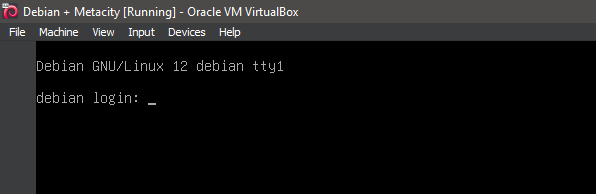
1. Boot the system -- System Ready.
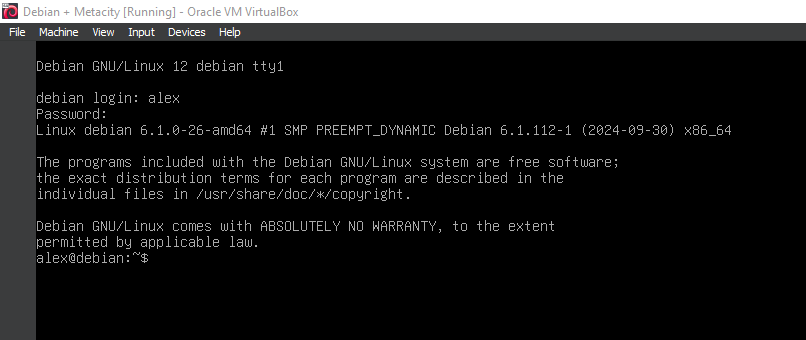
2. Boot the system -- Logged In.
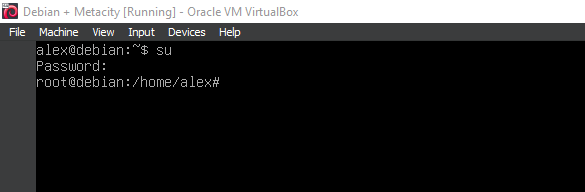
3. Switch to root
su
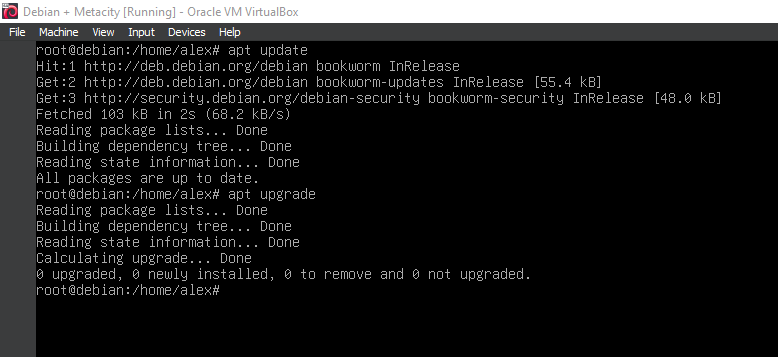
4. Running update
apt-get update
apt-get upgrade
5. Running 'apt install xorg'
apt install xorg
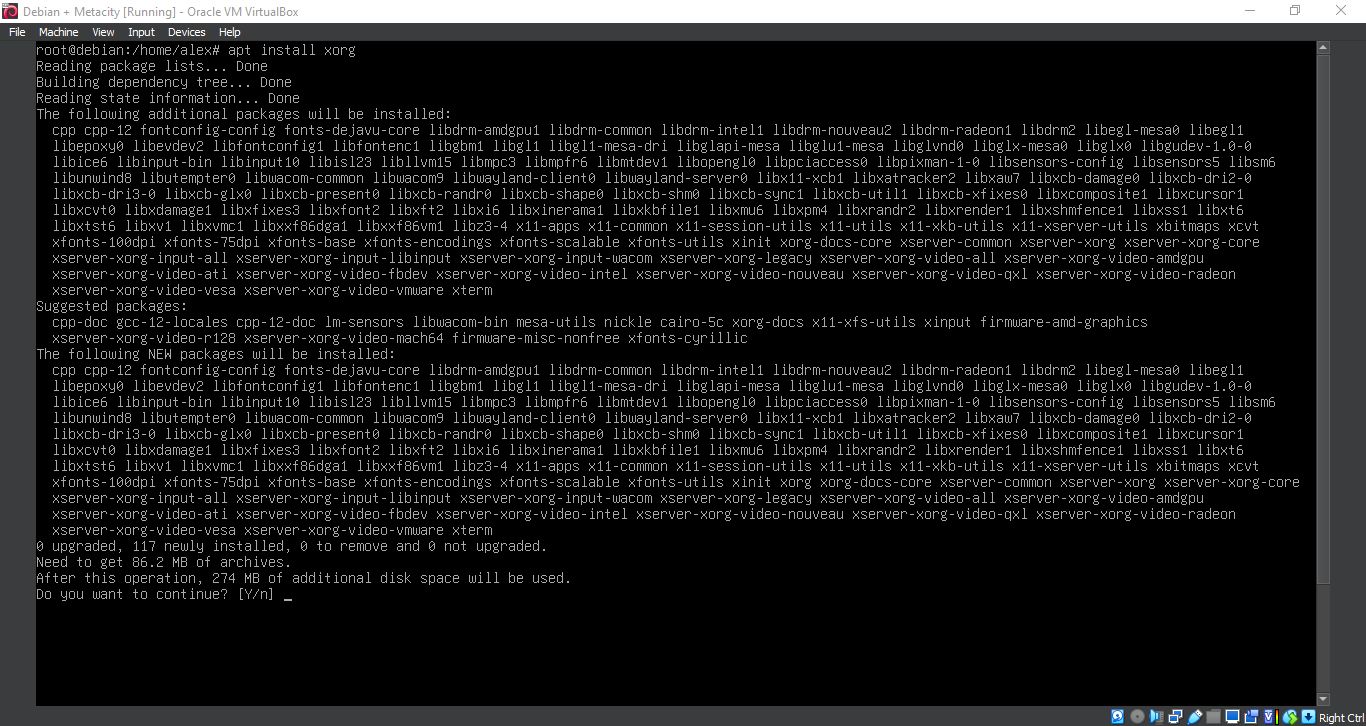
6. Running 'apt install xorg'
apt install xorg
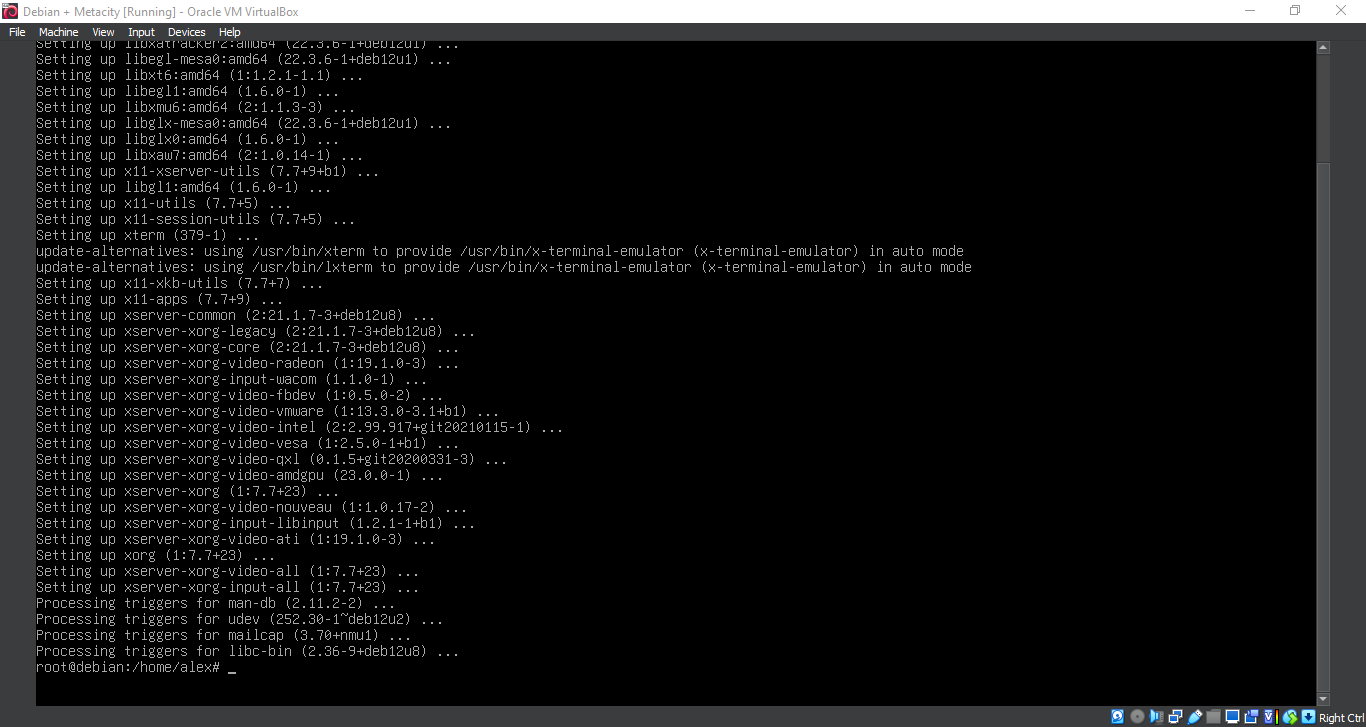
7. Running 'apt install metacity'
apt install metacity
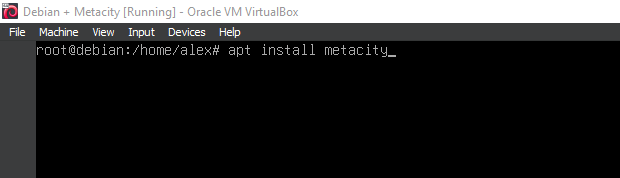
8. Running 'apt install metacity'
apt install metacity
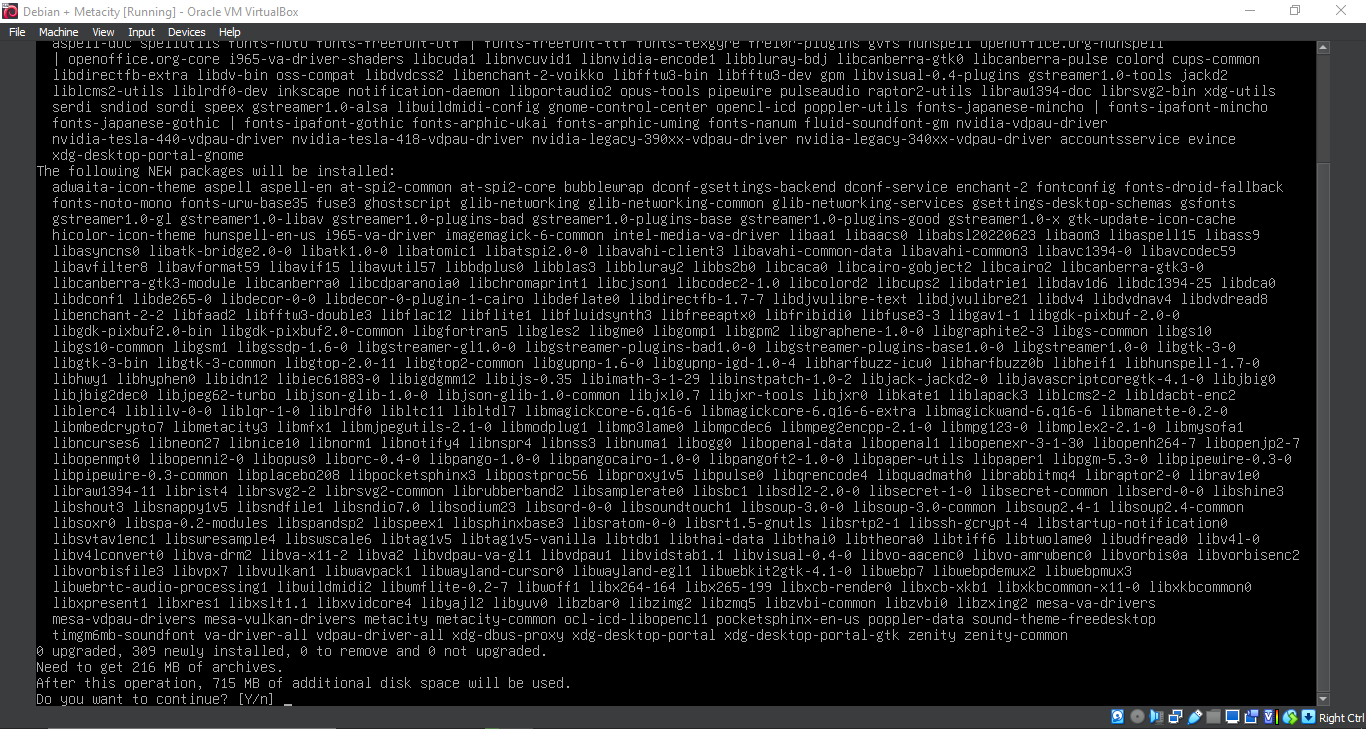
9. Running 'apt install metacity'
apt install metacity
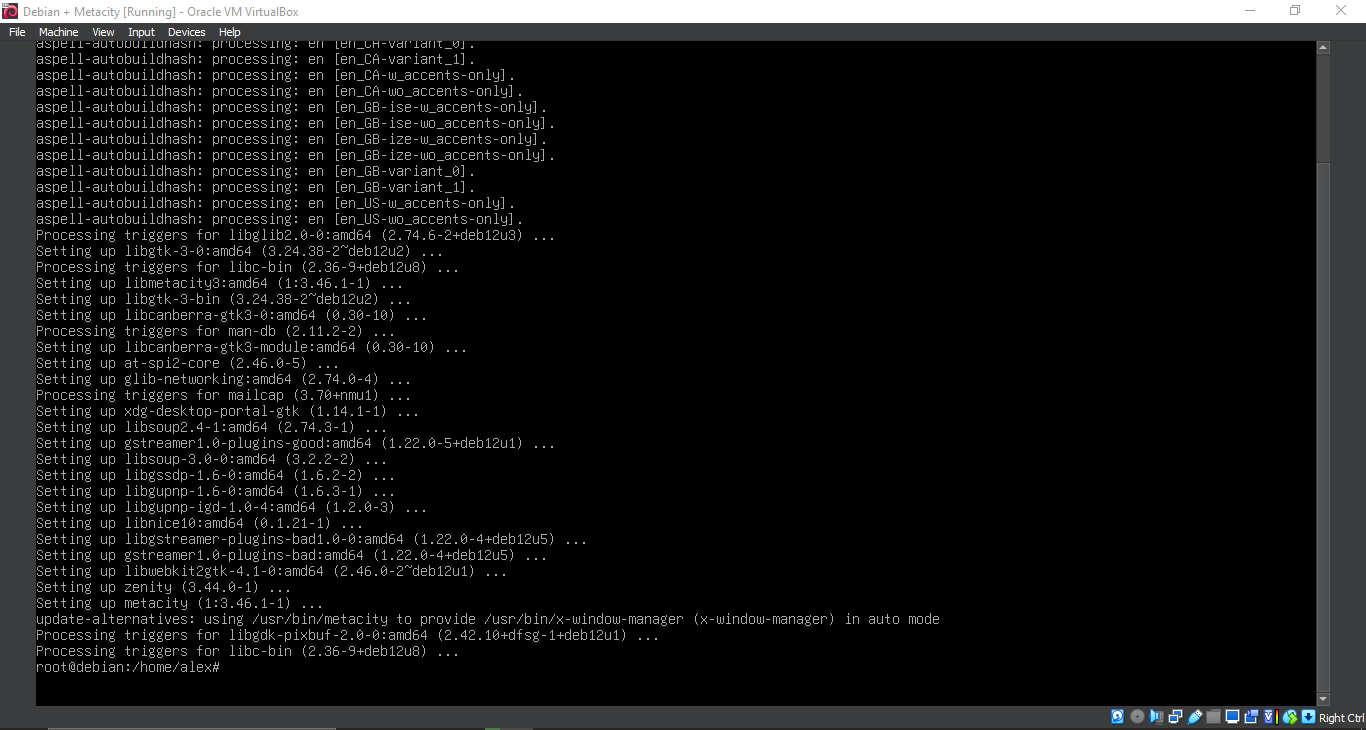
10. Configuration
nano ~/.xinitrc
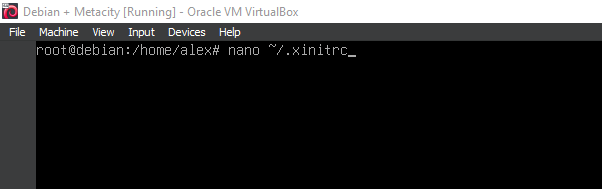
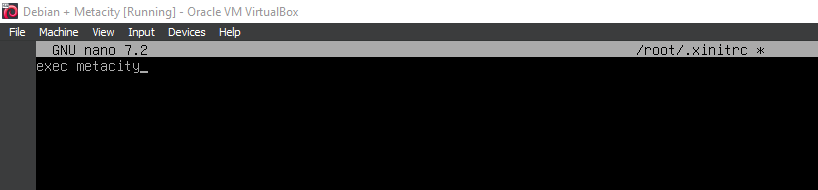
11. Configuration
exec metacity
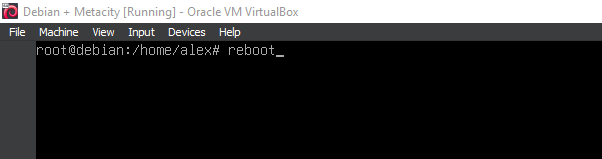
12. Running 'reboot'
reboot
13. Running 'apt install tint2'
apt install tint2
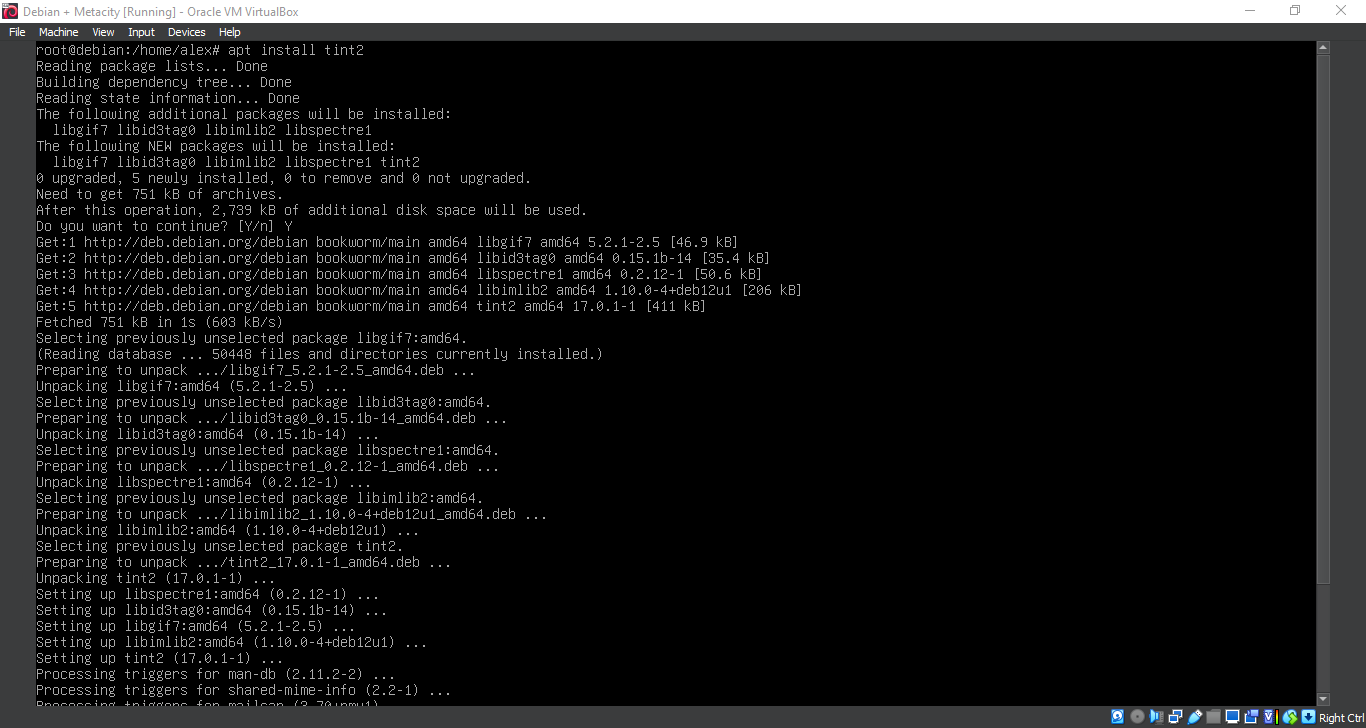
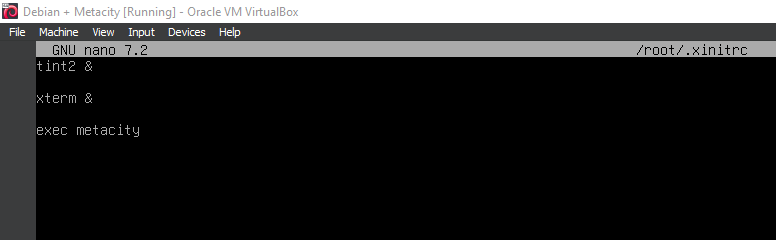
14. Installing additional components
tint2 &
xterm &
exec metacity
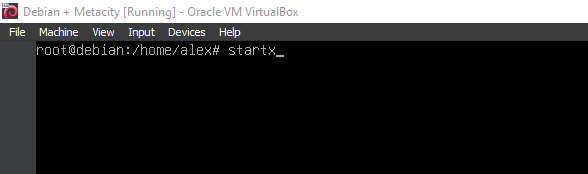
15. Running 'startx'
startx
16. Running Metacity
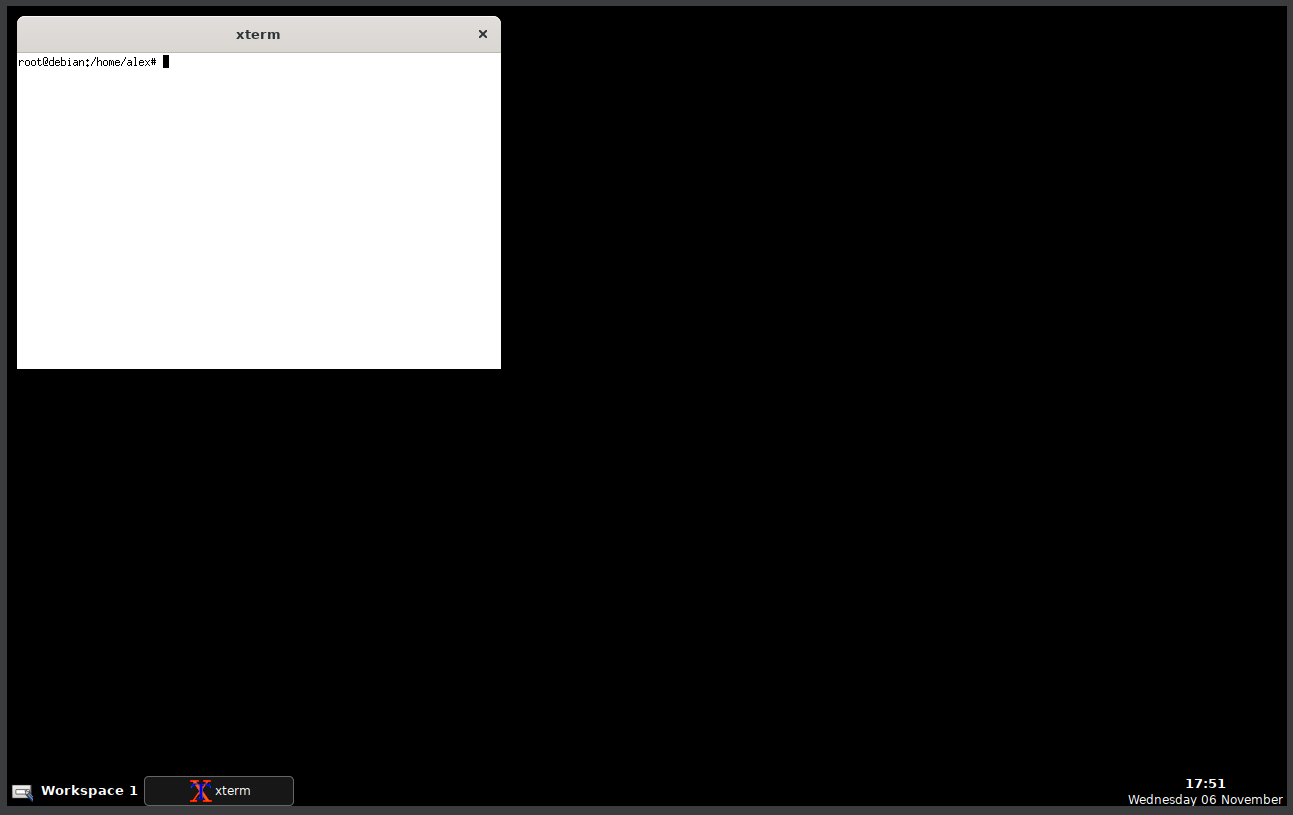
17. Running Metacity
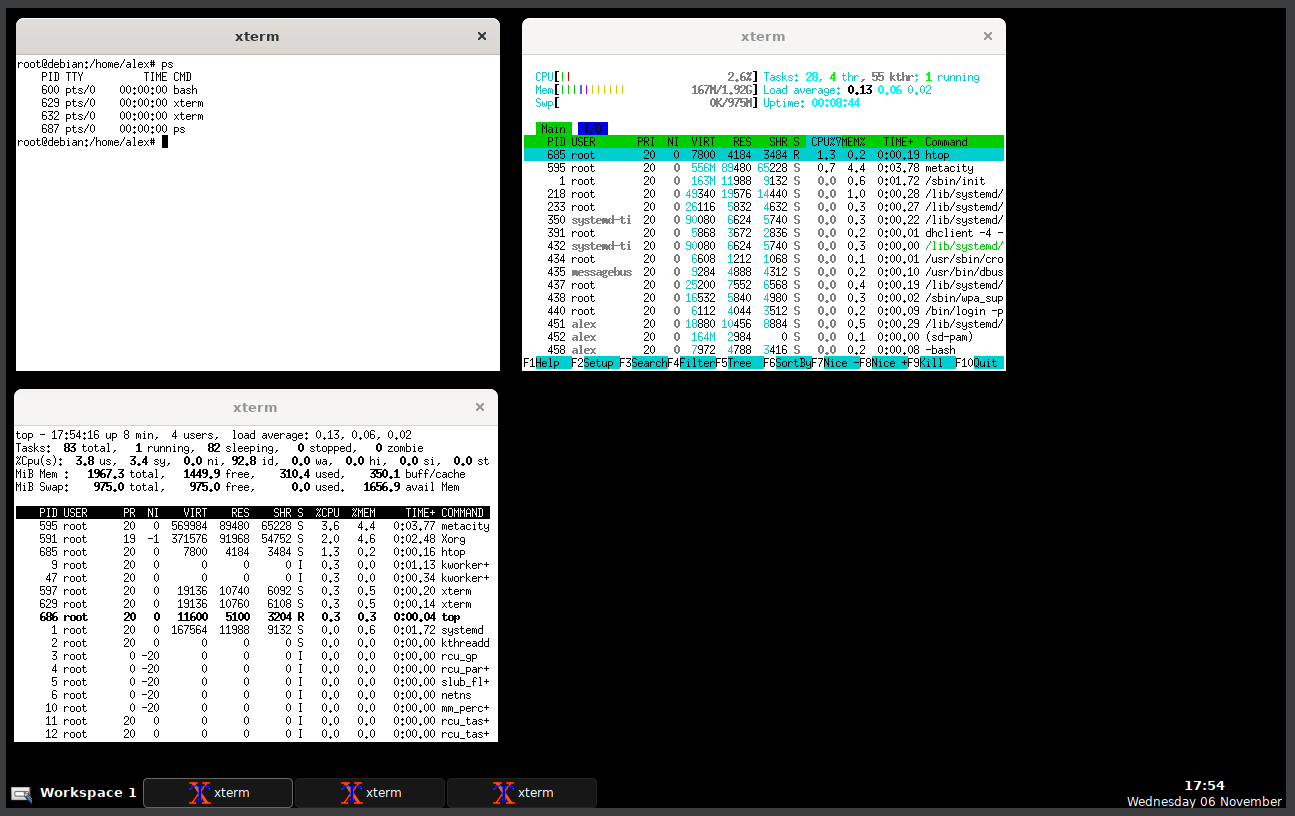
18. Running Metacity
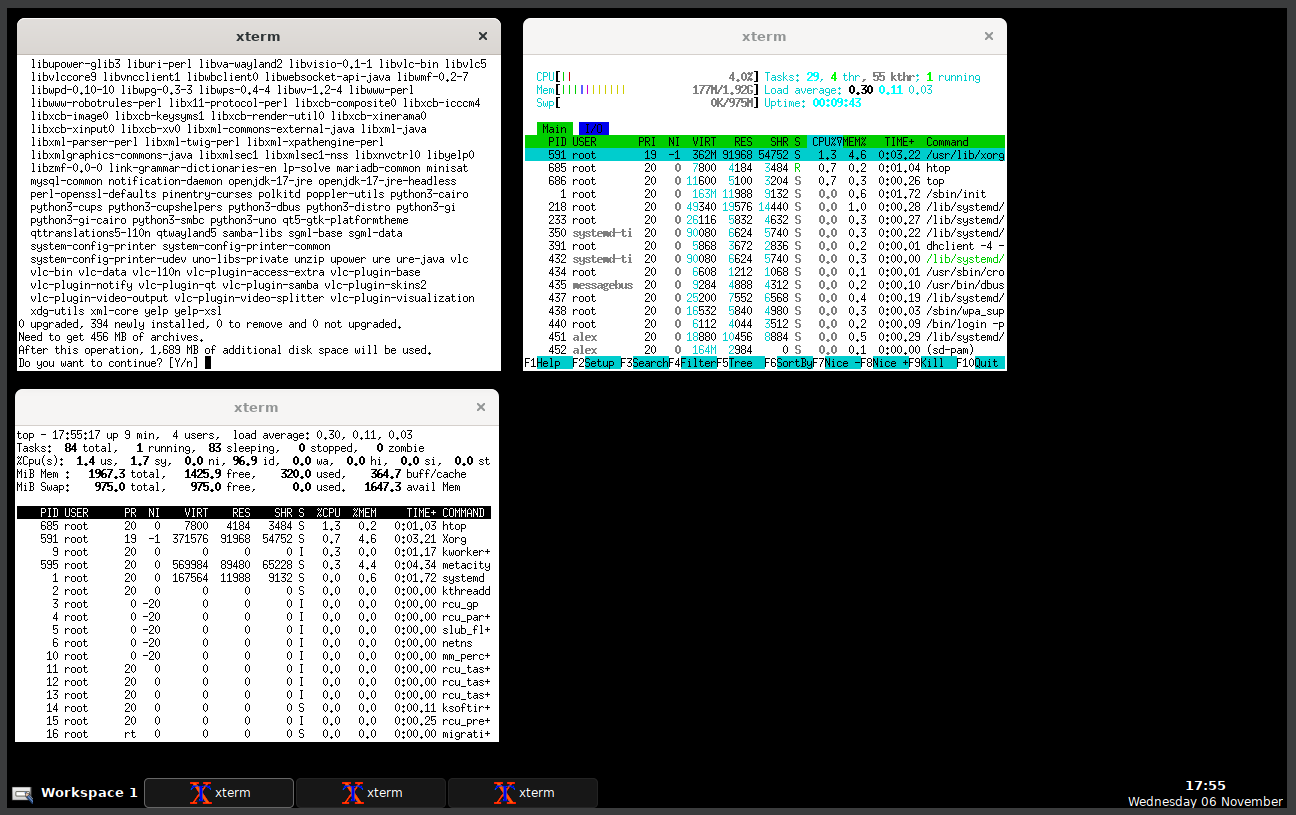
19. Running Metacity
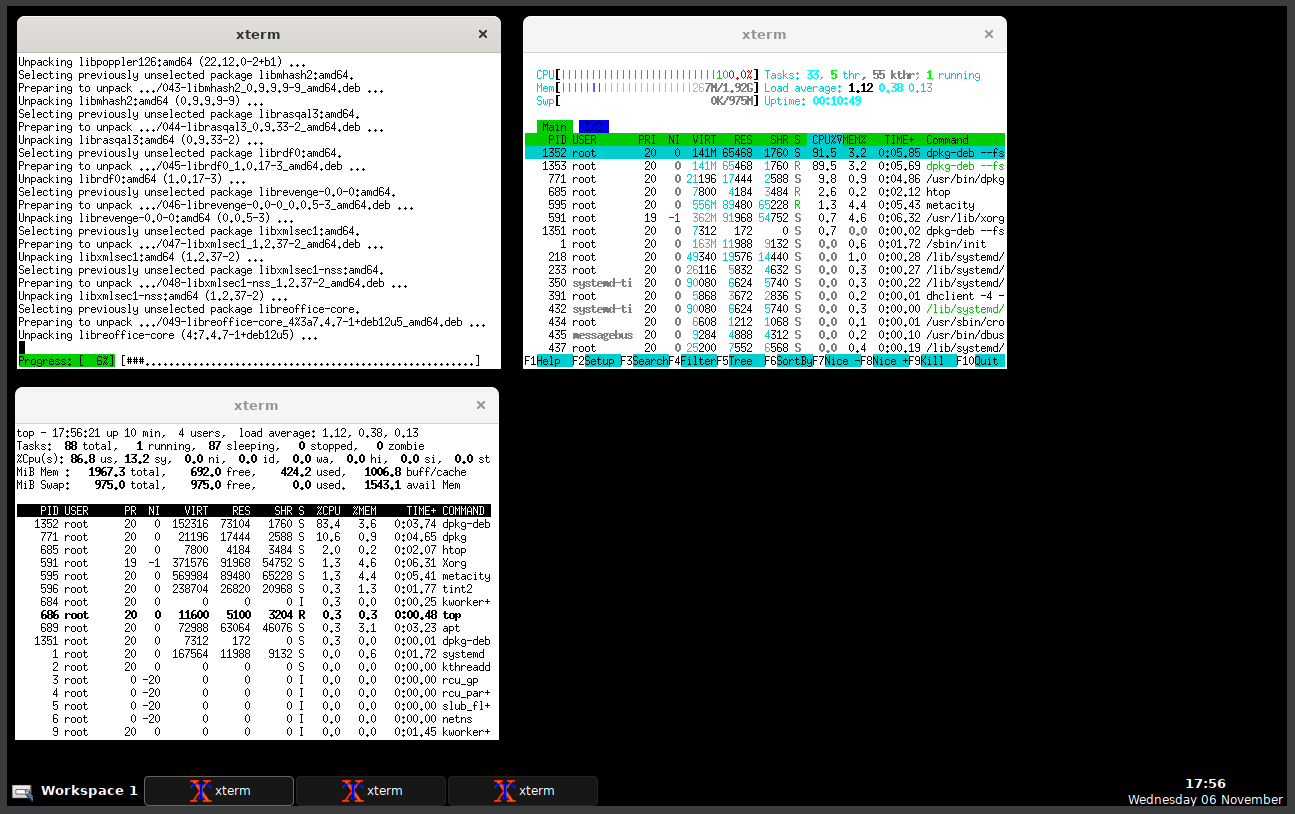
20. Running Metacity
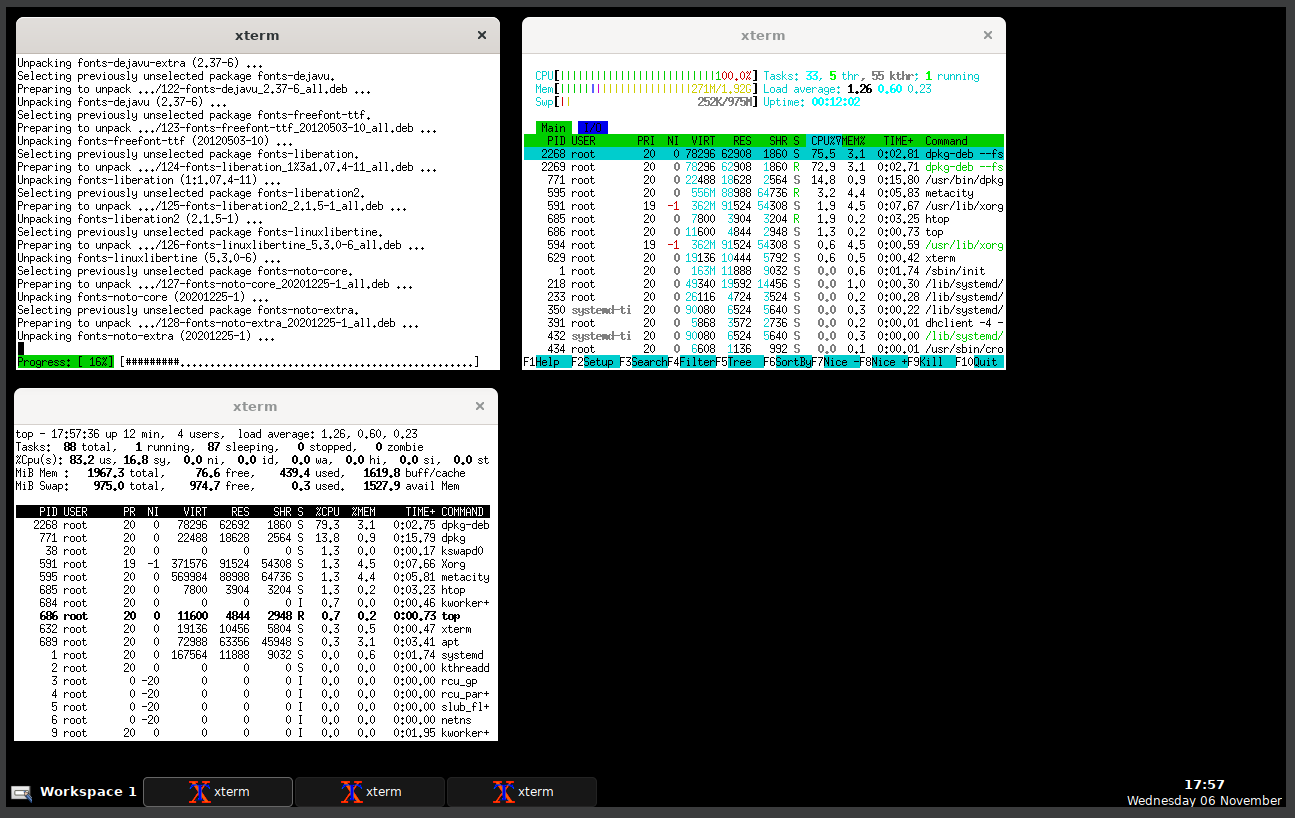
21. Running Metacity
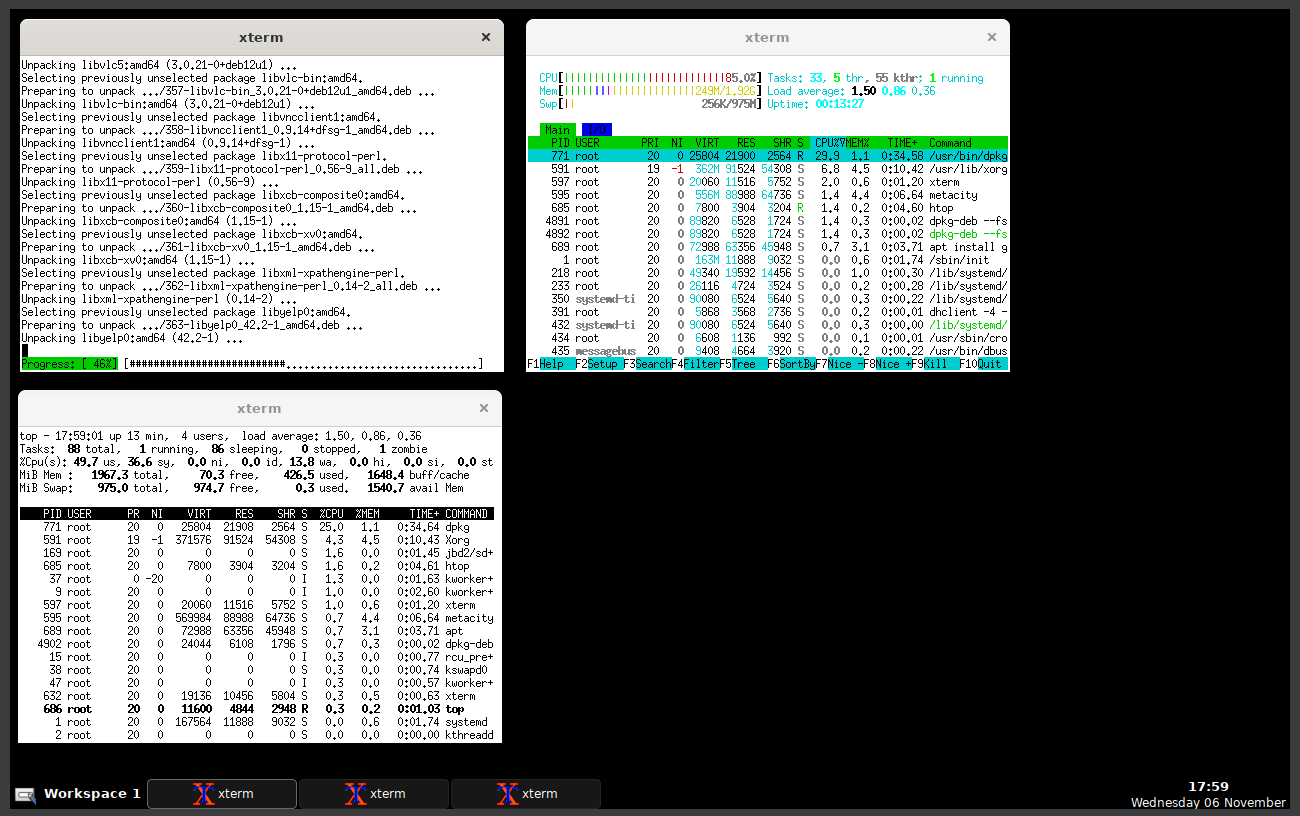
22. Running Metacity
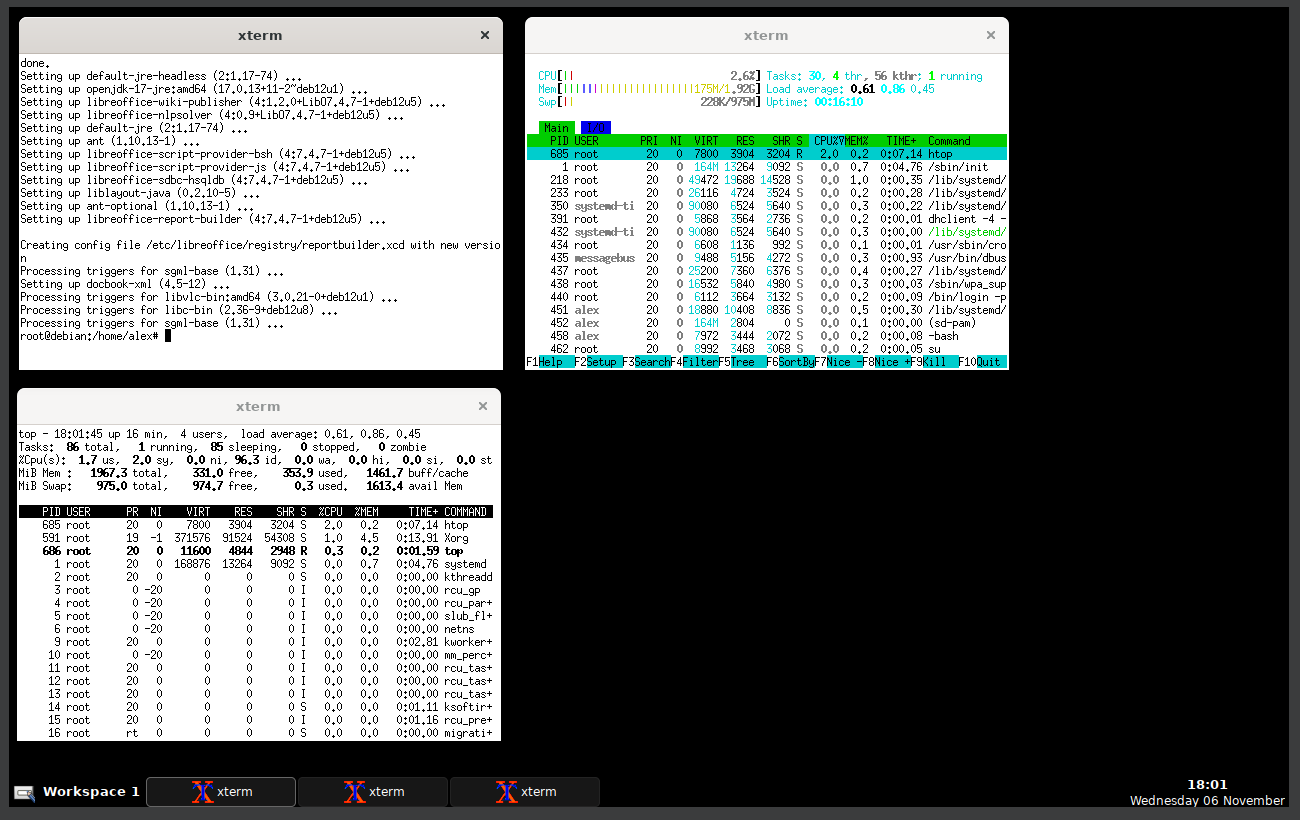
23. Running Metacity
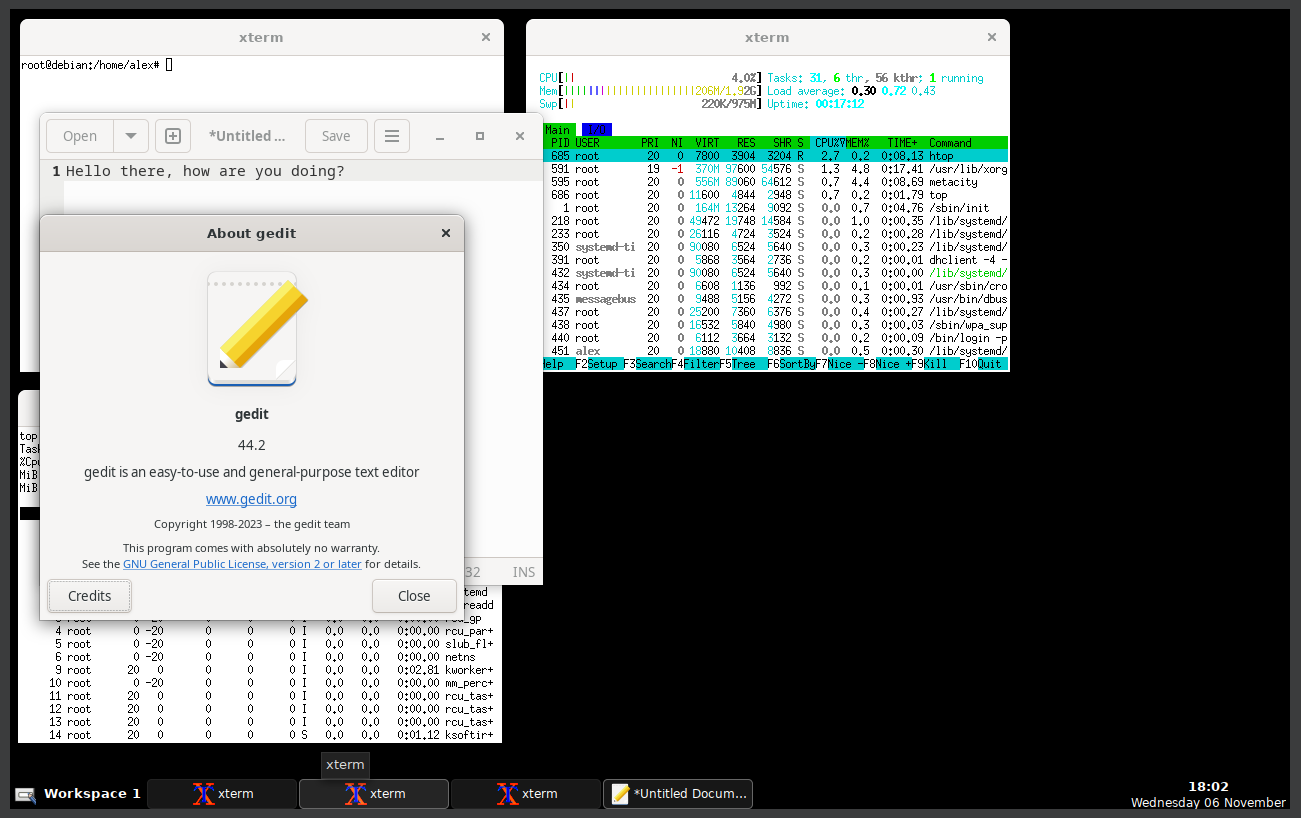
24. Running Metacity
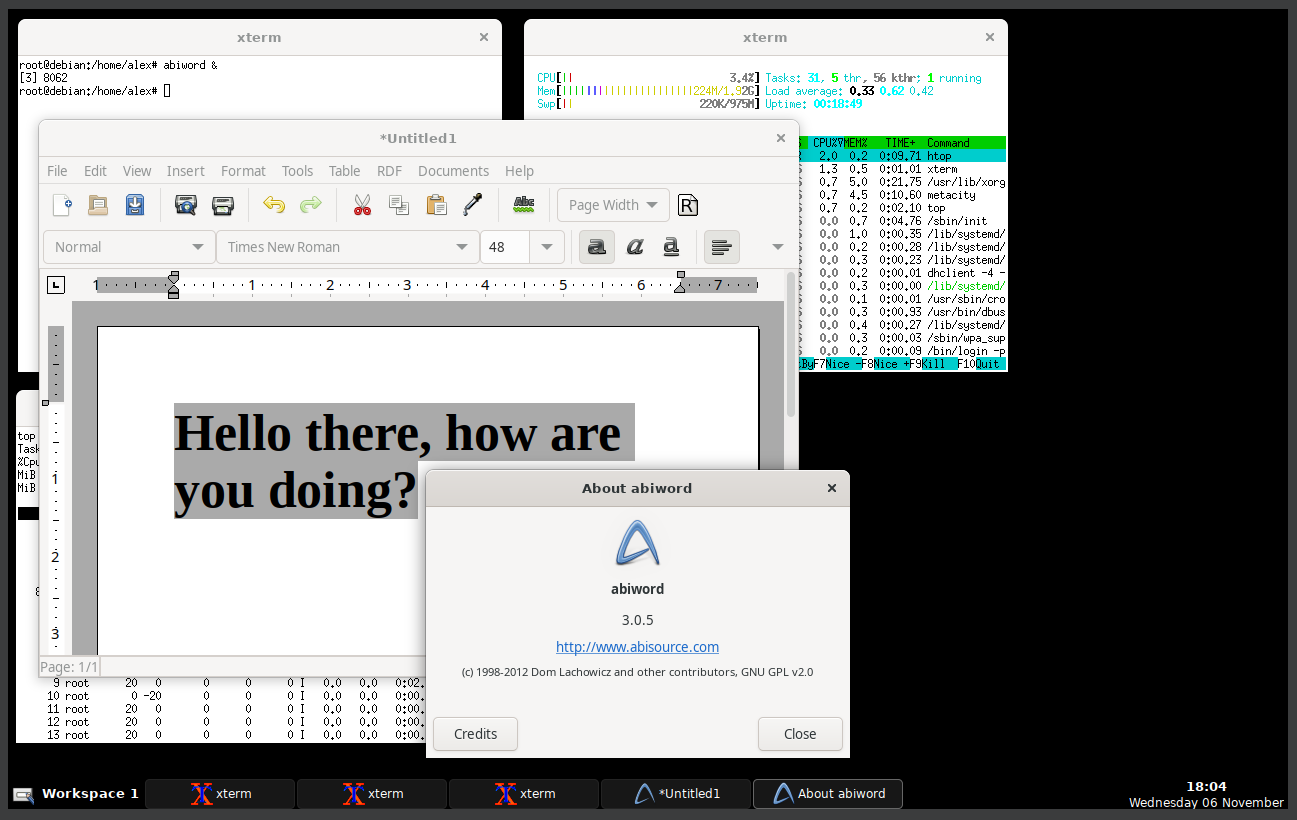
25. Running Metacity
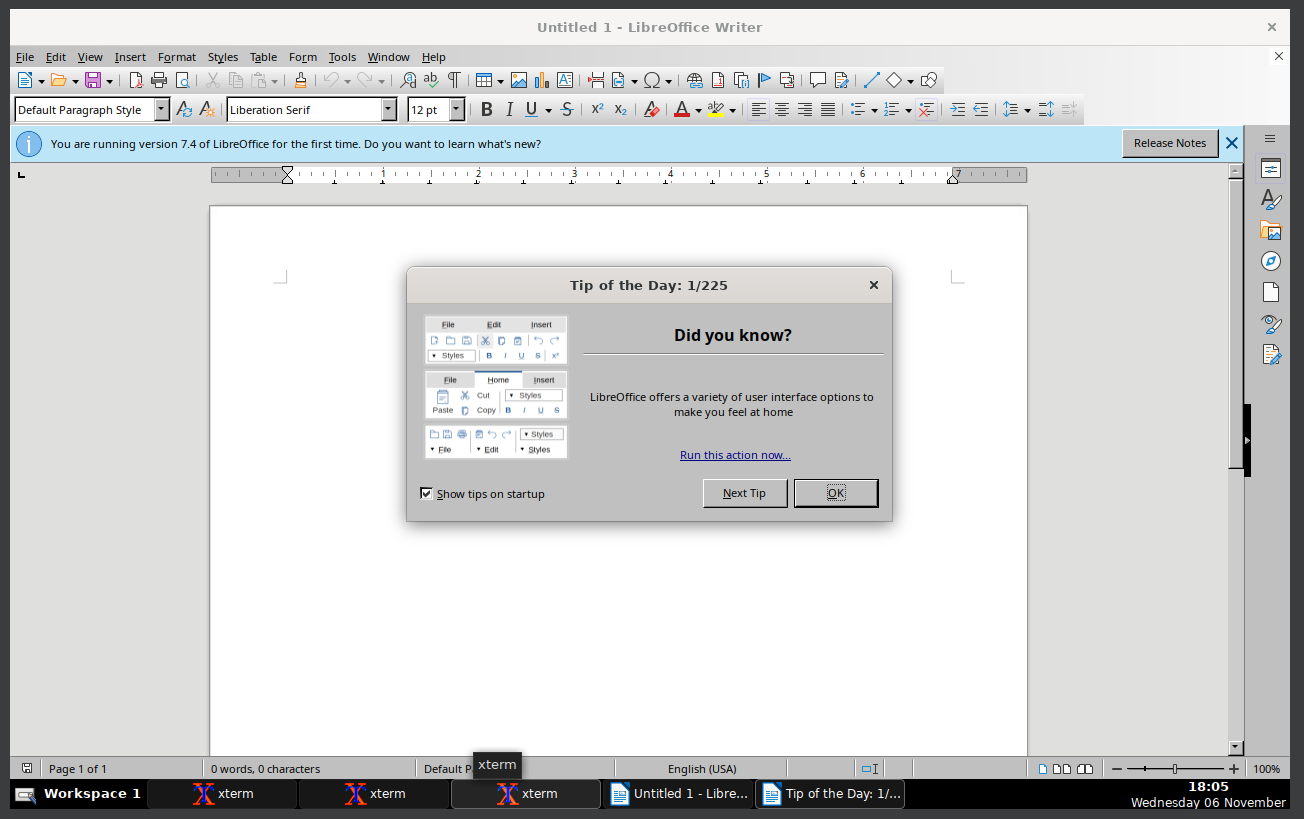
26. Running Metacity
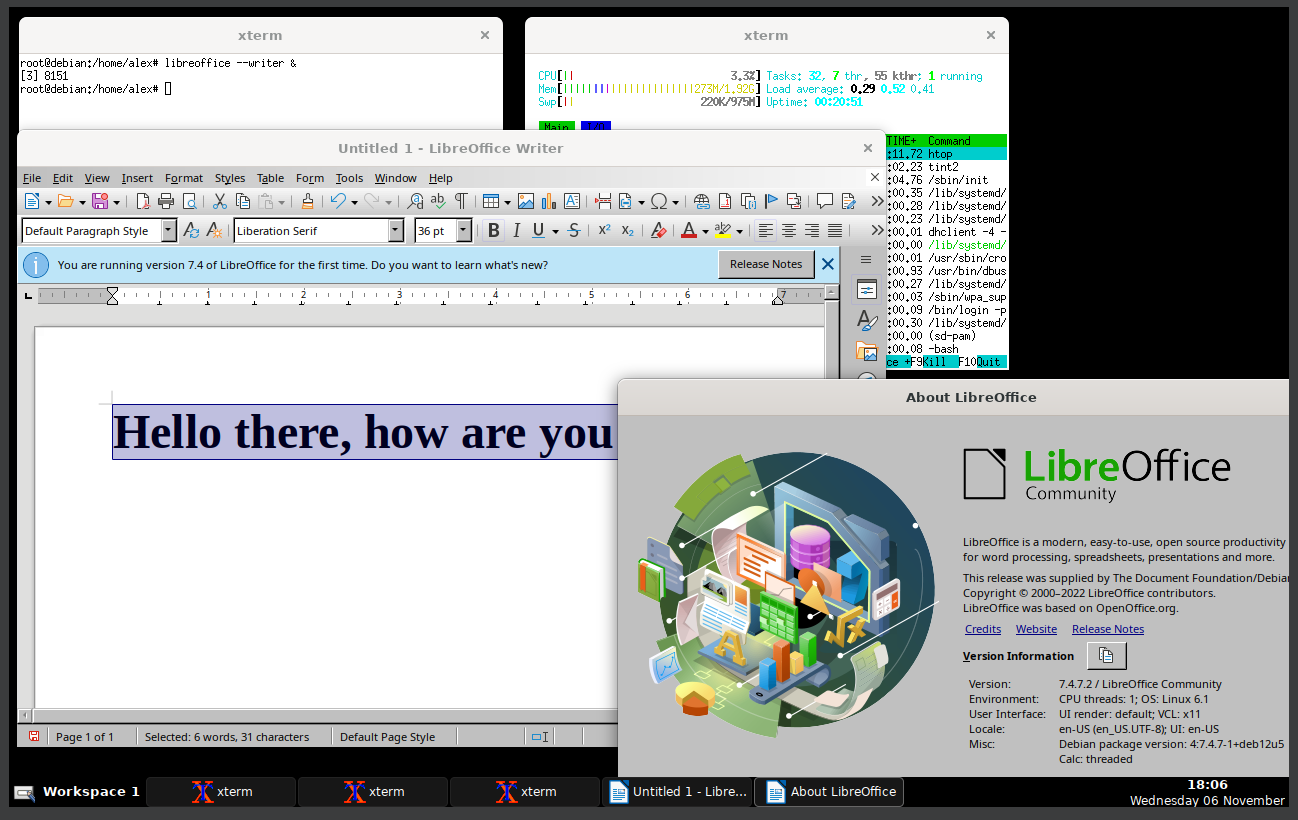
27. Running Metacity
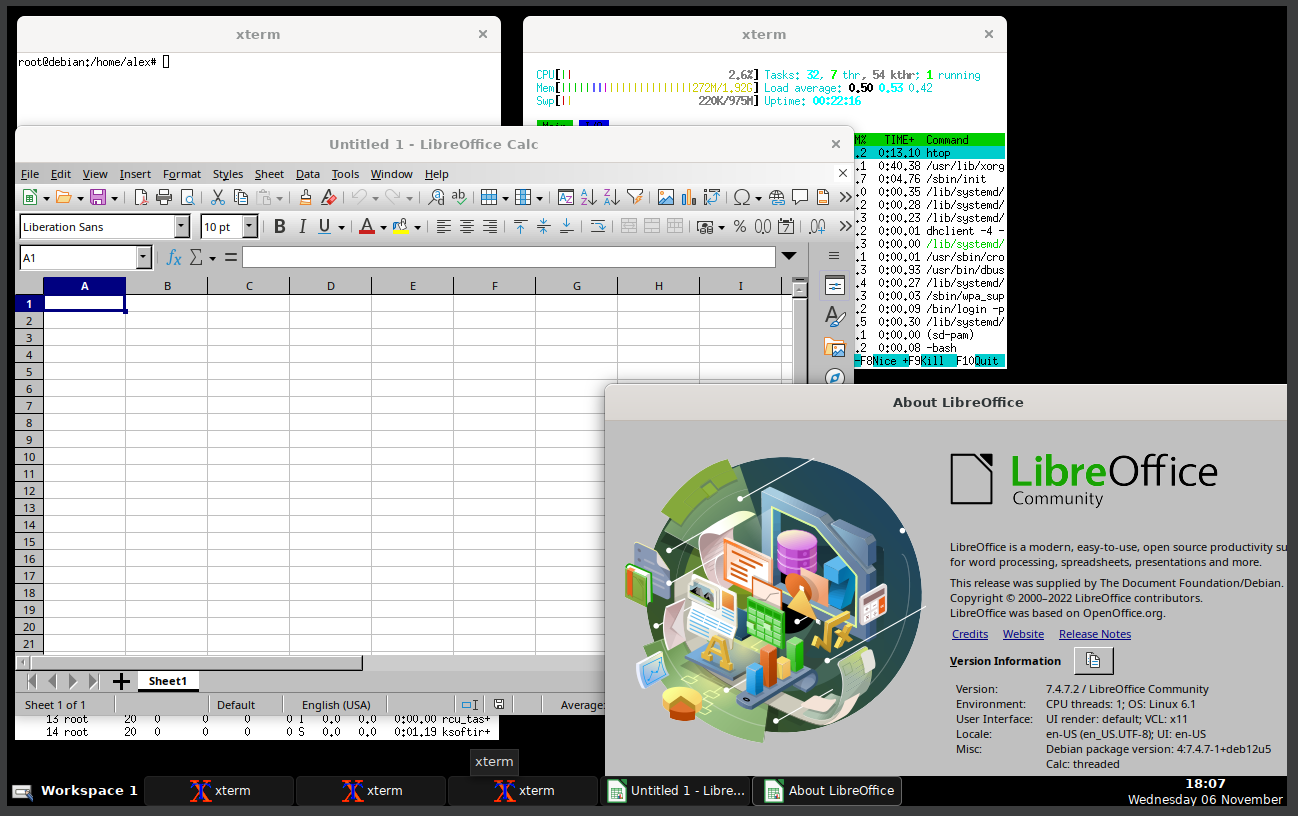
28. Running Metacity
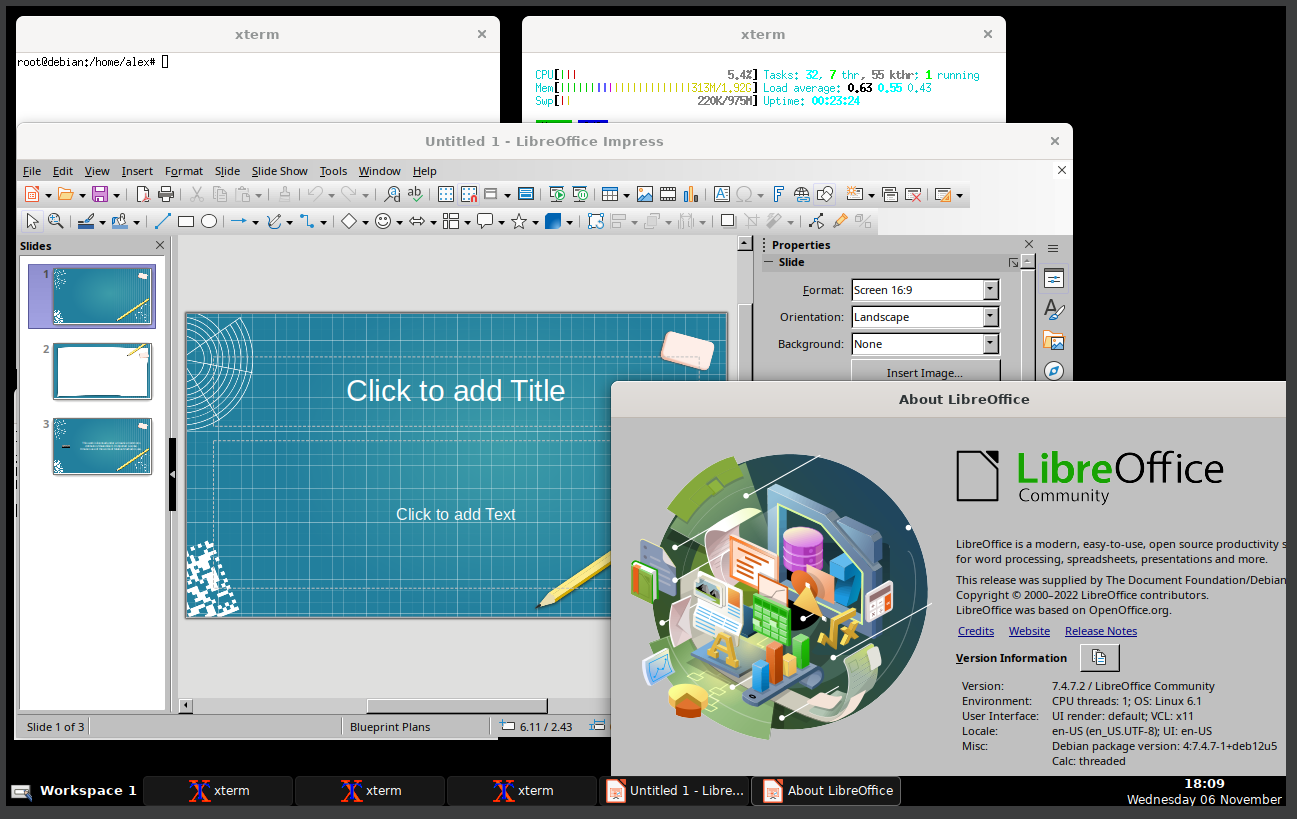
29. Running Metacity
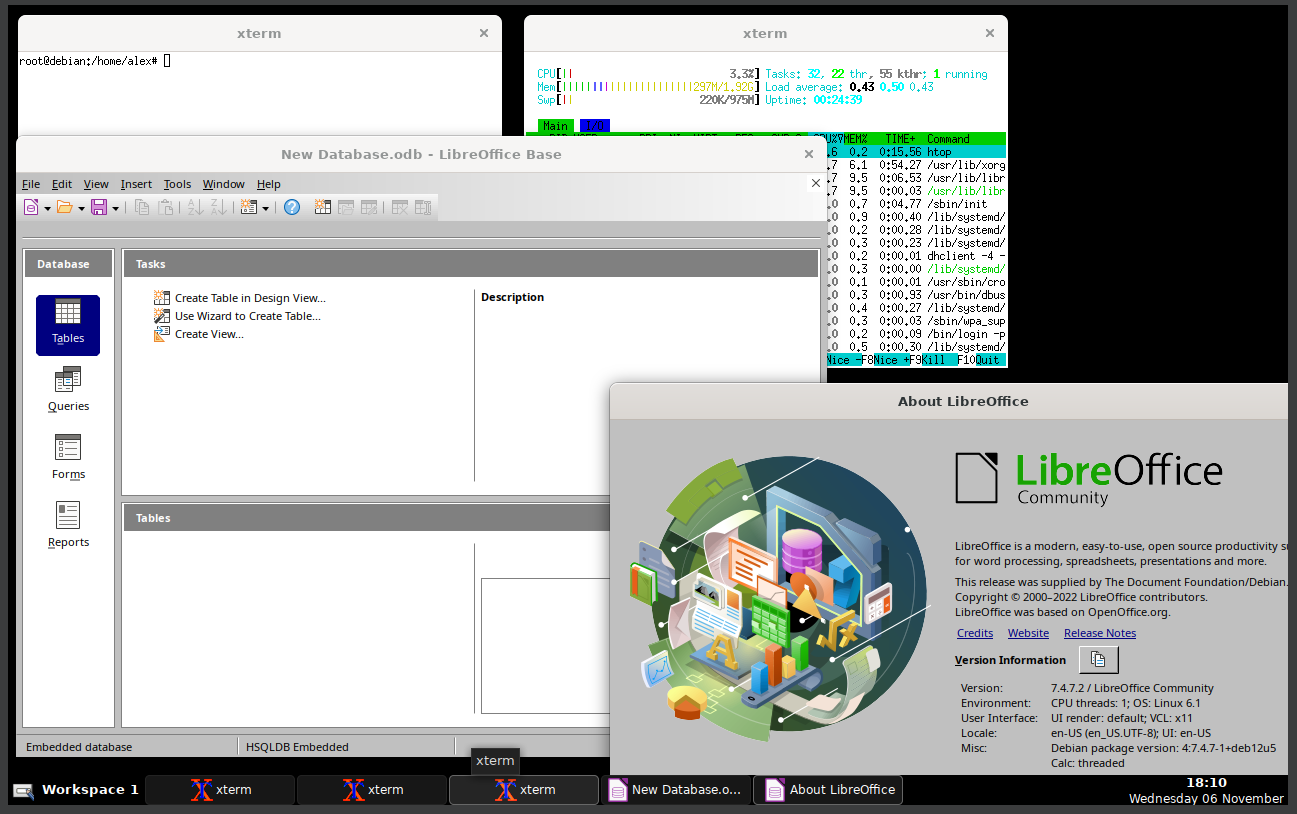
30. Running Metacity
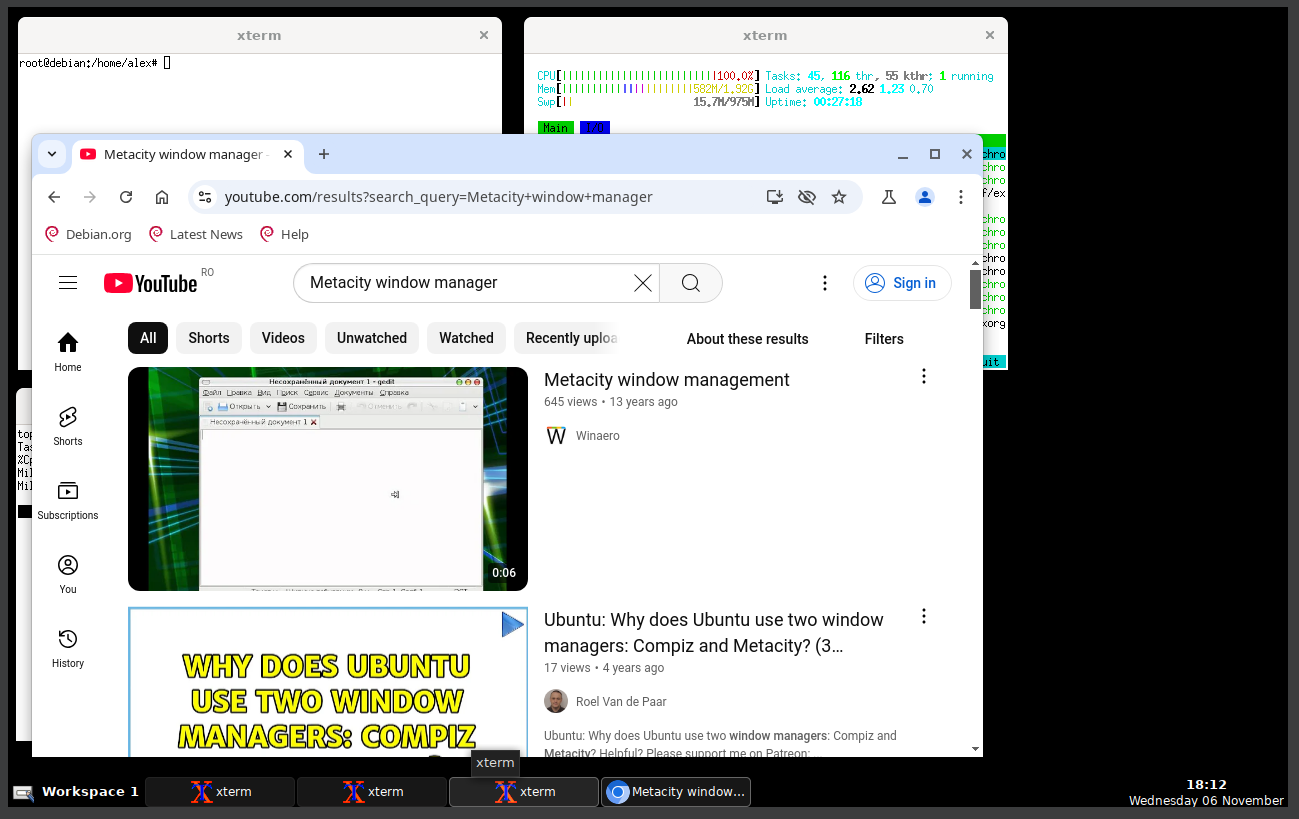
31. Running Metacity
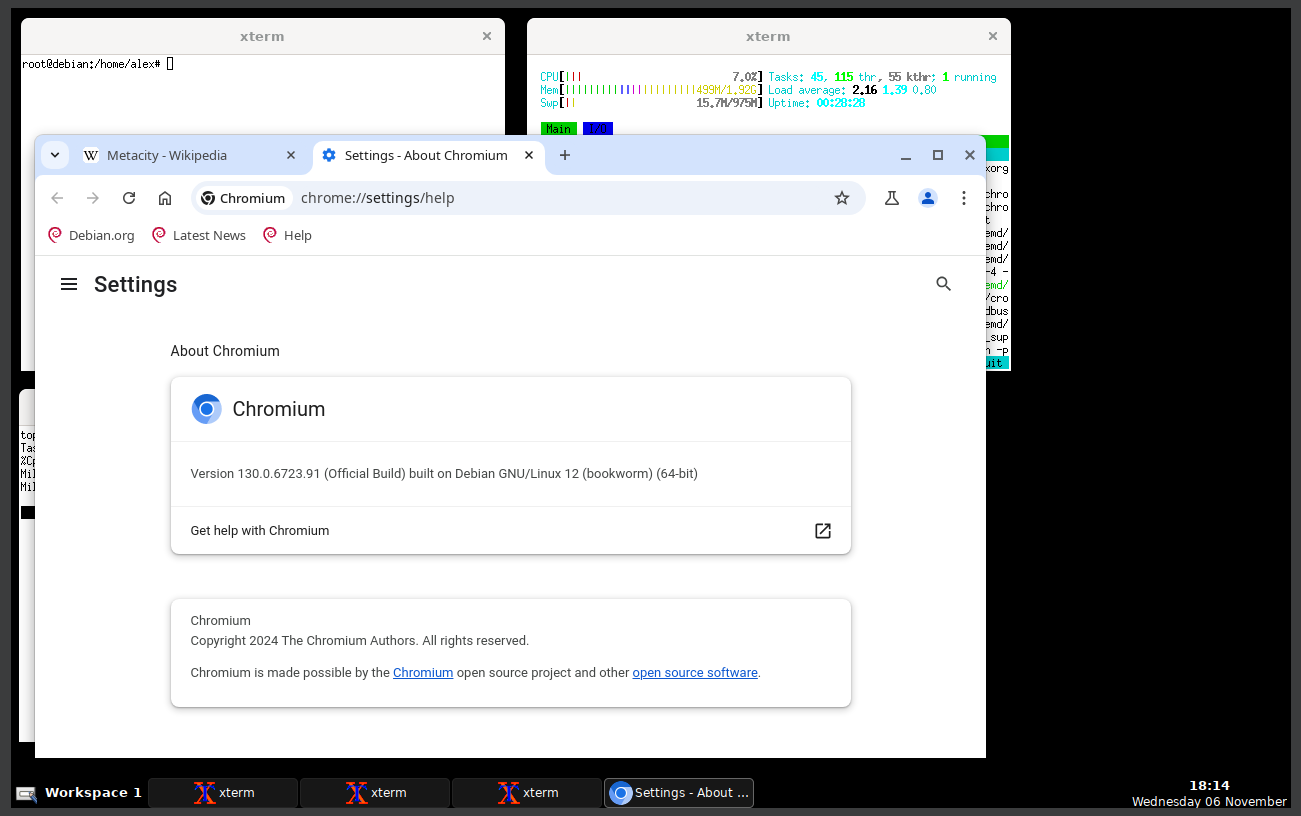
32. Running Metacity
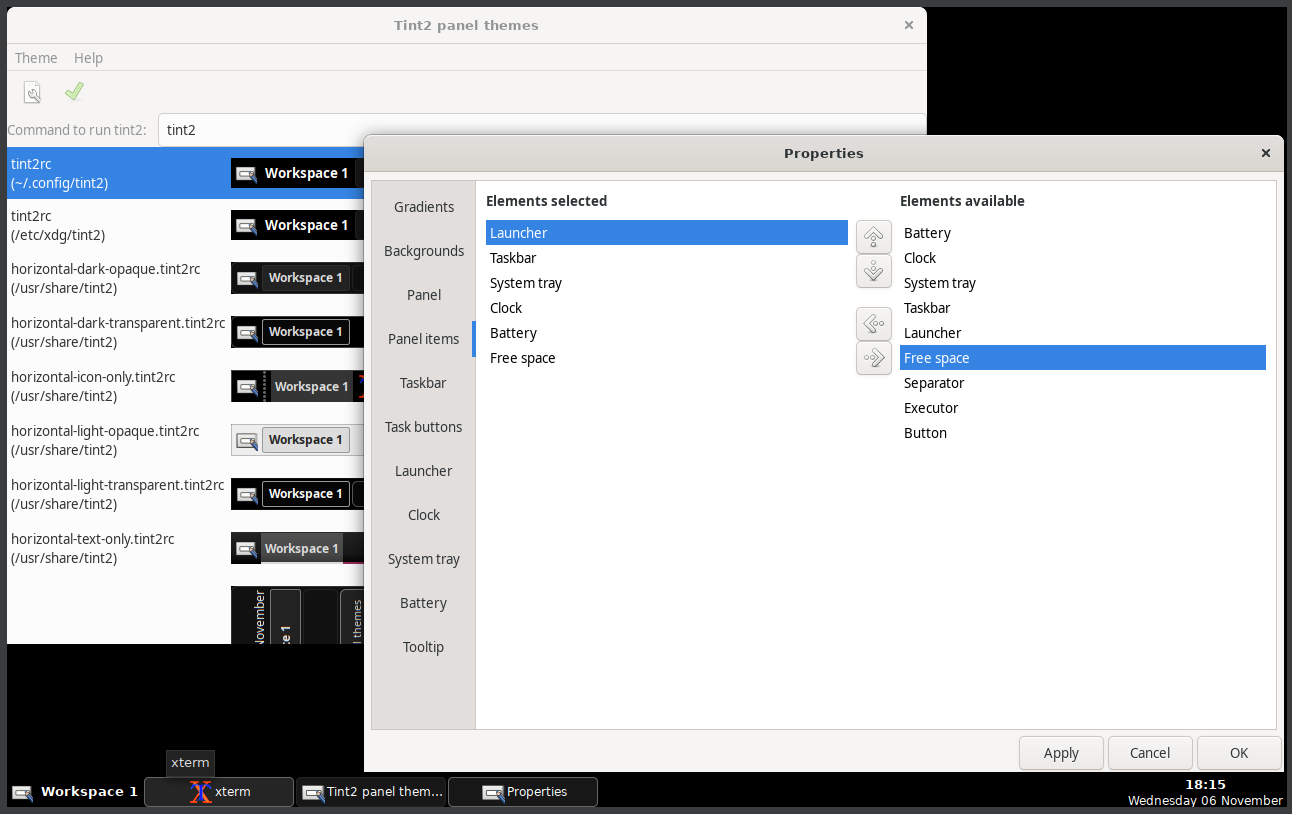
33. Running Metacity
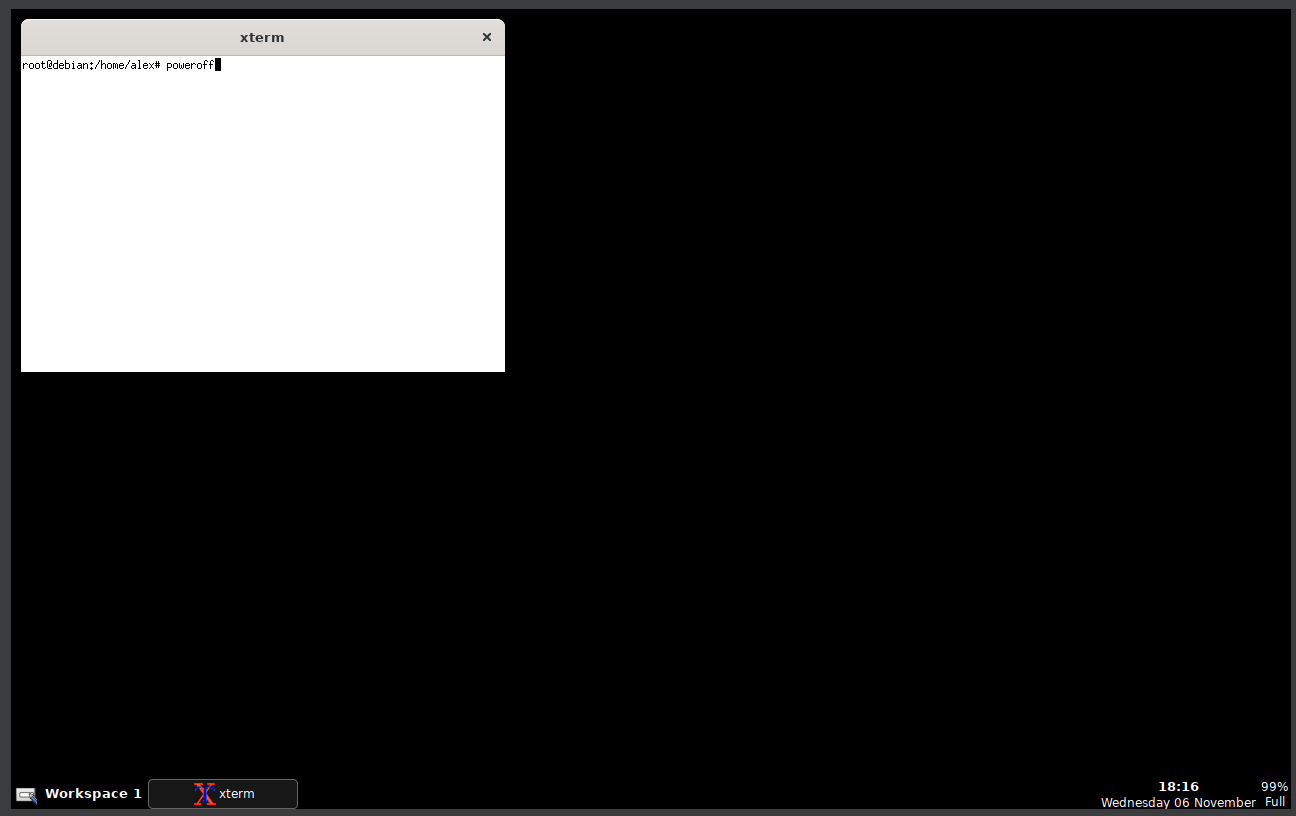
Well, that was exciting. See you in the next one!
If you wish to support our project
Donation link (Buy me a coffee):