
Installing the IceWM window manager on Debian
Step by step guide and HOWTO
Debian is a popular and influential Linux distribution known for its stability, versatility, and strong community support.
Today we shall install the IceWM window manager on Debian.
We need to complete several steps to get it working correctly.
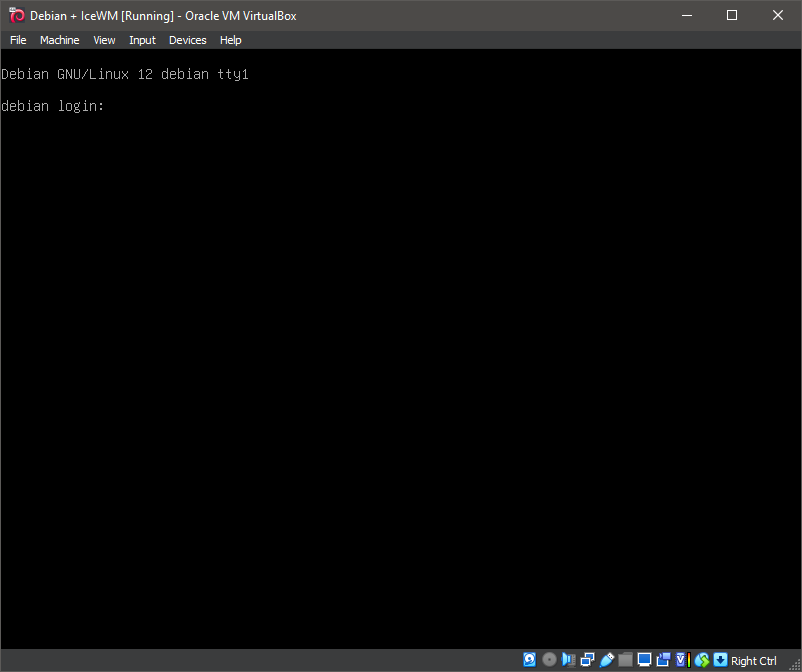
1. Boot the system -- System Ready.
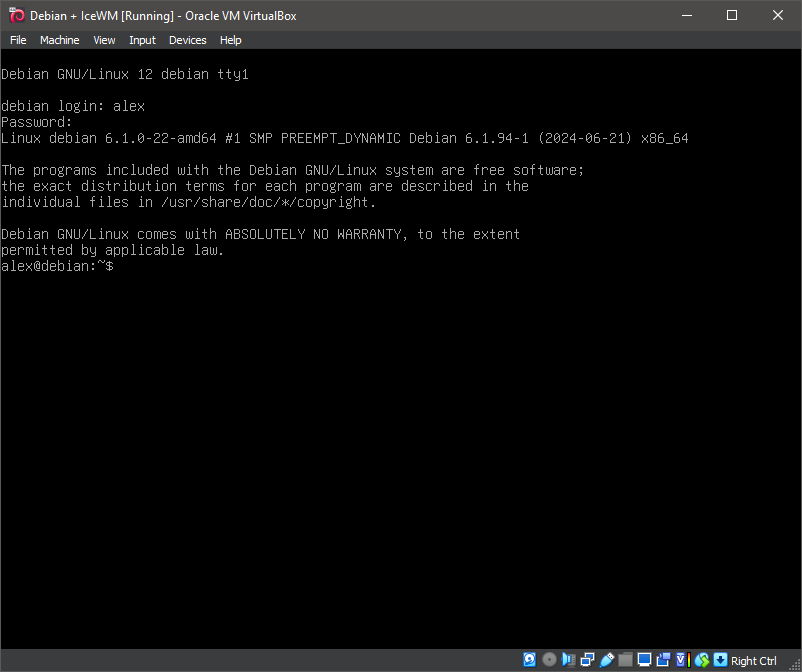
2. Boot the system -- Logged In.
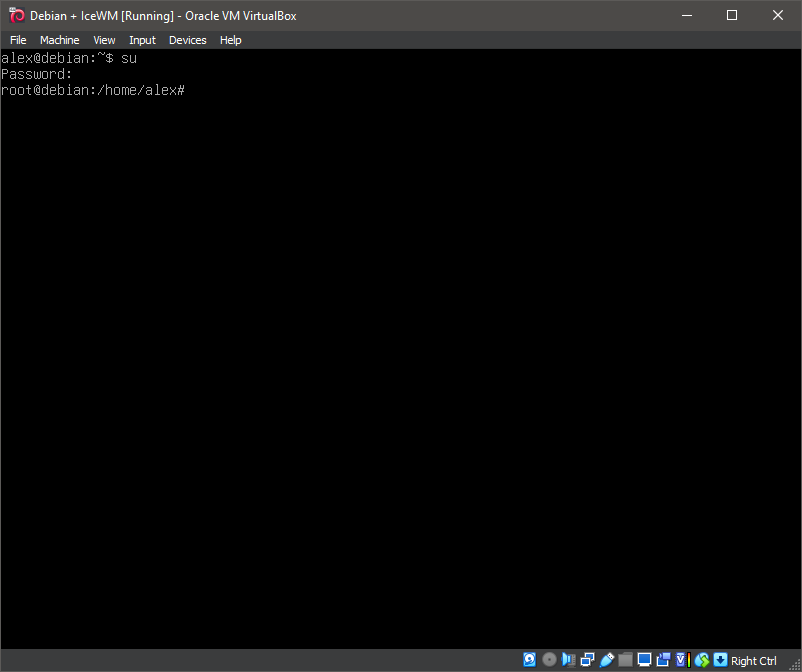
3. Switch to root
su
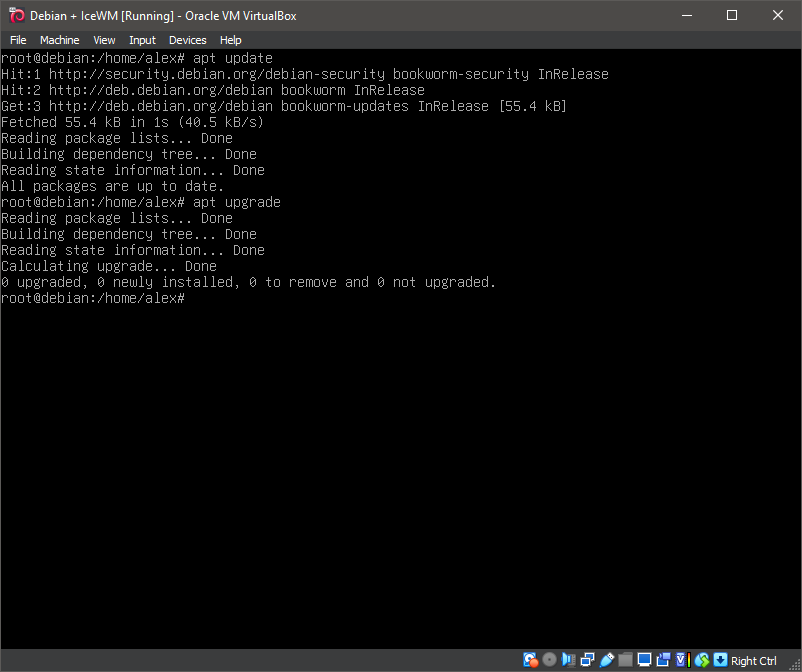
4. Running update
apt-get update
5. Running 'apt install icewm'
apt install icewm

6. Running 'apt install icewm'
apt install icewm
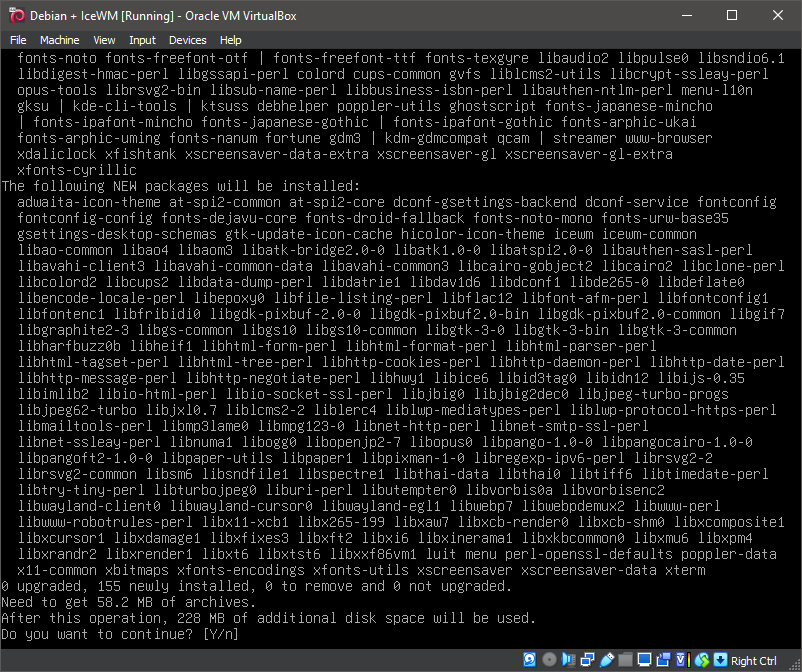
7. Running 'apt install icewm'
apt install icewm
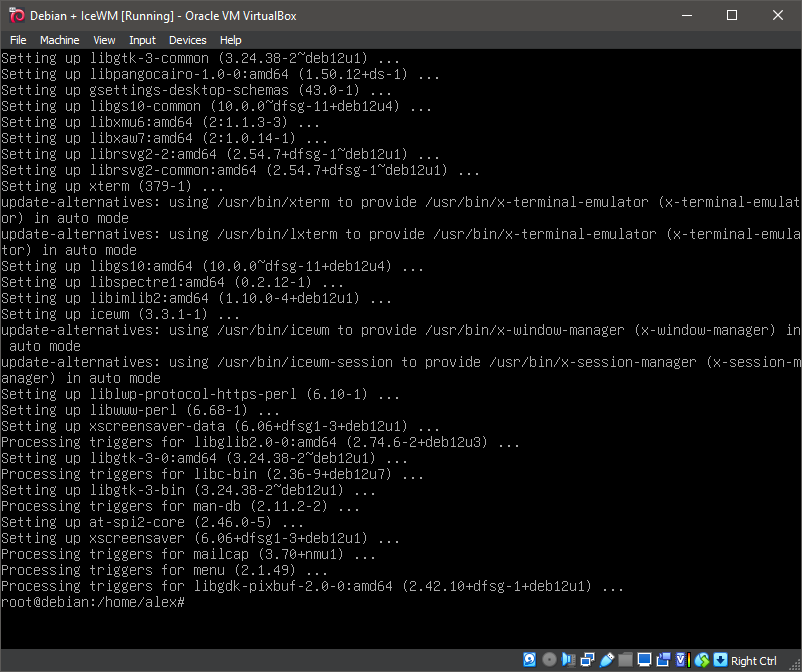
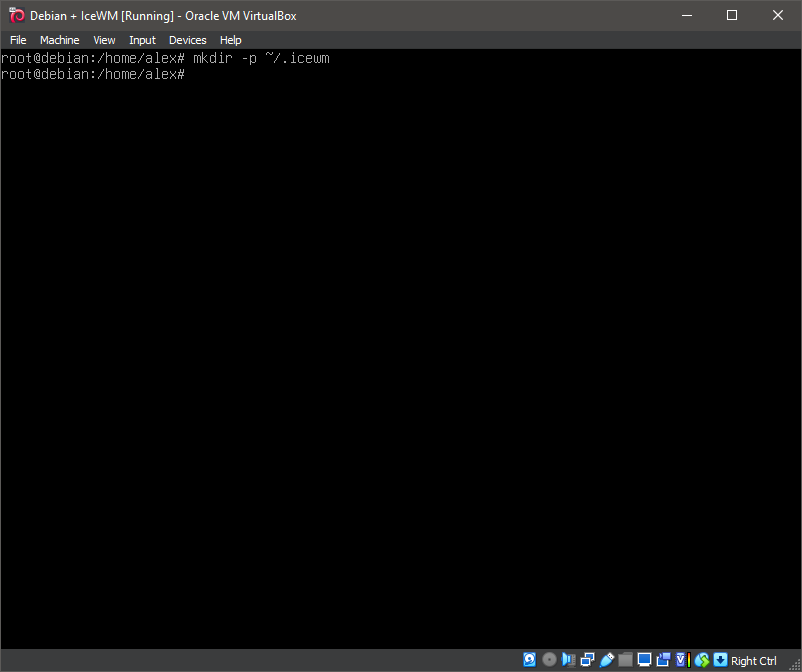
8. Running 'mkdir -p ~/.icewm'
mkdir -p ~/.icewm
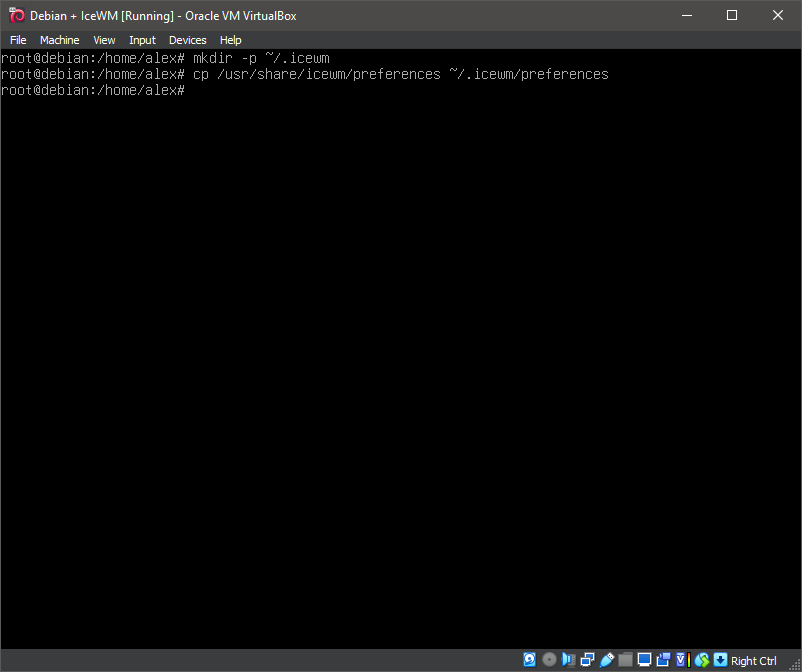
9. Running 'cp /usr/share/icewm/preferences ~/.icewm/preferences'
cp /usr/share/icewm/preferences ~/.icewm/preferences
10. Creating the configuration file
nano ~/.icewm/preferences

11. Creating the configuration file

12. Creating the configuration file for key bindings
nano ~/.icewm/keys
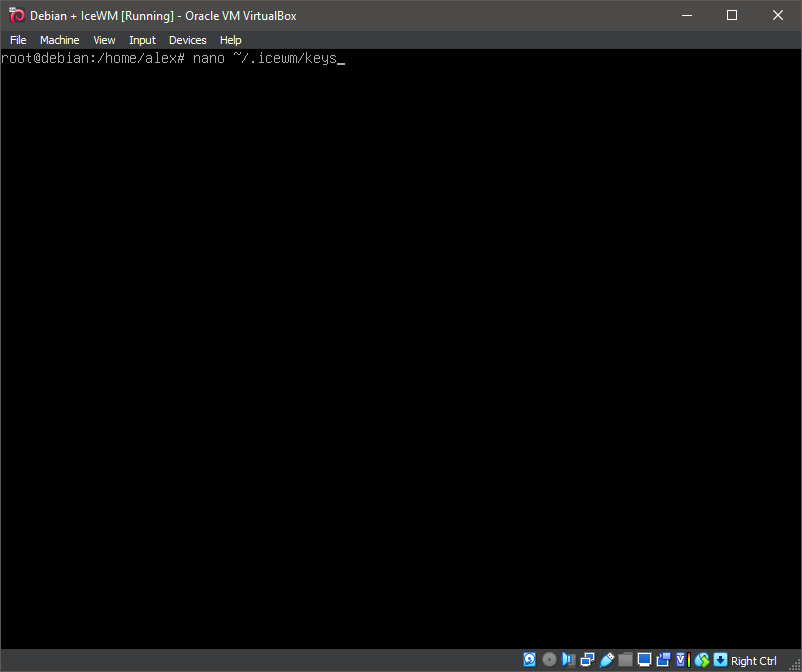
13. Creating the configuration file for key bindings
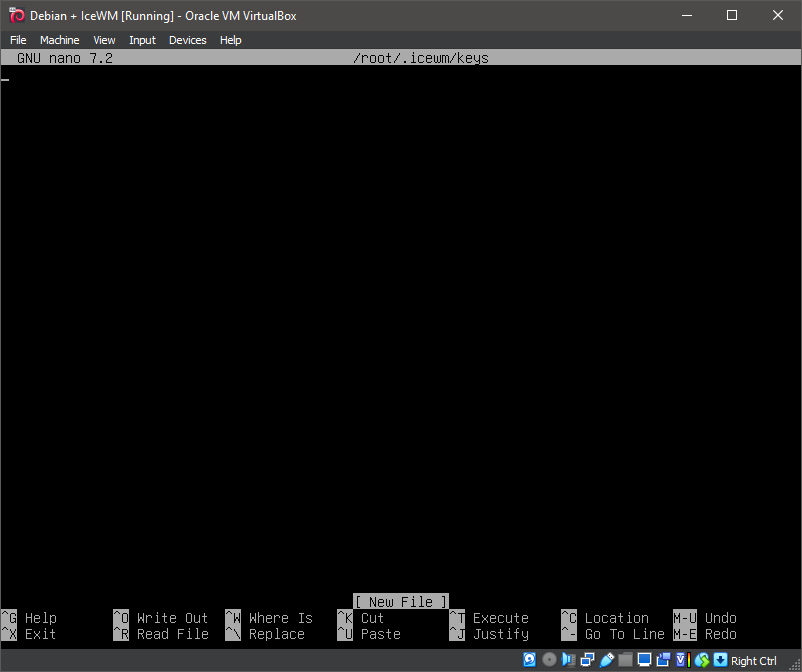
14. Running 'apt install xorg'
apt install xorg
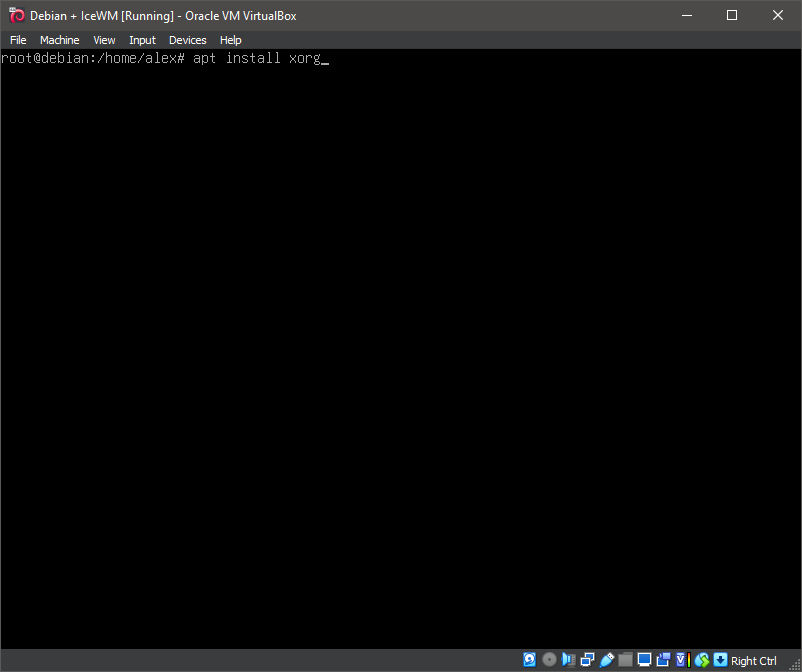
15. Running 'apt install xorg'
apt install xorg
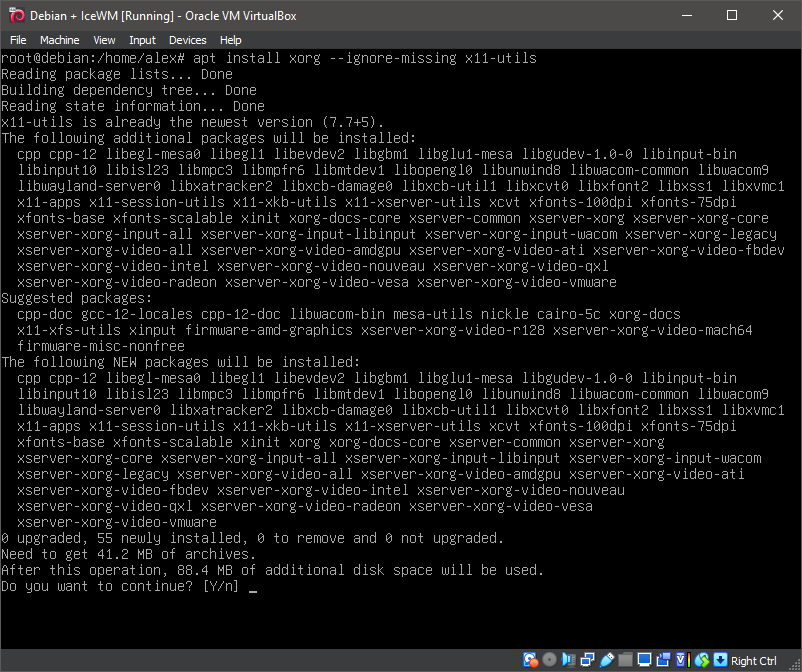
16. Running 'apt install xorg'
apt install xorg
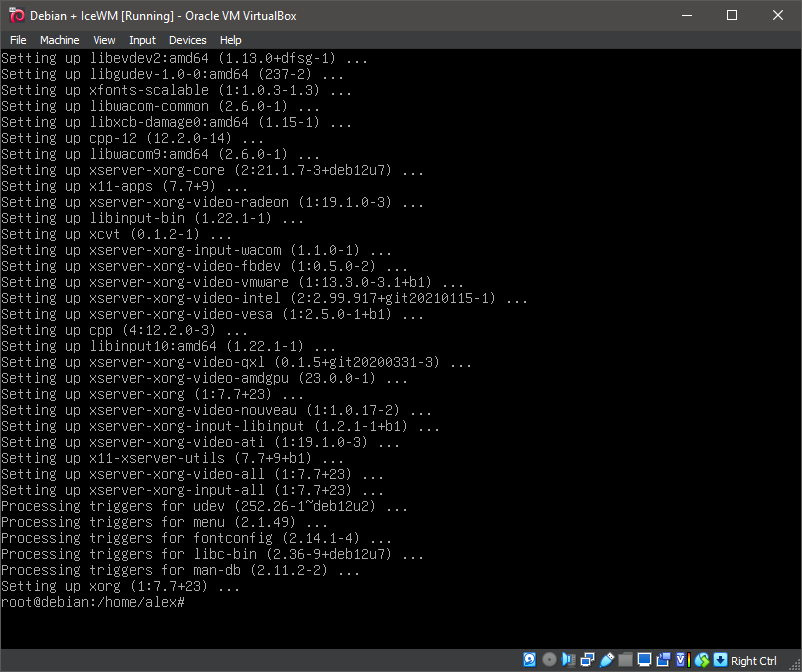
17. Running 'apt install lightdm'
apt install lightdm
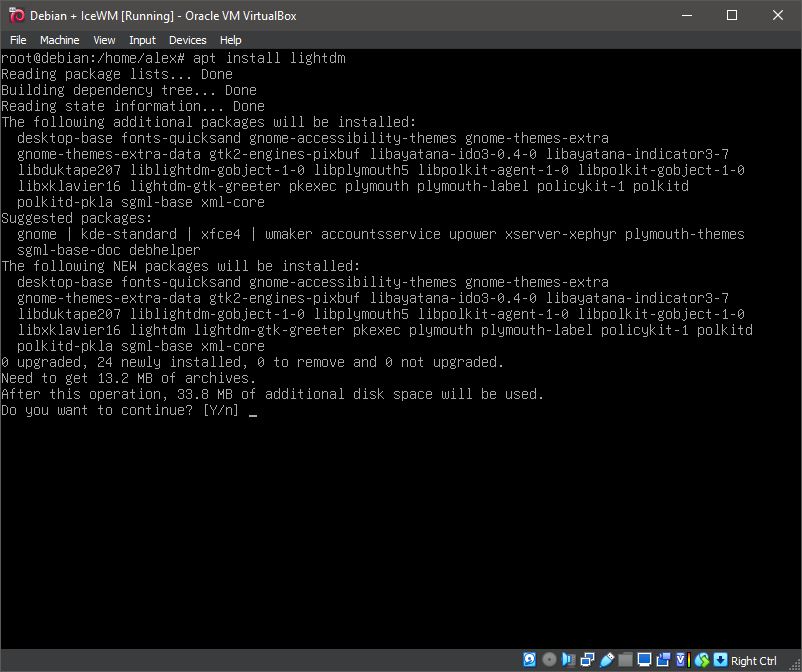
18. Running 'apt install lightdm'
apt install lightdm
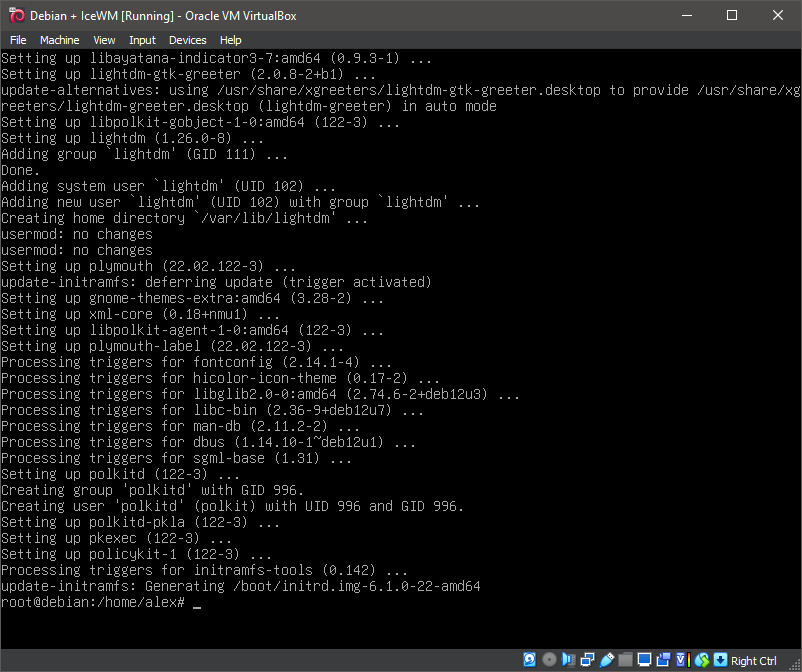
19. Running 'reboot'
reboot

20. IceWM
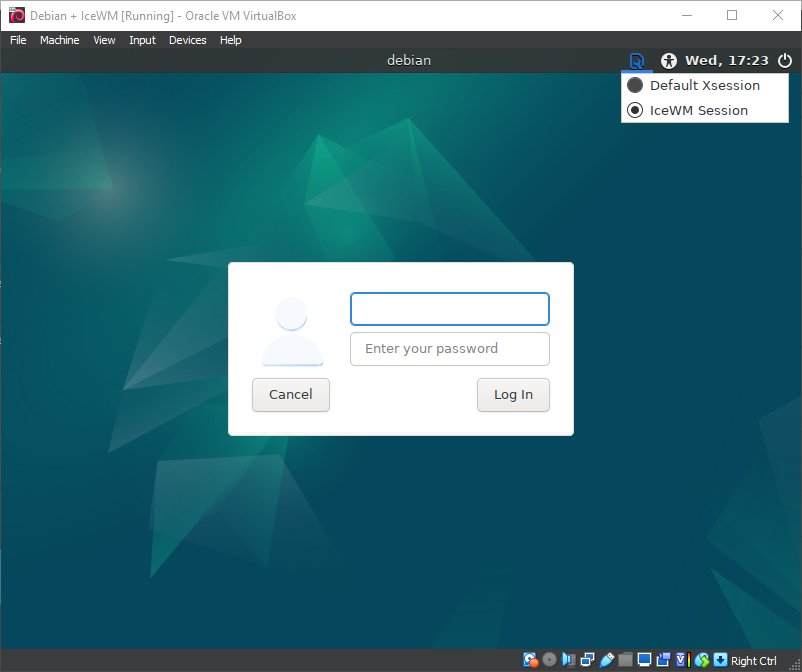
21. IceWM
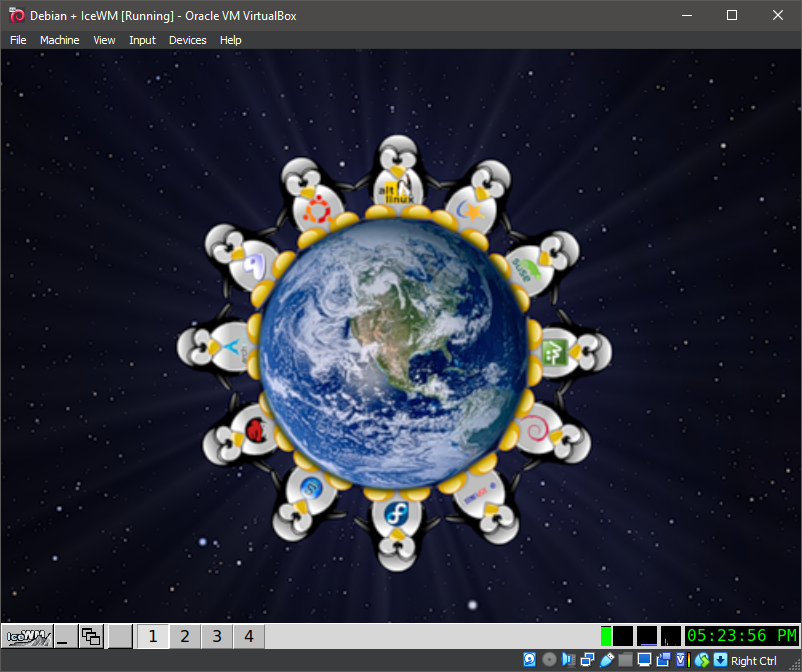
22. IceWM
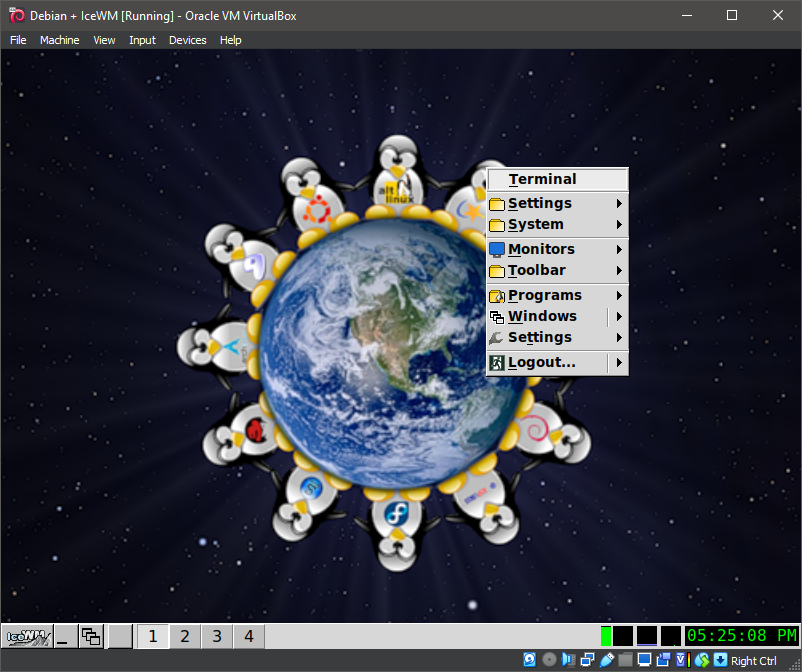
23. IceWM
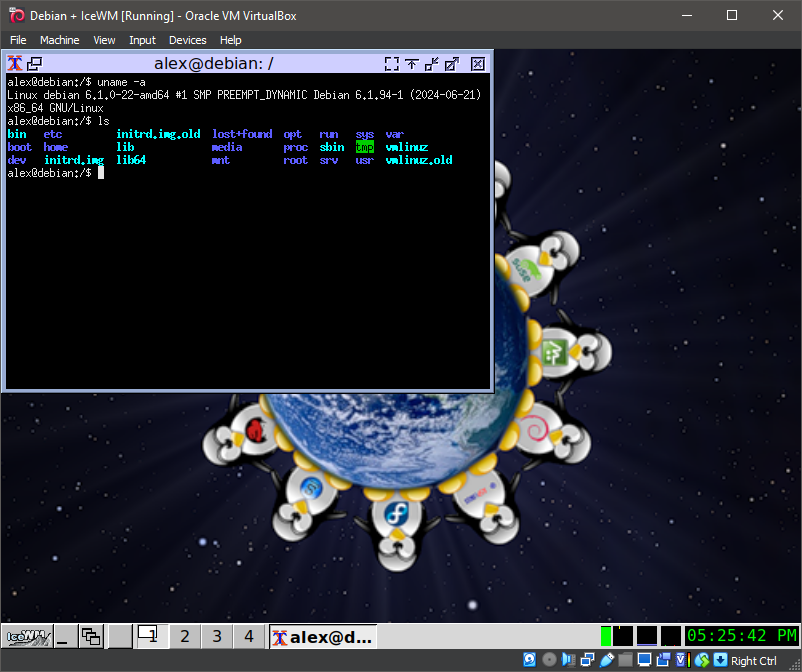
24. IceWM
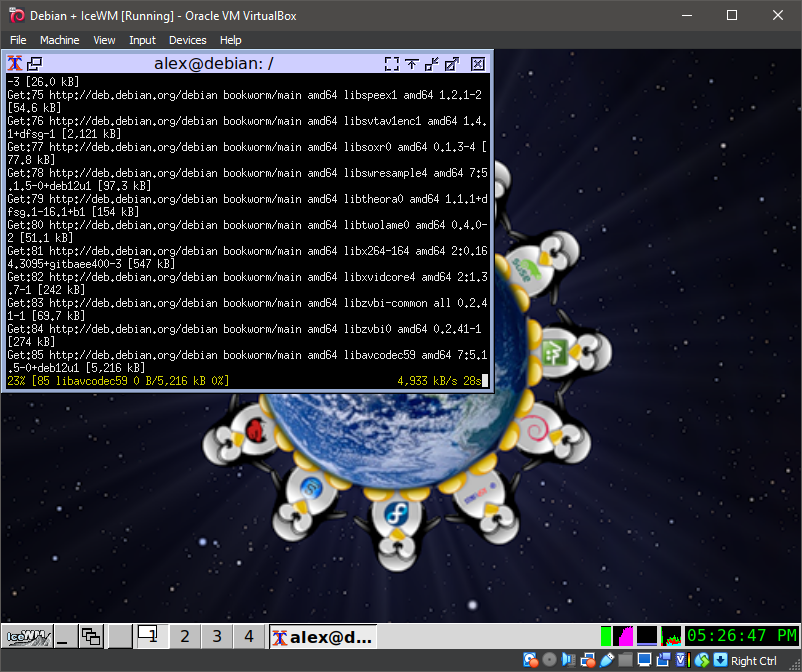
25. IceWM
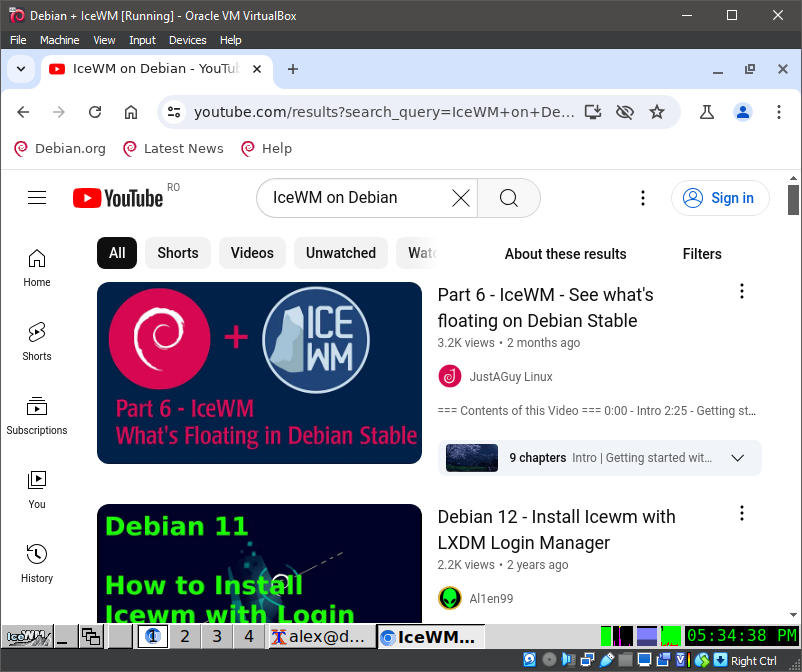
26. IceWM
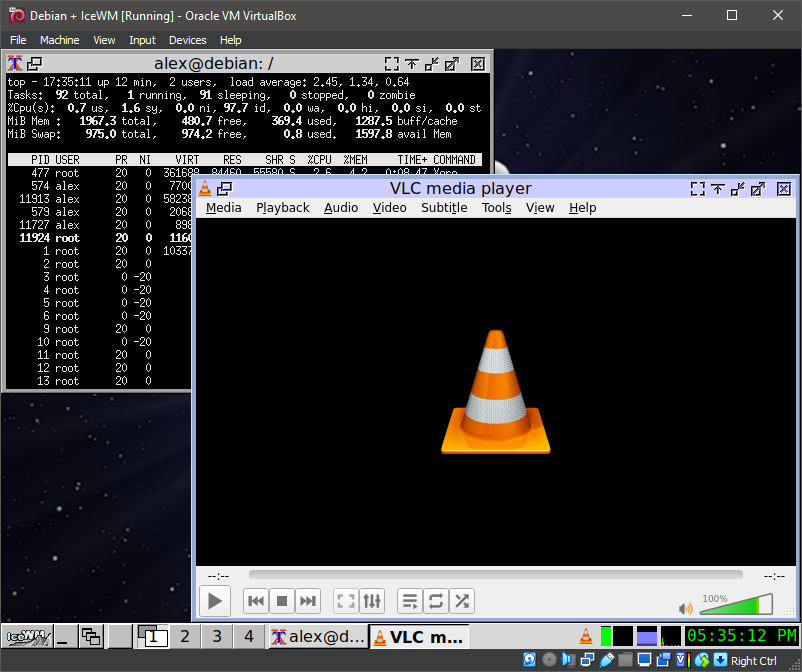
27. IceWM
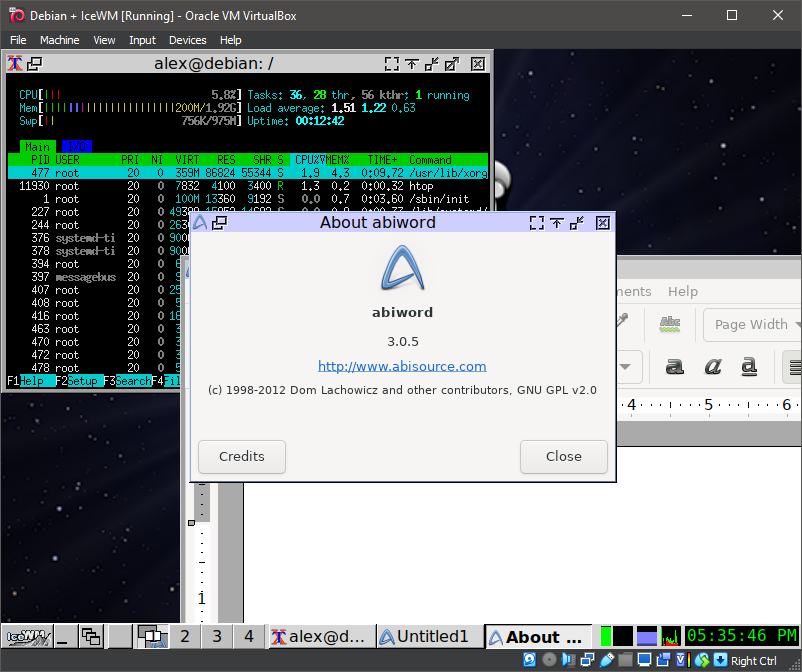
28. IceWM
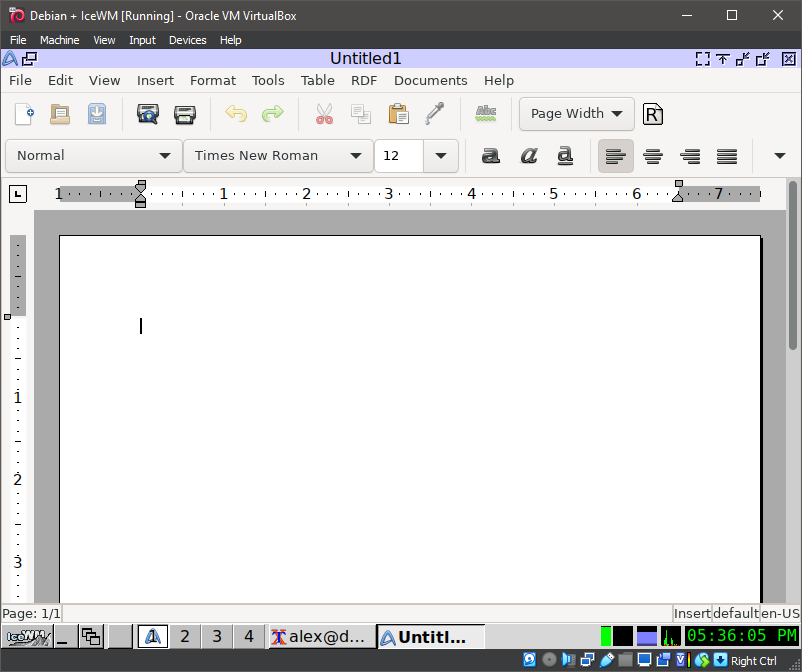
29. IceWM
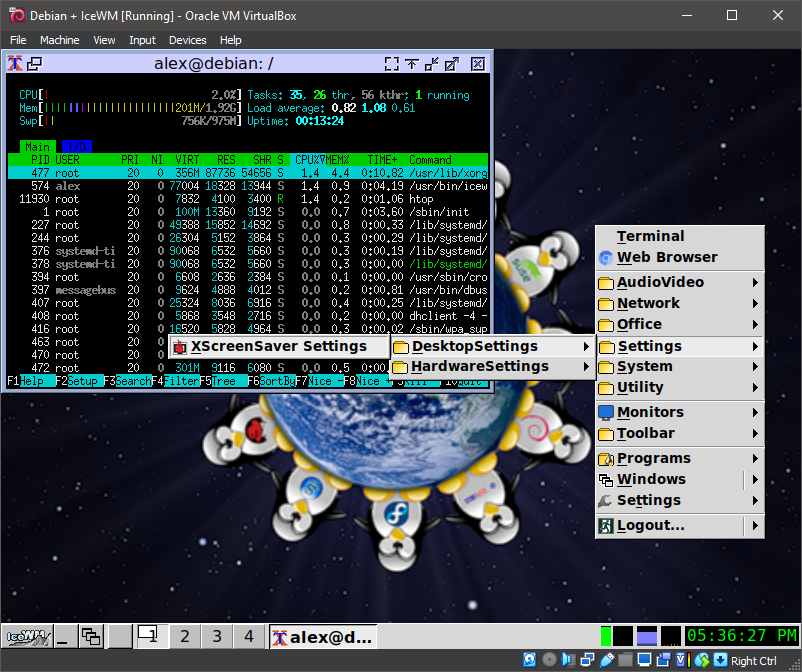
30. IceWM
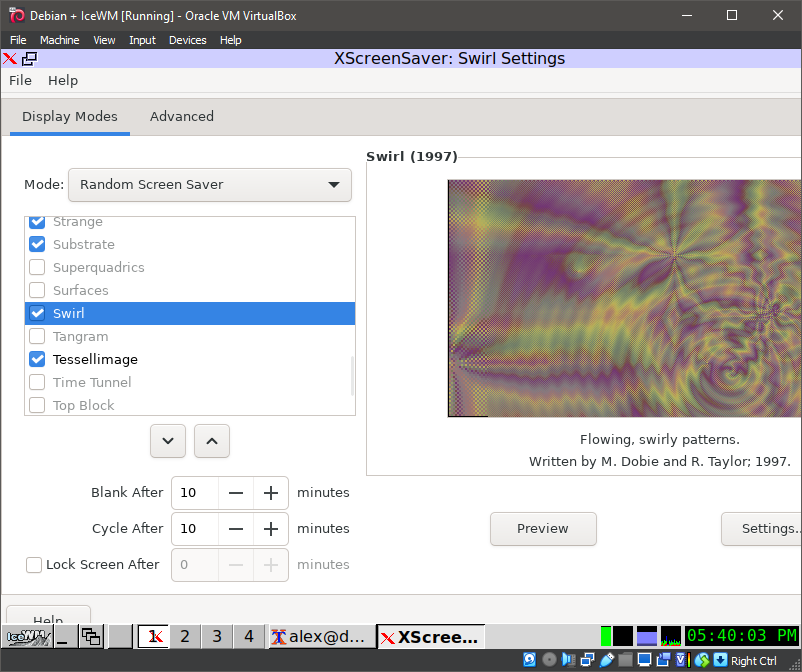
31. IceWM
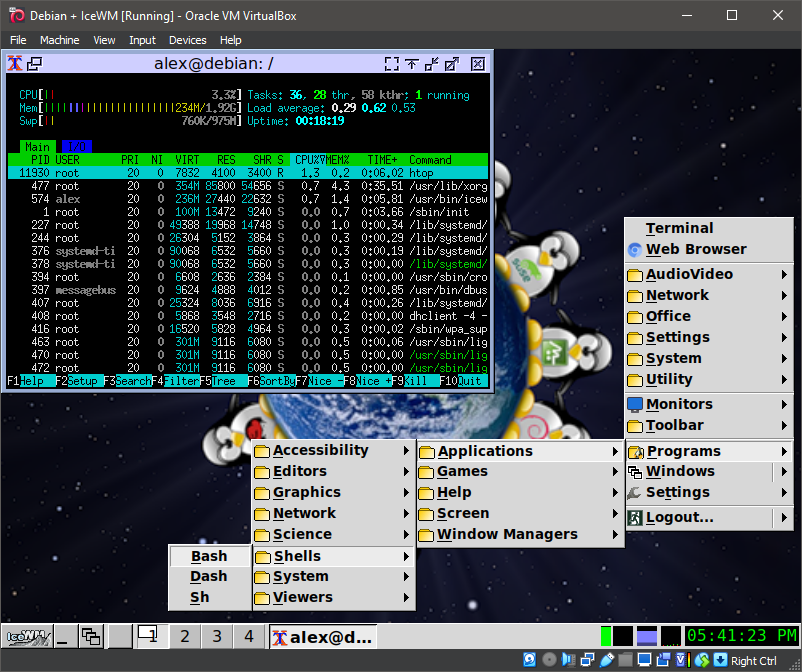
32. IceWM
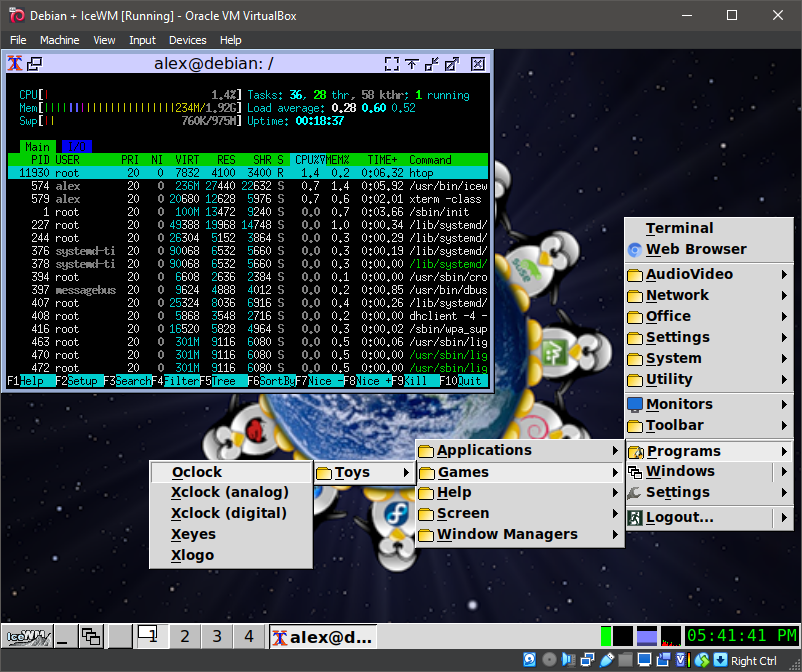
33. IceWM
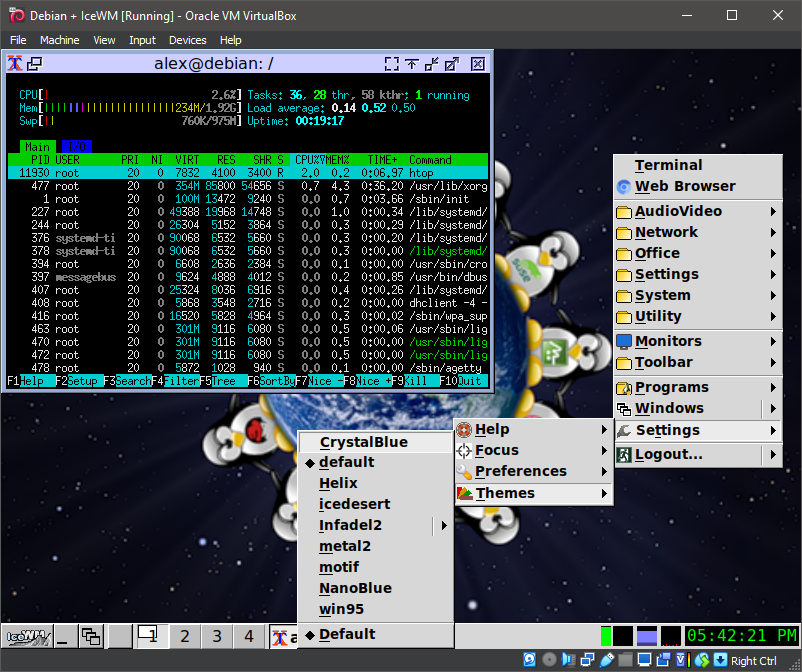
34. IceWM
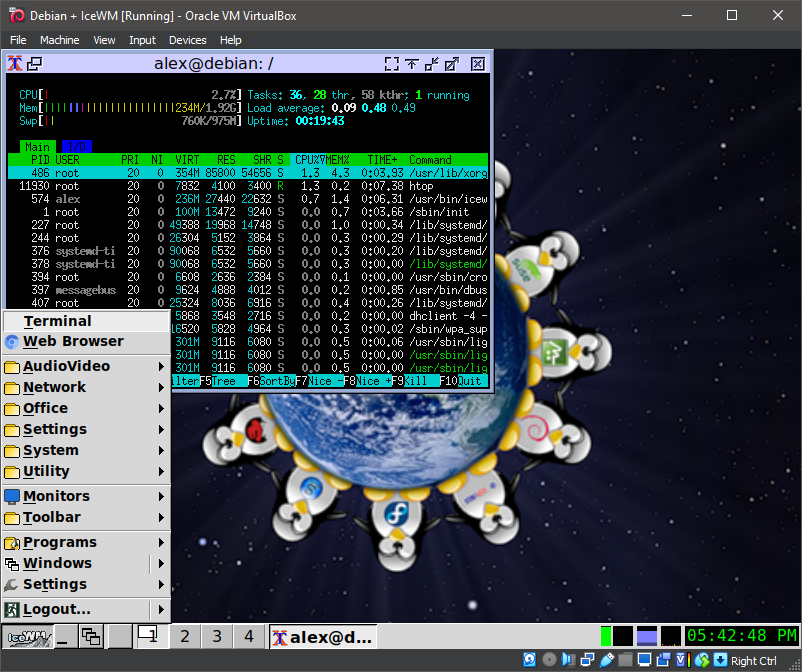
35. IceWM
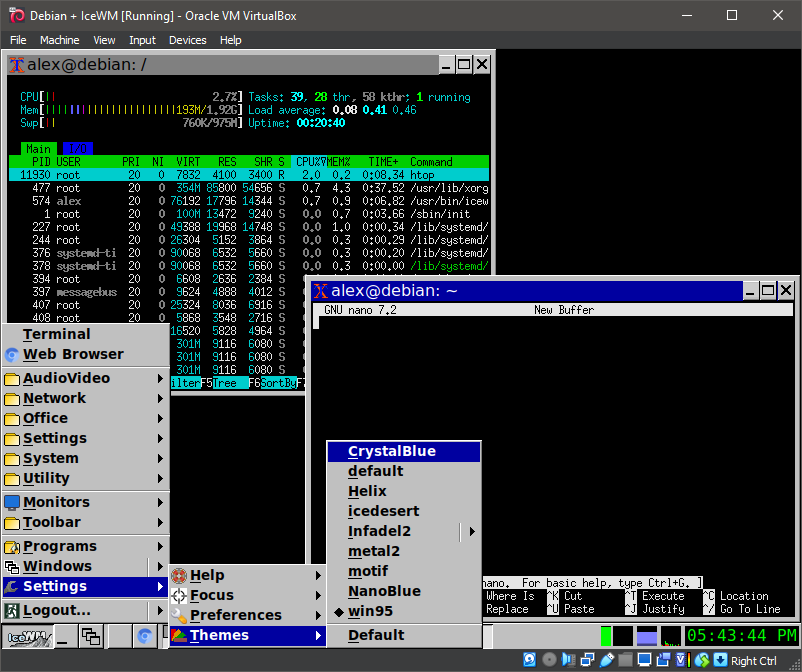
36. IceWM
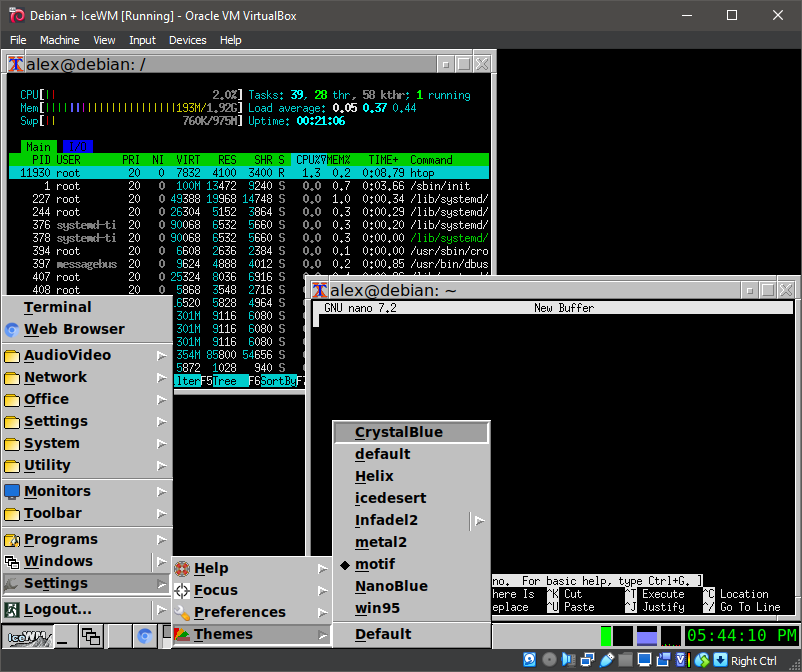
37. IceWM
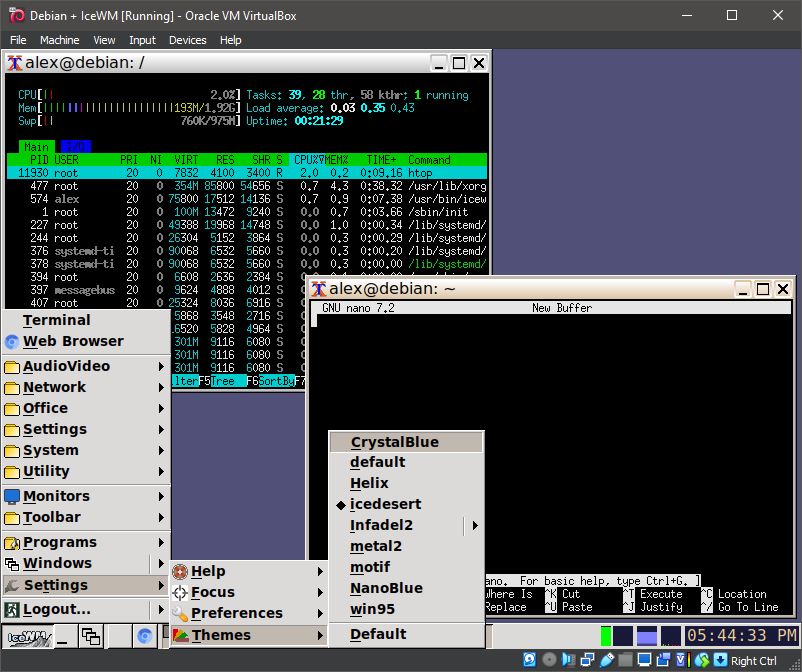
38. IceWM
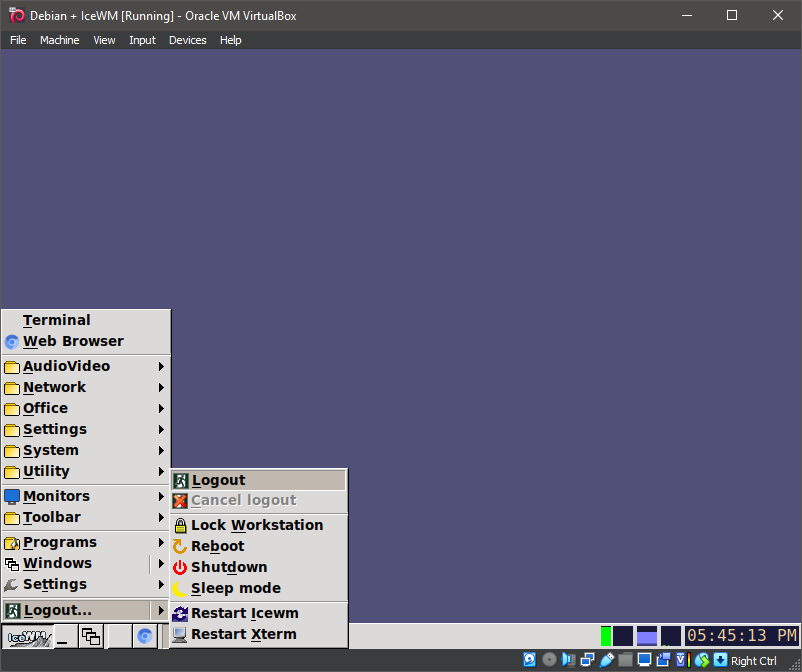
Well, that was exciting. See you in the next one!
If you wish to support our project
Donation link (Buy me a coffee):