
Installing the Fluxbox Window Manager on Debian
Step by step guide and HOWTO
Debian Linux is known for its stability and security, making it a reliable choice for servers and workstations.
It also has a vast software repository with extensive community support, ensuring access to a wide range of applications.
Fluxbox is beautiful for many reasons, especially for those who appreciate minimalism, performance, and customization in their desktop environment.
Fluxbox adheres to the "less is more" philosophy.
Its design is clean and minimal, without the unnecessary clutter found in many modern desktop environments.
It gives you the essentials and lets you build on that.
The absence of bloat allows users to focus on their tasks without being distracted by complex menus or excessive eye candy.
One of Fluxbox's most attractive features is its speed.
It is incredibly lightweight and efficient, using very few system resources.
This makes it perfect for older hardware, low-spec systems, or anyone who values performance and responsiveness.
Fluxbox doesn't slow down your workflow, which can be a form of beauty in itself—efficiency in simplicity.
Fluxbox allows you to customize virtually every aspect of your desktop environment, from the window decorations to keybindings and the right-click menu.
This customization isn't just functional; it's artistic.
You can shape Fluxbox to look and feel exactly how you want, making your desktop environment a true reflection of your personality and needs.
You can create your own themes by tweaking the window borders, title bars, fonts, and more.
The right-click menu is completely configurable, allowing you to organize your favorite applications and system tools in a personalized way.
You can set custom keyboard shortcuts for virtually every action, enabling a smooth, fluid workflow.
Even though Fluxbox is minimal, it doesn't sacrifice elegance.
The window borders are subtle, and the interface looks sharp and uncluttered.
The simple, geometric shapes of the interface have a charm of their own, reminiscent of classic desktop environments that prioritize function over flash.
Many users find beauty in this clarity and focus.
With Fluxbox, you can easily apply custom themes, giving you the power to make your desktop look as colorful or as minimalist as you like.
Whether you want a dark, cyberpunk aesthetic or a light, clean workspace, the options are nearly limitless.
Themes are easy to find or create, and you can switch between them instantly.
Fluxbox offers a level of control that many modern desktop environments abstract away from the user.
The ability to manage windows with fine-grained precision—moving, resizing, snapping, or tabbing windows—is not just practical, but it can make your workspace feel more "alive" and under your control.
This gives an almost tactile satisfaction, which is a kind of beauty in interaction design.
Fluxbox provides a distraction-free workspace.
The absence of widgets, icons, and unnecessary graphical elements ensures that users can focus on what really matters—their applications and work.
This quiet elegance is a form of beauty in its own right.
It's about having everything you need and nothing more, allowing the user to experience a sense of freedom in their work environment.
Fluxbox is popular among those who enjoy tinkering with their system, creating a sense of accomplishment when everything works just the way you want it.
This "do-it-yourself" spirit can be beautiful in the sense that you are actively creating and curating your computing experience.
Every time you add a tweak or customization, you build a personal masterpiece.
Fluxbox has a unique tabbing feature that many other window managers lack.
You can group windows together by dragging one window’s title bar onto another, similar to tabbed browsing in web browsers.
This feature combines utility with aesthetics, keeping your workspace organized and clean while providing quick access to related windows.
Fluxbox can be seen as a blank canvas waiting for you to fill it.
Instead of forcing a predefined aesthetic on you, it gives you the freedom to create an environment that is uniquely yours.
Whether you want to dive into configuration files to fine-tune every detail or apply a pre-existing theme, Fluxbox makes your desktop a canvas for your creativity.
Fluxbox is beautiful because it combines simplicity, speed, and endless customization options into a window manager that works as a highly efficient tool and an artistic expression of your preferences.
It respects your resources, giving you the freedom to create a workspace that reflects your personality, needs, and aesthetic taste, without compromising performance.
In the end, Fluxbox’s beauty lies in the balance it strikes between form and function, offering users an efficient and elegant desktop that can look and work exactly the way they want.
Today we shall install the Fluxbox Window Manager on Debian
We need to complete several steps to get it working correctly.
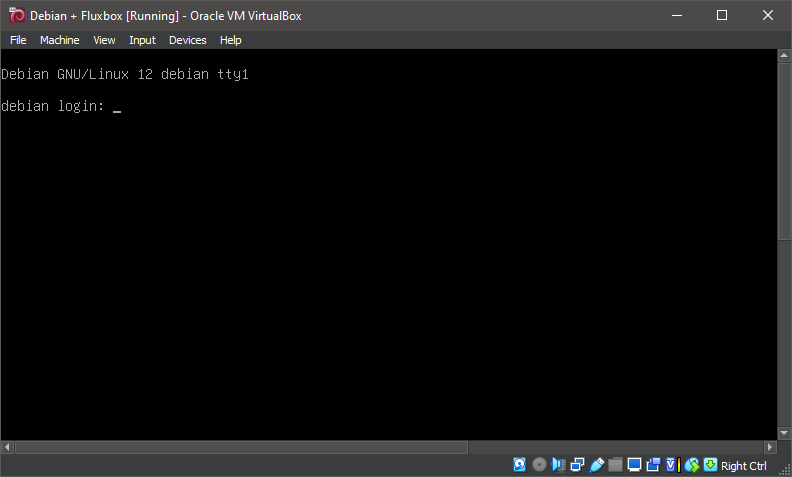
1. Boot the system -- System Ready.
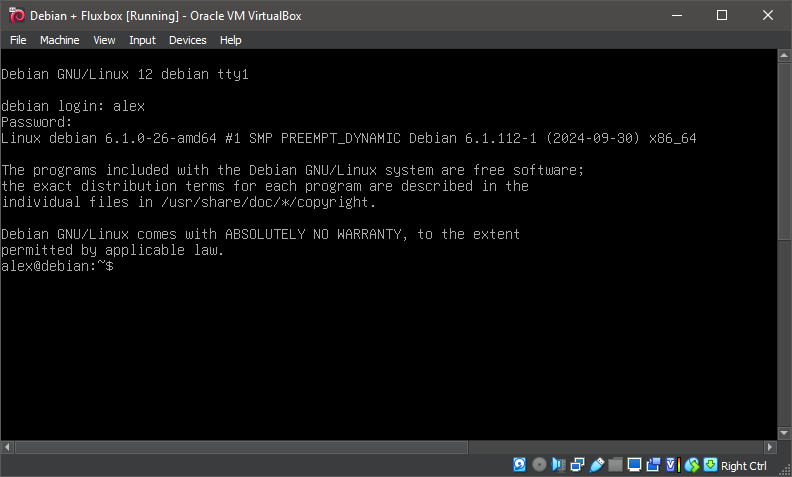
2. Boot the system -- Logged In.
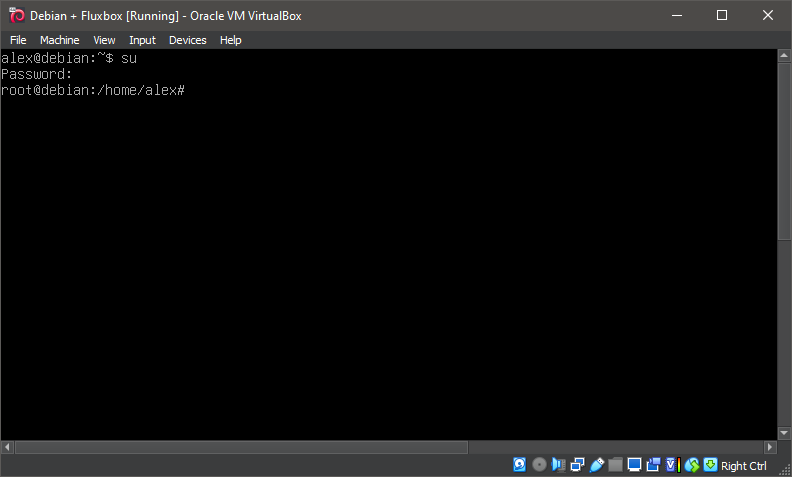
3. Switch to root
su
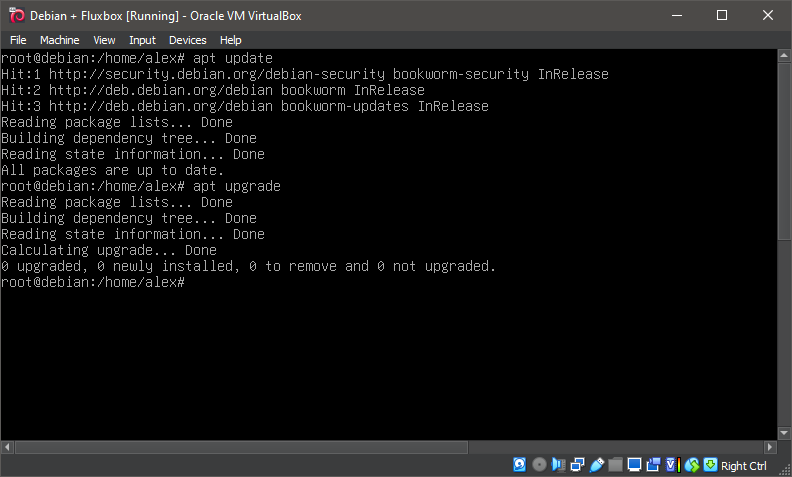
4. Running update
apt-get update
apt-get upgrade
5. Running 'apt install xorg'
apt install xorg
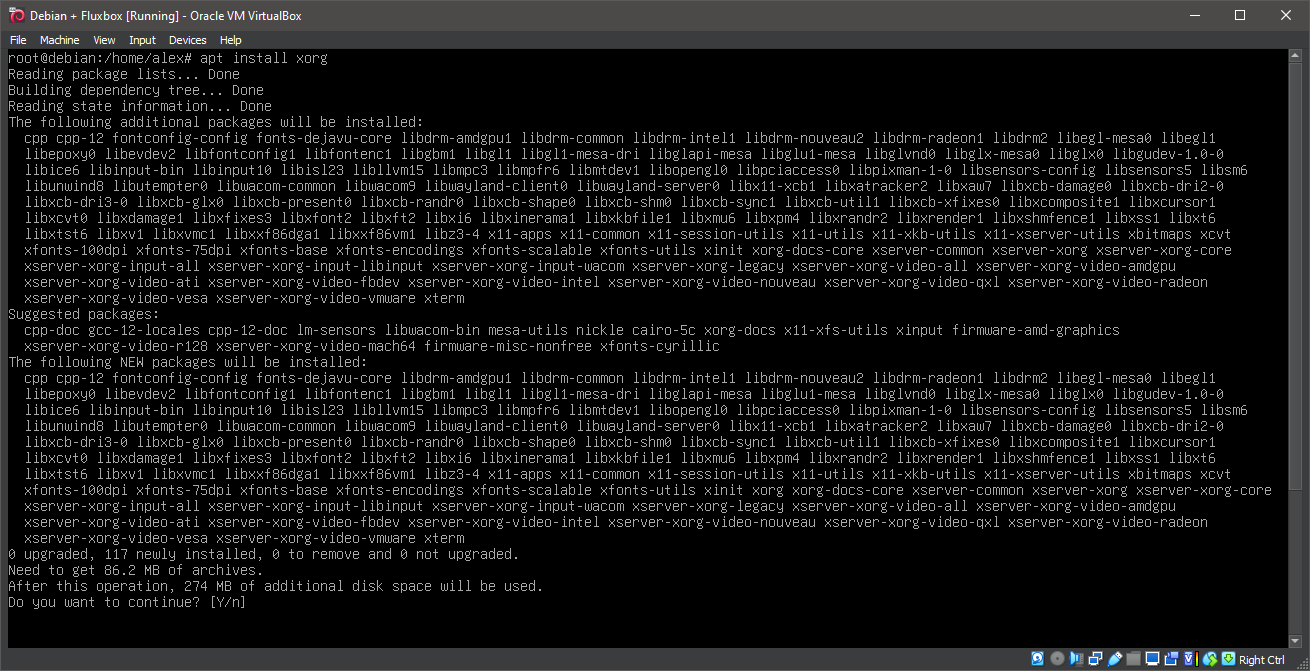
6. Running 'apt install xorg'
apt install xorg
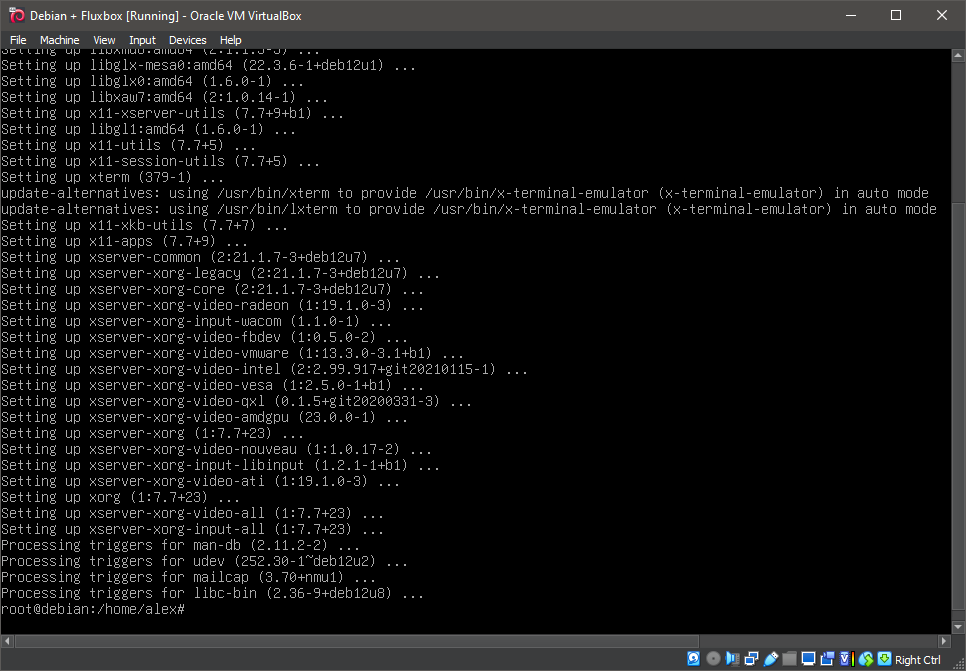
7. Running 'apt install fluxbox'
apt install fluxbox
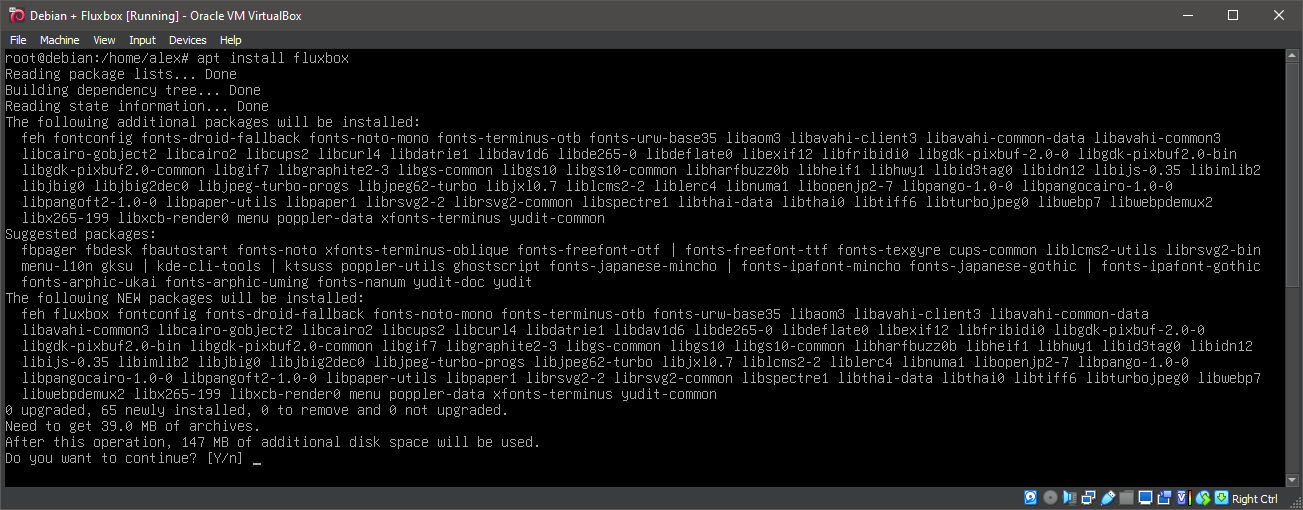
8. Running 'apt install fluxbox'
apt install fluxbox
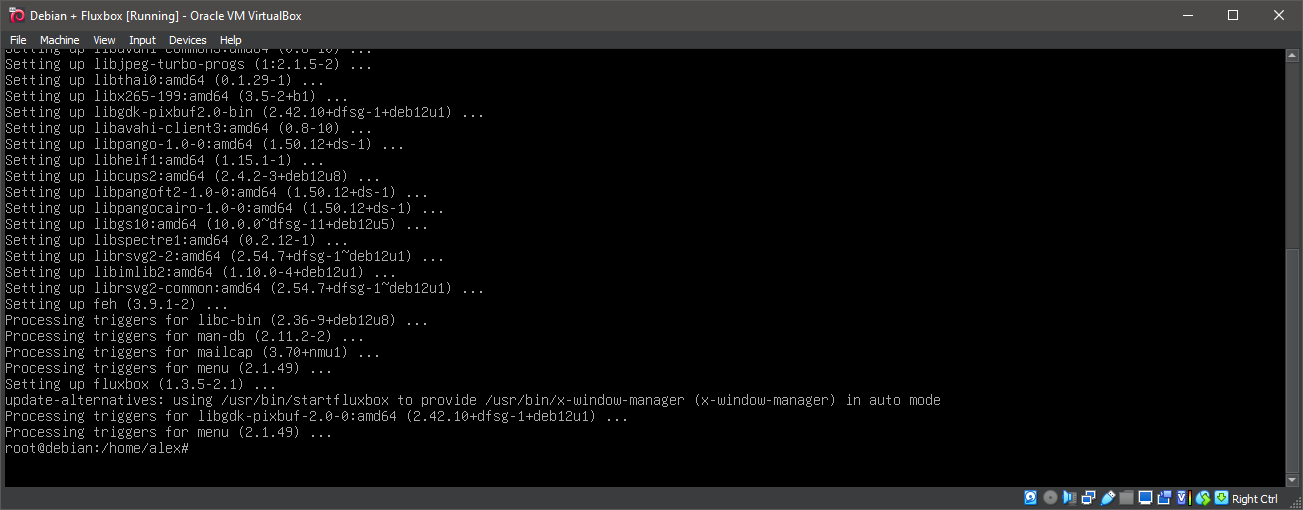
9. Running 'startx /usr/bin/fluxbox'
startx /usr/bin/fluxbox
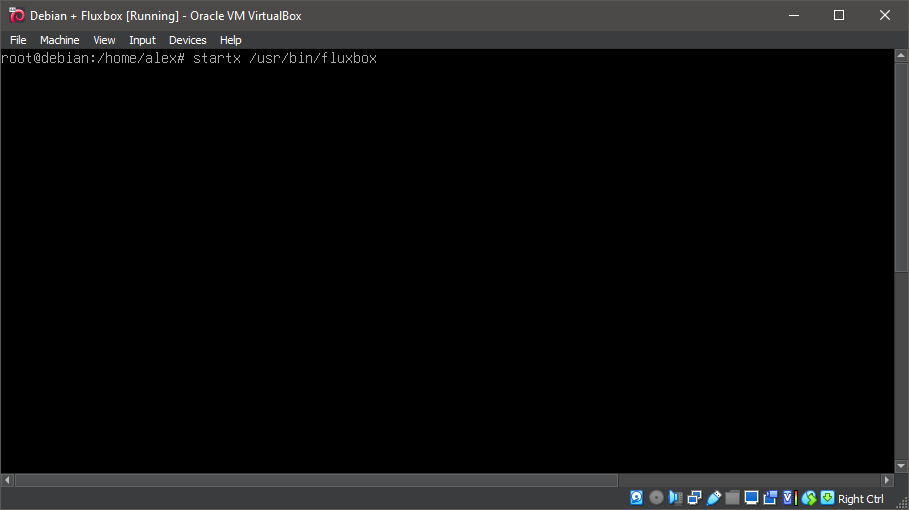
10. Running Fluxbox
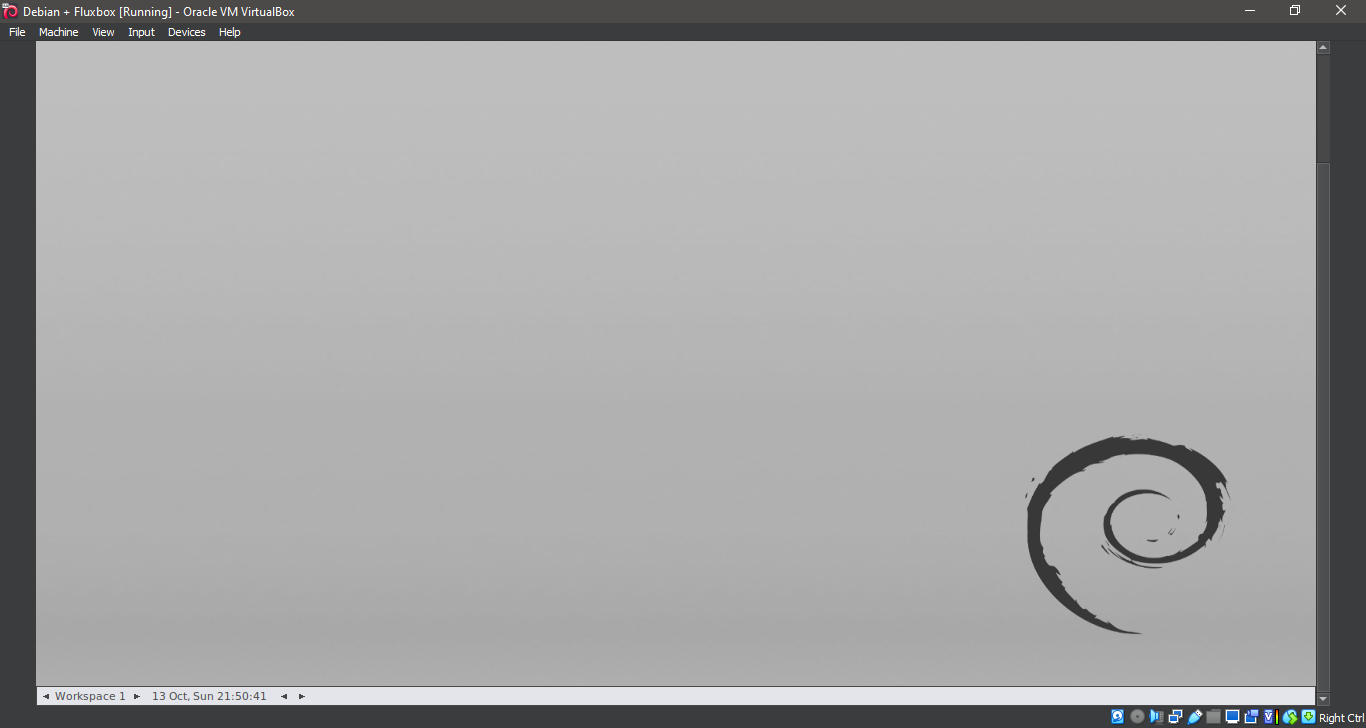
11. Running Fluxbox
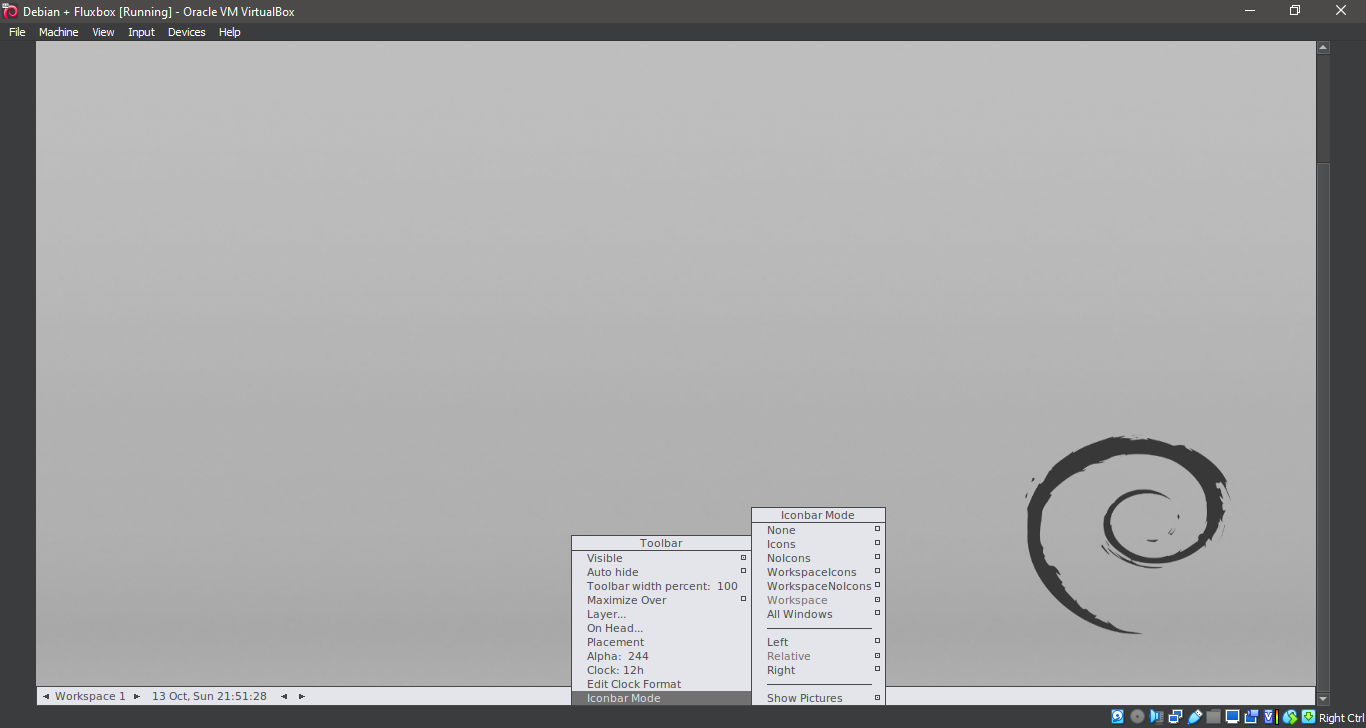
12. Running Fluxbox
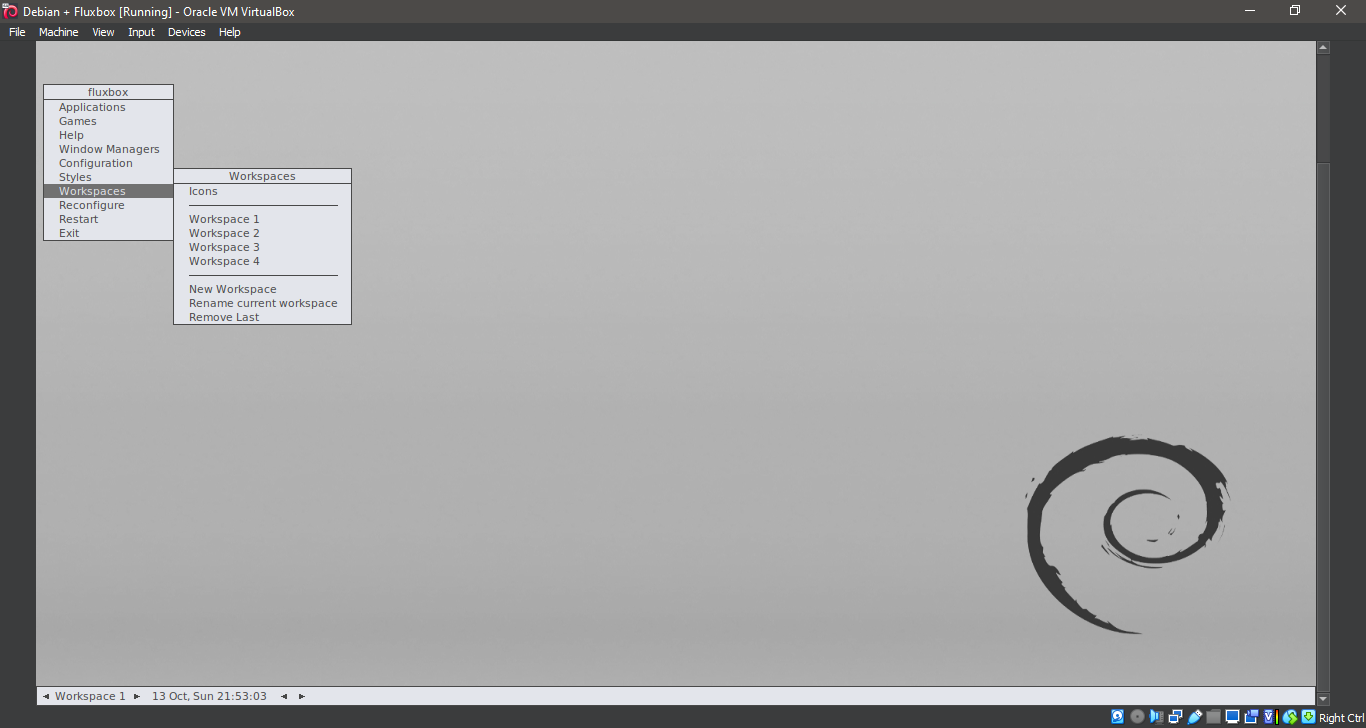
13. Running Fluxbox
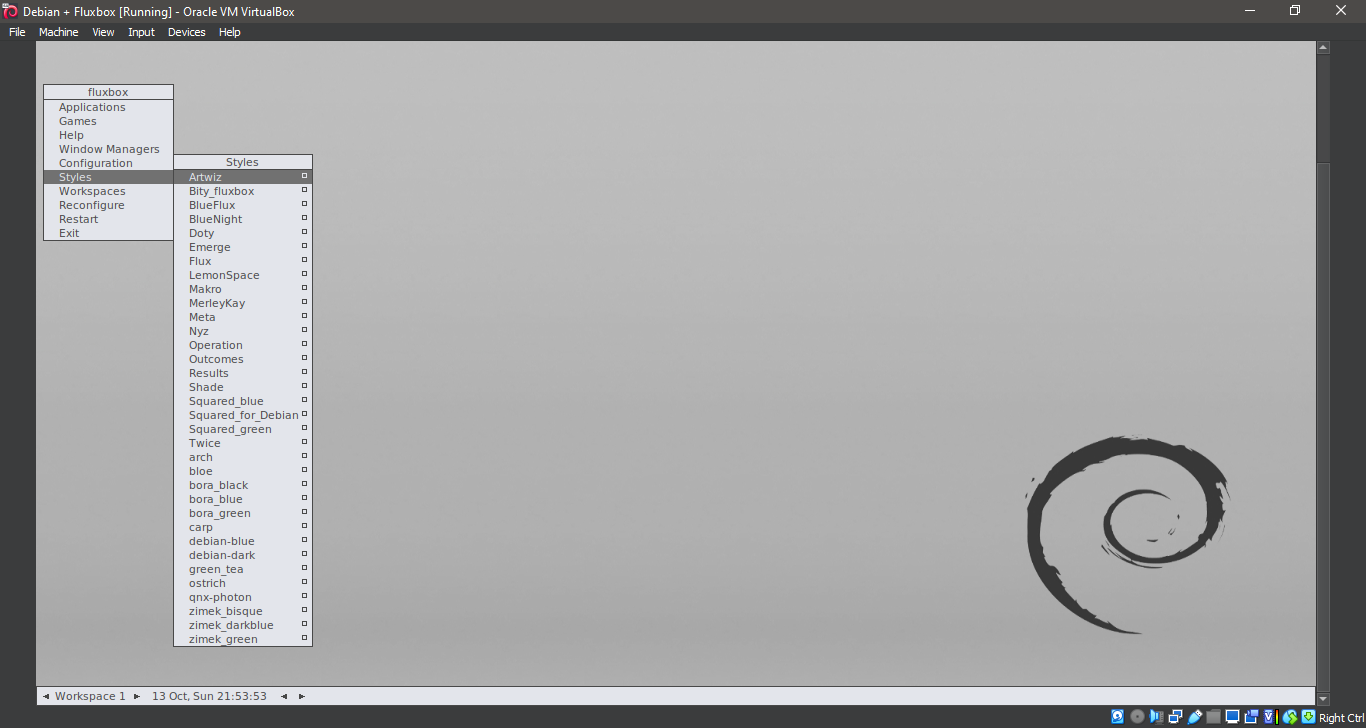
14. Running Fluxbox
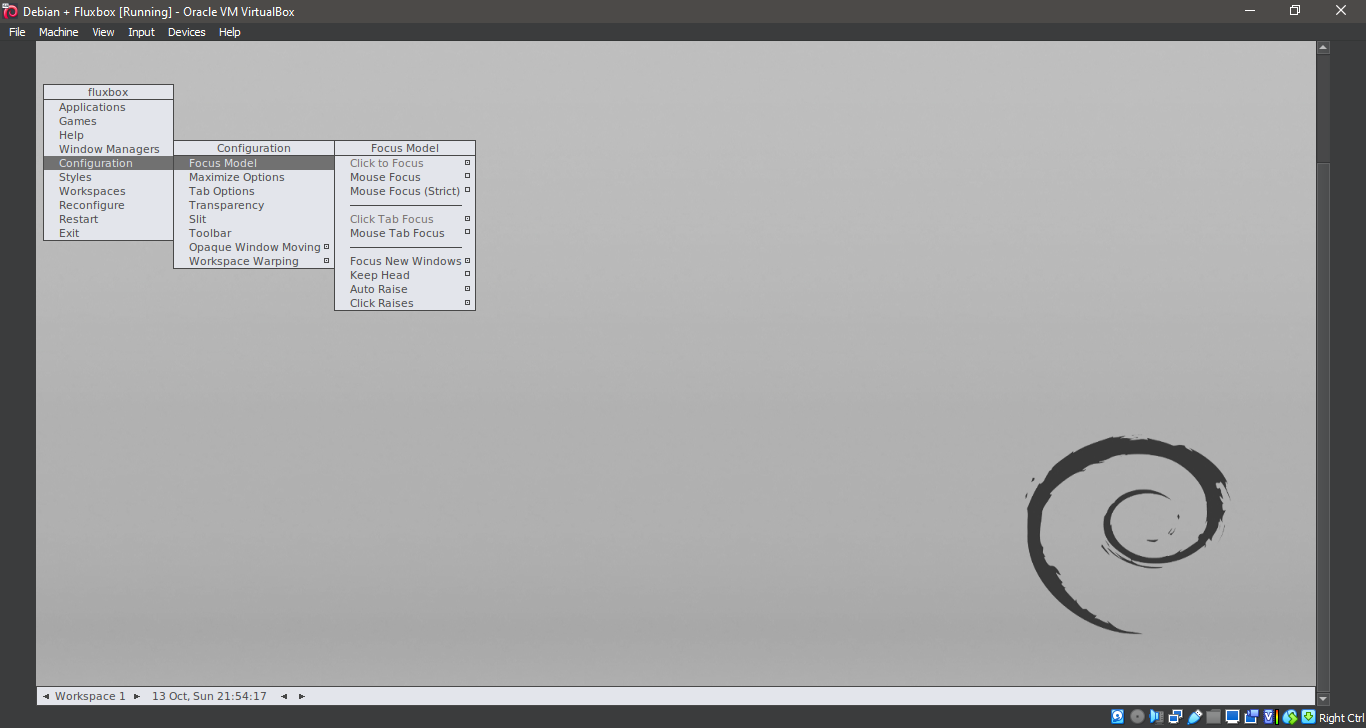
15. Running Fluxbox
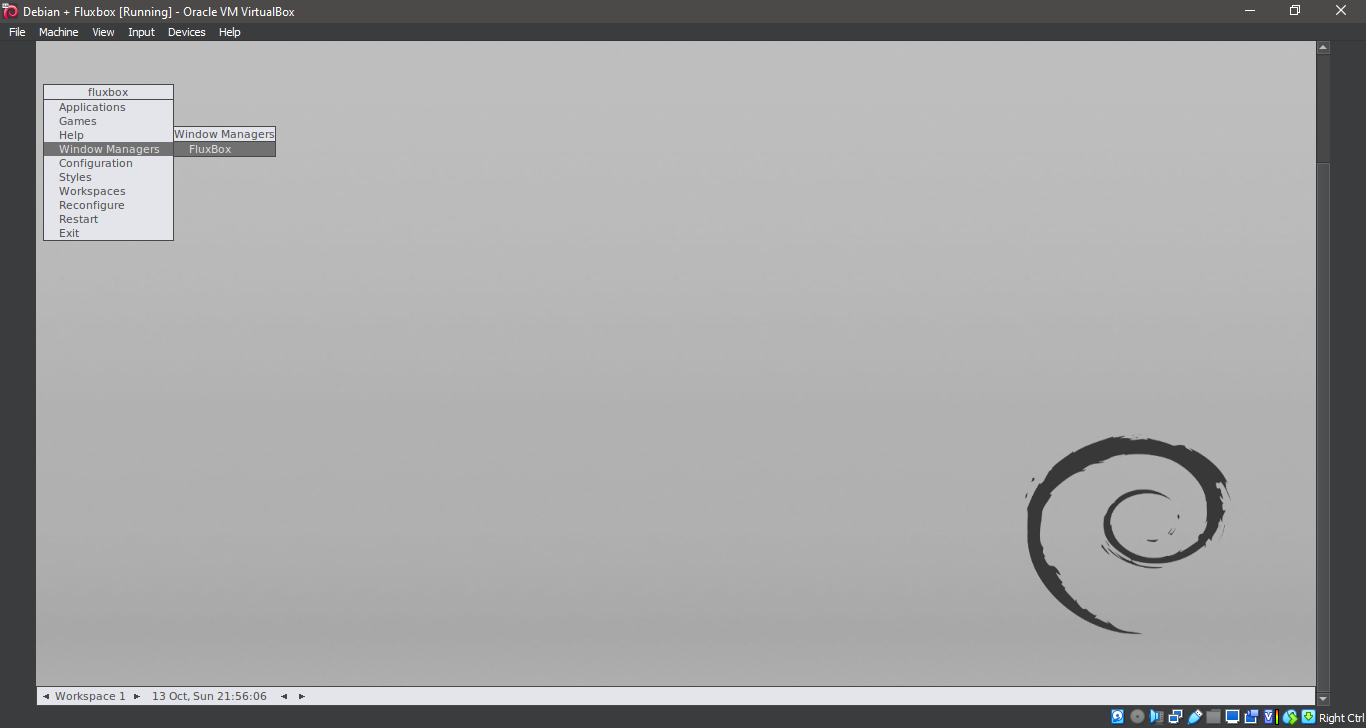
16. Running Fluxbox
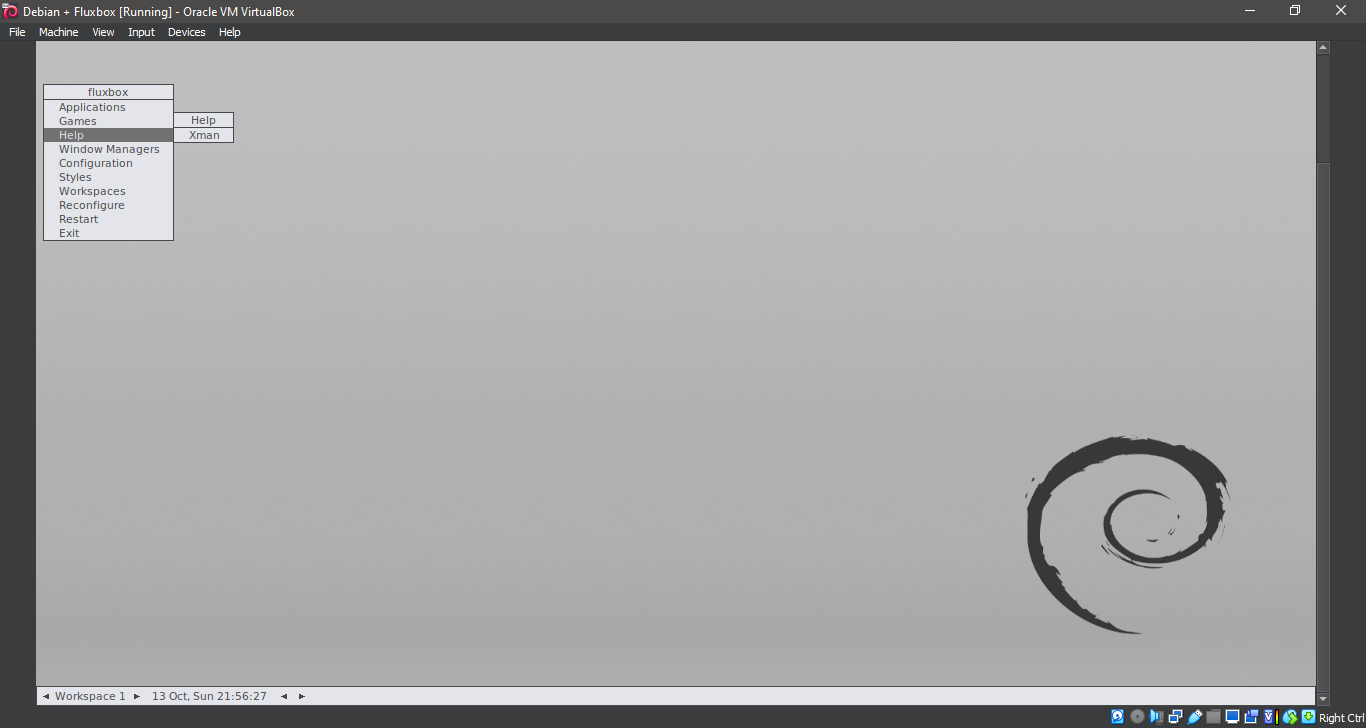
17. Running Fluxbox
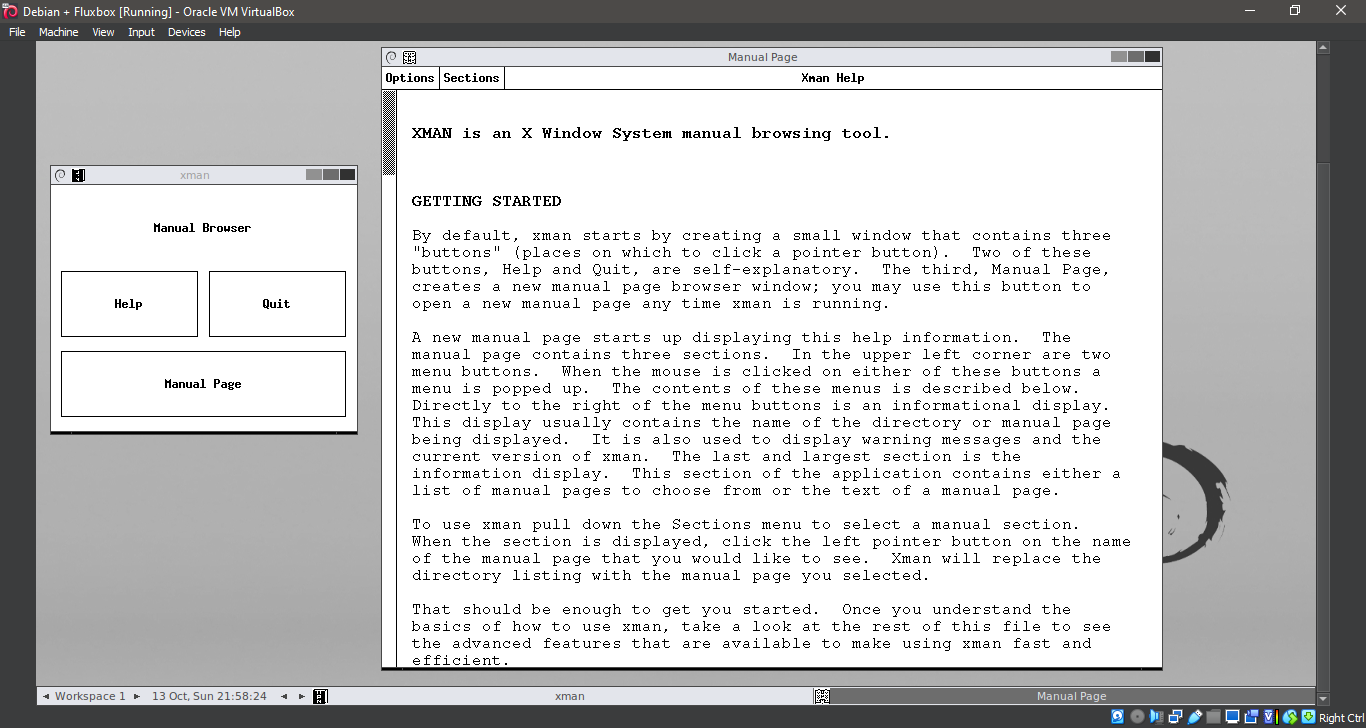
18. Running Fluxbox
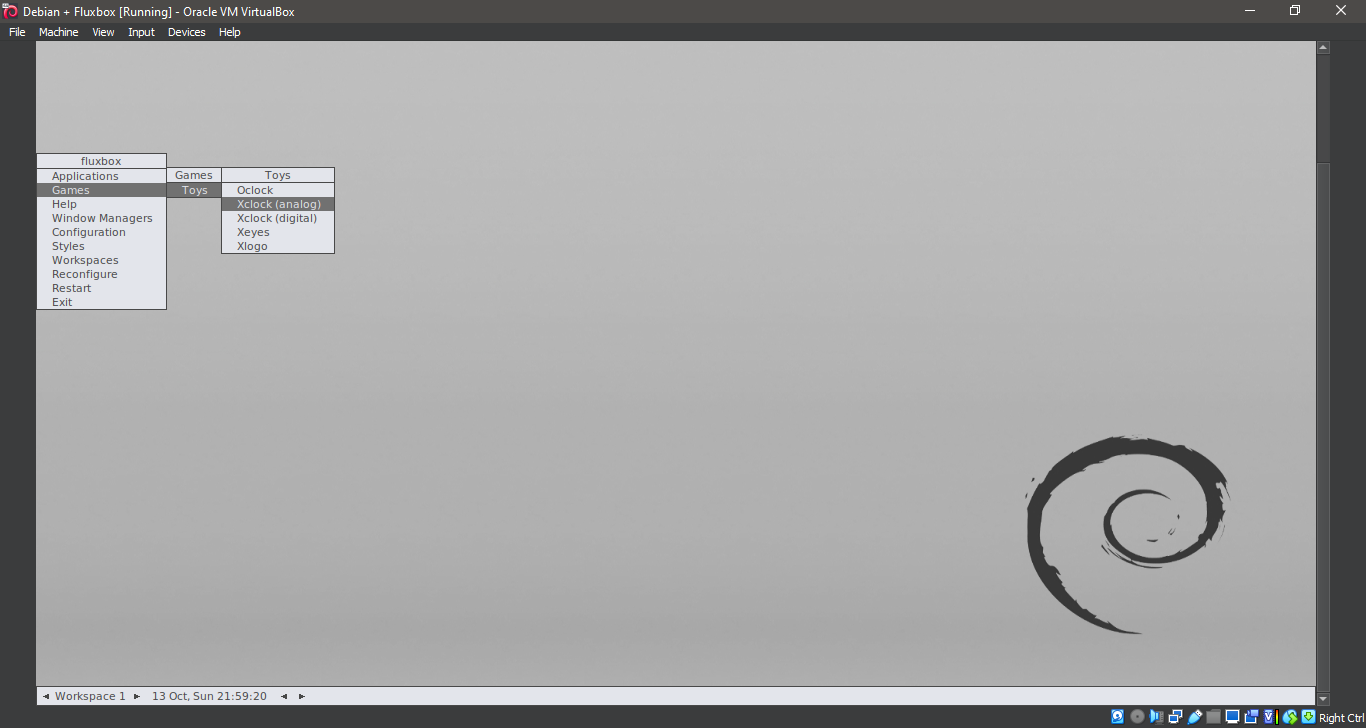
19. Running Fluxbox
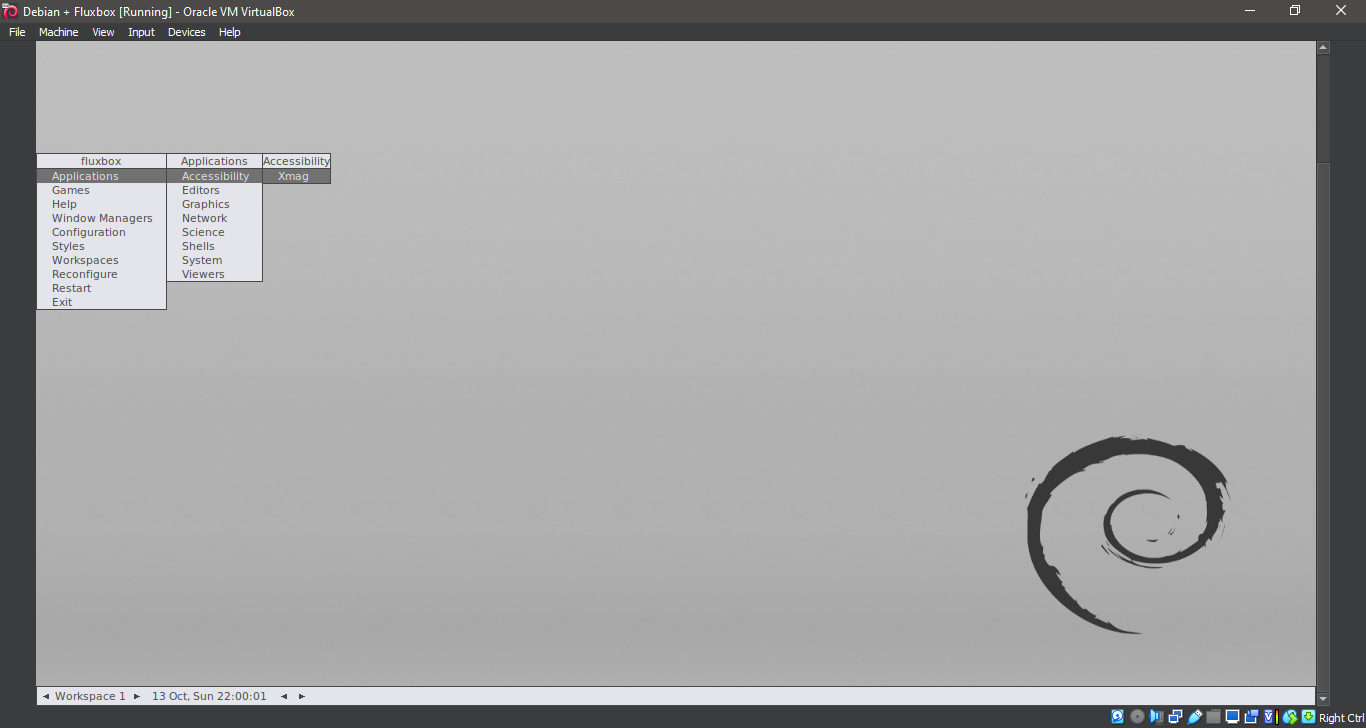
20. Running Fluxbox
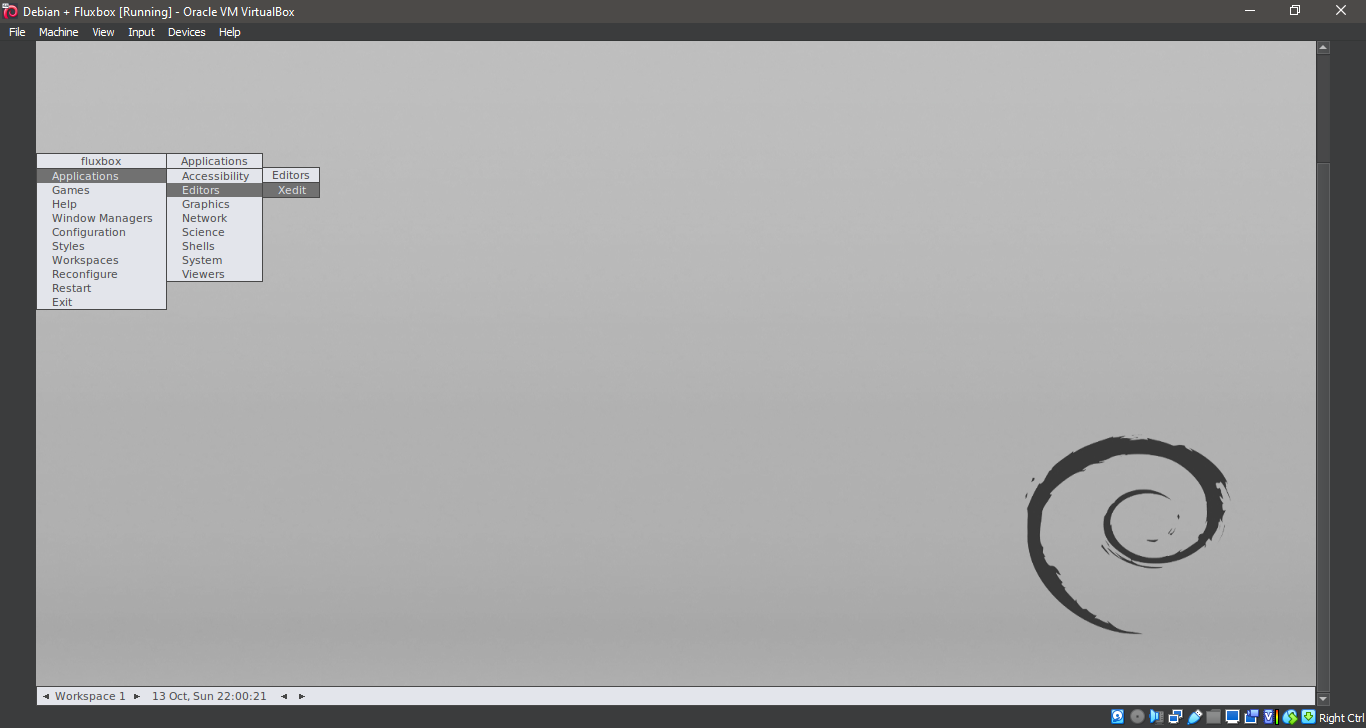
21. Running Fluxbox
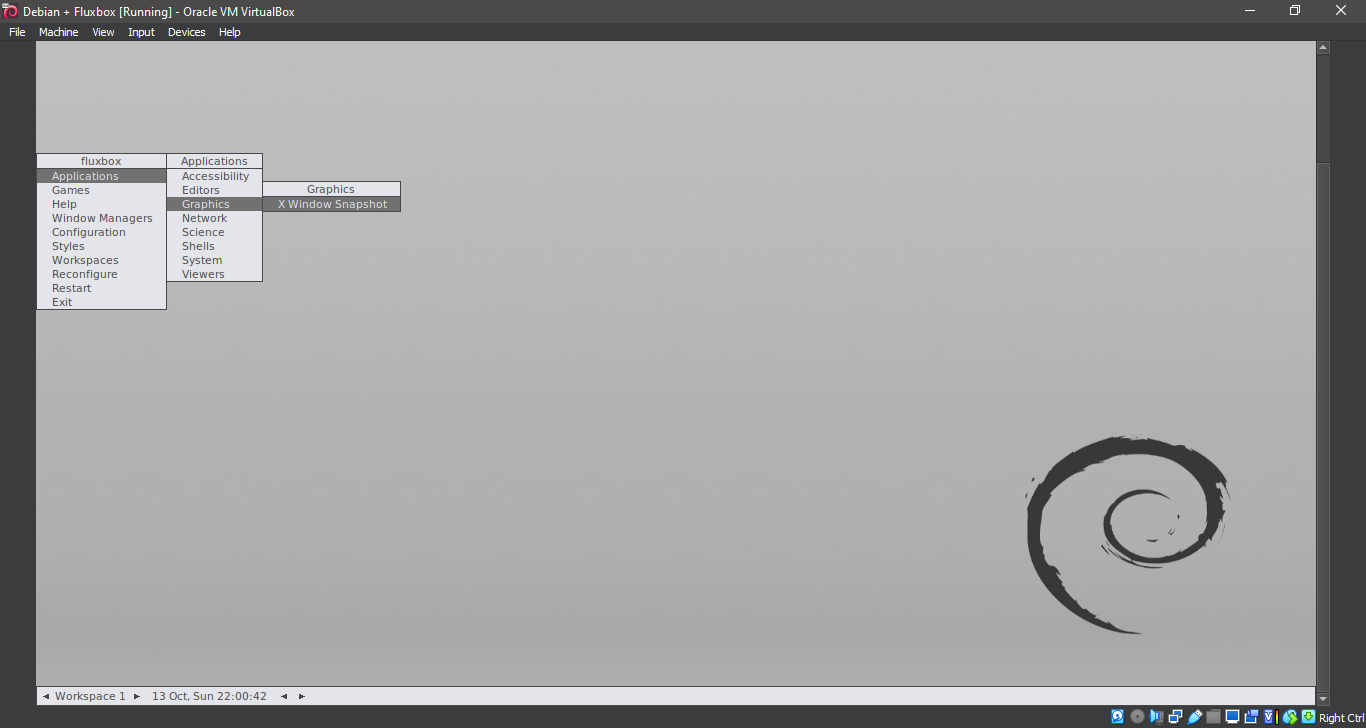
22. Running Fluxbox
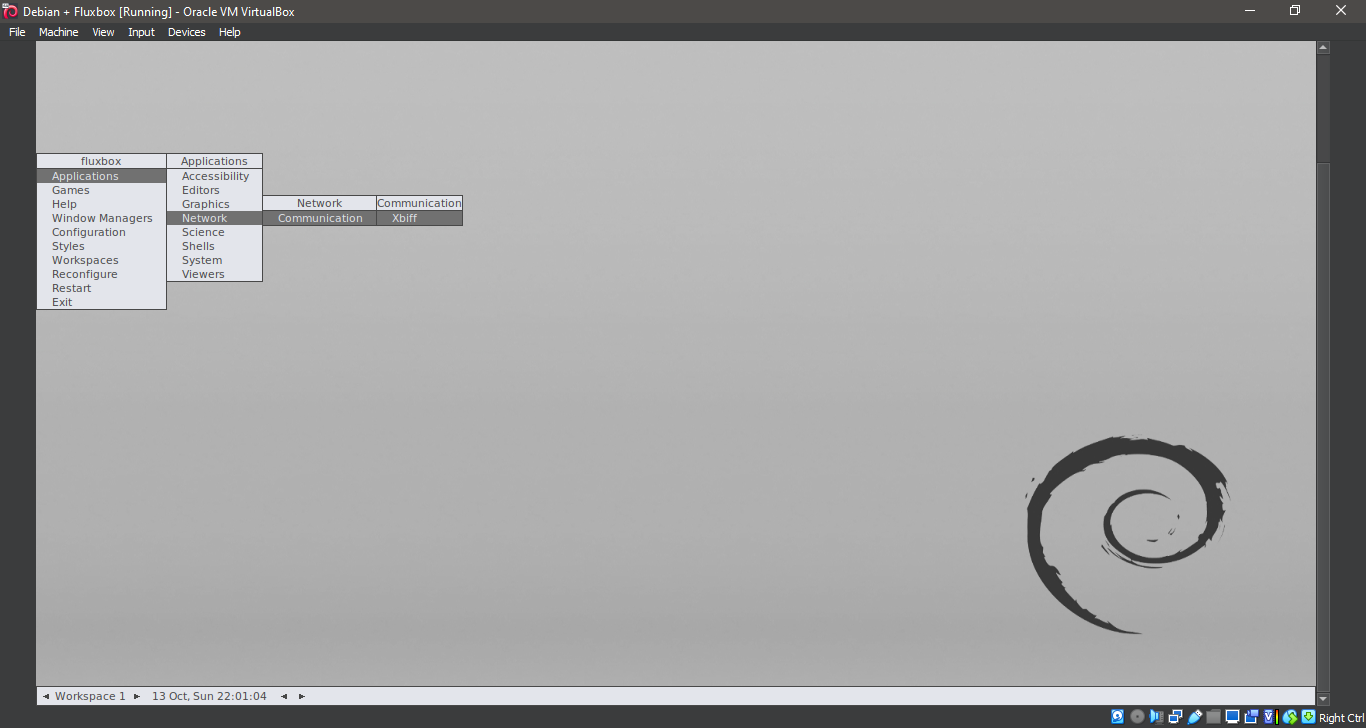
23. Running Fluxbox
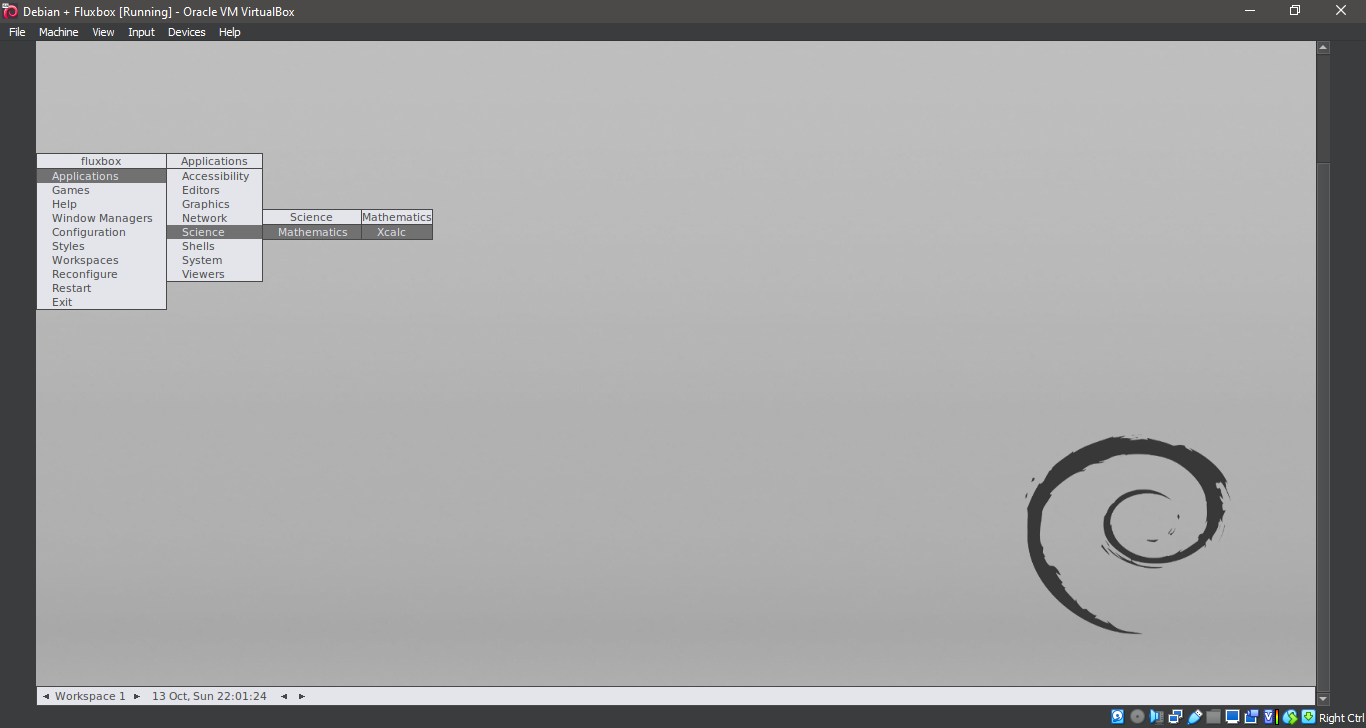
24. Running Fluxbox
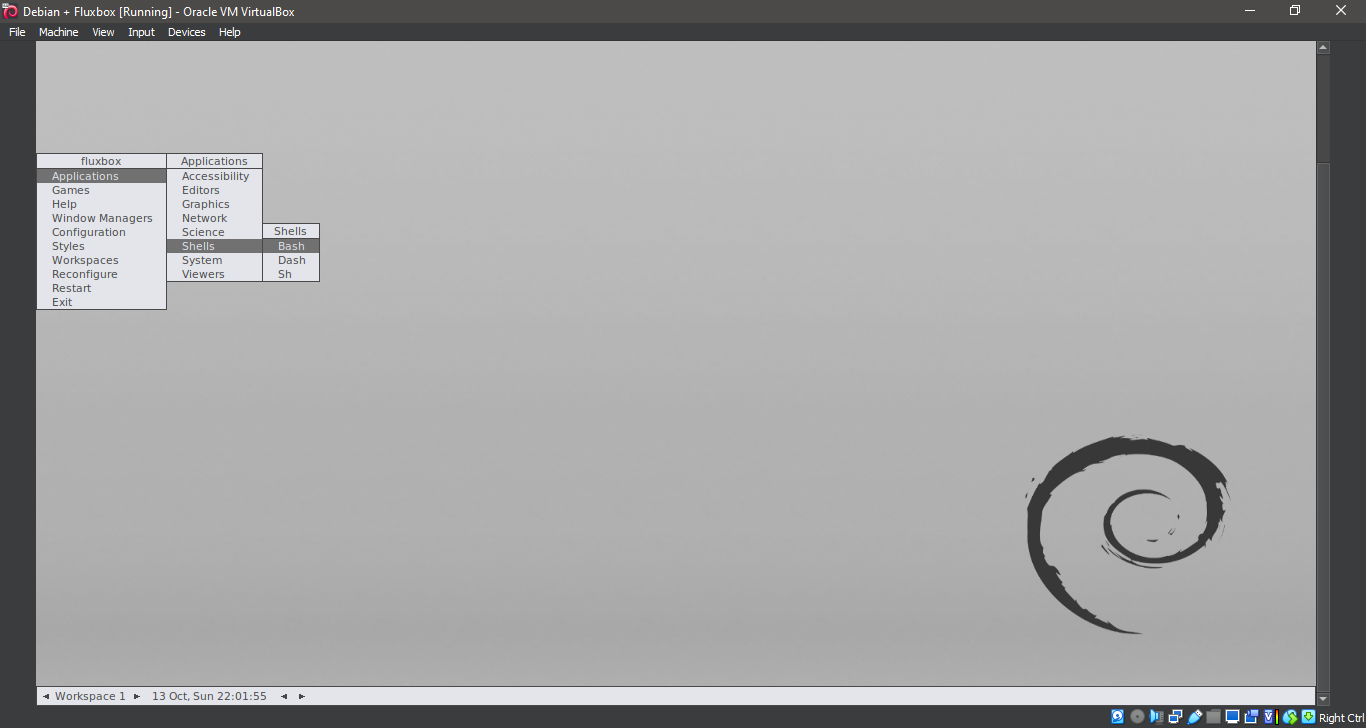
25. Running Fluxbox
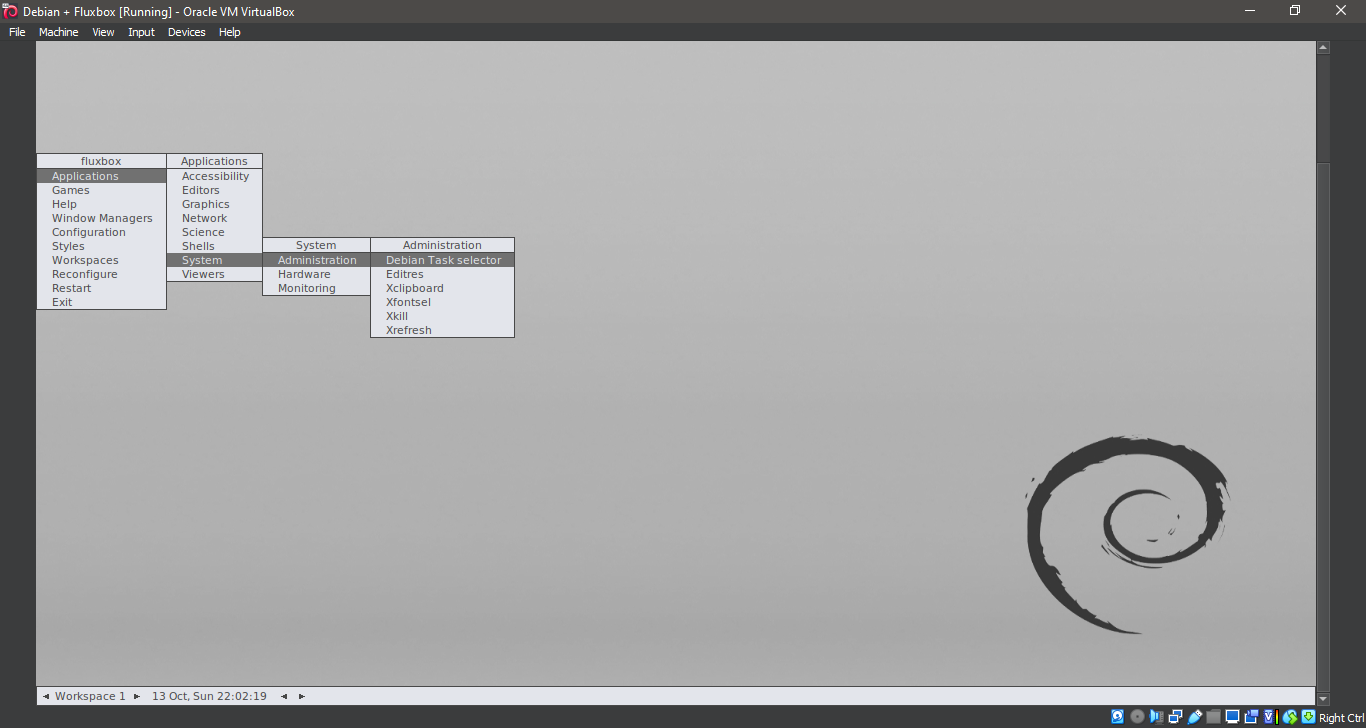
26. Running Fluxbox
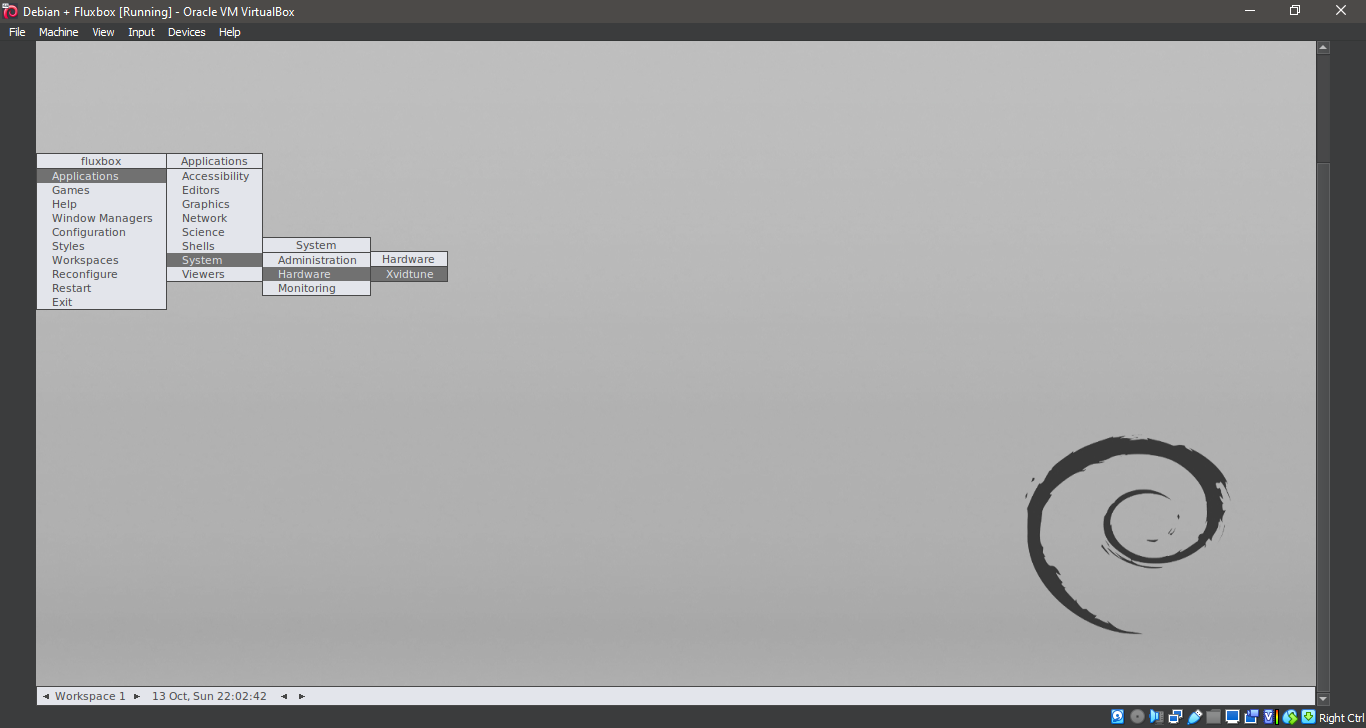
27. Running Fluxbox
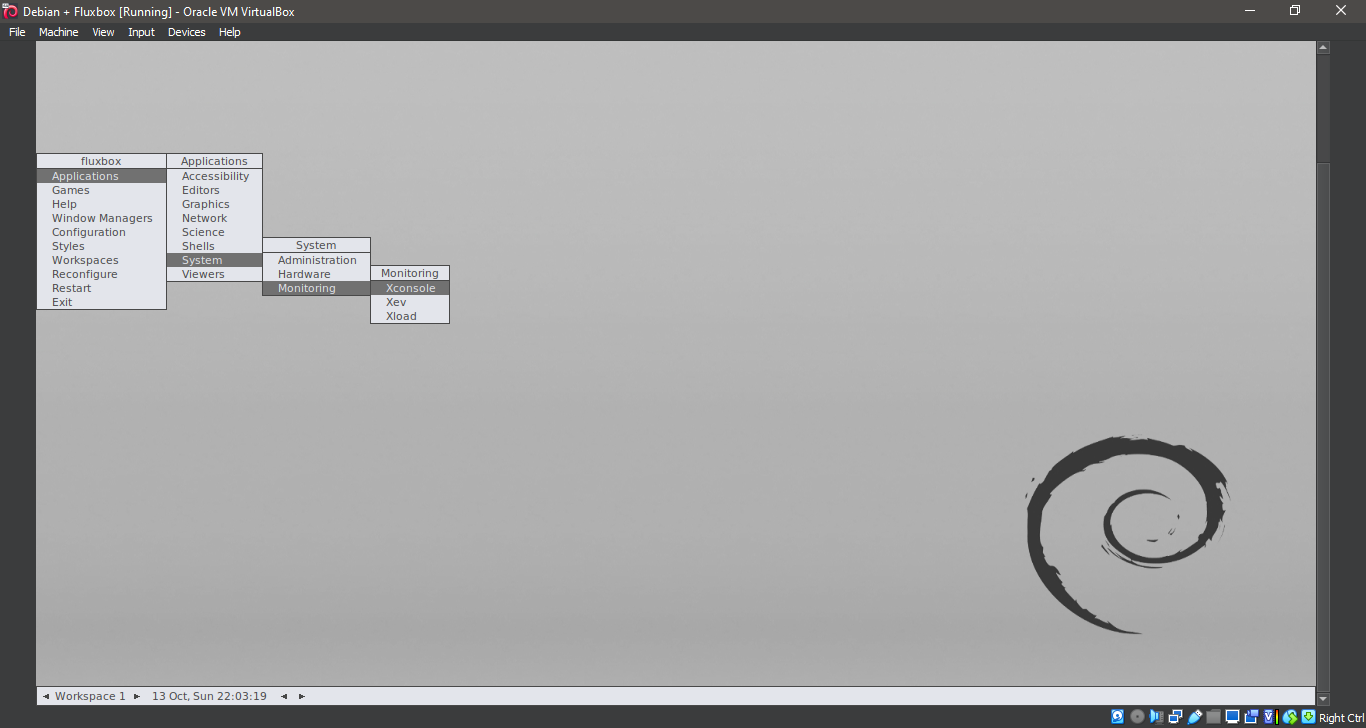
28. Running Fluxbox
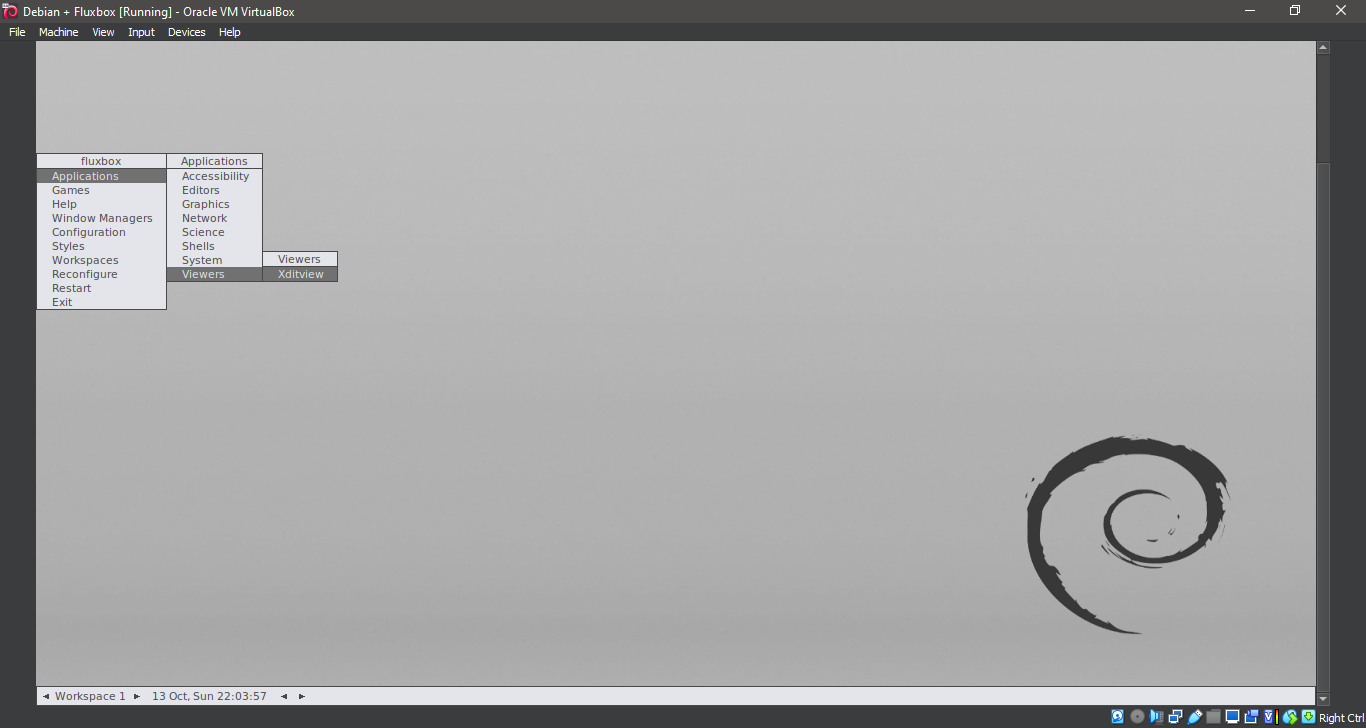
29. Running Fluxbox
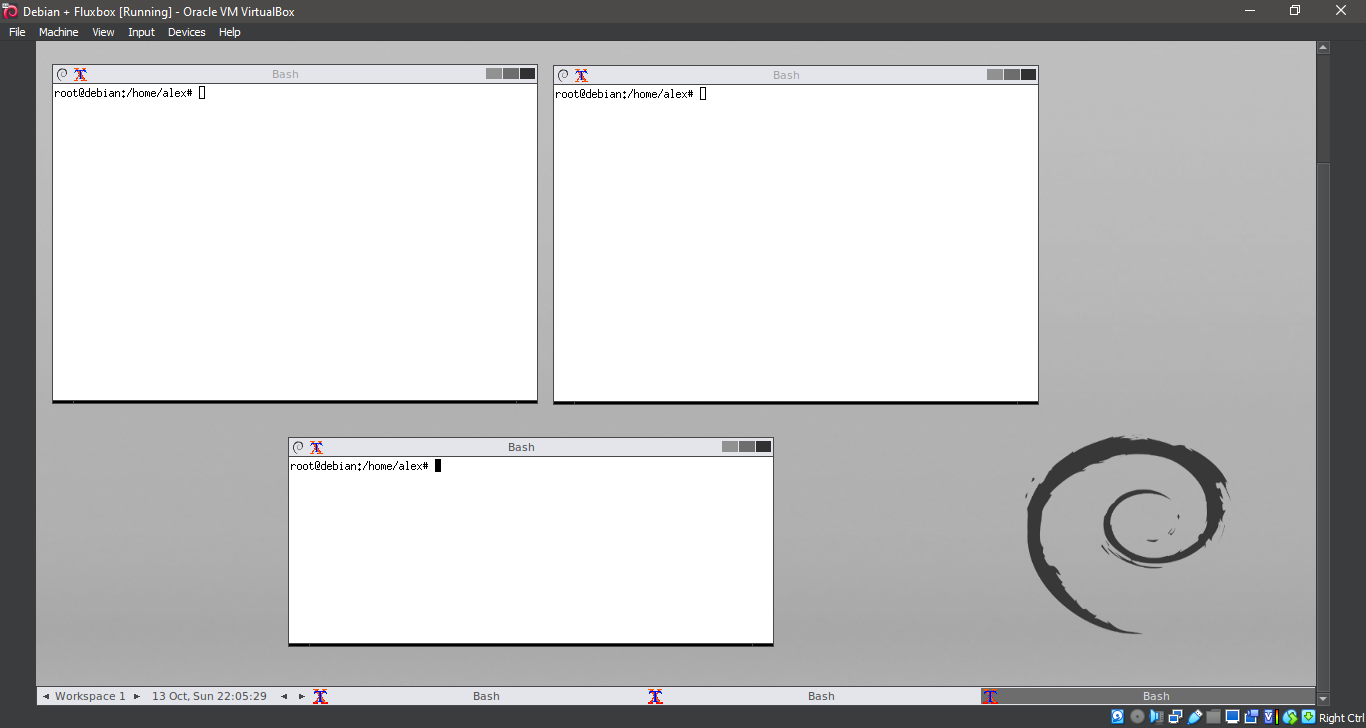
30. Running Fluxbox
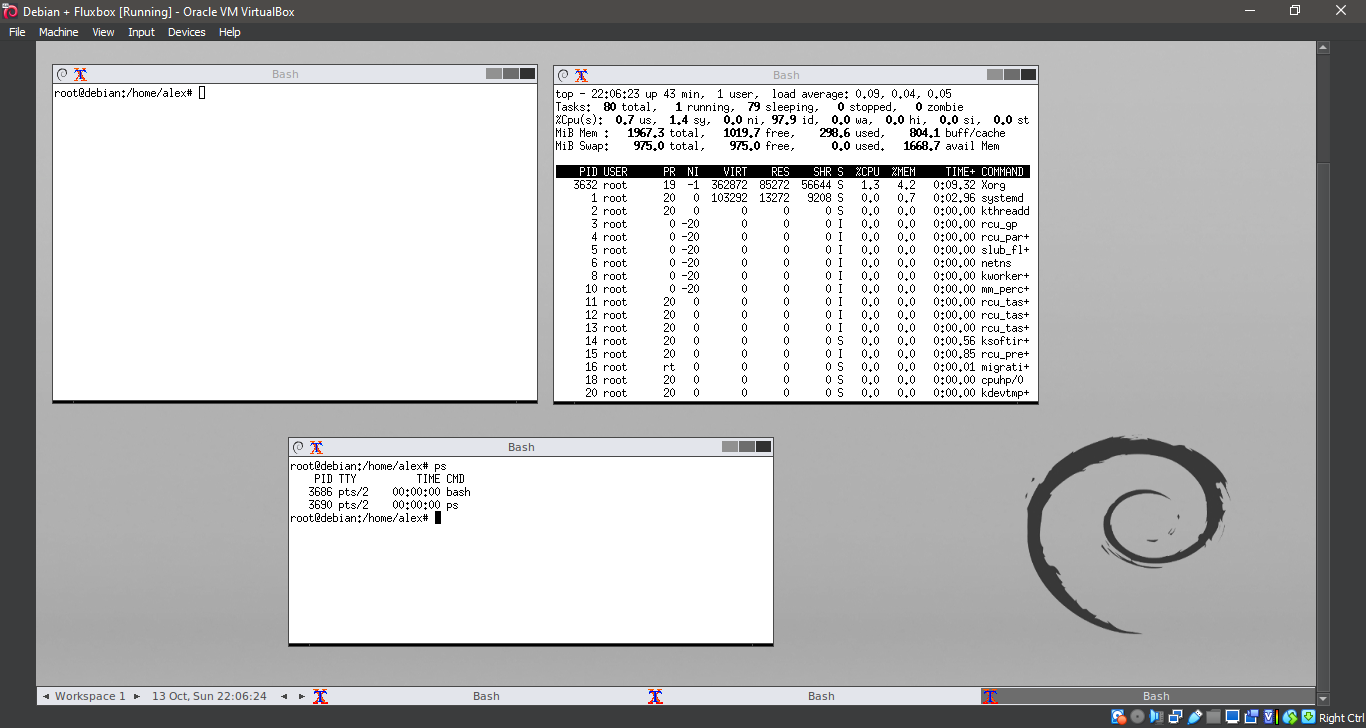
31. Running Fluxbox
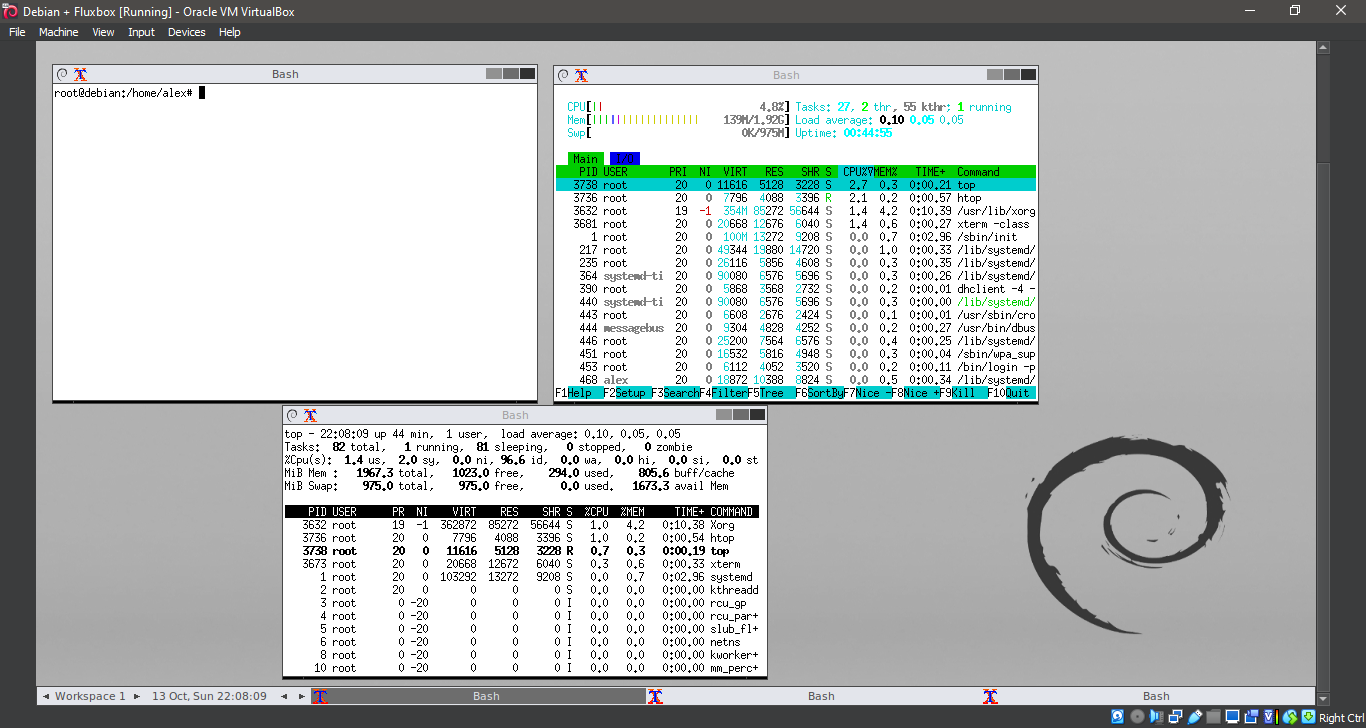
32. Running Fluxbox
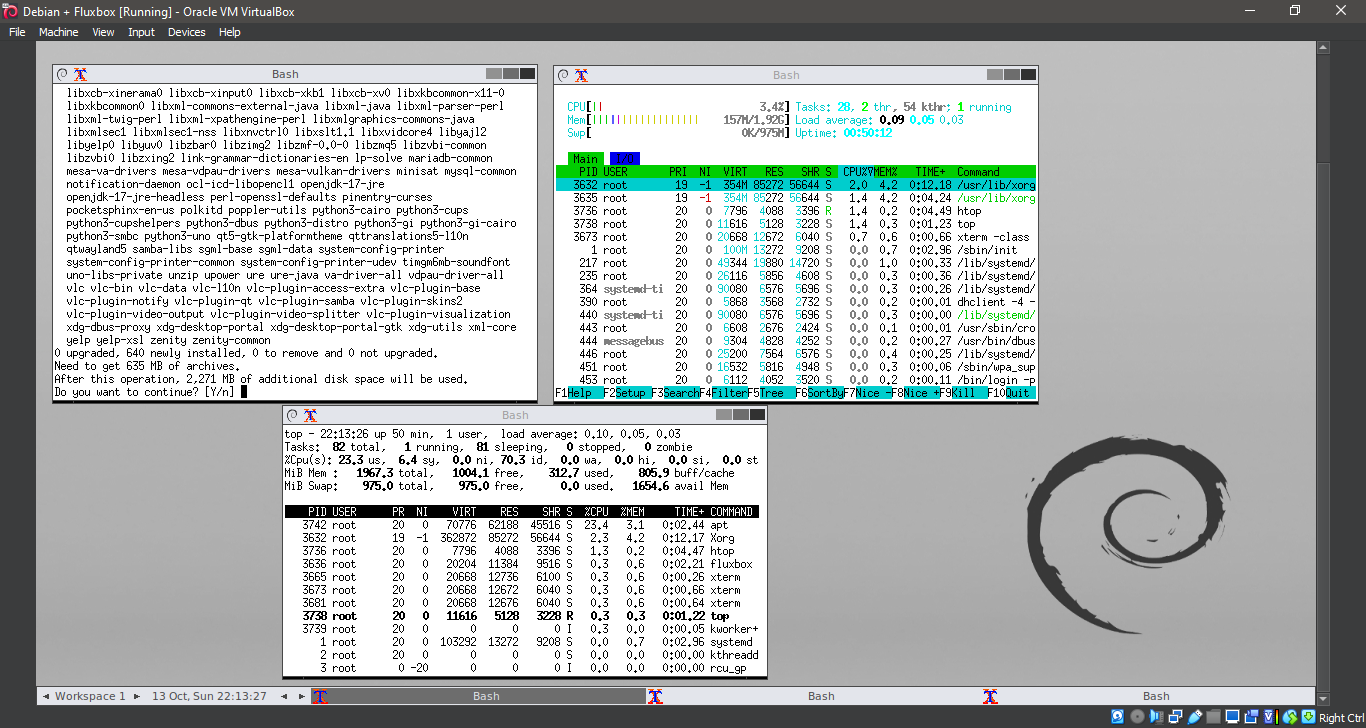
33. Running Fluxbox
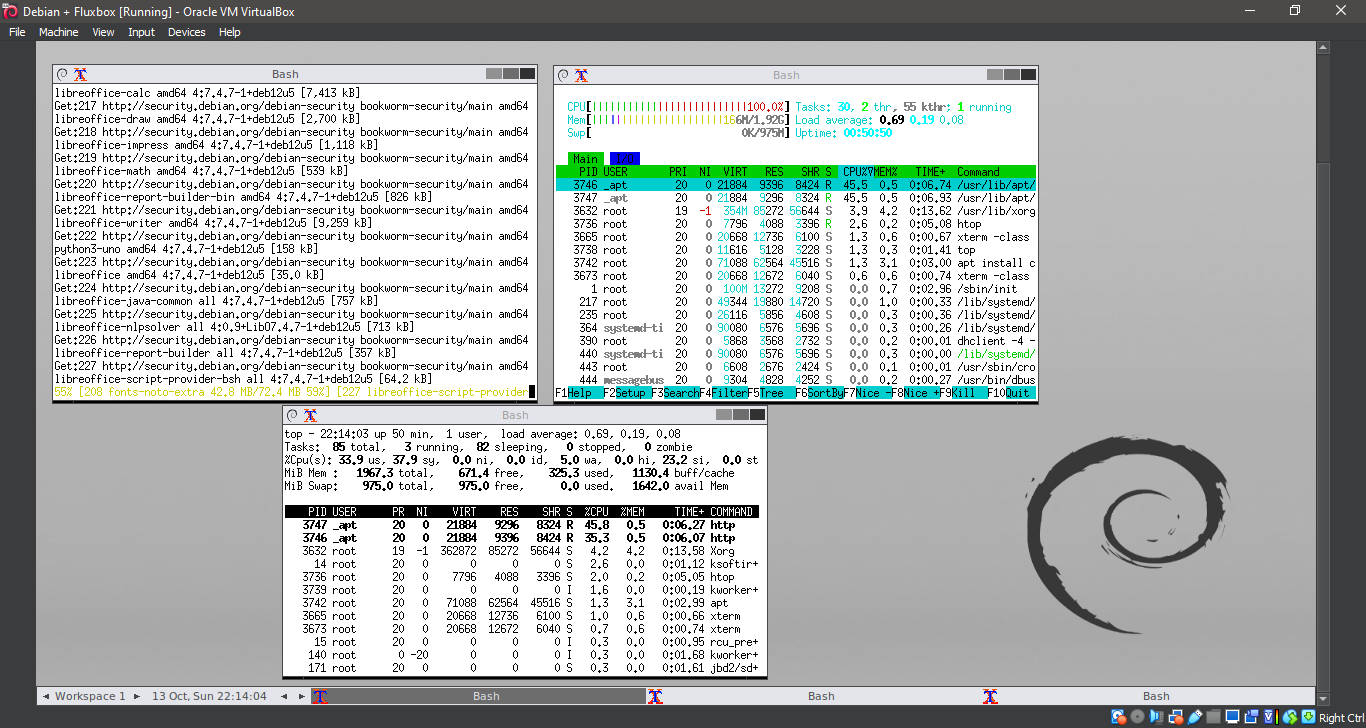
34. Running Fluxbox
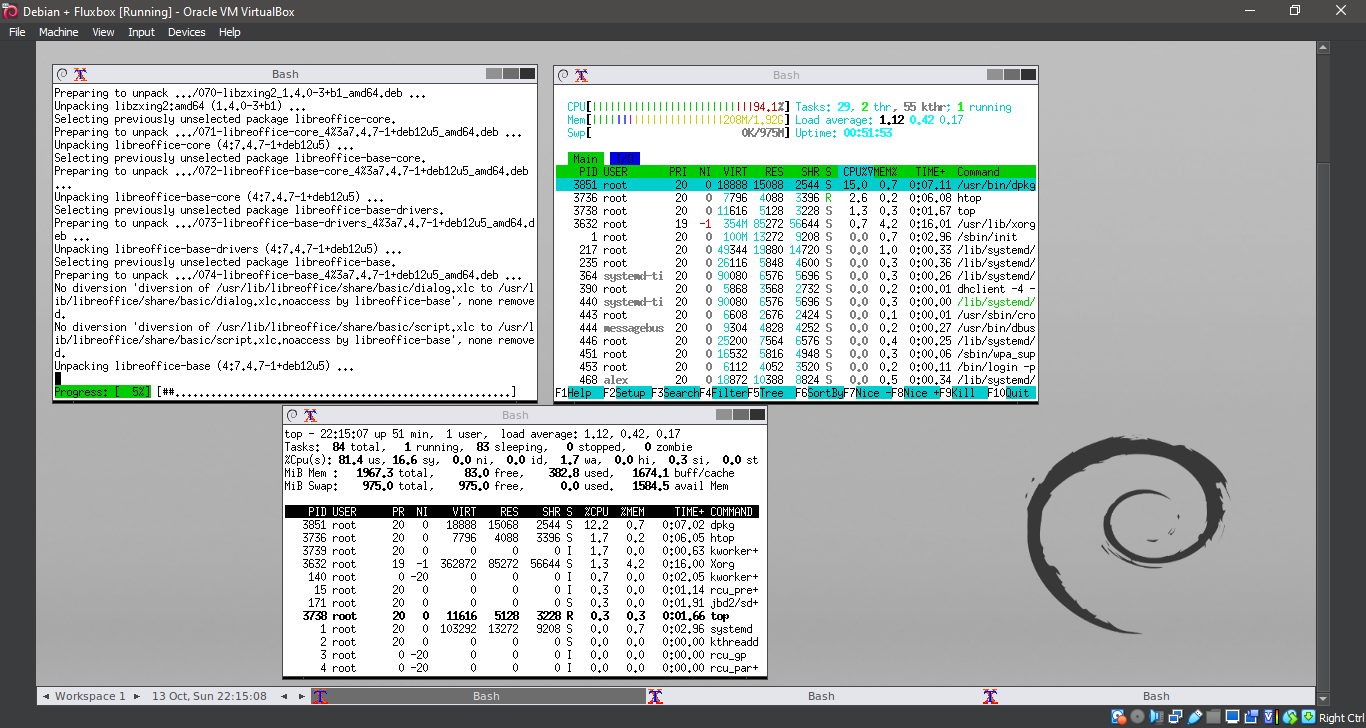
35. Running Fluxbox
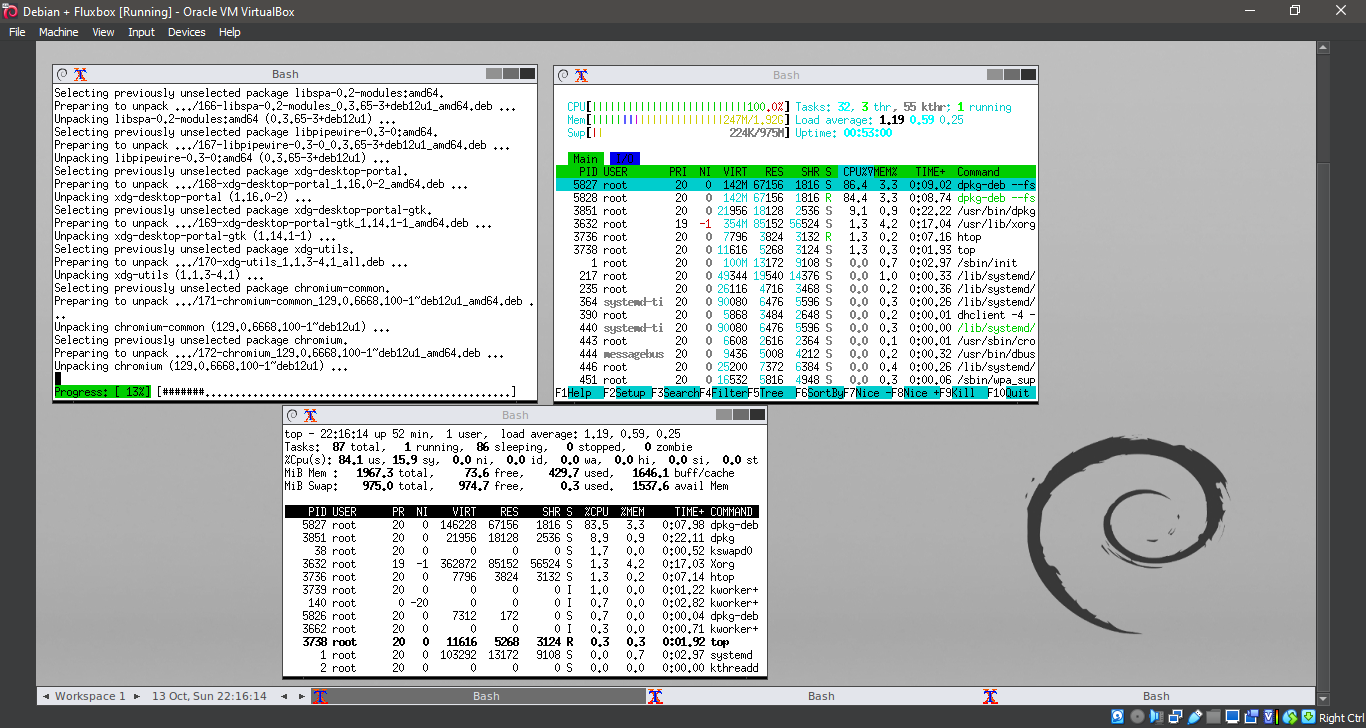
36. Running Fluxbox
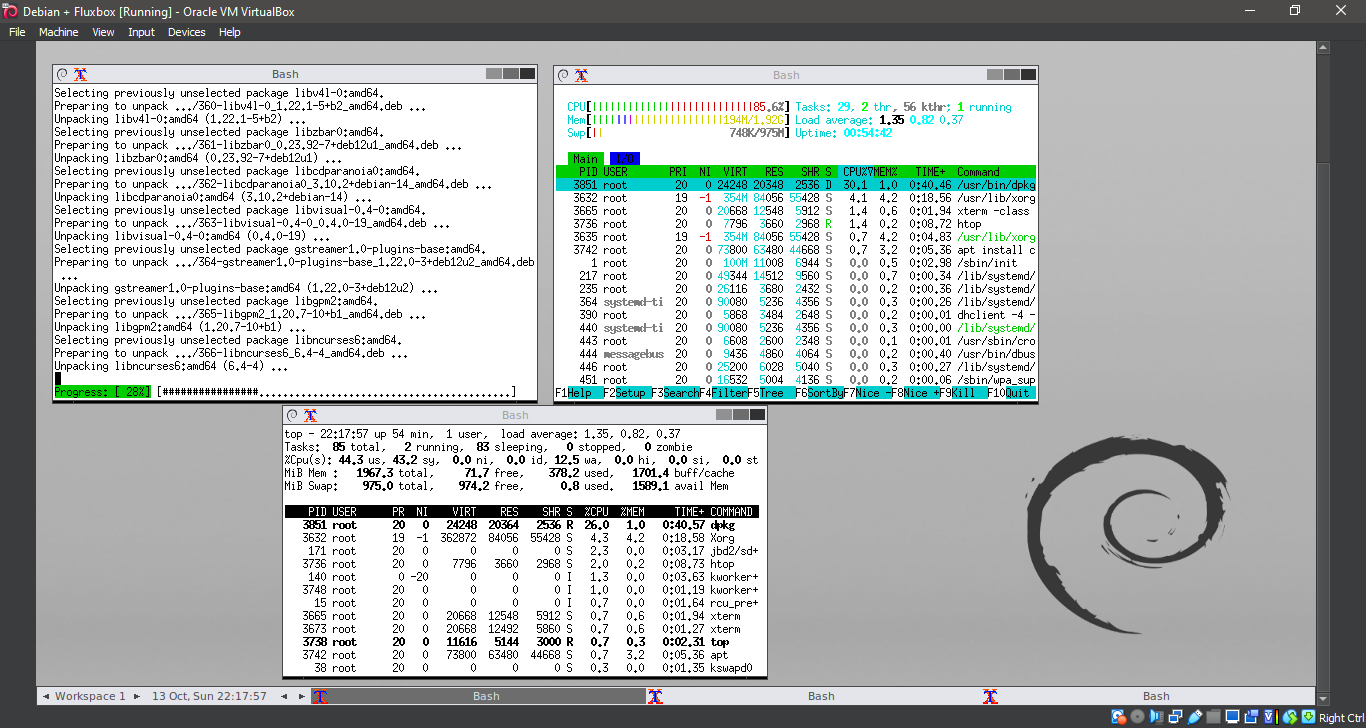
37. Running Fluxbox
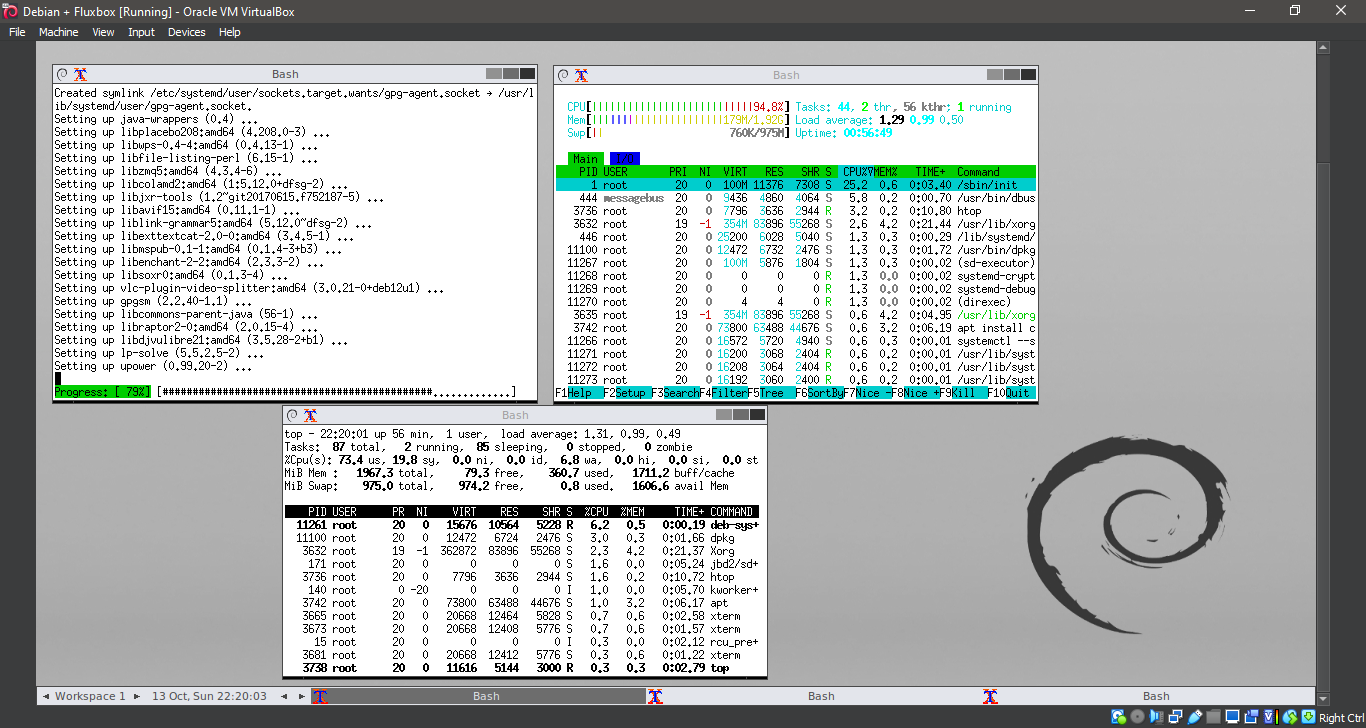
38. Running Fluxbox
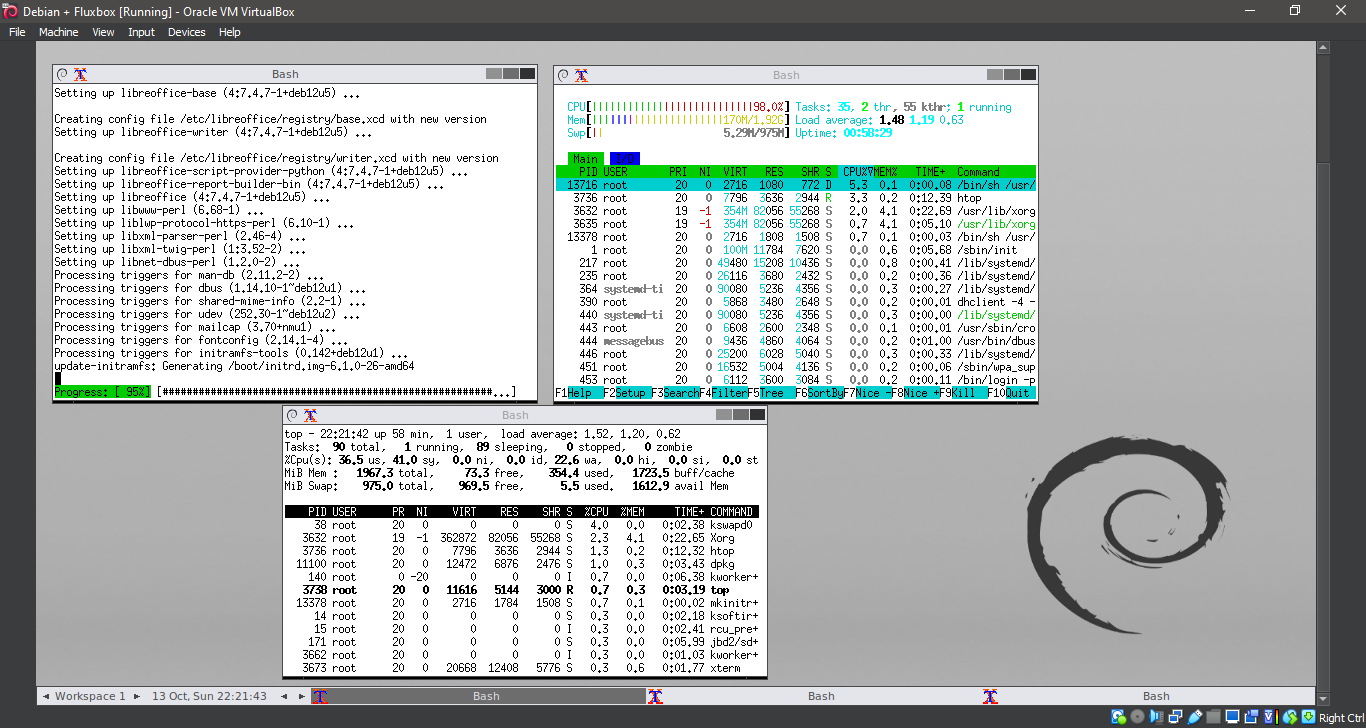
39. Running Fluxbox
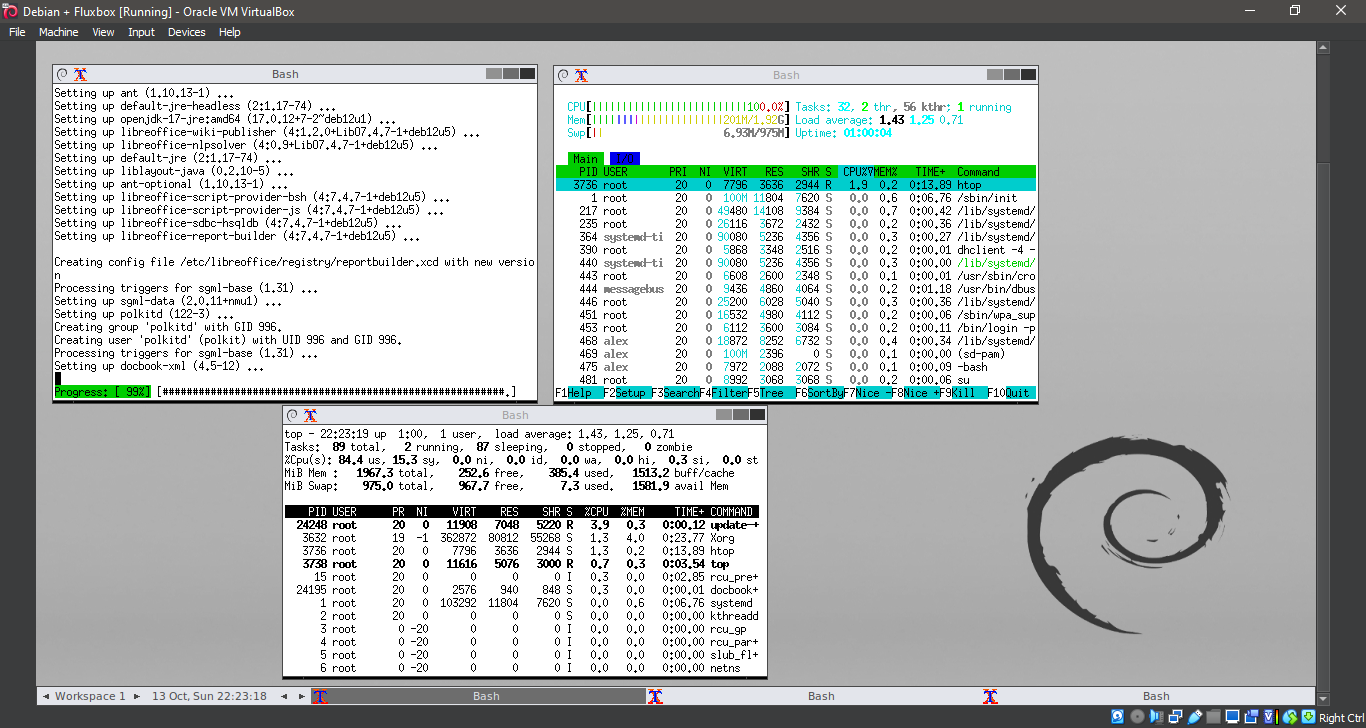
40. Running Fluxbox
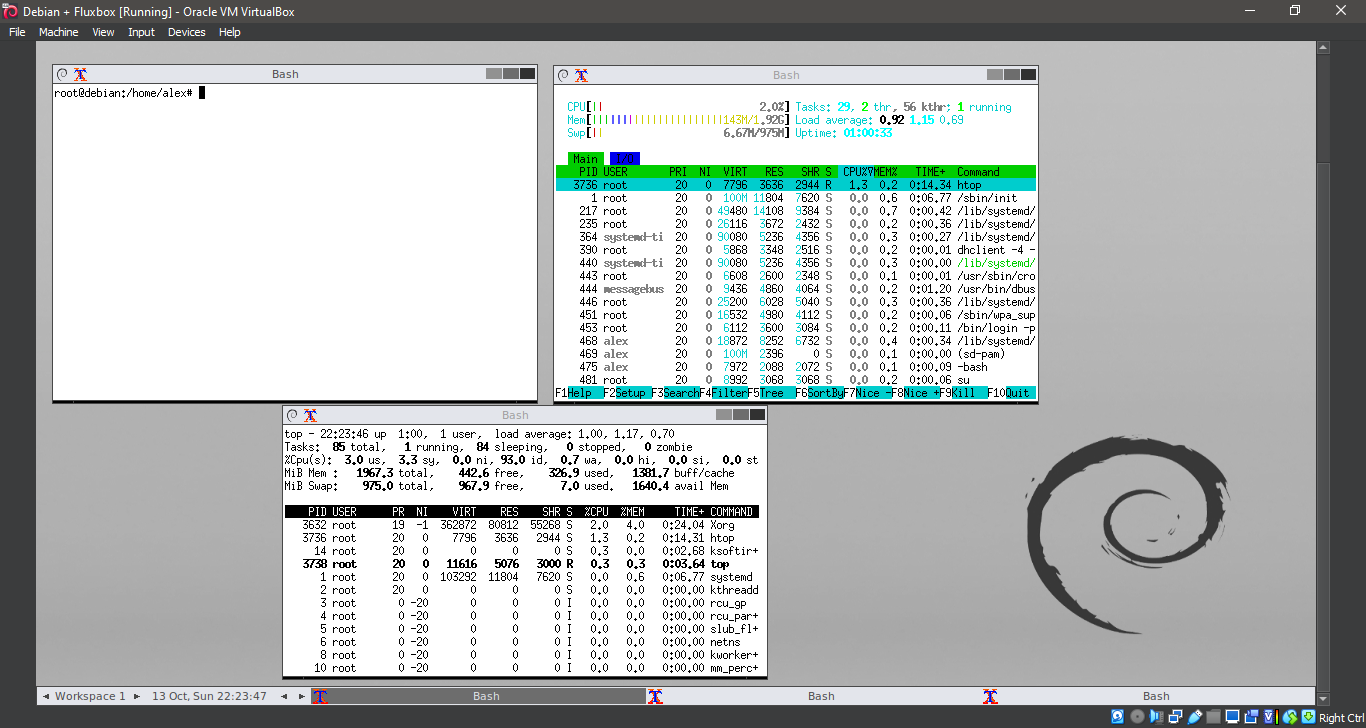
41. Running Fluxbox
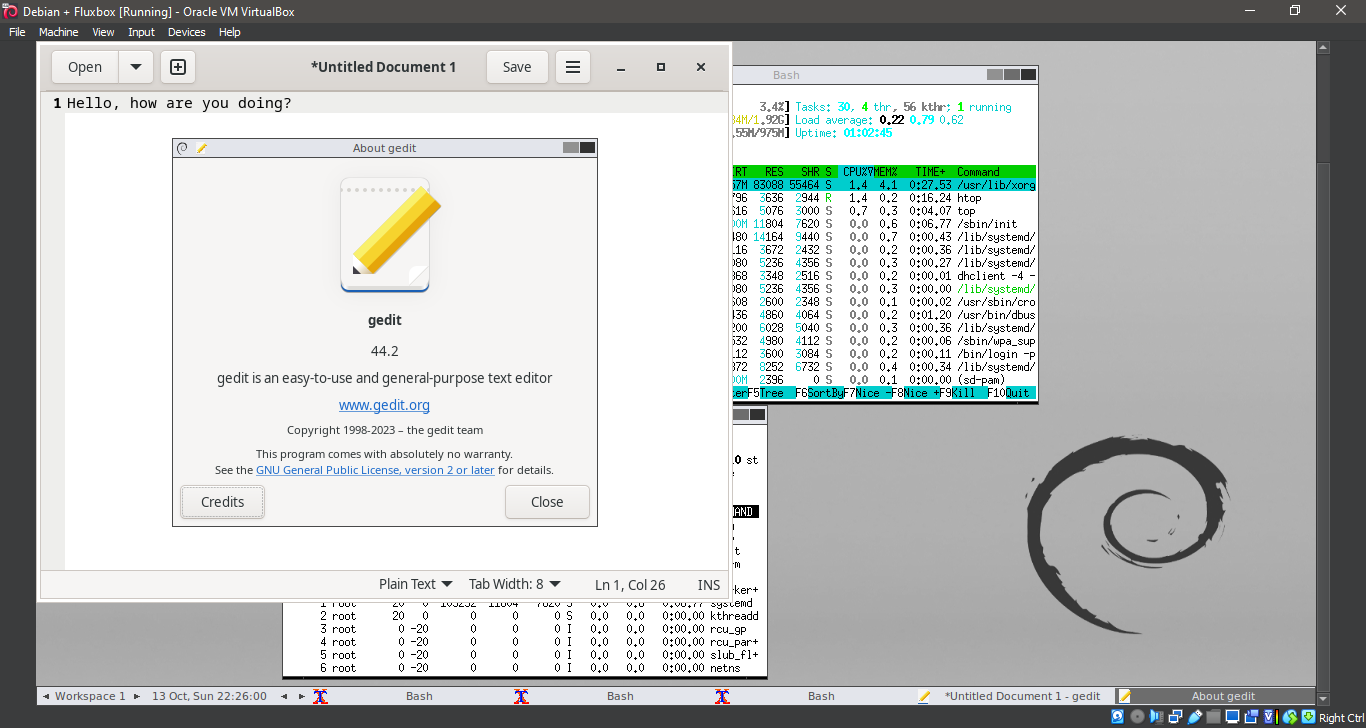
42. Running Fluxbox
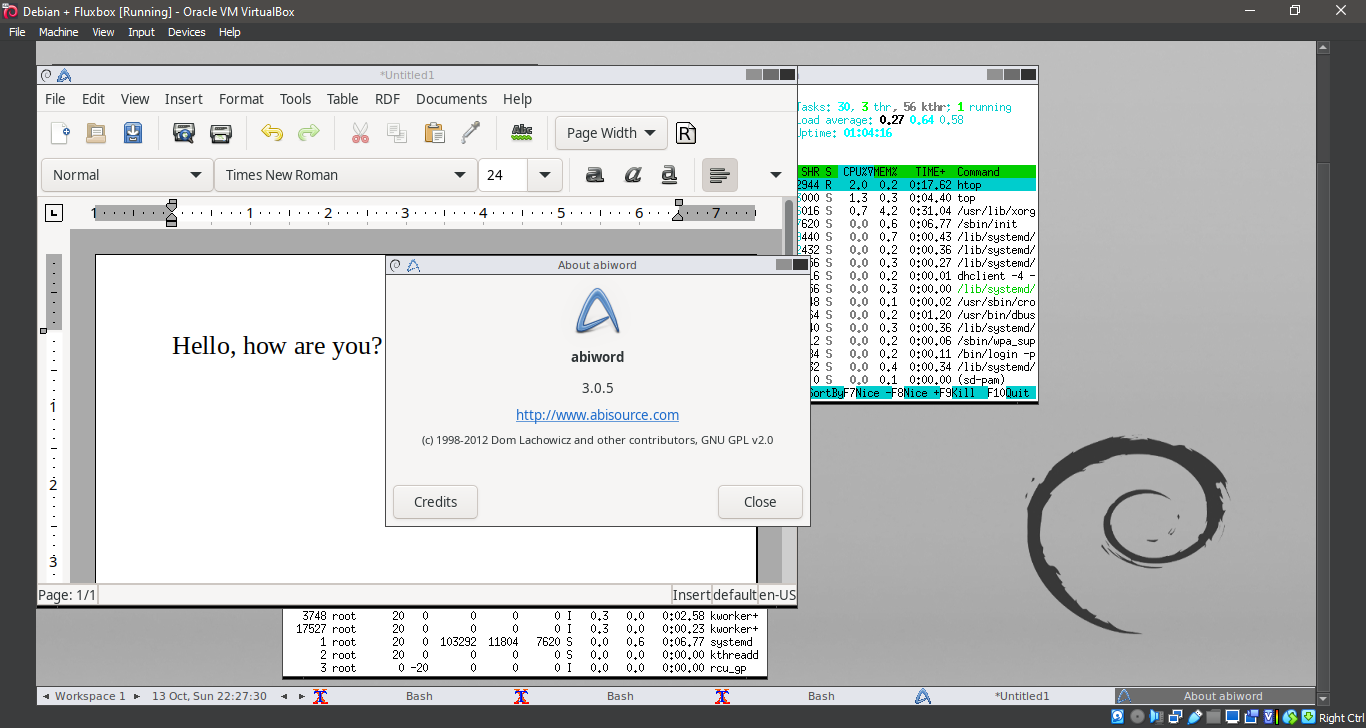
43. Running Fluxbox
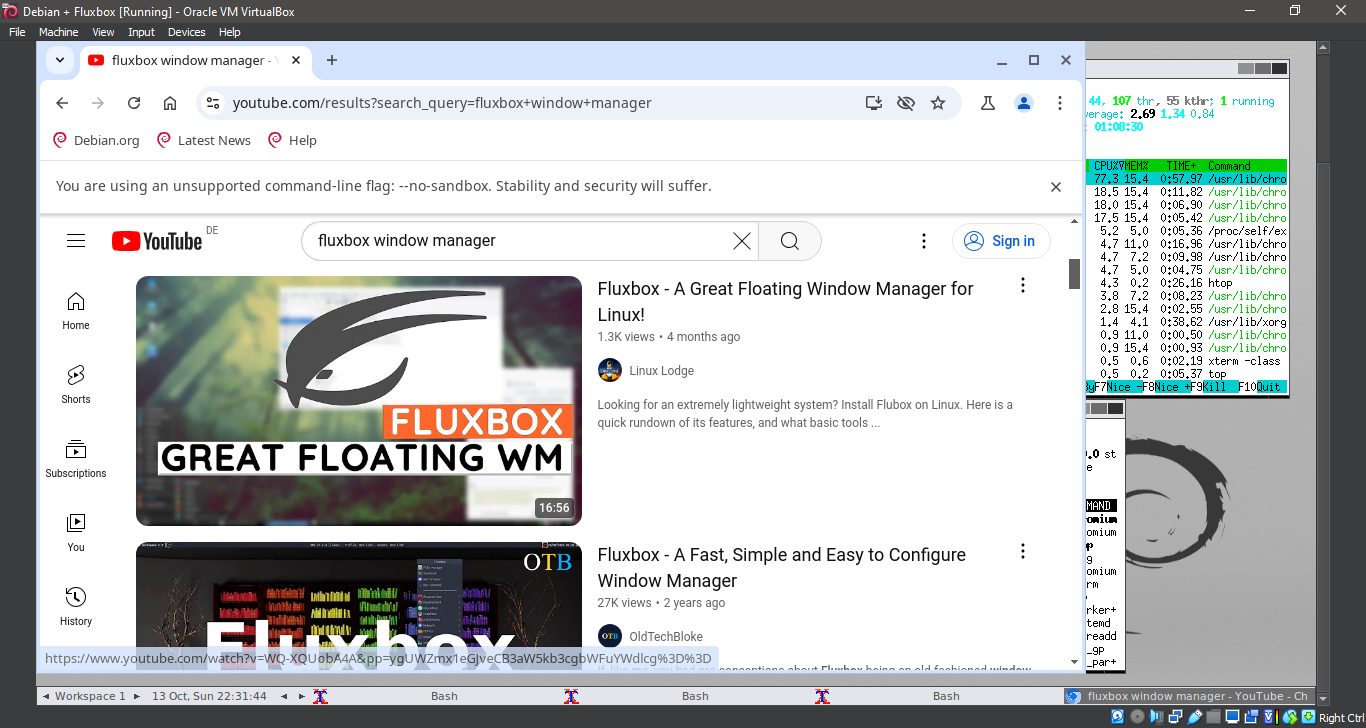
44. Running Fluxbox
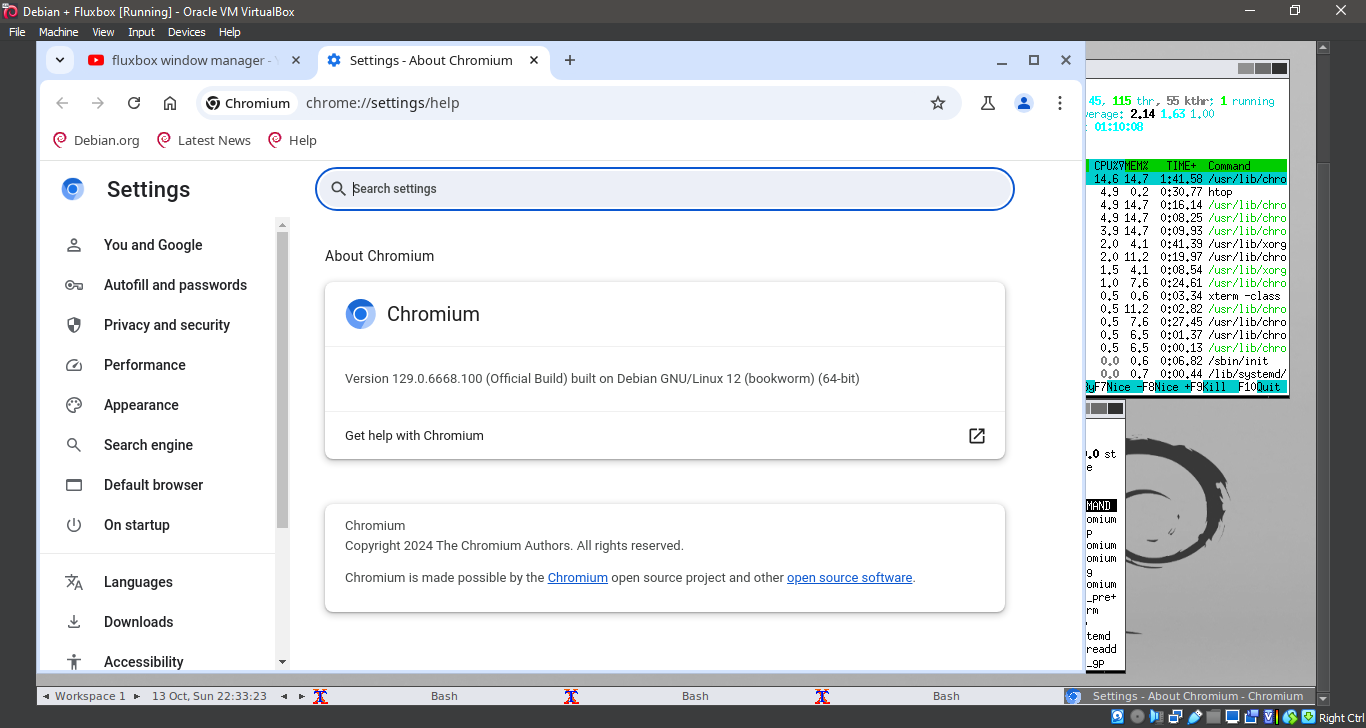
45. Running Fluxbox
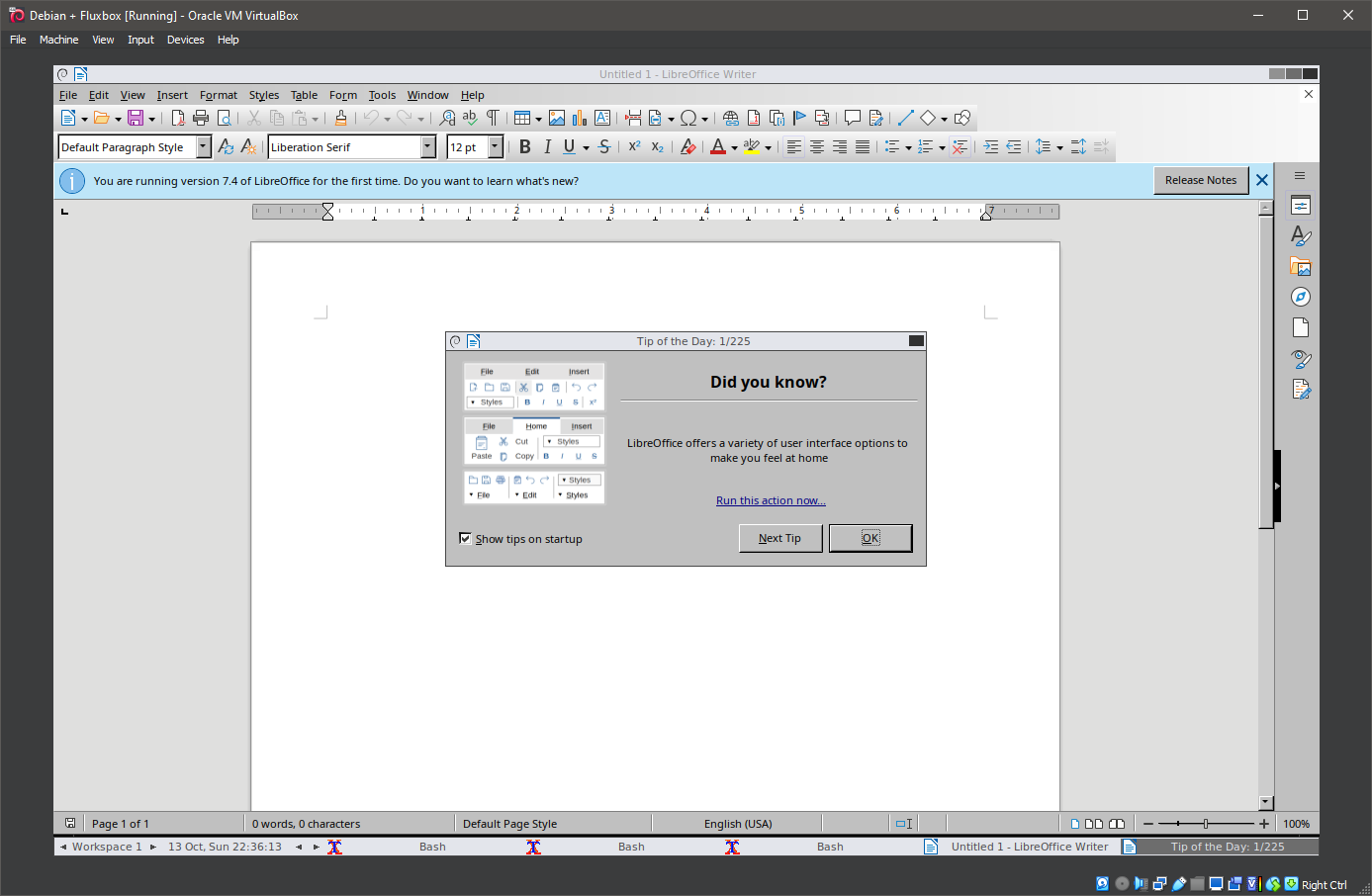
46. Running Fluxbox
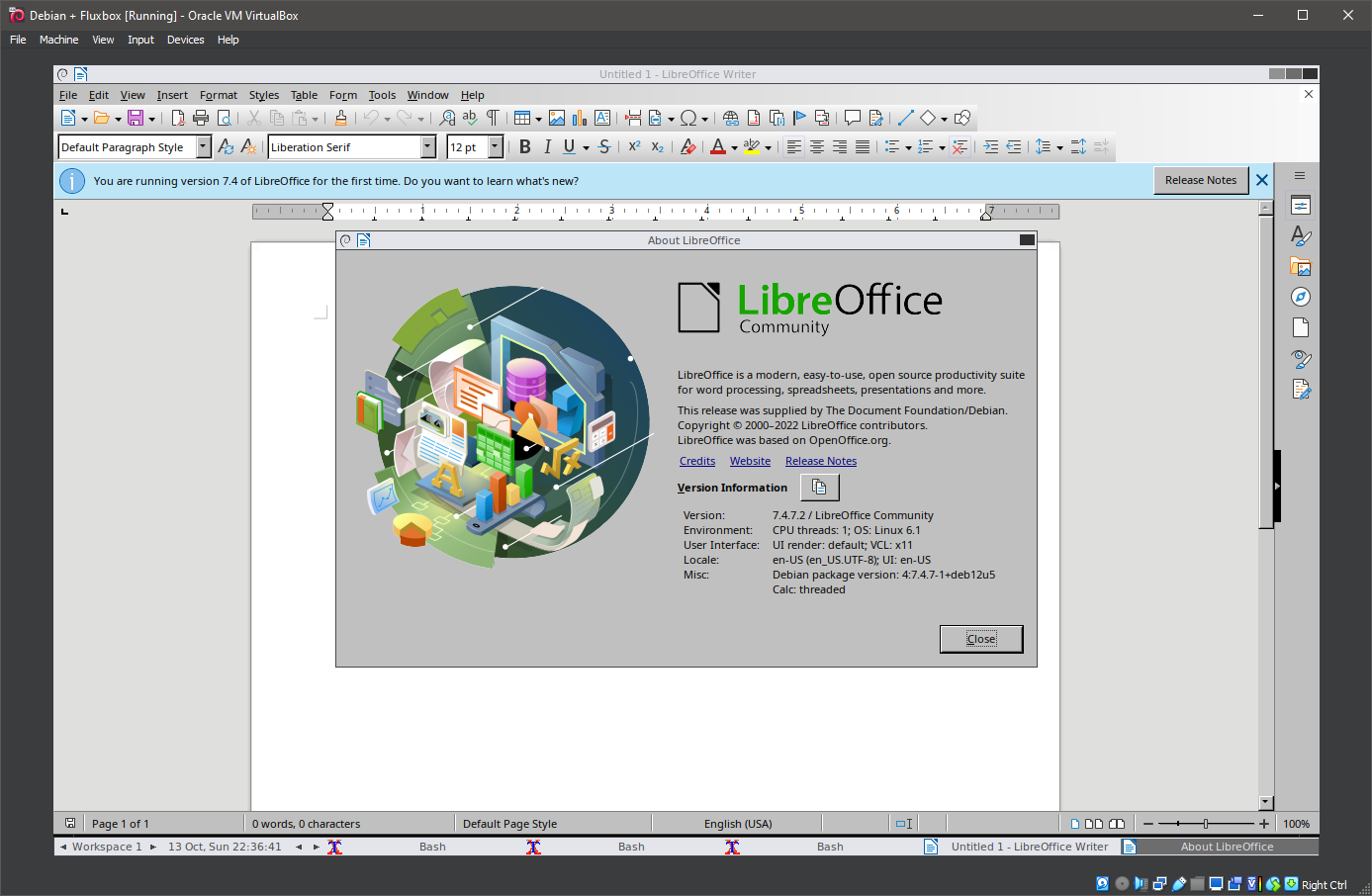
47. Running Fluxbox
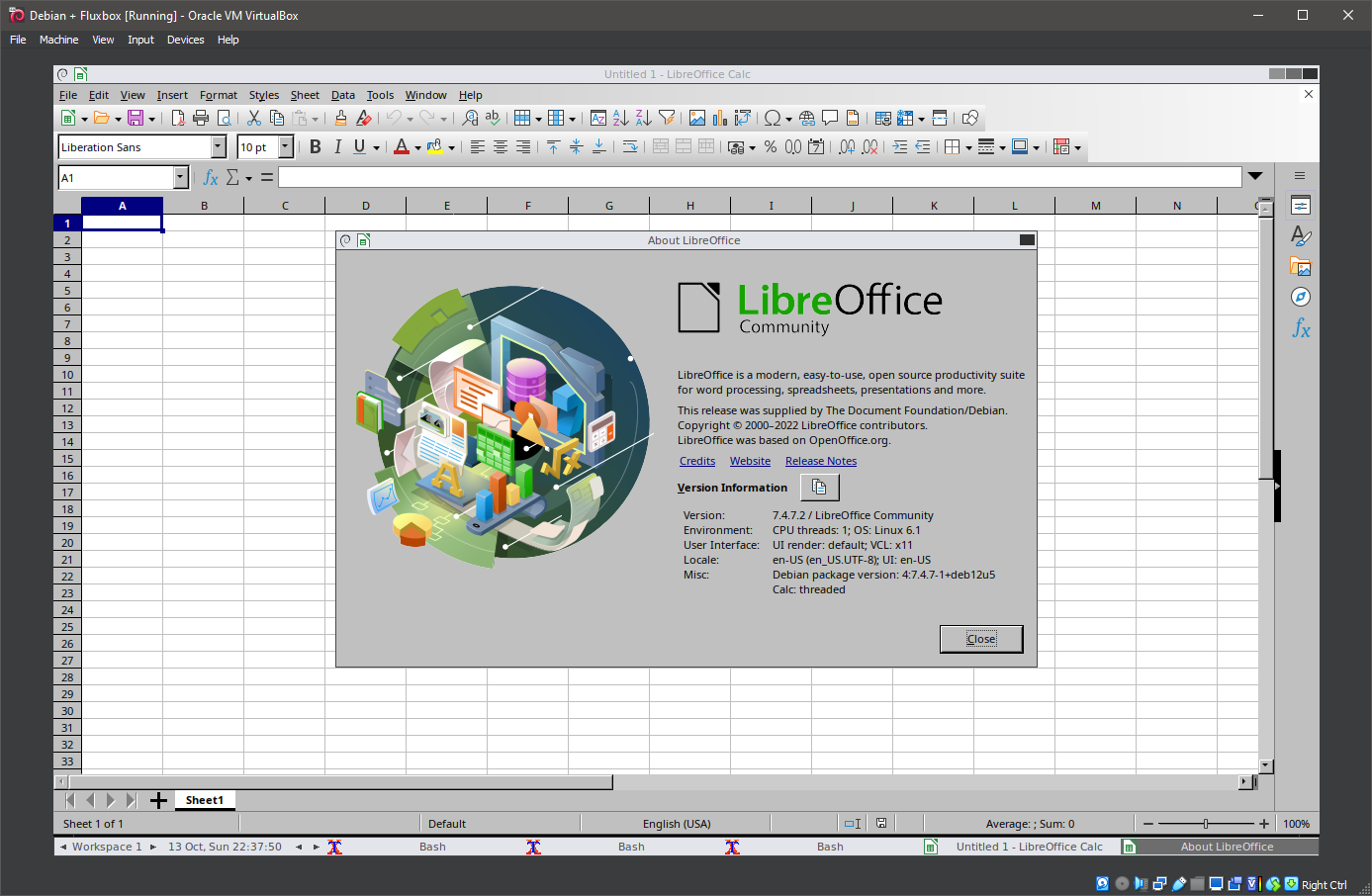
48. Running Fluxbox
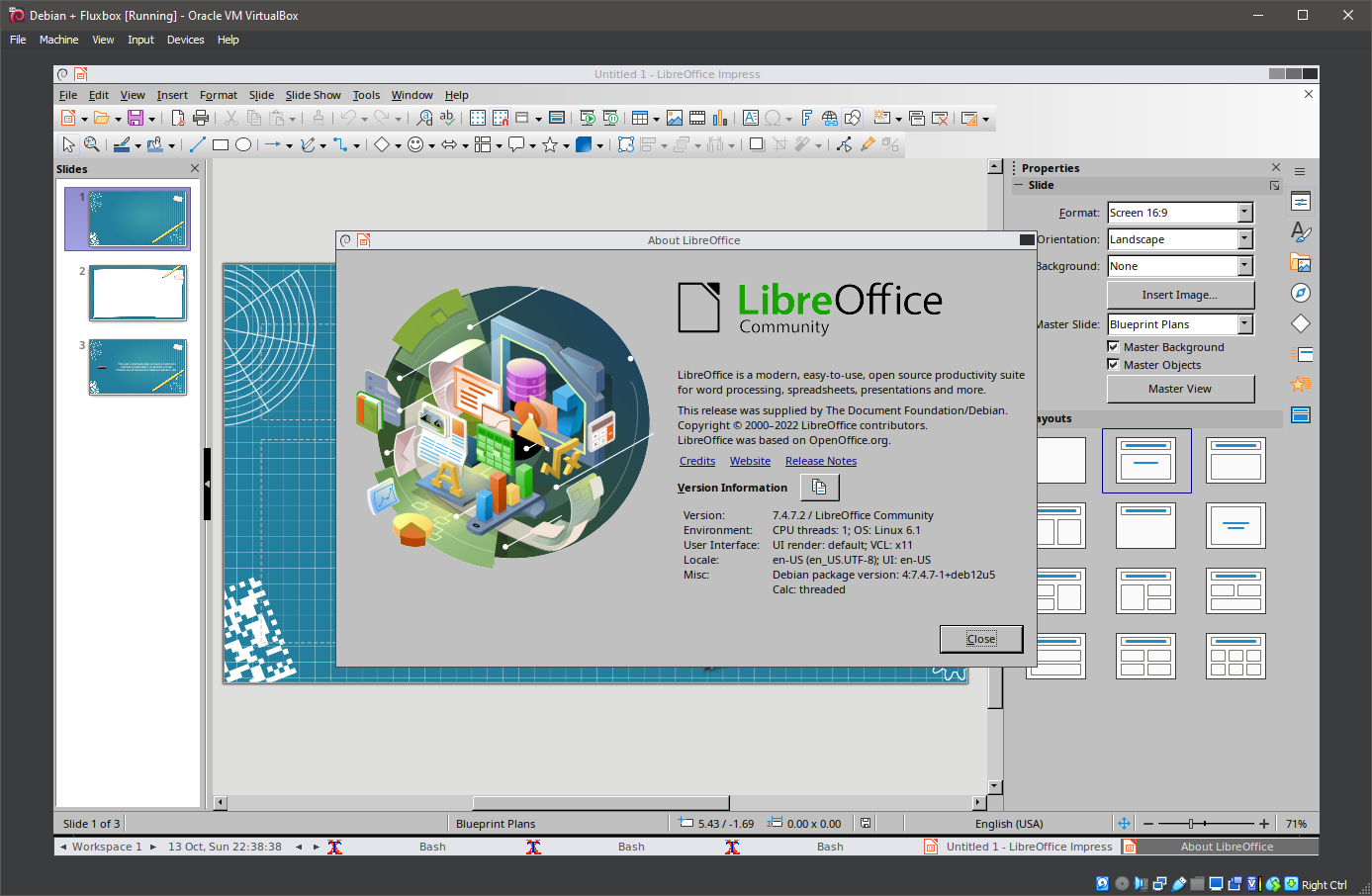
49. Running Fluxbox
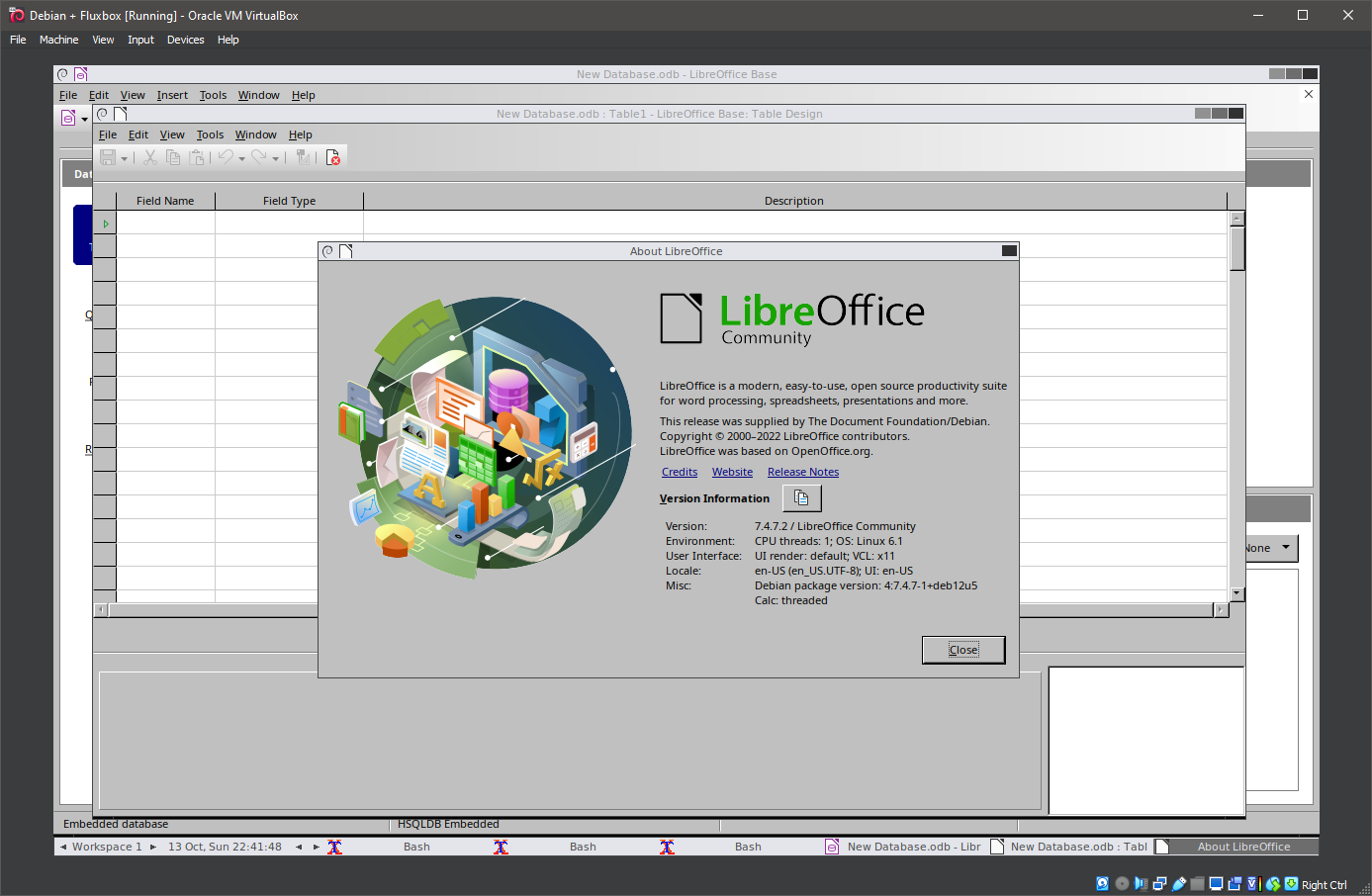
50. Running Fluxbox
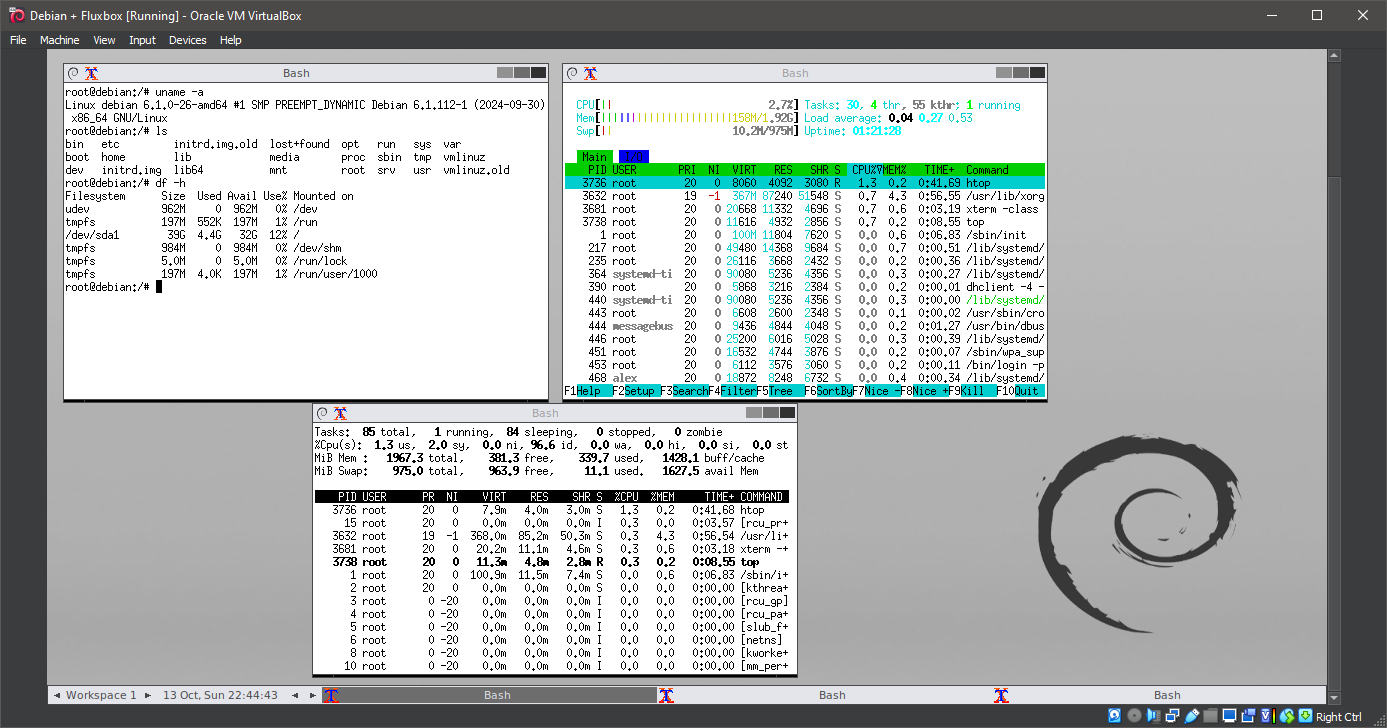
51. Running Fluxbox
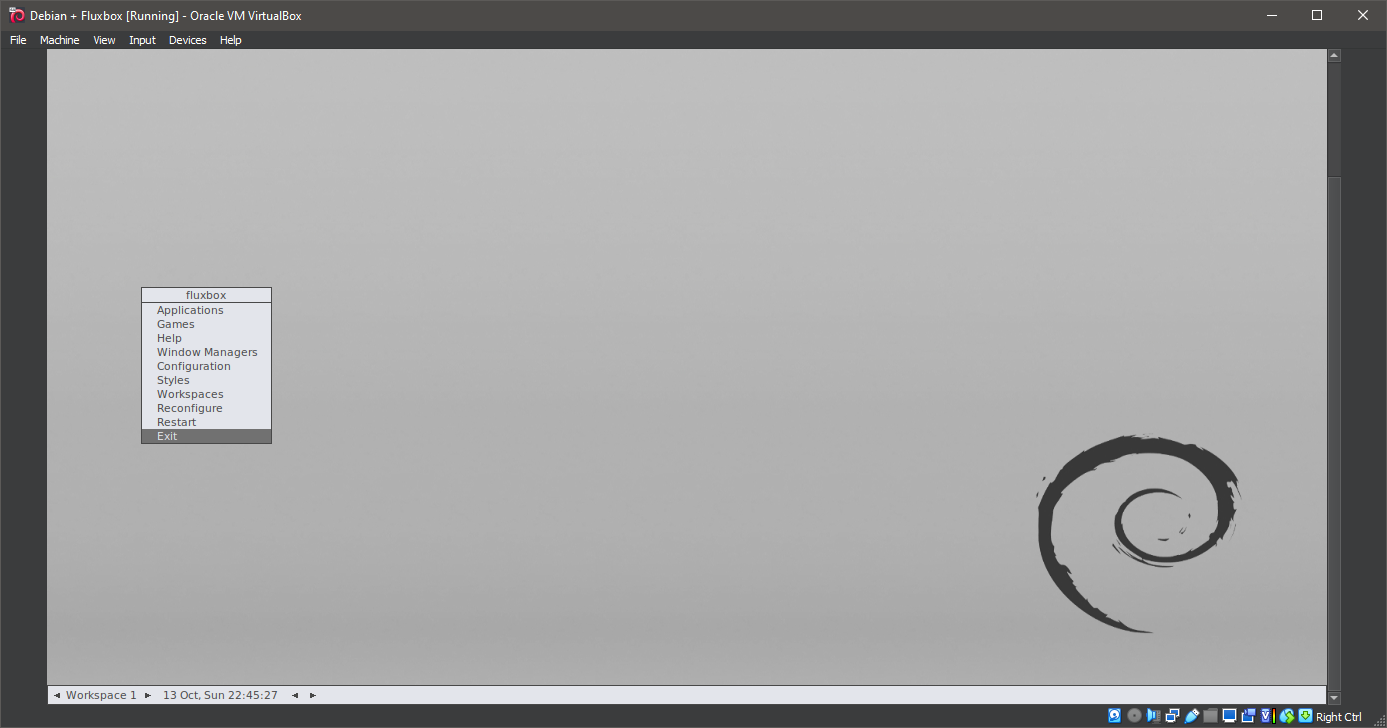
52. Running Fluxbox
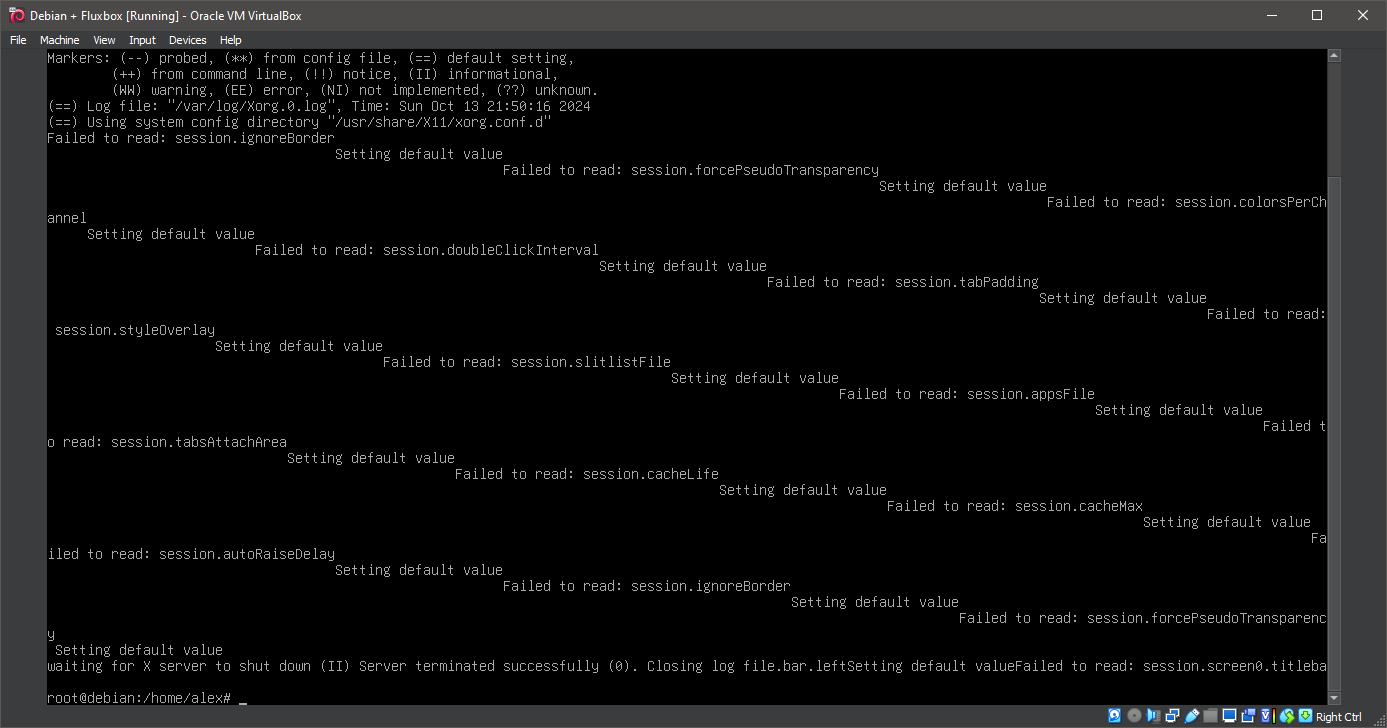
Well, that was exciting. See you in the next one!
If you wish to support our project
Donation link (Buy me a coffee):