
Installing the Cwm Window Manager on Debian
Step by step guide and HOWTO
Debian Linux is known for its stability and security, making it a reliable choice for servers and workstations.
It also has a vast software repository with extensive community support, ensuring access to a wide range of applications.
CWM’s beauty lies in its simplicity.
It’s a window manager that doesn’t try to be a desktop environment.
Clean design gives users exactly what they need and nothing more.
There are no flashy animations or distractions.
It has a minimalist aesthetic that’s perfect for focus.
Efficient keyboard shortcuts streamline workflow.
With fewer visual elements, it feels lightweight and fast.
CWM respects your screen real estate.
Windows are managed without wasting space on bulky borders or title bars.
Every action feels precise and purposeful.
Transparency is key in its configuration.
The .cwmrc file is intuitive and editable by anyone.
Customization in CWM is extensive but unobtrusive.
You can define colors, borders, and keybindings with ease.
The background color is entirely yours to choose.
CWM empowers you to decide how your workspace looks.
It requires a learning curve, adding to its appeal.
Mastery of CWM feels rewarding and personal.
There’s no built-in bloat or unnecessary features.
It’s pure functionality.
Mouse focus gives an effortless way to shift attention.
You don't need to click to focus—a simple hover will do.
Window borders are sleek and customizable.
They provide clear visual distinction without being overwhelming.
CWM encourages productivity.
The minimalist design keeps you in the zone.
With fewer distractions, focus is natural and sustained.
The aesthetic is vintage yet modern.
It feels rooted in Unix philosophy, embracing simplicity.
It’s loved by power users for its raw efficiency.
Commands like “window-move” make window management feel intuitive.
CWM’s stability is a thing of beauty in itself.
You won’t find crashes or unexpected behavior.
Lightweight performance is perfect for older or minimal systems.
It runs well on almost any hardware, even under VirtualBox.
No need for complex graphics drivers to enjoy it.
CWM integrates seamlessly with tools like tint2 and dmenu.
This integration allows for flexibility without dependencies.
CWM is timeless.
It’s a tool that adapts as you do, shaping itself to your needs.
In a world of overstimulation, CWM’s beauty is its calm.
Today we shall install the Cwm Window Manager on Debian
We need to complete several steps to get it working correctly.
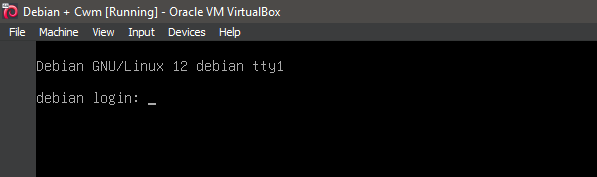
1. Boot the system -- System Ready.
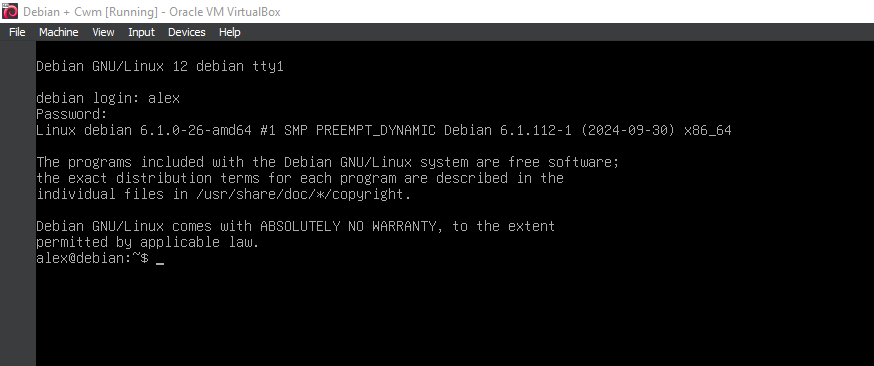
2. Boot the system -- Logged In.
3. Switch to root
su

4. Running update
apt-get update
apt-get upgrade

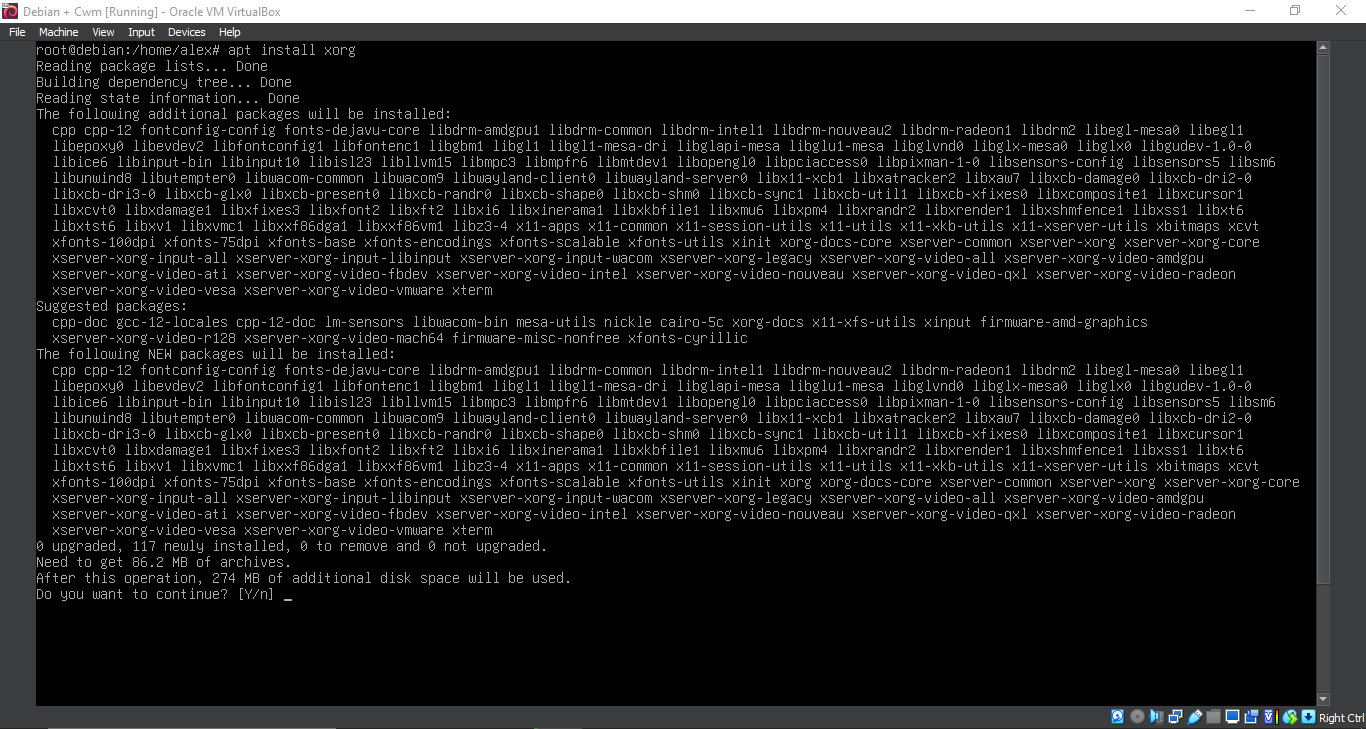
5. Running 'apt install xorg'
apt install xorg
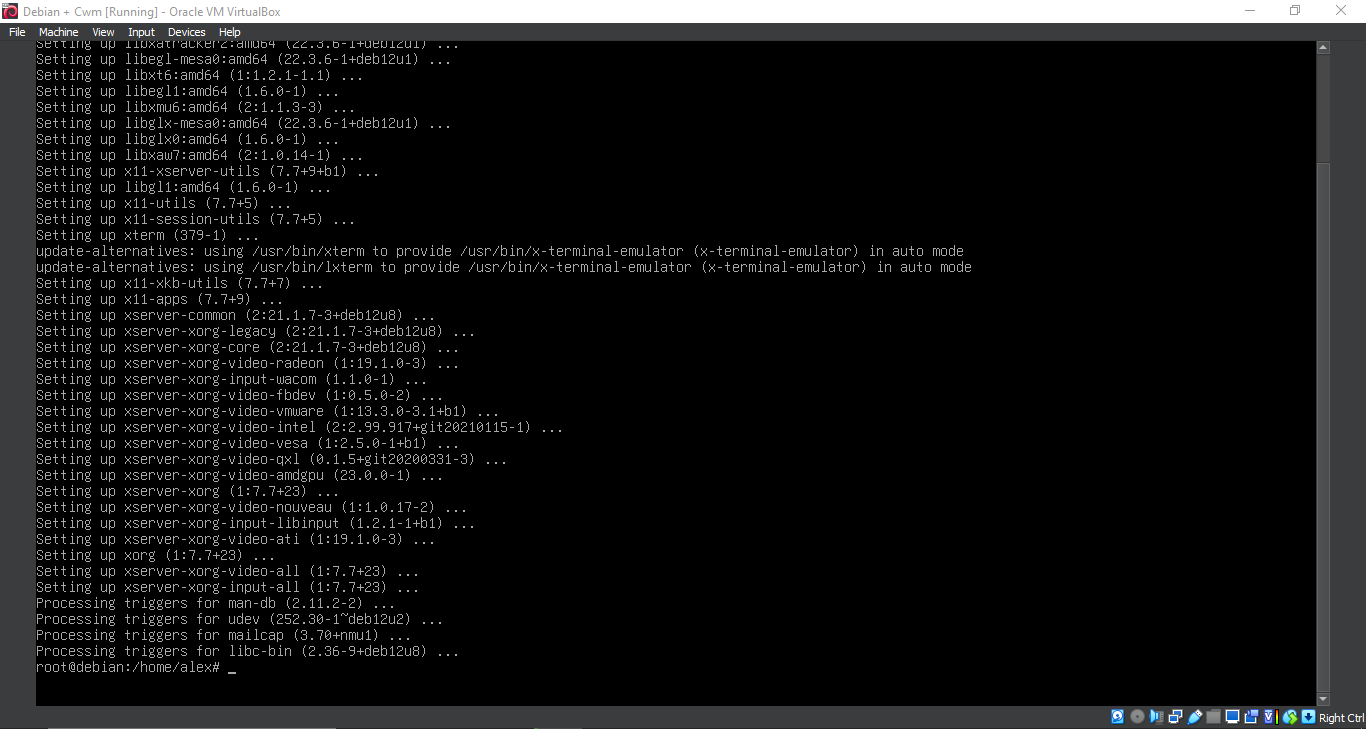
6. Running 'apt install xorg'
apt install xorg
7. Running 'apt install cwm'
apt install cwm
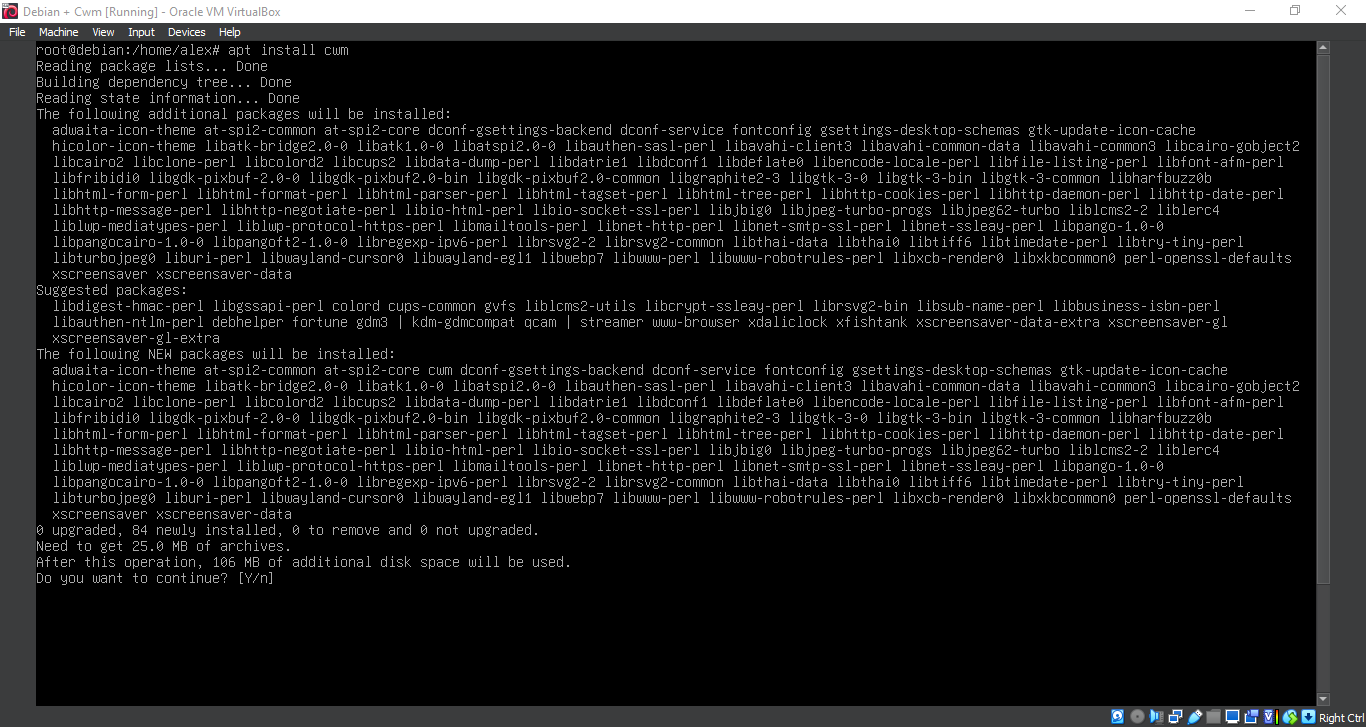
8. Running 'apt install cwm'
apt install cwm
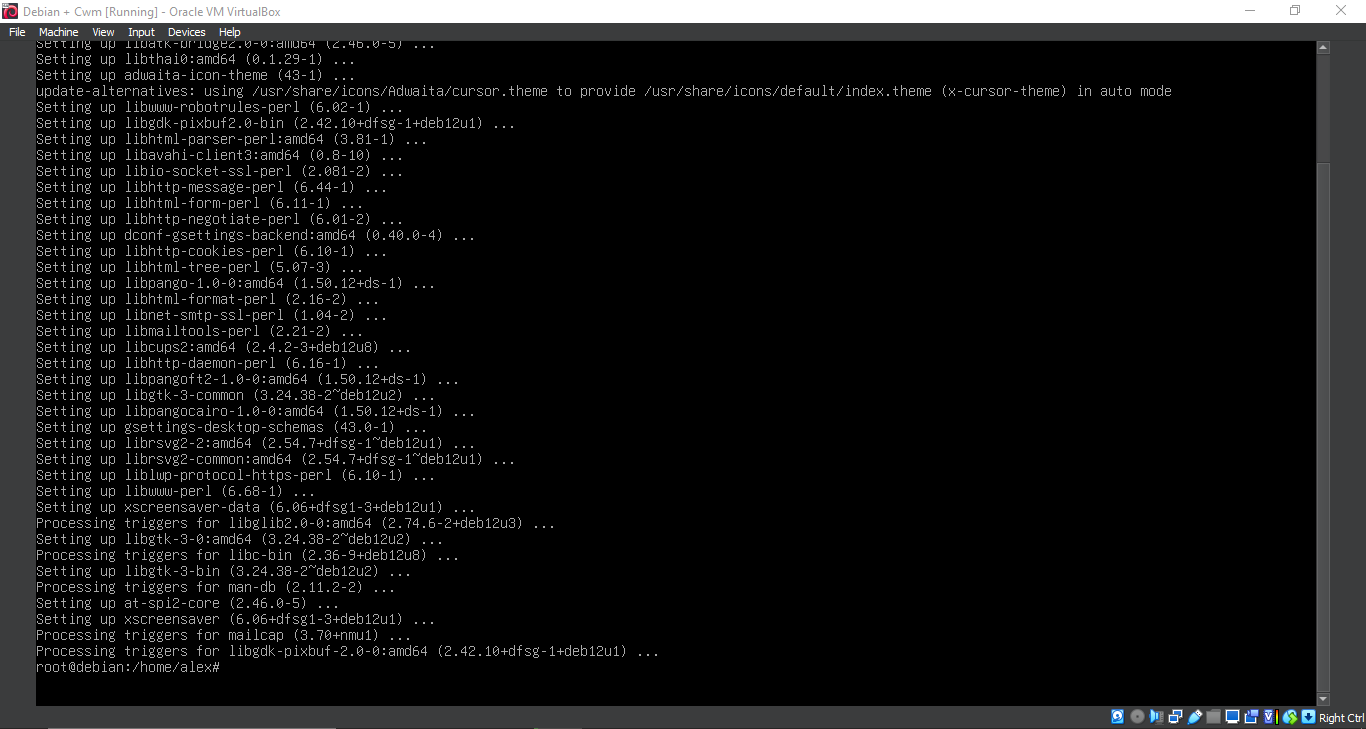
9. Configuration
nano ~/.xinitrc
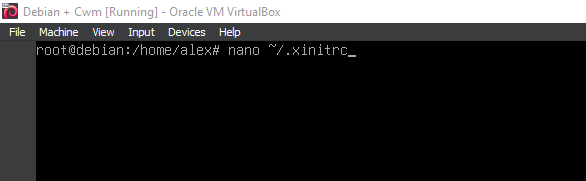
10. Configuration
exec cwm
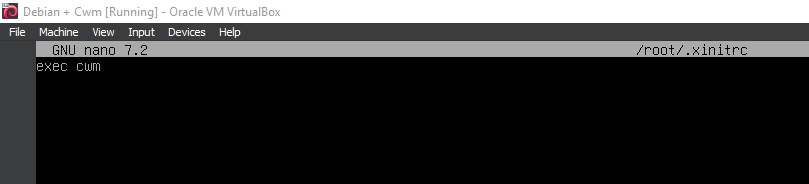
11. Running 'reboot'
reboot

12. Running 'apt install dmenu'
apt install dmenu
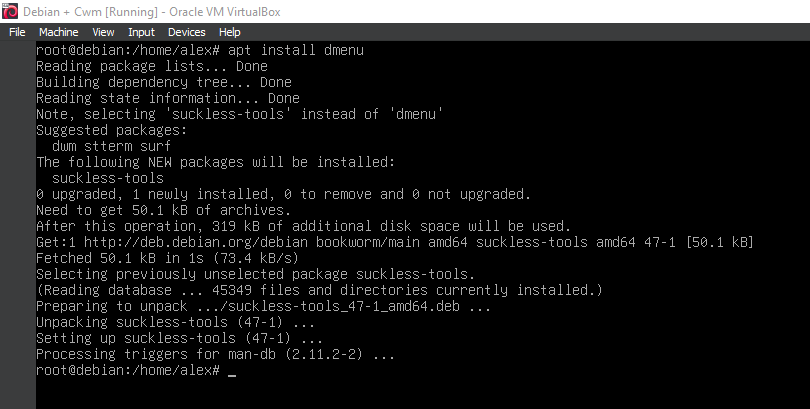
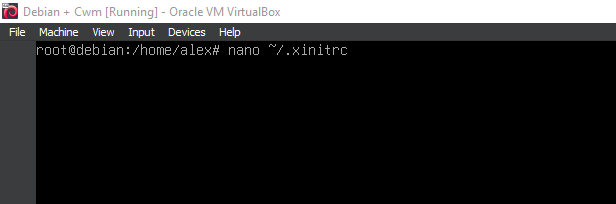
13. Additional components and configuration
nano ~/.xinitrc
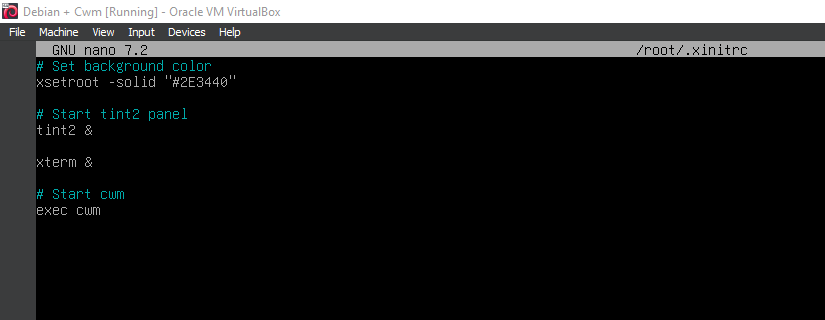
14. Additional components and configuration
xsetroot -solid "#2E3440"
tint2 &
xterm &
exec cwm
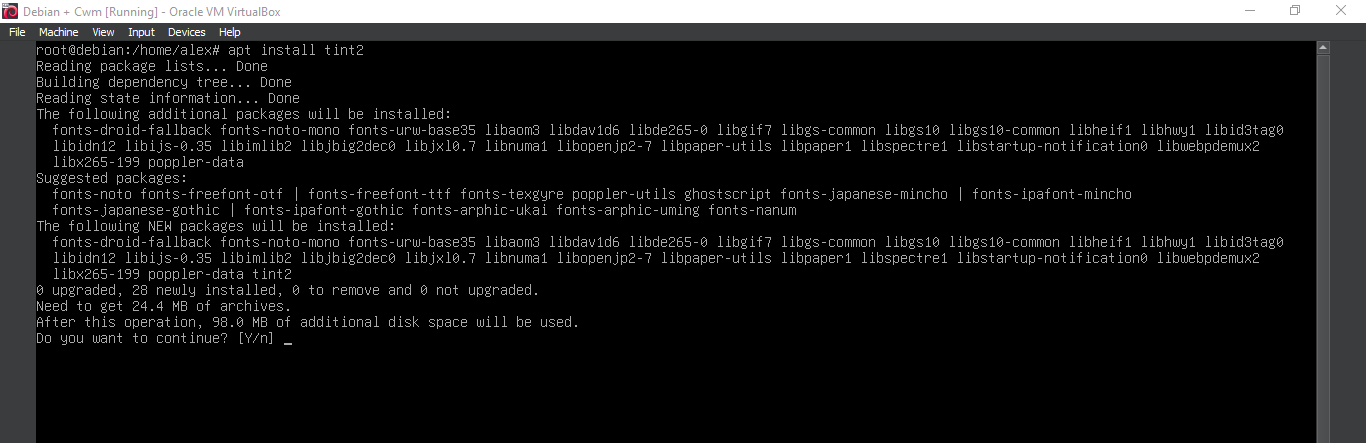
15. Running 'apt install tint2'
apt install tint2
16. Running 'apt install tint2'
apt install tint2
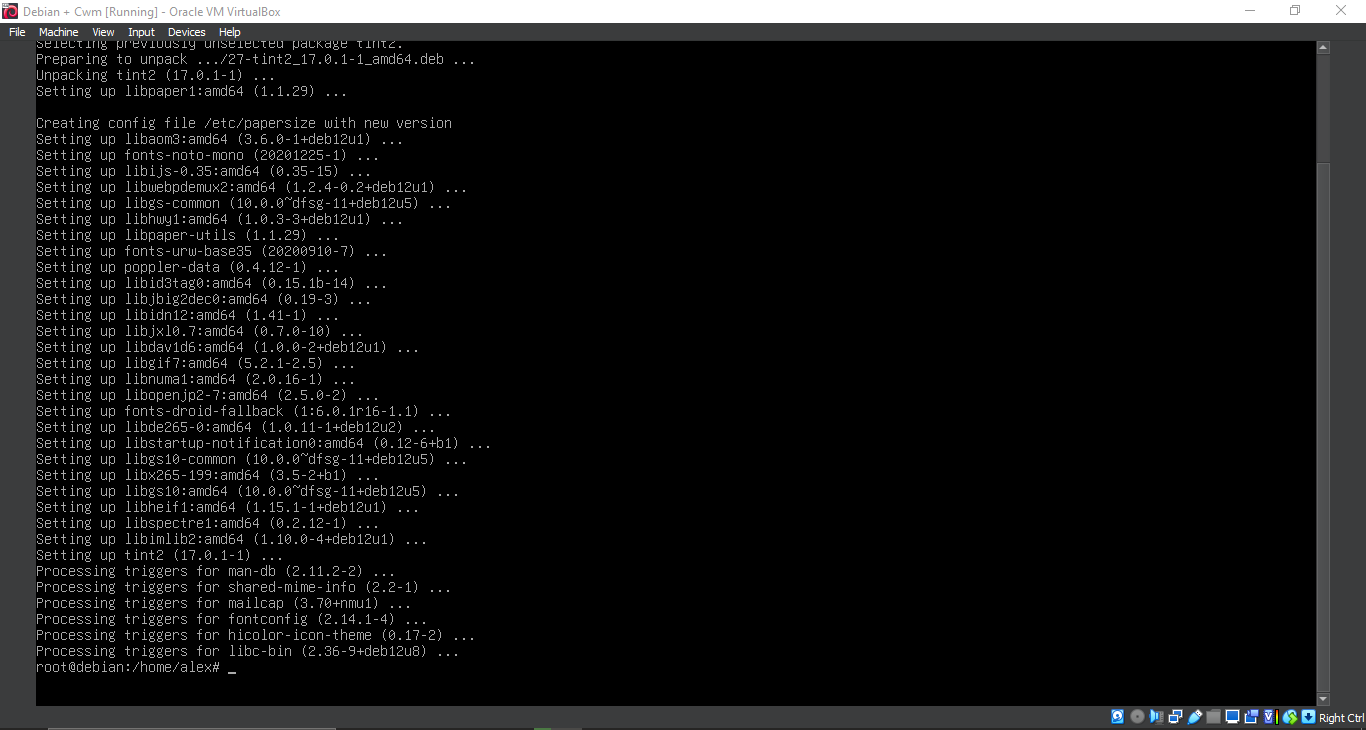
17. Running 'startx'
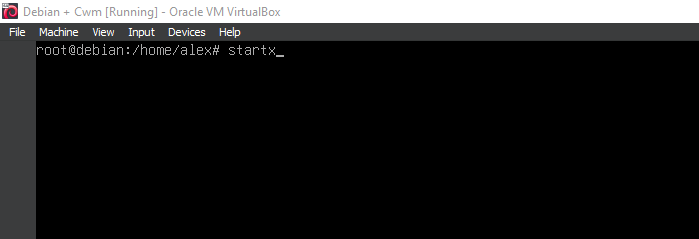
18. Running Cwm
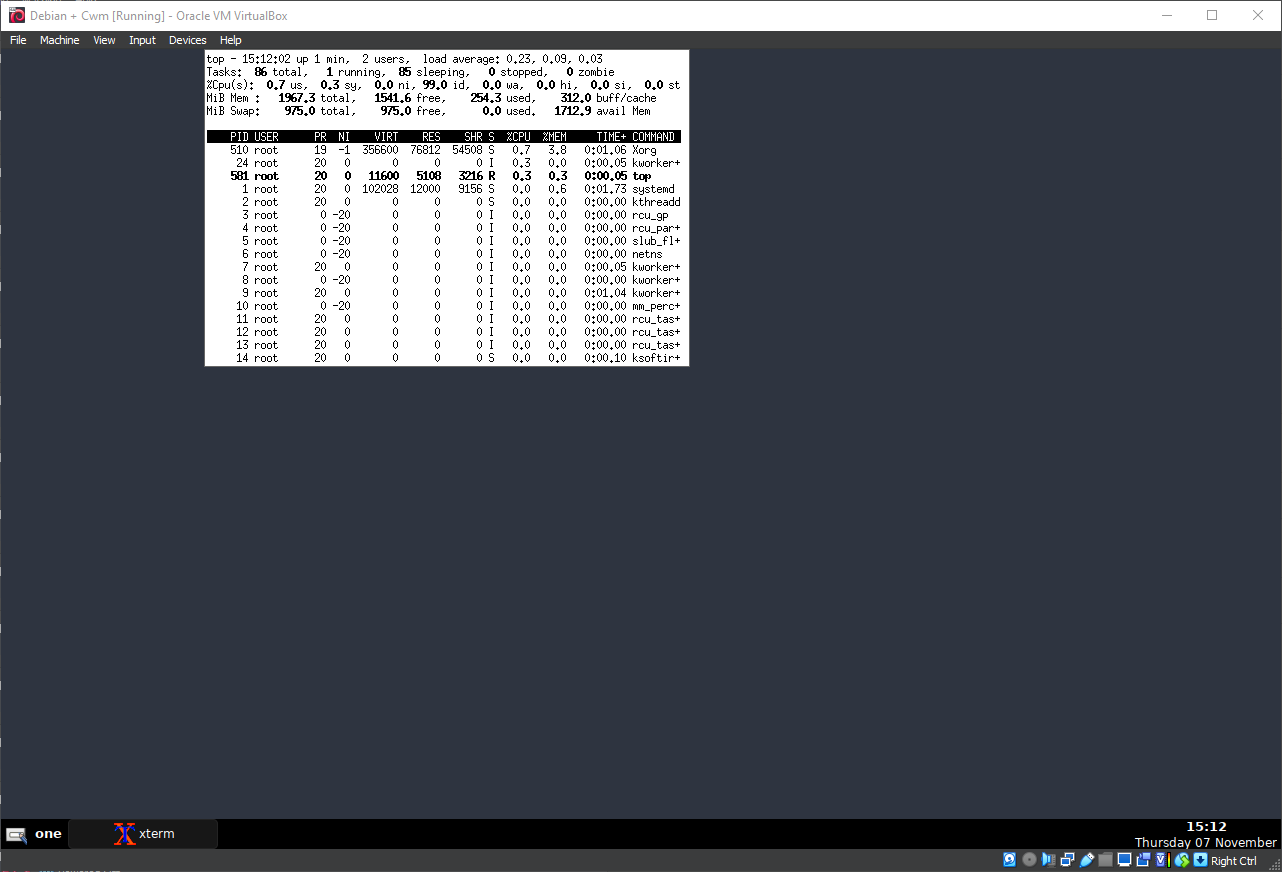
19. Running Cwm
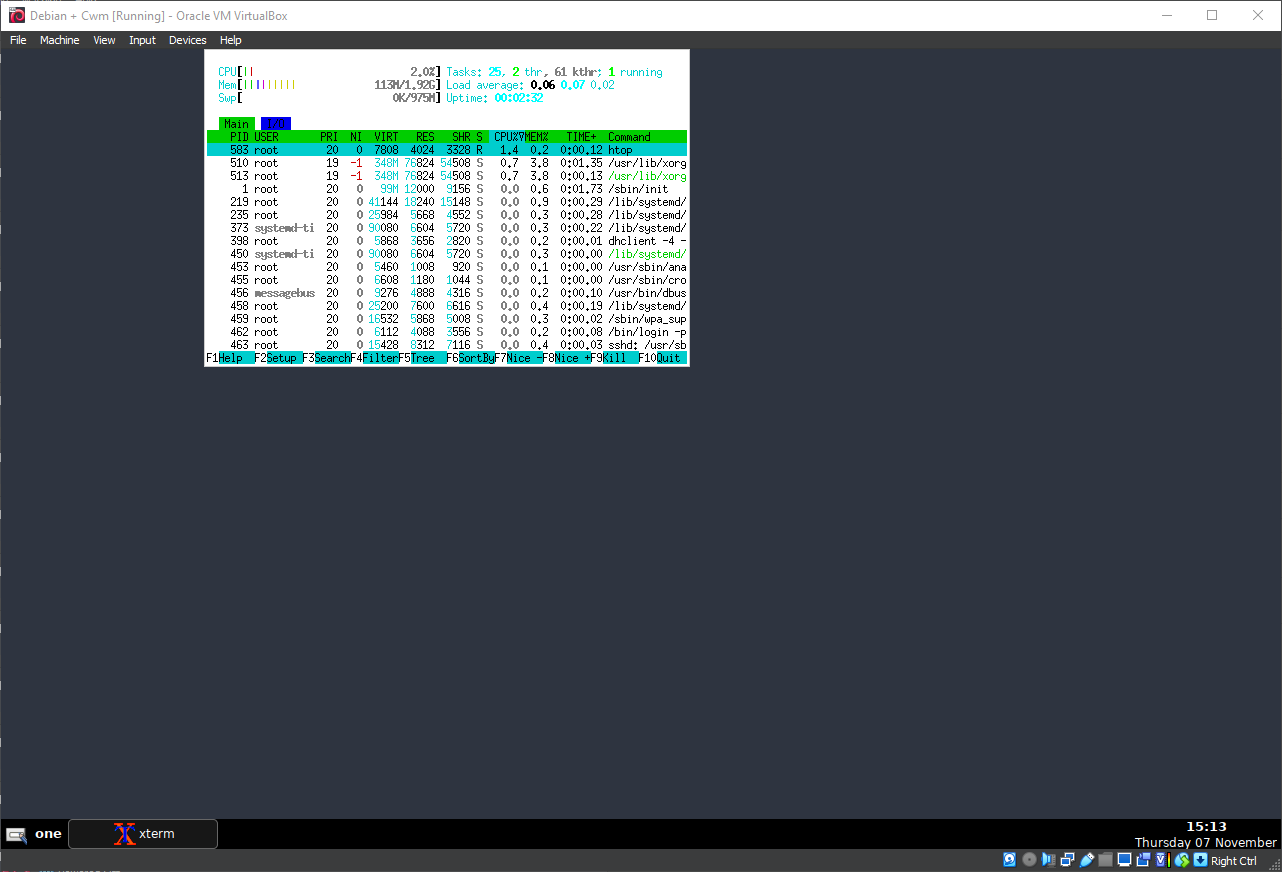
20. Running Cwm

21. Running Cwm
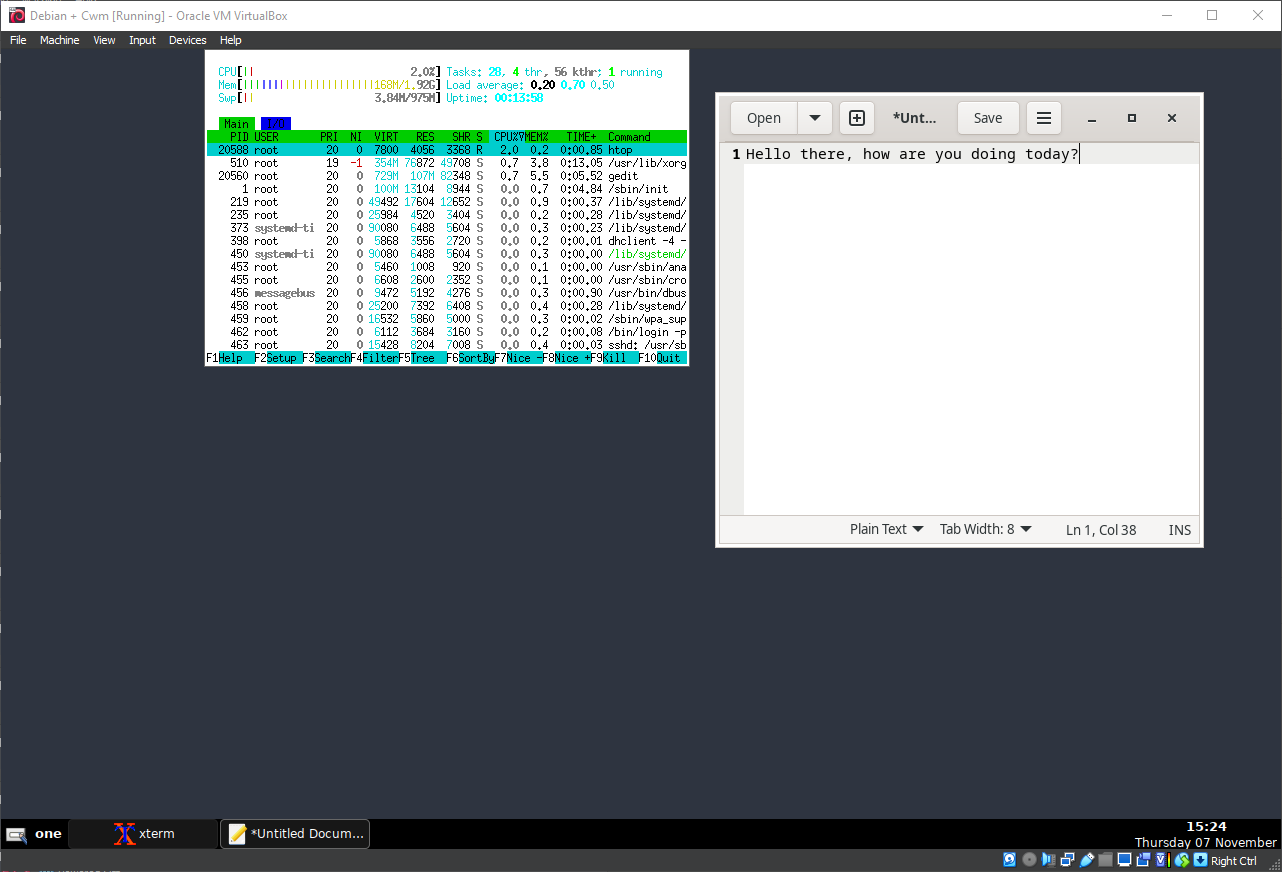
22. Running Cwm
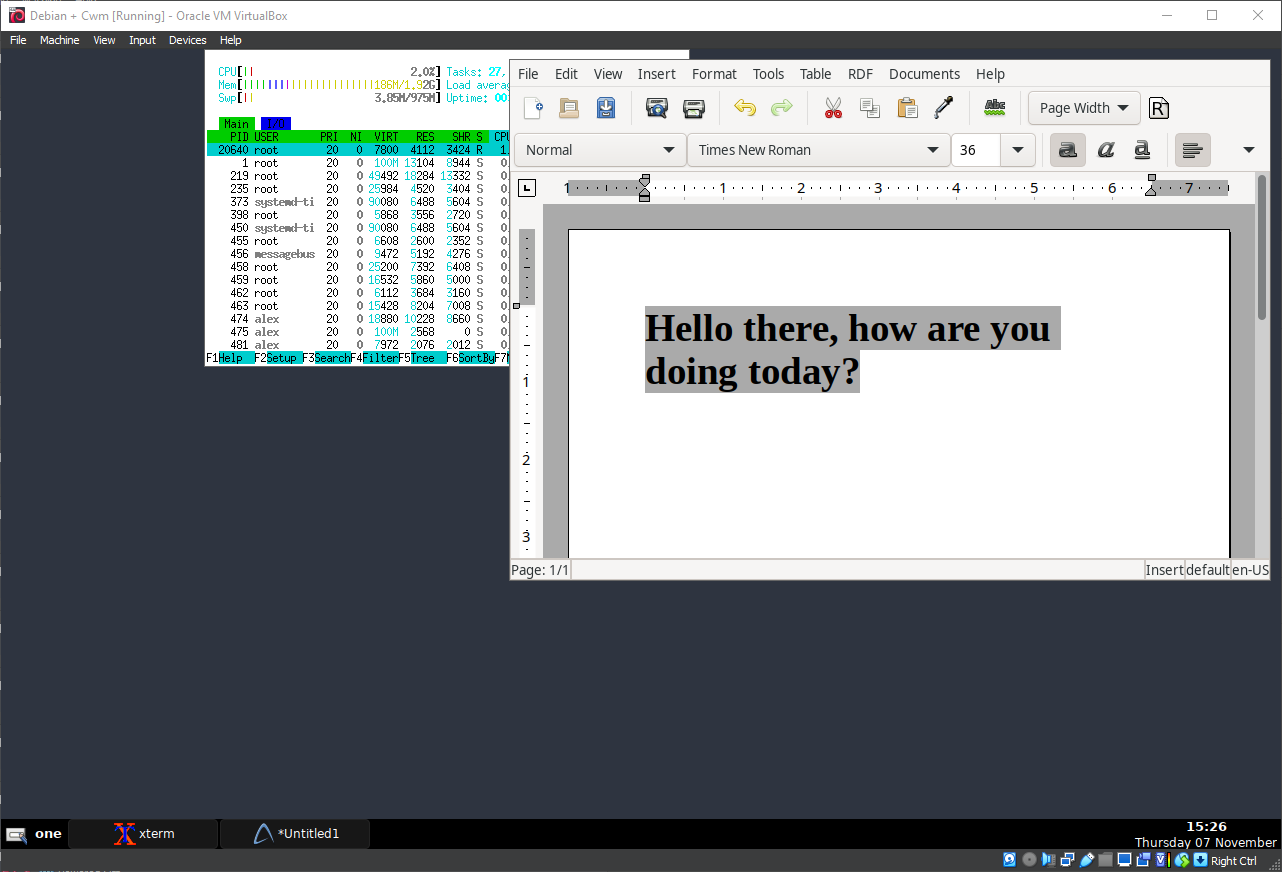
23. Running Cwm

24. Running Cwm

25. Running Cwm
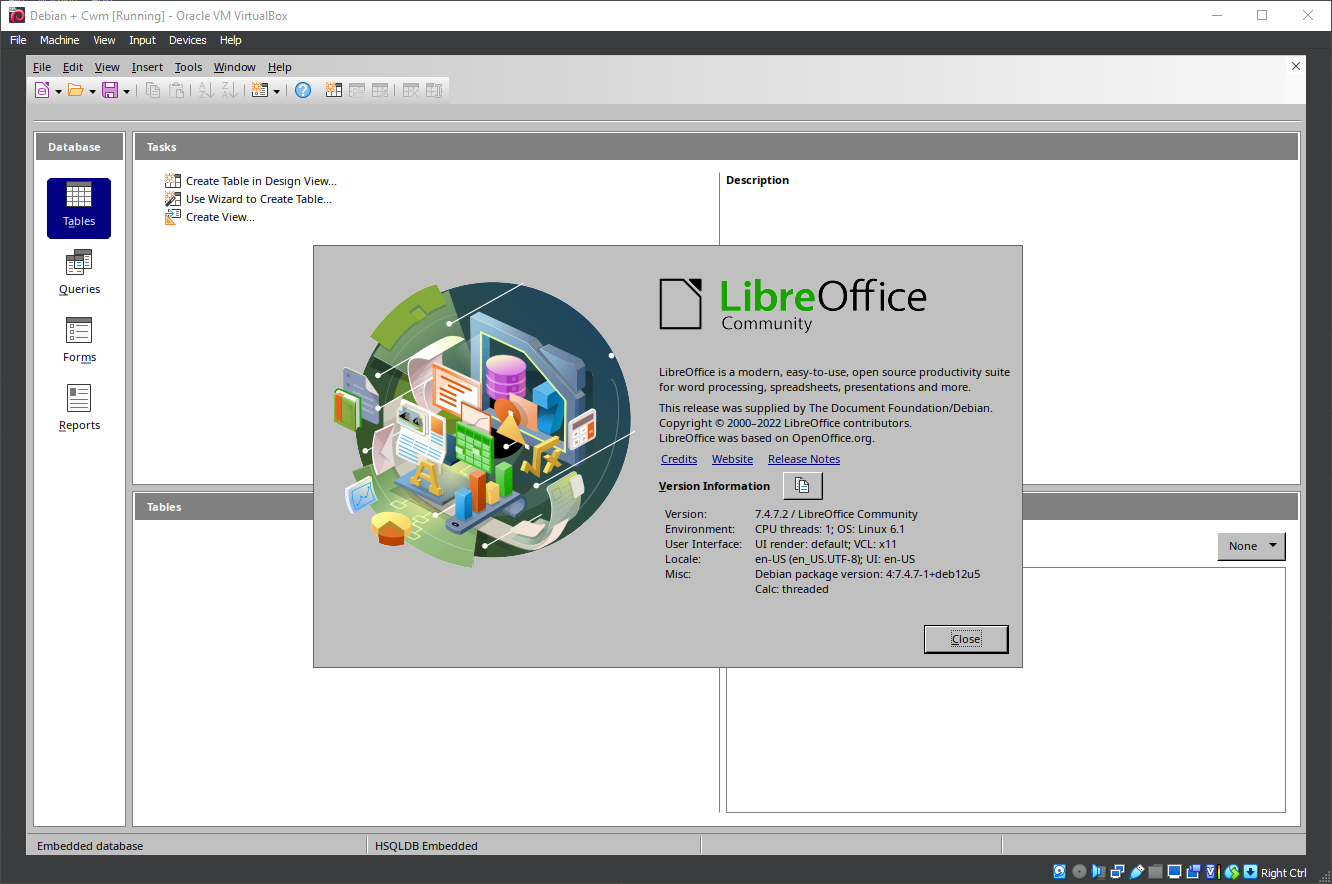
26. Running Cwm
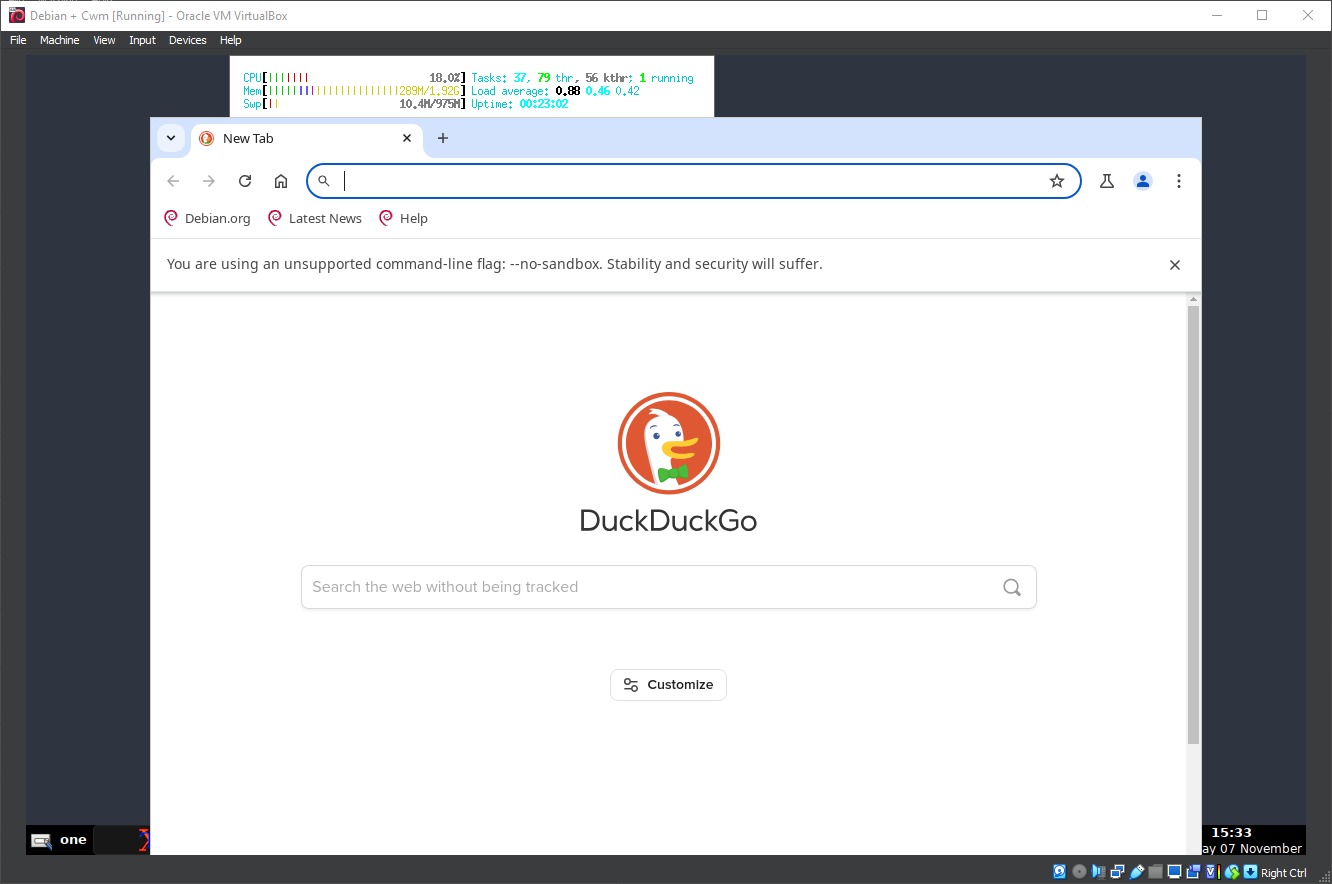
27. Running Cwm
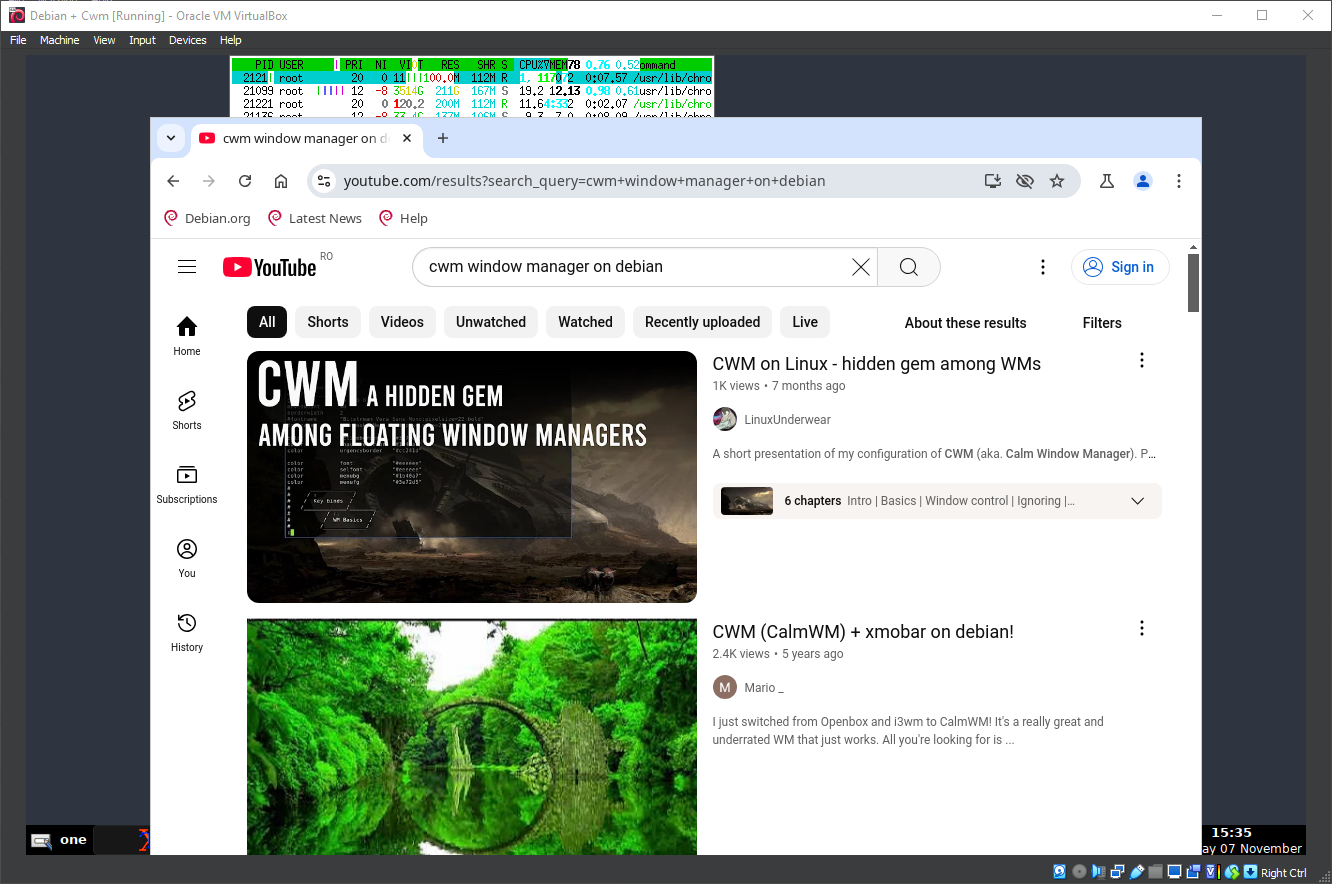
28. Running Cwm
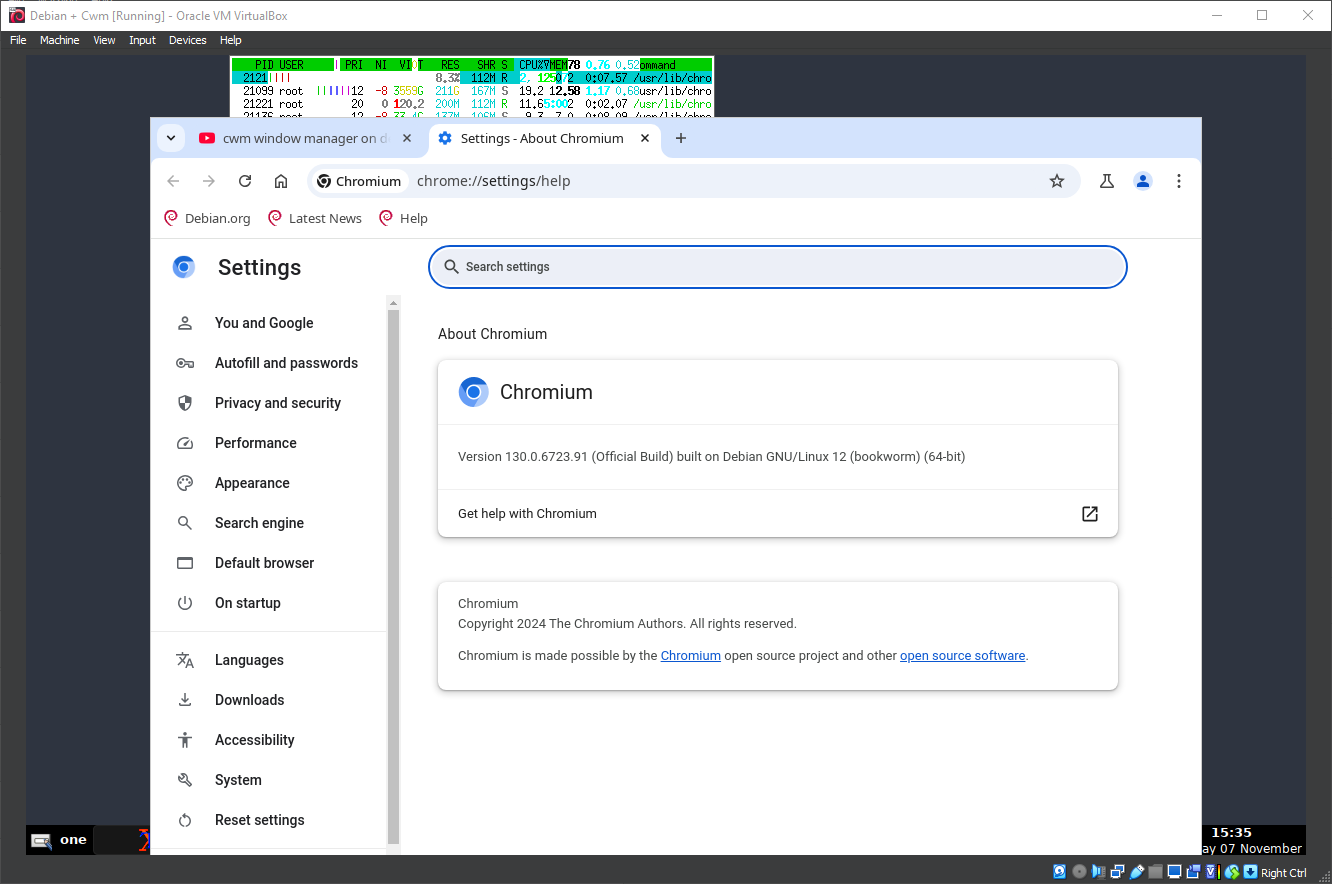
29. Running Cwm
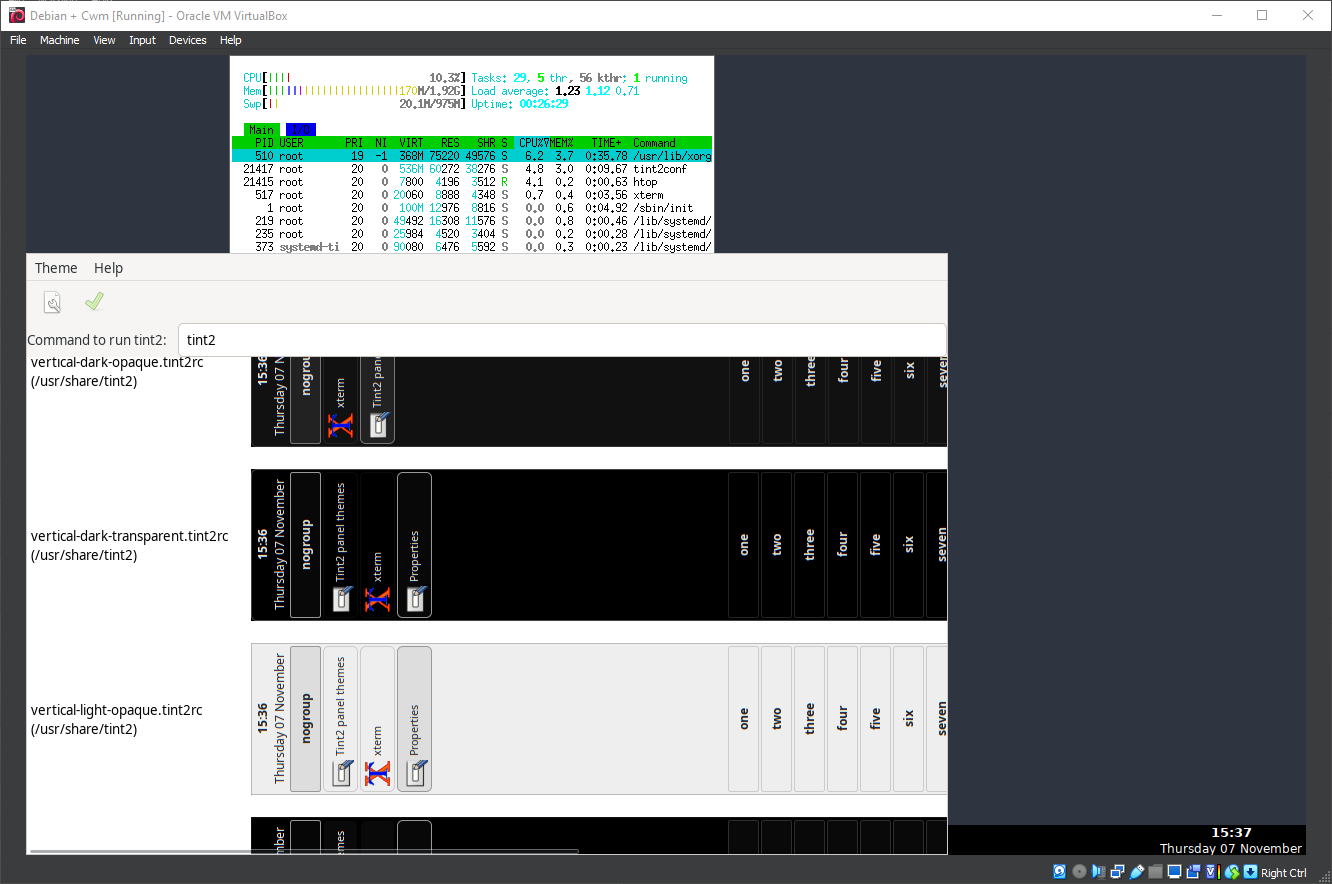
30. Running Cwm
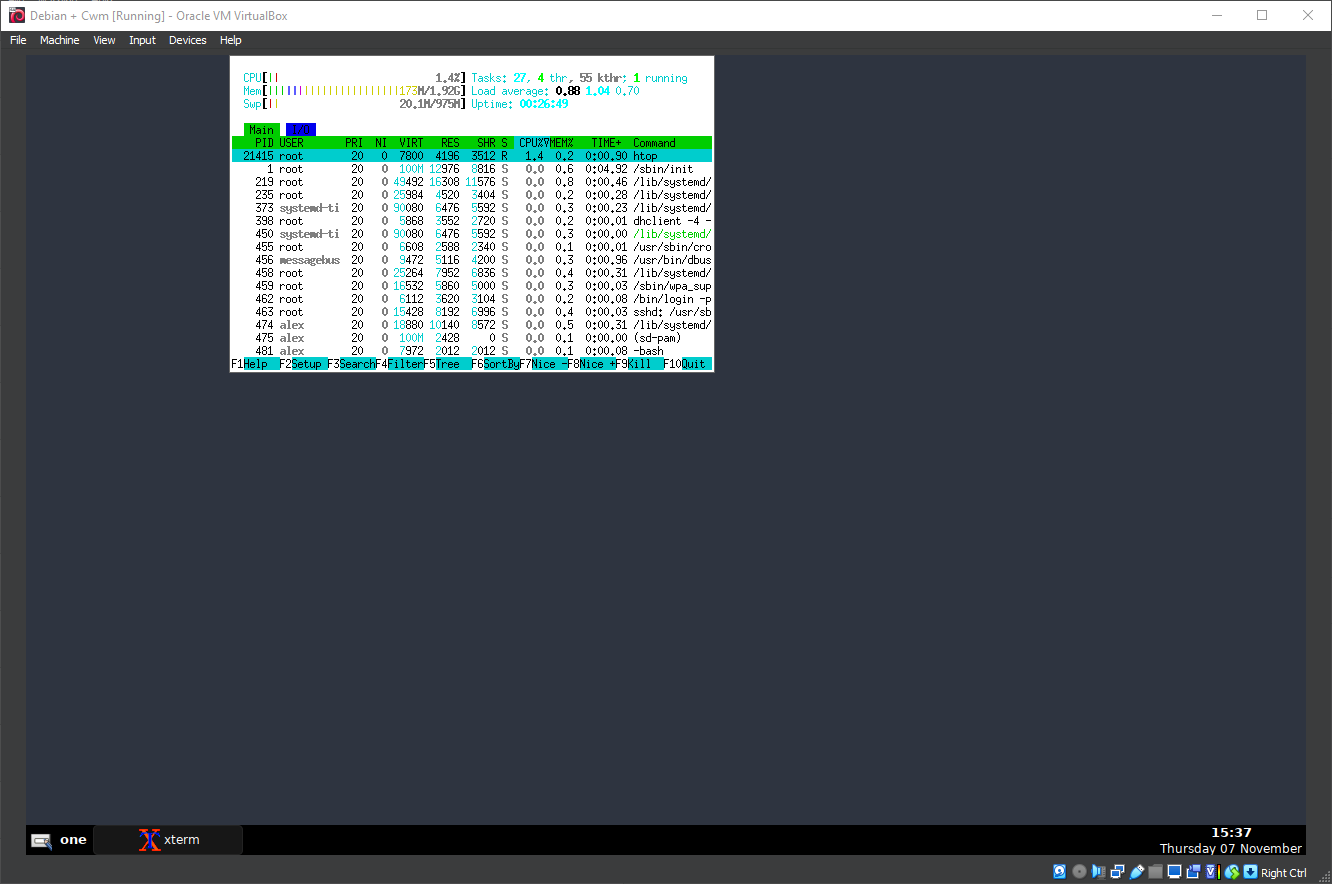
31. Running Cwm
Well, that was exciting. See you in the next one!
If you wish to support our project
Donation link (Buy me a coffee):