
Coolify is an open-source platform (licensed under Apache-2.0)
It’s designed as a self-hostable PaaS alternative to services like Heroku, Netlify, and Vercel.
With Coolify, we can deploy:
* Static sites
* Web applications (APIs, backends)
* Databases
* A wide range of Docker-compatible services (over 280 one-click services are supported)
* It runs on our own servers: these can be VPSs, bare-metal servers, Raspberry Pis, cloud VMs, anything where we have SSH access.
Because we host it ourselves, we retain full control — configurations and data are stored on our infrastructure, so there’s no vendor lock-in.
_________________________________________
Features:
* We can deploy apps in pretty much any language/framework, because it uses Docker under the hood.
* Connect Coolify to GitHub, GitLab, Bitbucket, Gitea, etc., so it can build and deploy on every push.
* Automatically build Docker images from our repo.
* For static sites, Coolify creates a Docker image with a web server (e.g. Nginx) to serve our files.
* We can also use a custom Dockerfile, or Docker Compose.
* Uses Let's Encrypt to automatically issue and renew SSL for our domains.
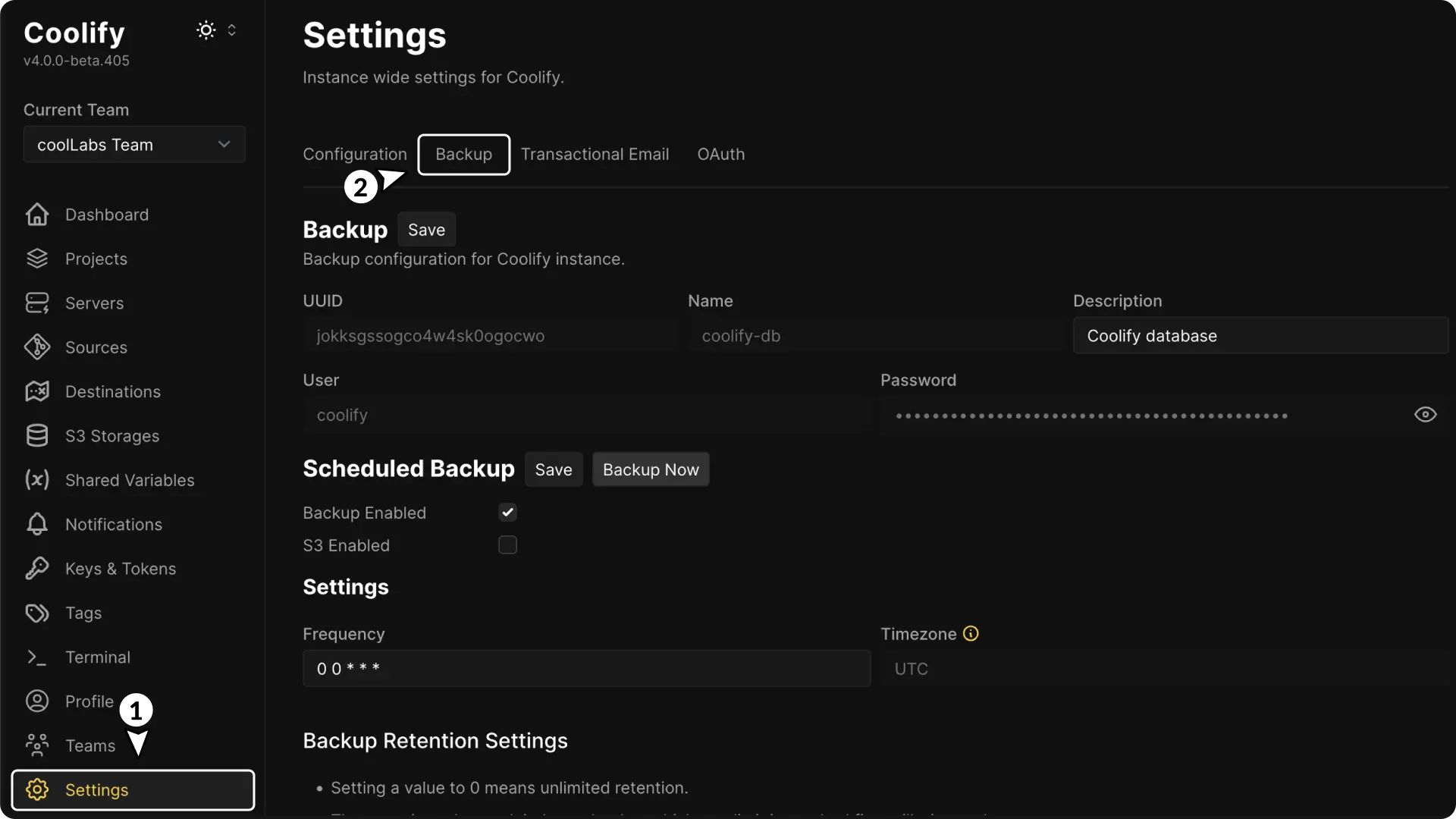
* Automatic database backups to S3-compatible storage, with easy restore.
* Use webhooks or Coolify’s API to automate deployments or integrate Coolify into our workflows.
* We can access a terminal for our connected server from within the Coolify dashboard.
* Multiple team members, role-based permissions.
* We can deploy branch or pull-request versions, useful for staging or reviewing.
* Tracks the health of apps, servers, disk usage, etc., and sends alerts (via email, Telegram, Discord).
_________________________________________
How this works:
* We install Coolify on a server (our own VM, VPS, or other).
* When we deploy an application through Coolify:
- Coolify builds a Docker image for our app
- That image is run as a container on our server.
- Coolify manages routing (reverse proxy), SSL, environment variables, and more.
* For data: we can provision databases (PostgreSQL, MySQL, Redis, etc.) through Coolify.
* All config (apps, env vars, settings) is stored on our server.
_________________________________________
Self-Hosted vs Coolify Cloud
Self-Hosted
We run everything, Coolify plus our apps on our own infrastructure.
Coolify Cloud
They host the Coolify control plane for us. We just connect our servers to it via SSH.
Even in cloud mode, we still pay for and run our own app servers.
Cloud is more about convenience: easier updates, managed Coolify dashboard, notifications, etc.
I strongly recommend the self hosted version.
Self-Hosted is free forever with full access to all features, no restrictions.
We must provide our own servers.
We can choose automated or self-managed updates (also free forever).
Enjoy #linux 🐧
Well, that was exciting. See you in the next one!