
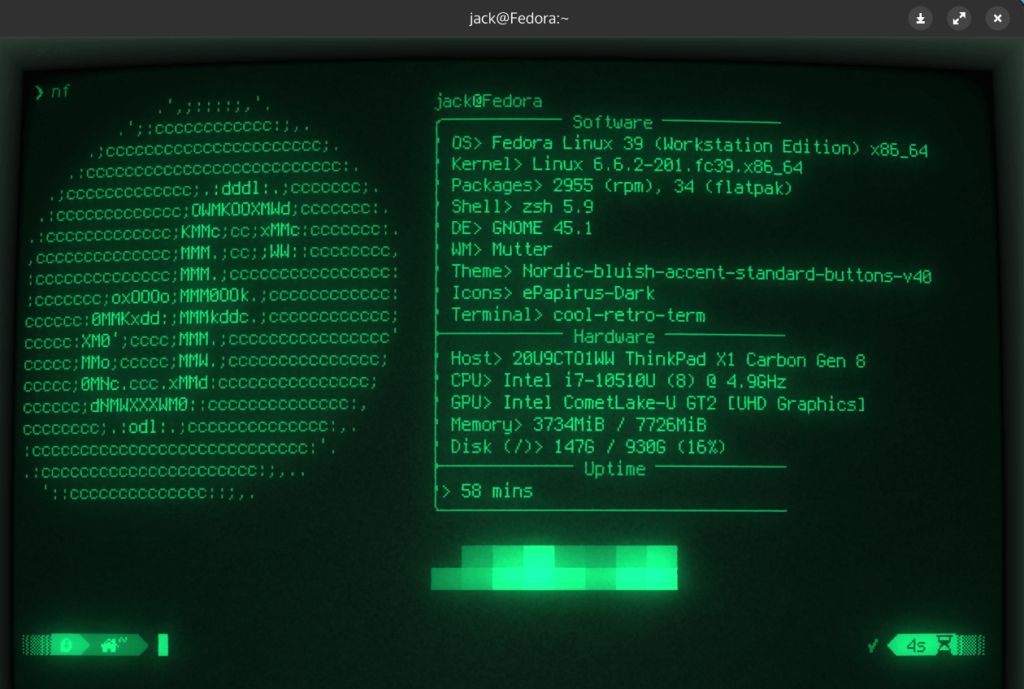
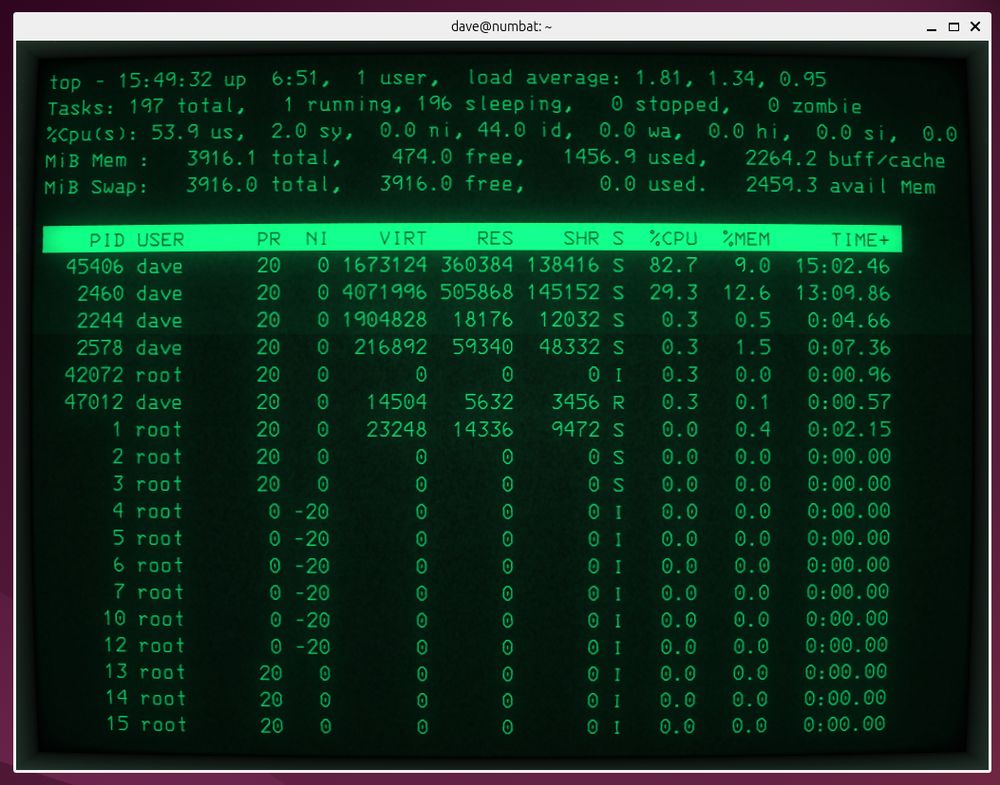
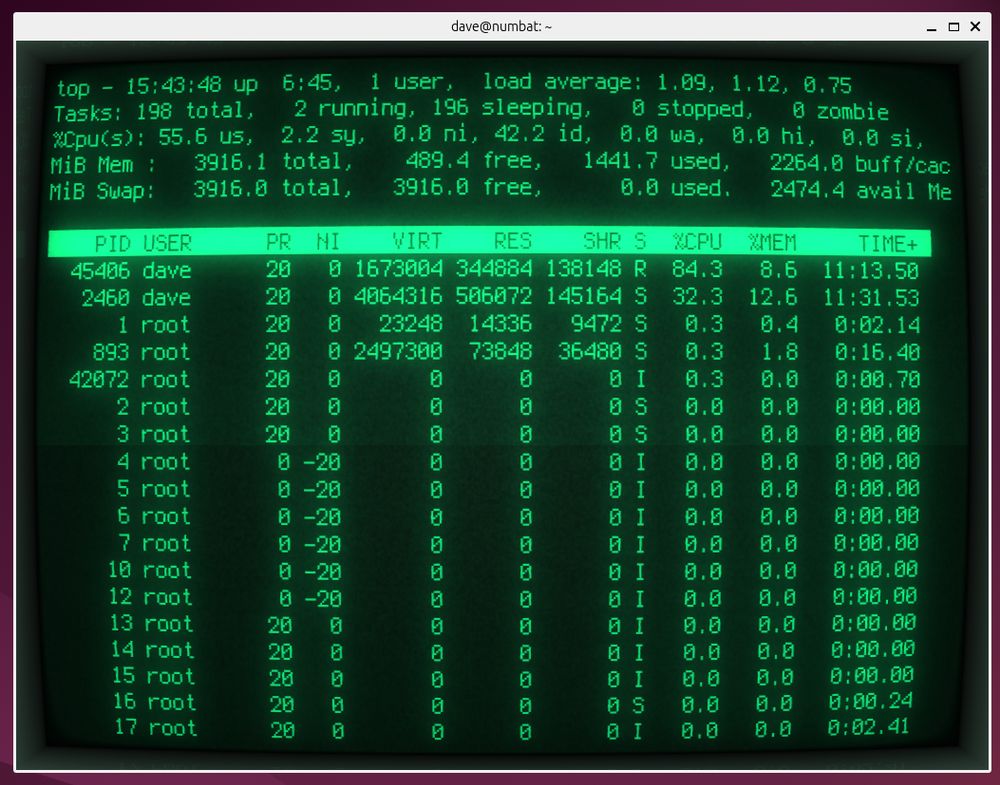
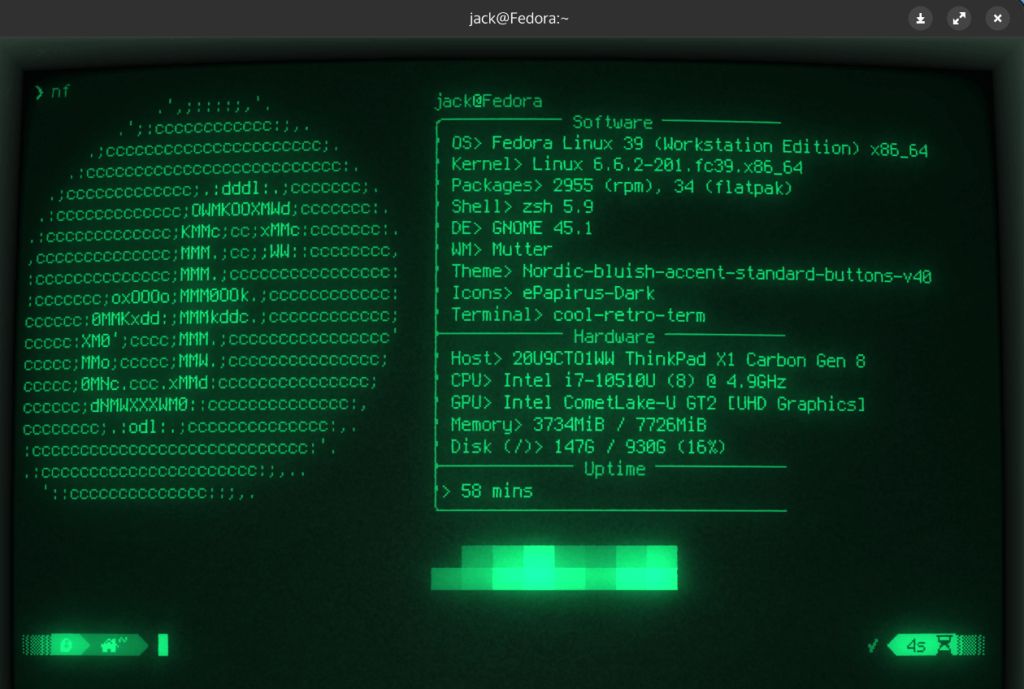
Cool-Retro-Term is a terminal emulator for Linux (and macOS) whose goal is to give us a retro look.
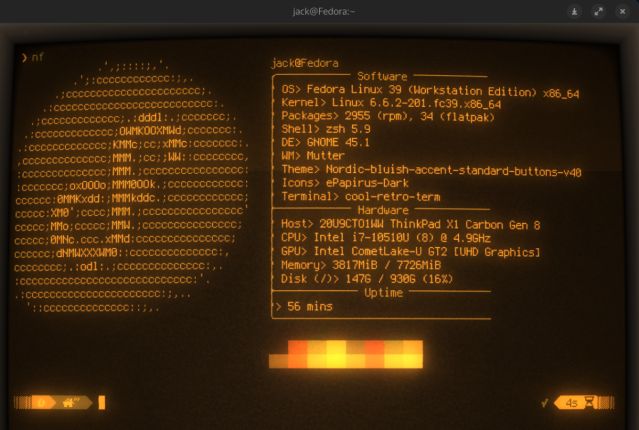
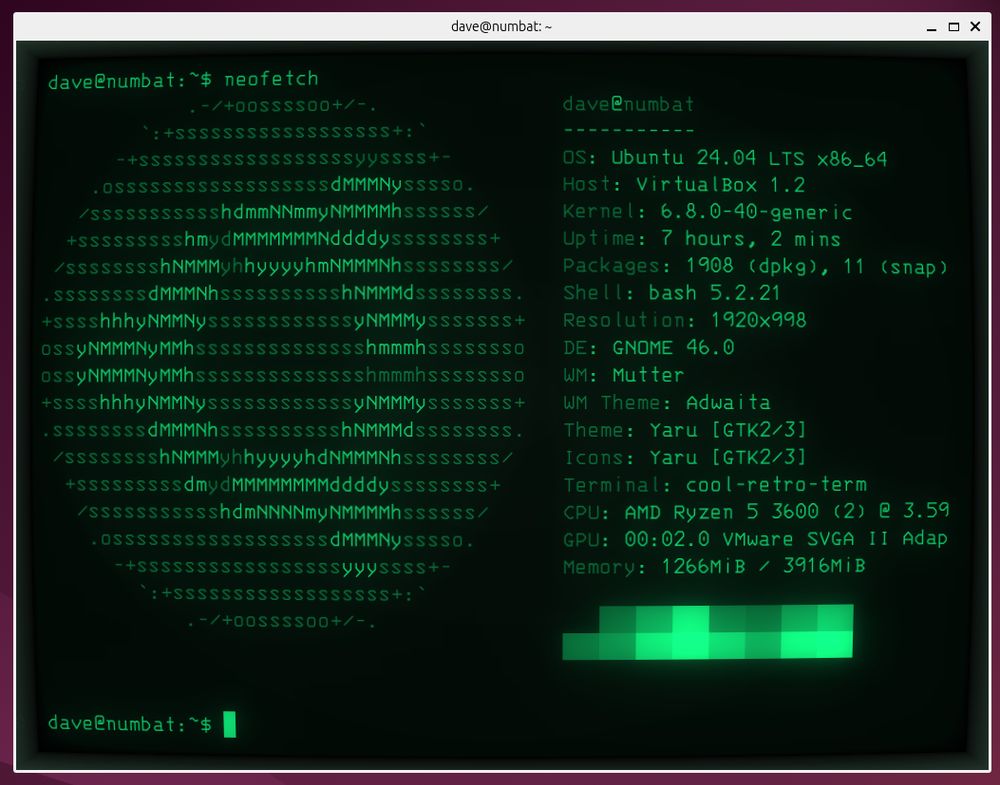
Think old CRT monitors, green or amber text, scan-lines, glow, burn-in feel!
It's a big thing for the visual aesthetic and nostalgia.
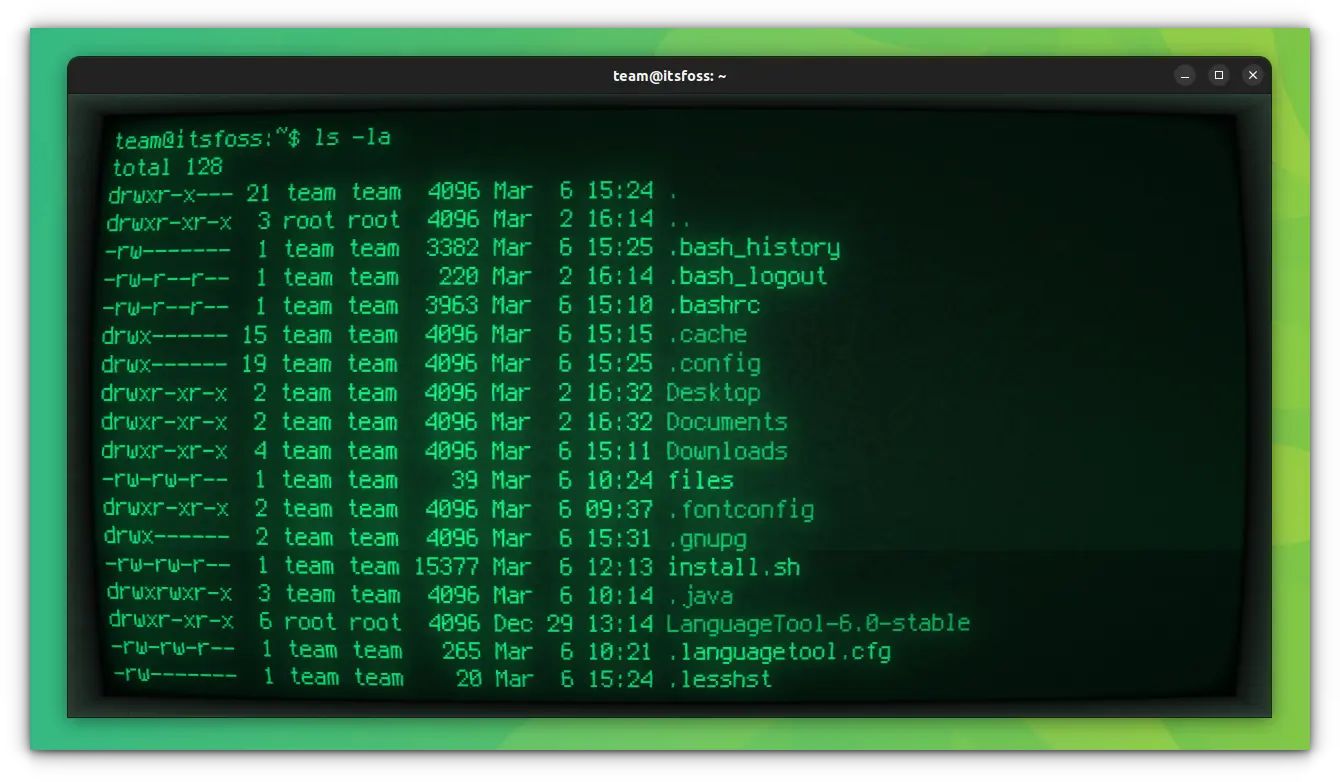
If we enjoy the look of vintage terminals (green text on black, flicker, curvature, burn-in) it’s a fun aesthetic change.
'That is indeed burn-in, flickering, CRT blur, a small amount of bloom, some static, and a glow line.'
It’s still a fully functioning terminal emulator: we can use it like any other terminal (run commands, text editors, etc).
If we have some spare resources and want our shell to look more fun and visually interesting, it’s a neat choice.
----------------------------------
Installation
On Debian based Linux:
sudo apt install cool-retro-term
On Arch Linux:
sudo pacman -S cool-retro-term
On Fedora:
sudo dnf install cool-retro-term
There are also options to install via Snap or build from source if we want the latest version.
After installation, we can launch it like any app.
Then: right-click inside the window → Settings or Profile → choose theme / effects.
The UI lets us pick from presets (amber, green, cyan), and adjust flicker, curvature, glow, etc.
----------------------------------
Features
* Choose the color of the text/background (green on black, amber on black, cyan on black, etc).
* Things like scanlines, curvature of the screen (simulating the glass of an old monitor), glow, flicker, burn-in, static. These add the “retro monitor” vibe.
* We can pick a font that looks more era-appropriate or monospaced, adjust spacing, etc.
* Save different looks and switch.
* Despite the visuals, it functions as a regular terminal (we can run our usual shell, tools, etc). It’s a solid terminal emulator.
* Because the emphasis is on visuals, some performance trade-offs might exist (though usually minimal for normal use).
* Some modern terminal features or deeply customized setups (fonts/themes/plugins) may not look perfect with all the retro visual effects enabled.
For example in a modern editor with a colour theme, the contrast got messed up because the retro effects (glow, blur) changed how colours looked.
The default visual effects might be too flashy for everyday work; we may need to tone them down if they cause distraction.
It’s mostly about aesthetics: if our primary concern is speed, minimal resource usage, or professional workflows, we might prefer a more standard terminal emulator.
Enjoy #linux
Get yours here:
https://github.com/Swordfish90/cool-retro-term
Well, that was exciting. See you in the next one!